



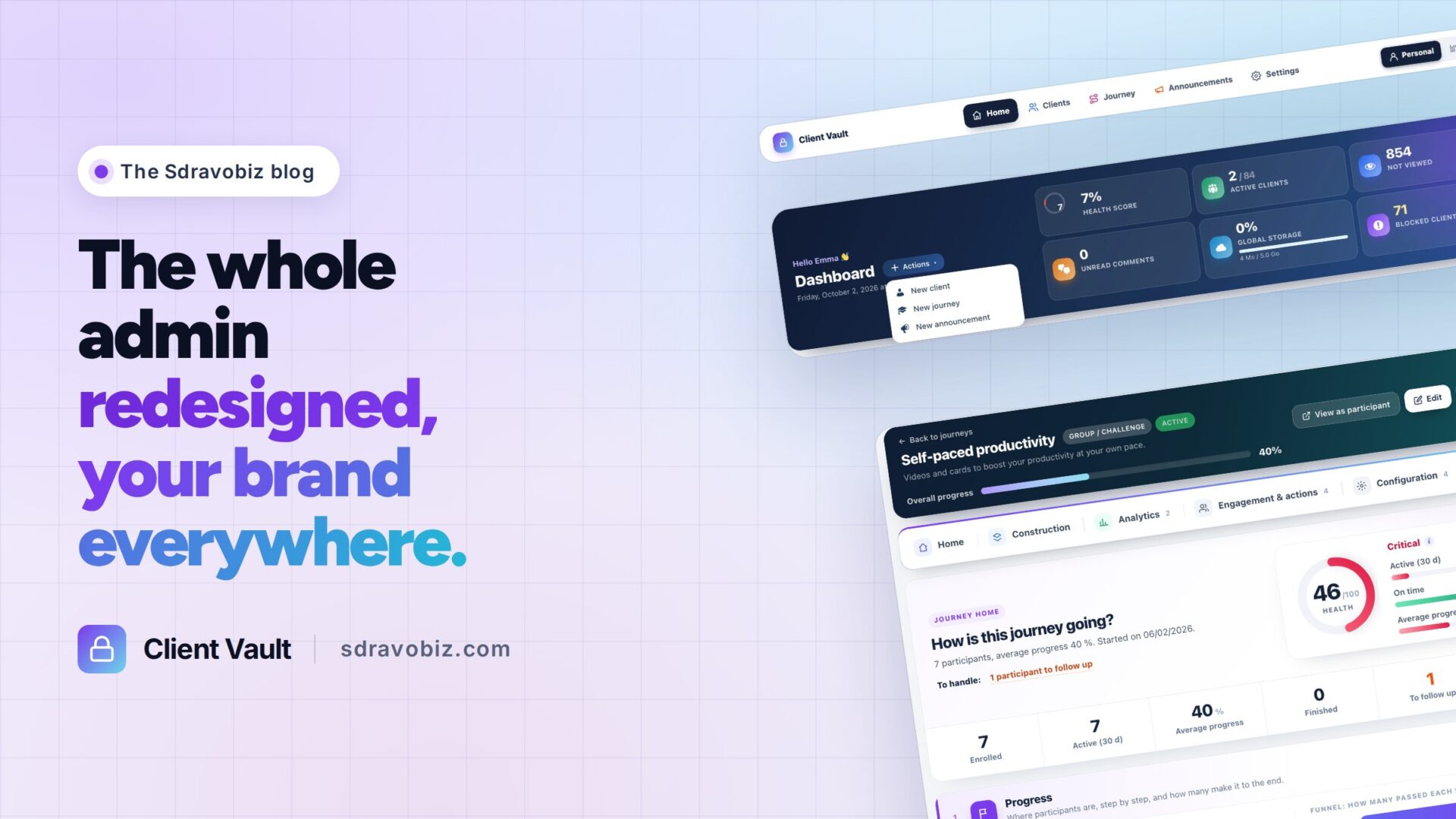
Home, Clients, Journey, Announcements, Settings. Five words at the top of the screen, and the whole Client Vault admin changes.
You told me often, in the community and through support: Client Vault does a lot, but sometimes you had to look for things. So I went back over every screen, one by one. Nothing has disappeared. Every feature has simply found its place.
If you are new here: Client Vault is my secure digital vault for WordPress. Your clients find their documents, their cards and their journeys in it. Everything is encrypted and stays on your own server.
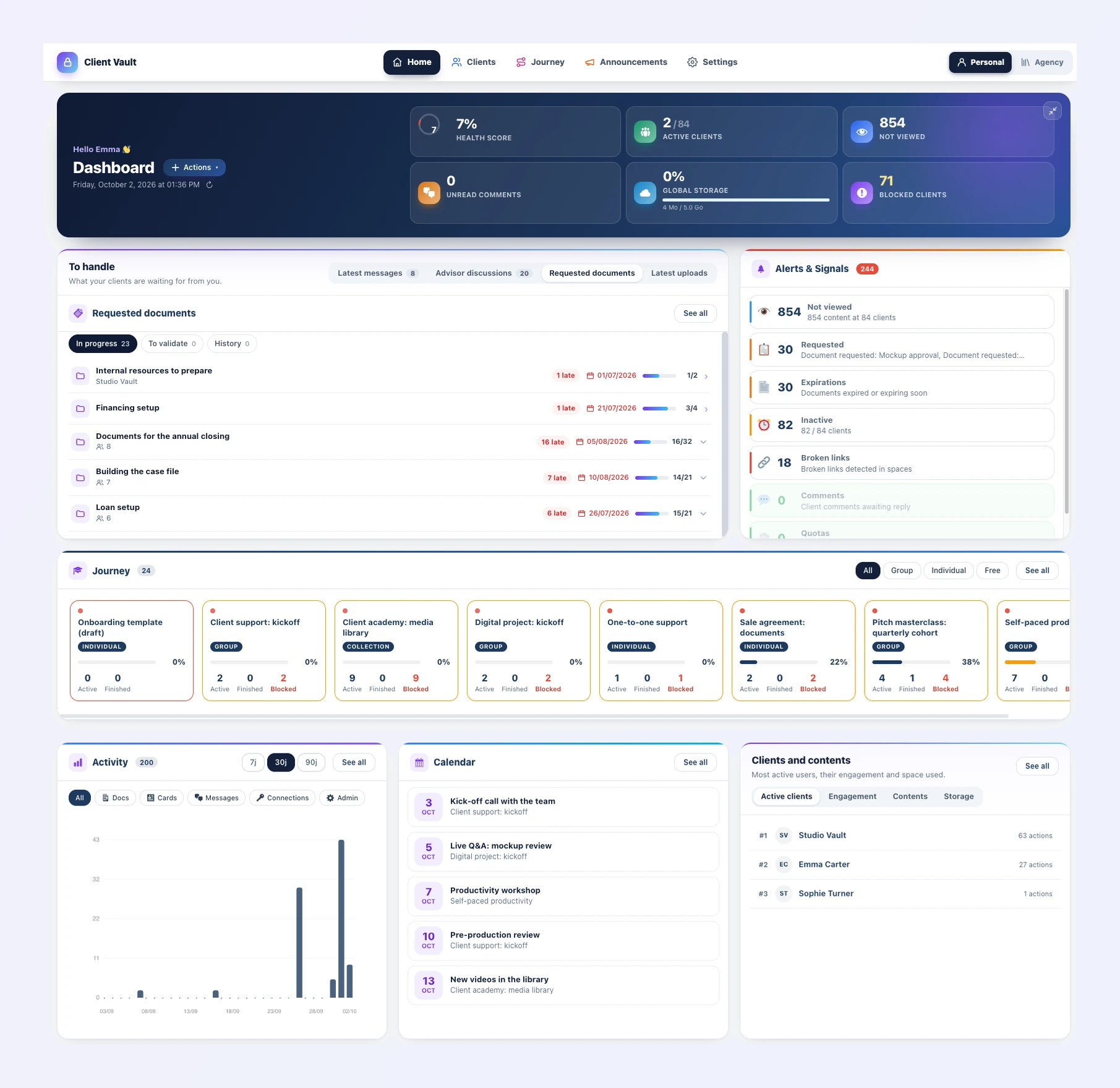
Client Vault 20.37: a navigation bar and a home on every page
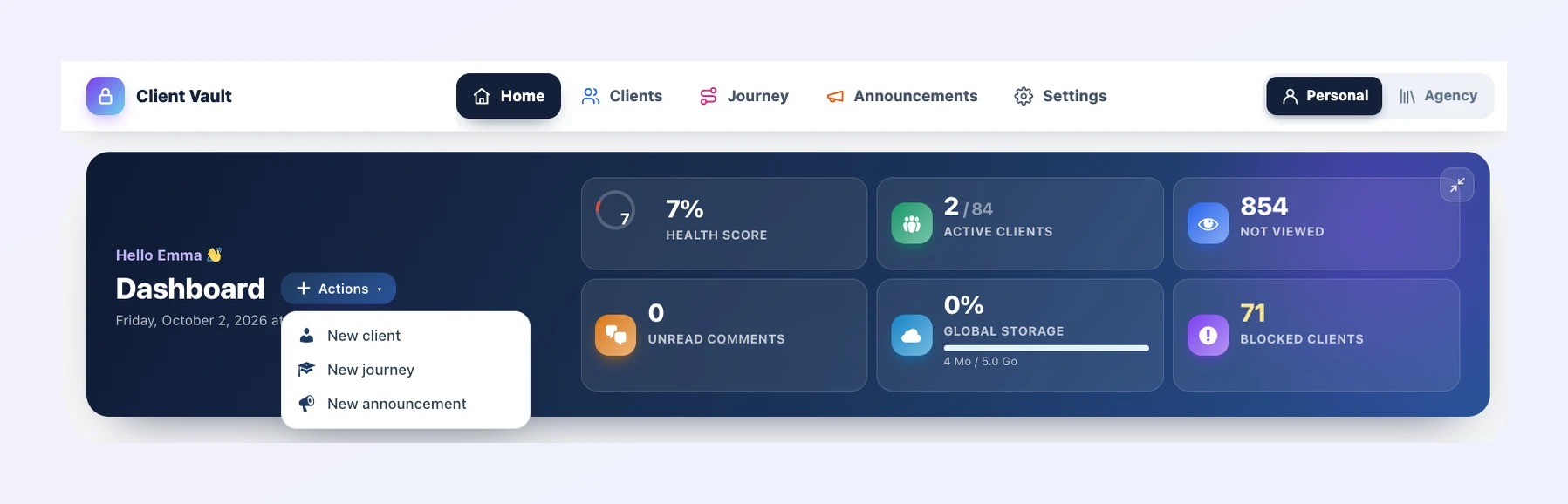
A bar stays at the top of every screen. You move from clients to journeys in one click, wherever you are. On the right, the Personal / Agency switch, with a purple all its own for Agency mode.
Every page opens on a home that shows what matters. One button, always in the same place, shows the full view. If you use FunnelCart or Booking Leads, you will feel at home: it is the same layout.
Fewer clicks for every task
A client message on the dashboard? One click, and their file opens on that message. A document just uploaded? You land on the right file. An appointment in the calendar? Its journey opens, with the event highlighted.
And the Actions menu creates a new client, journey or announcement straight from the home page.
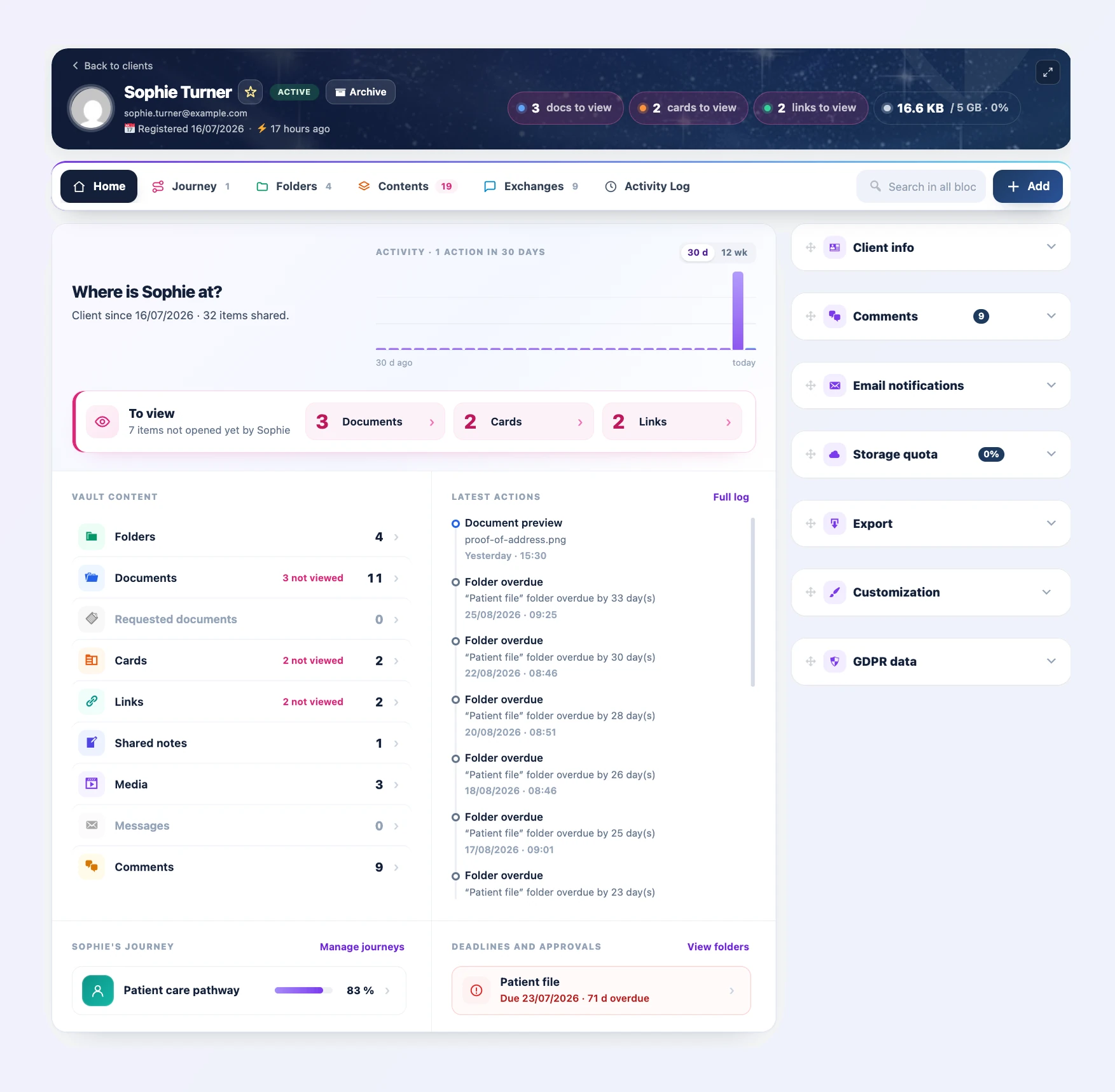
A client file that sums it all up
A client file opens on its home: how long they have been a client, what they have not opened yet, their journeys, their deadlines and what is waiting for your approval.
Before a call, one glance is enough. Your client feels followed, and they are.
Journeys you steer at a glance
Every journey now has its own home, with a health score out of 100, the participants to follow up and the progress of every step. You see who is falling behind before they give up, and you nudge them on the right step.

Client Vault 20.37 puts your brand everywhere
With 20.36, your name and logo arrived in the admin. With 20.37, they go all the way: the Plugins page, updates, the license, document request emails and even the calendar your clients add to their phone, for example “Studio Gabriel Calendar”.
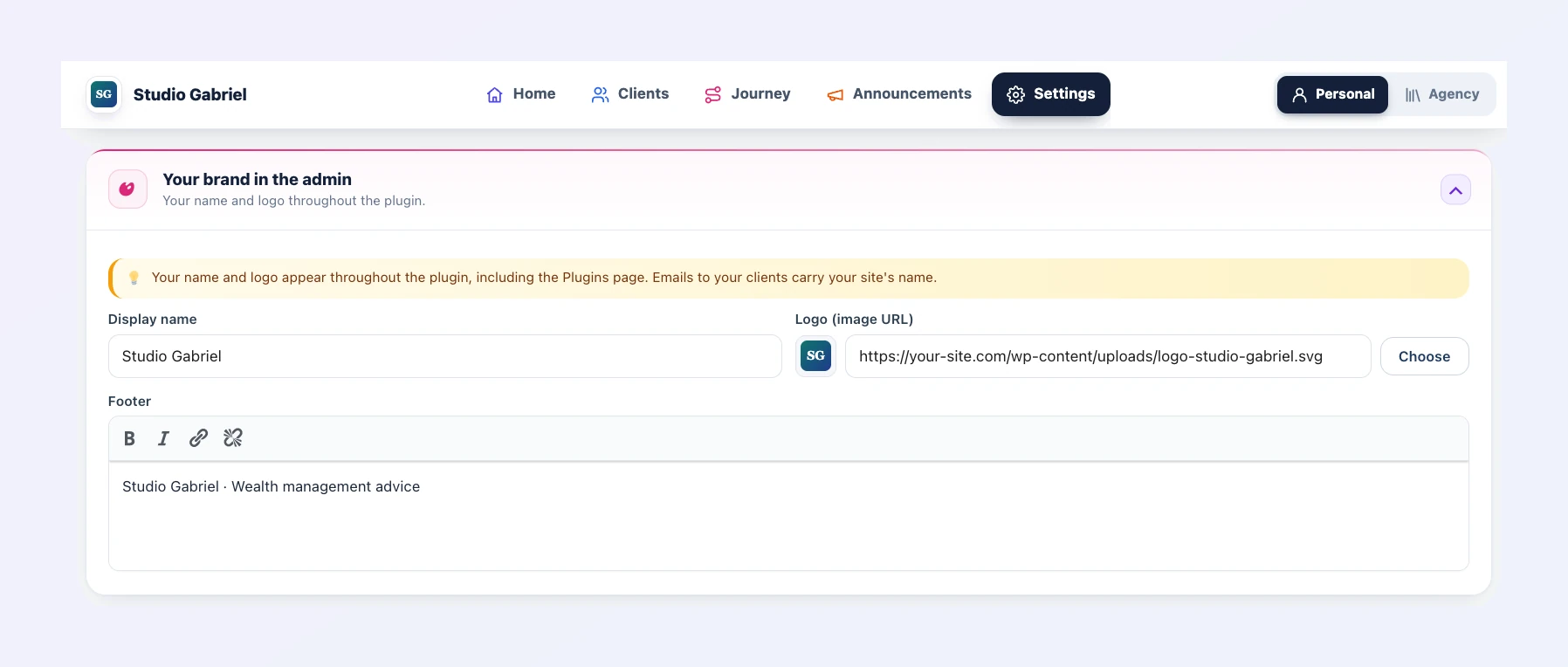
For an agency or a consultant, it is your tool your clients see, from the first login to the last notification. This customization is included in multi-site licenses.
How to move to Client Vault 20.37
Already using Client Vault? The update is waiting in your WordPress admin, and it is included in your license. Your clients, documents and settings stay in place. Open each tab once: the home pages are there to guide you.
Settings, the agency vault, announcements and the calendar have changed too. Everything is shown screen by screen in the full article on clientvault.pro.
Client Vault 20.37
The whole admin, redesigned for you
The full article shows you every new screen, in pictures.
- The new dashboard
- Journeys at a glance
- Your brand everywhere
- Your data at home
To go further: open the Client Vault demo, nothing to install, or read version 20.36 and the new Client Vault website. On Sdravobiz, find the current offers, the latest Booking Leads update, the latest FunnelCart one, the Client Vault group and La Taverne, the free community where we talk about it.
Frequently asked questions
What is Client Vault?
Client Vault is a secure digital vault for WordPress. Your clients find their documents, cards, links and journeys in it. Everything is encrypted and stays on your server, in the country of your choice.
Does the redesign remove any features?
No. Every feature, setting and option is still there. They sit behind the navigation bar: Home, Clients, Journey, Announcements and Settings.
Is the 20.37 update included in my license?
Yes. All updates are included in your Client Vault license, and your data is kept.
Which languages is the new interface translated into?
All 17 Client Vault languages, including English, French, German, Italian, Spanish, Portuguese and Romanian.
Who can display their own brand?
Customizing the name, logo, footer and emails is included in multi-site licenses.
How much does Client Vault cost?
All the offers are on the pricing page.