


Six updates between 30 September and 2 October. Four for Client Vault, one for Booking Leads, one for FunnelCart.
If you use more than one of my tools, you had to go from site to site to find out what had moved. Each one had its own news page, off in its corner.
Everything now lives on Sdravobiz, in two pages that go together: the changelog and the roadmap.
The changelog is the log of versions. What changed, tool by tool, date after date. The roadmap is what comes next. And on that one, you get a say.
One changelog for all your software
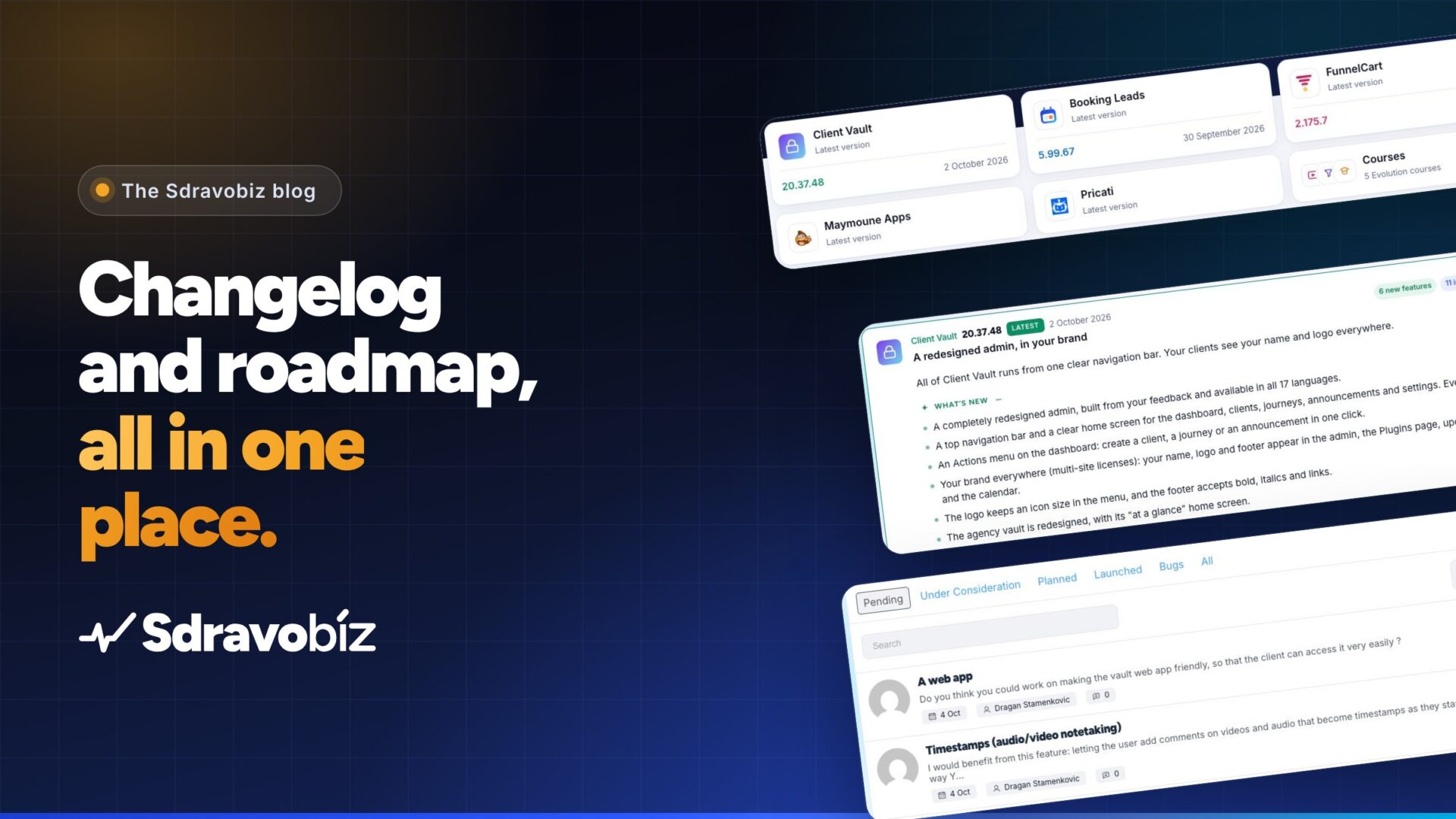
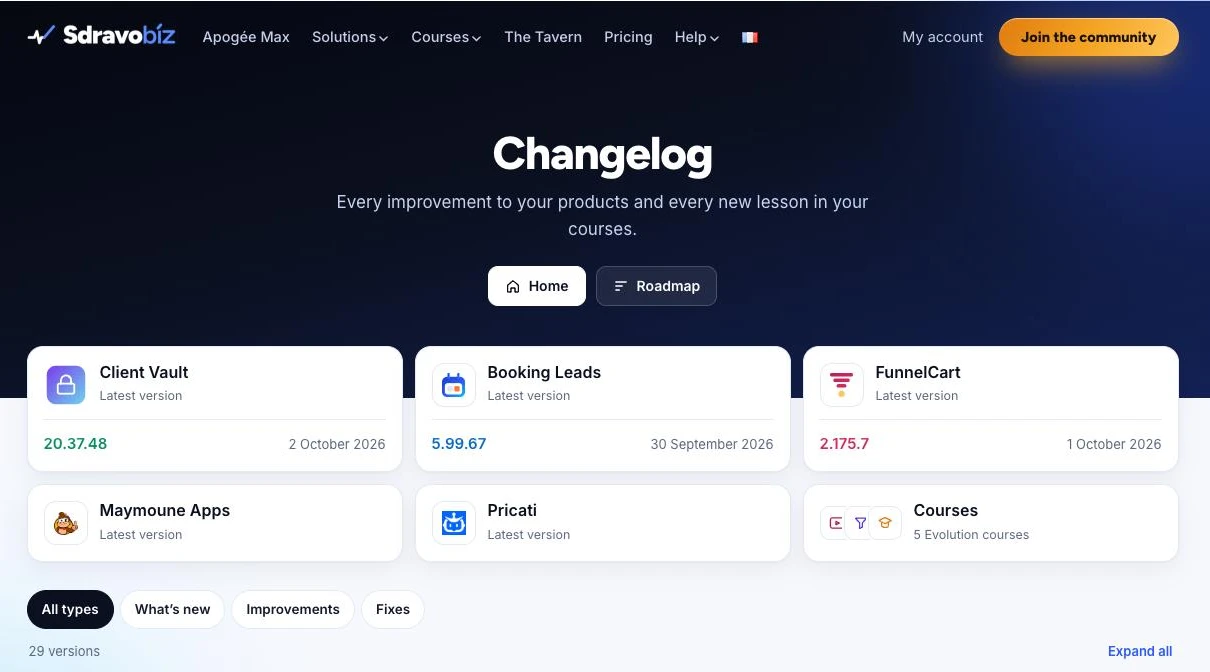
At the top of the page, one card per program: Client Vault, Booking Leads, FunnelCart, Maymoune Apps, Pricati and the five Evolution courses. Each card shows the latest version and its date. You know right away if you’re up to date.
Click a card and the list keeps only that program. Two buttons appear: its official website, and its offers if the tool catches your eye.
The courses have their place too. When new content lands in Player, Forms, Tunnelkit, School or Meet Evolution, you’ll see it here.
Every version in the changelog reads at a glance
The most recent version opens on its own. The others stay folded, sorted by month. The page stays short, even with 29 versions already online.
Each version has a clear title and one sentence that sums it up. On the right, three badges count the new features, the improvements and the fixes.
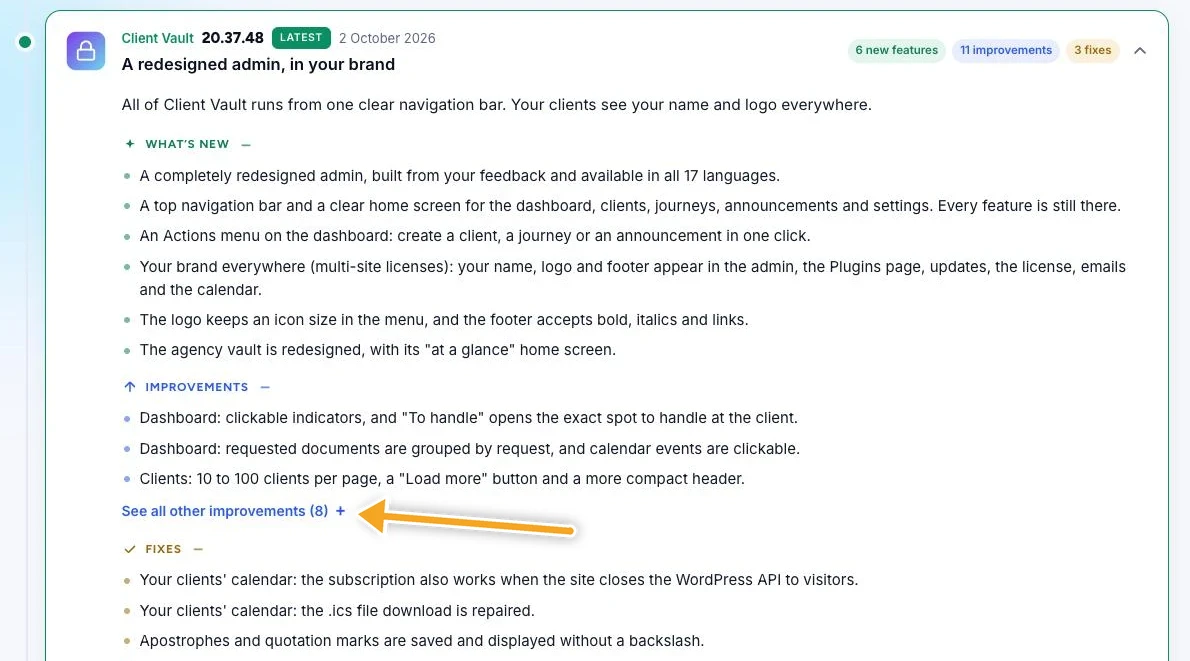
New features are all shown. For improvements and fixes, you see the first three, and a link unfolds the others when you want to read everything. A short box tells you in one sentence what you get.
Want to see the screens? The “See the full details” button opens the article that presents the version, screenshots included.
Find the right version and share it
Looking only for new features? One filter isolates them. Same for improvements, or for fixes.
Each tool has its own address, and so does each version. Handy when you want to send a partner or your webmaster the exact link to the update you’re talking about.
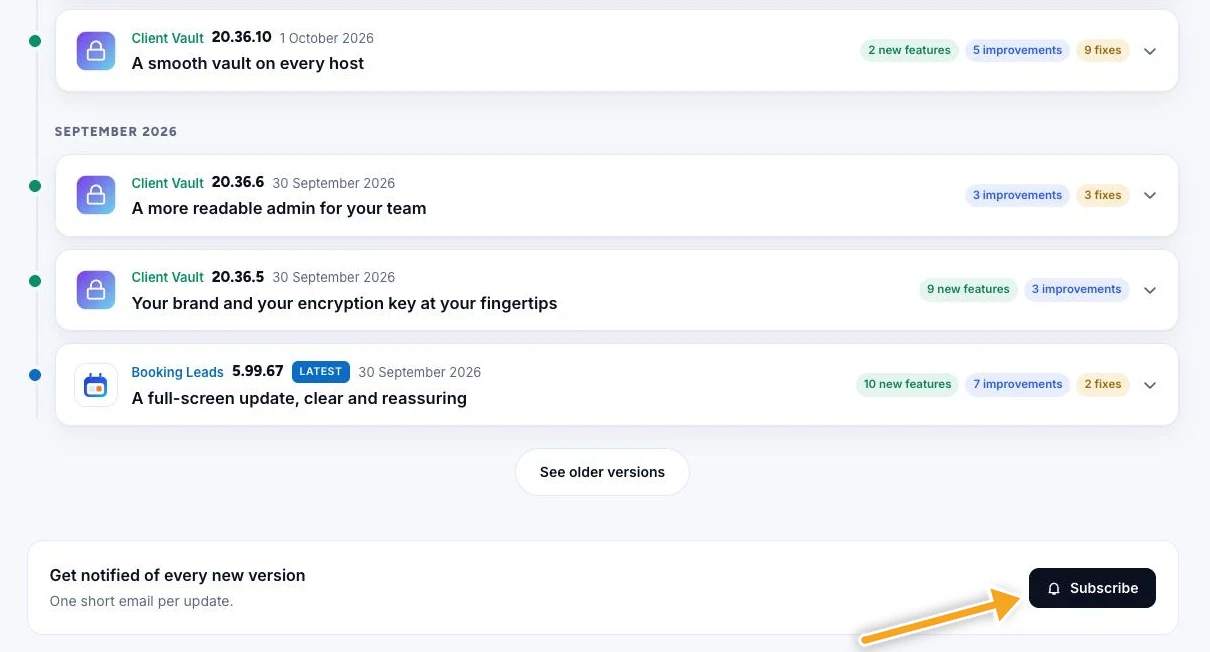
Get every new version by email
At the very bottom of the changelog, there’s a “Subscribe” button. Leave your address and you get one short email per update.
No need to come back to the page to check.
The roadmap: what’s coming to your software
The roadmap uses the same cards. Under each name, you read what the program is: a WordPress plugin for Client Vault, Booking Leads and FunnelCart, SaaS software for Maymoune Apps and Pricati. The latest version sits at the bottom of the card.
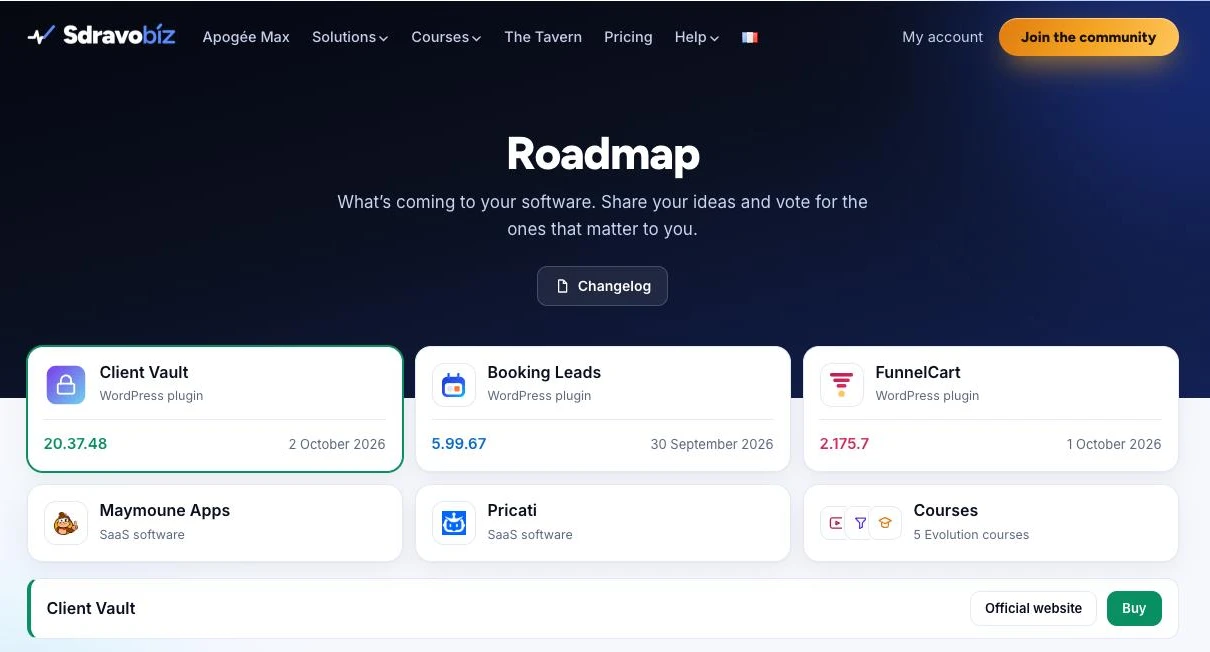
Below the cards, you get the roadmap of the program you picked. Ideas are sorted by how far along they are: pending, under consideration, planned, launched. Reported bugs have their own tab.
You can submit an idea, and vote for other people’s ideas with one click on the arrow on the right. The more votes an idea gets, the better I see what matters to you.
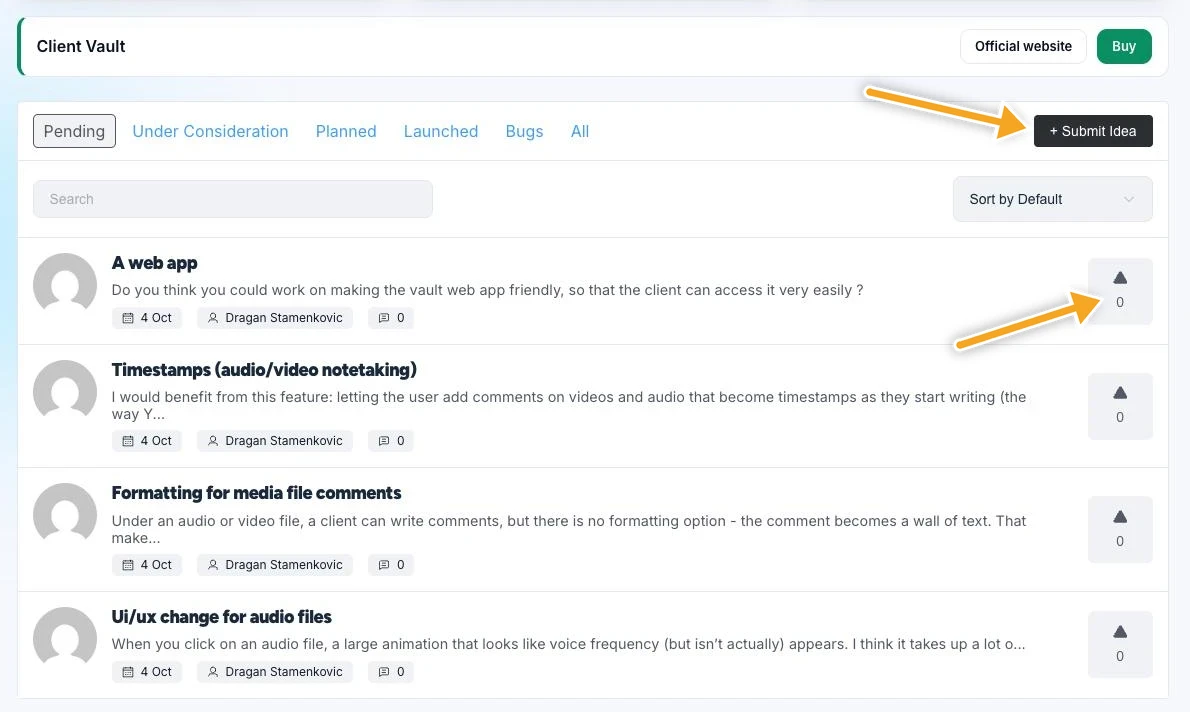
Client Vault goes first. The first ideas are already there: a web app so your clients open their vault even more easily, timestamps in comments on videos and audio files, and formatting for those comments. The roadmaps of the other programs are on their way.
I like working this way, in the open. You see what shipped, you see what’s being prepared, and you help shape what comes next. The Client Vault 20.37 redesign, for one, started from your feedback.
Changelog and roadmap
Everything that moves in your software, in one place
Open the changelog, pick your tool, and see where it stands.
- Every version, tool by tool
- New content in the courses
- Your ideas and your votes
- One email per version
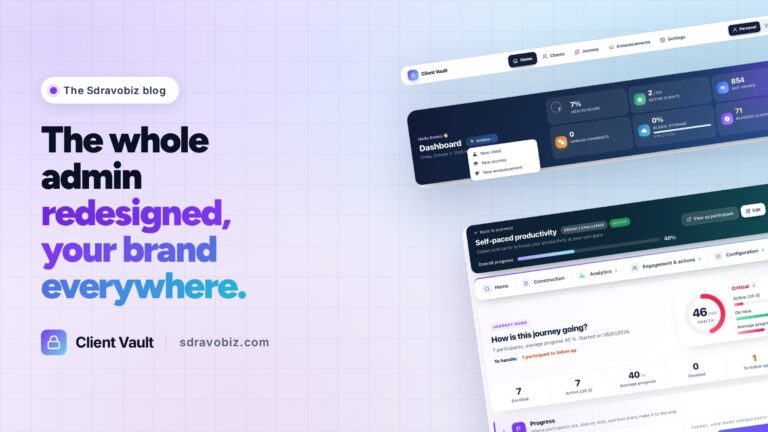
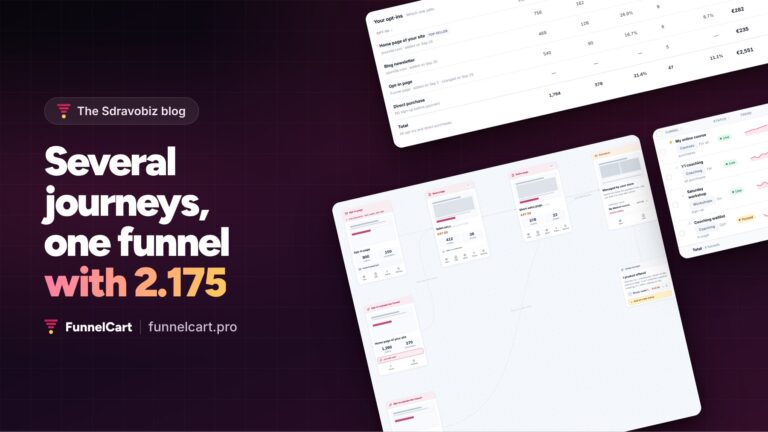
The latest versions on this blog: Client Vault 20.37 and its redesigned admin, FunnelCart 2.175 and its journeys per lead source, Booking Leads 5.99.67 and its guided start. To discover the tools, check the current offers. First time here? The article on how Sdravobiz was born walks you through the whole house. And we talk about it in The Tavern, the free community.
Frequently asked questions
What is a changelog?
It’s the log of a software’s versions. On Sdravobiz, it brings together every version of Client Vault, Booking Leads, FunnelCart, Maymoune Apps and Pricati, and the new content of the Evolution courses, each with its date.
What’s the difference between the changelog and the roadmap?
The changelog shows what has already shipped. The roadmap shows what’s being prepared. The roadmap is where you submit ideas and vote for other people’s.
How do I get notified of a new version?
Click “Subscribe” at the bottom of the changelog, or go straight to the subscription page. You get one short email per update.
How do I suggest an idea for a tool?
Open the roadmap, pick the tool, then use the Submit Idea button at the top of the list. You can also vote for ideas already submitted.
Does every tool already have its roadmap?
Client Vault goes first. The roadmaps of the other programs are coming, on the same page.
Is the changelog available in French?
Yes. The changelog and the roadmap exist in French and in English.