



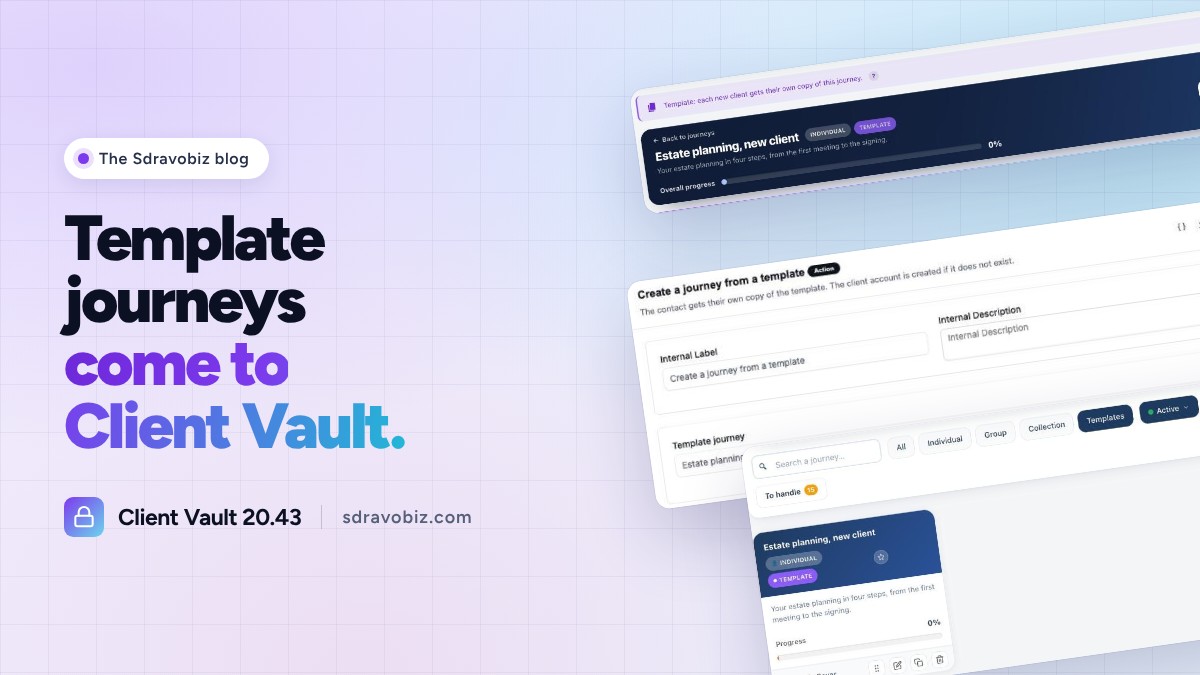
You prepare your journey just once, and every new client gets their own. Even when they arrive through a simple form.
A firm that supports families asked me whether a client’s journey could create itself as soon as the client fills in their form. It was on the roadmap. With Client Vault 20.43, it’s done.
If you’re new here: Client Vault is my secure digital vault for WordPress. Your clients upload their documents there, you talk with them in the same place, and you guide them step by step with journeys. Everything is encrypted and stays on your own server.
Client Vault template journeys
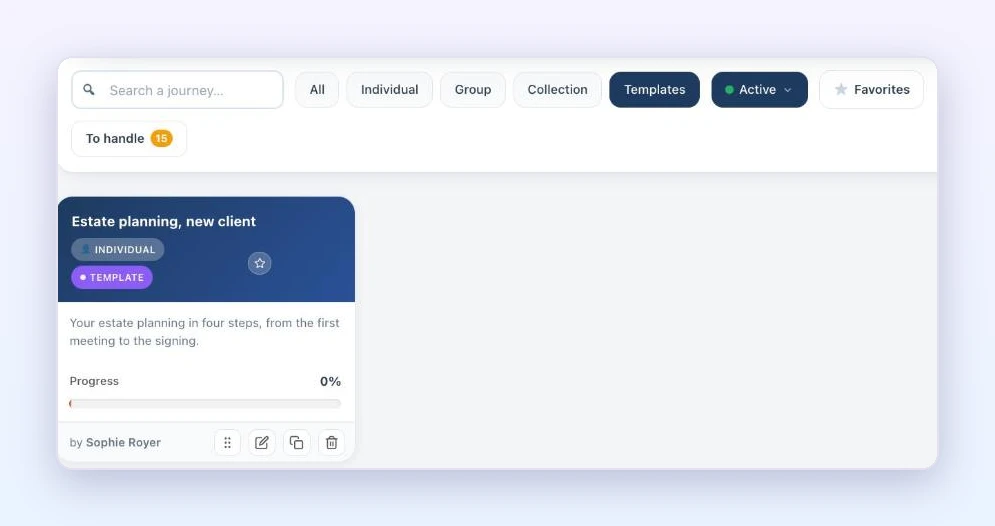
You build an individual journey as usual: steps, documents to request, safeguards, due dates. Then you switch it to “Template”. It takes no participants: it serves as a base.
Every new client gets their own copy, in their name. Their due dates start from the day their journey is created, and they receive the welcome email with a button that opens their journey directly.
With FluentCRM, the journey creates itself
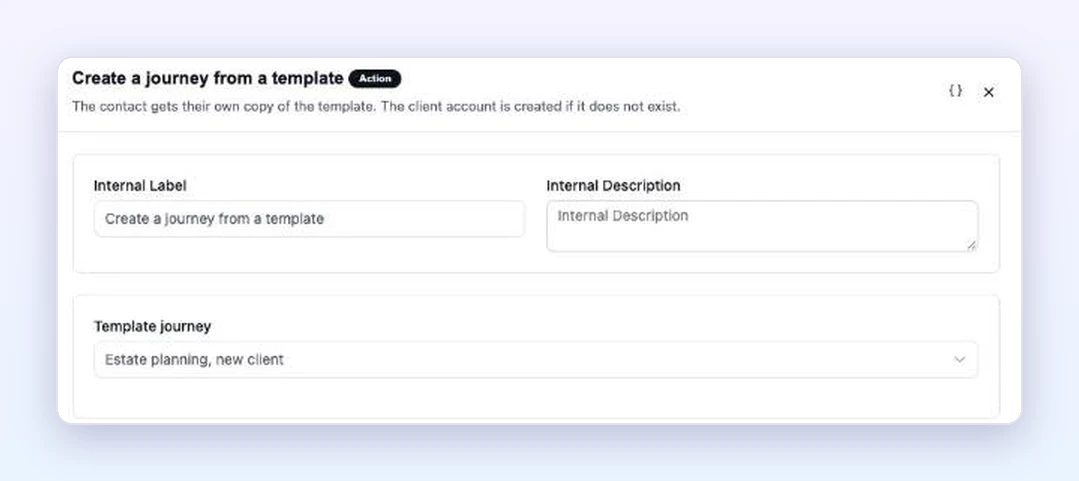
Client Vault adds two actions to your FluentCRM automations: “Create a journey from a template” and “Create a folder from a template”. A Fluent Forms form submitted or a tag added, and your client has their account and their journey.
In Team mode, a folder template linked to a template journey goes further: the complete folder is set up, with the documents to request and the owners of each step.
Fuller journey copies
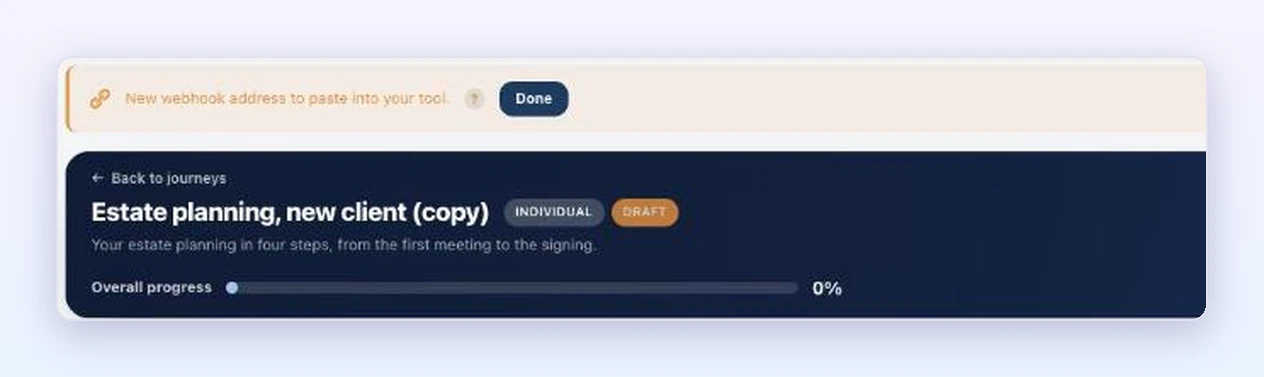
Duplicating a journey now brings along the step documents, the sessions and the unlock rules. Each copy gets its own webhook address, and a banner gives it to you so you can paste it into your tool.
The update is waiting in your WordPress admin, and it’s included in your license. Your clients, documents and settings stay in place. Every screen is shown in detail in the full article on clientvault.pro.
Client Vault 20.43
A journey ready for every new client
The full article shows you template journeys, screen by screen.
- Template journeys
- FluentCRM automations
- Complete folders in Team mode
- Your data stays with you
To go further: open the Client Vault demo, ready in seconds, or take another look at version 20.42 and its Team mode. On the Sdravobiz side, find the current deals, the Client Vault group and La Taverne, the free community where we talk about it.
Frequently asked questions
What is Client Vault?
Client Vault is a secure digital vault for WordPress. Your clients find their documents, their conversations and their journeys there. Everything is encrypted and stays on your server, in the country of your choice.
What is a template journey?
It’s an individual journey prepared once, which serves as a base. Every new client gets their own copy, with due dates calculated from their arrival.
Do I need FluentCRM?
To create the journey automatically from a form, yes: the two new actions are added to your FluentCRM automations. Folder creation also requires Team mode, included in multi-site licenses.
Is the 20.43 update included in my license?
Yes. All updates are included in your Client Vault license, and your data is kept.
How much does Client Vault cost?
All plans are detailed on the pricing page.