



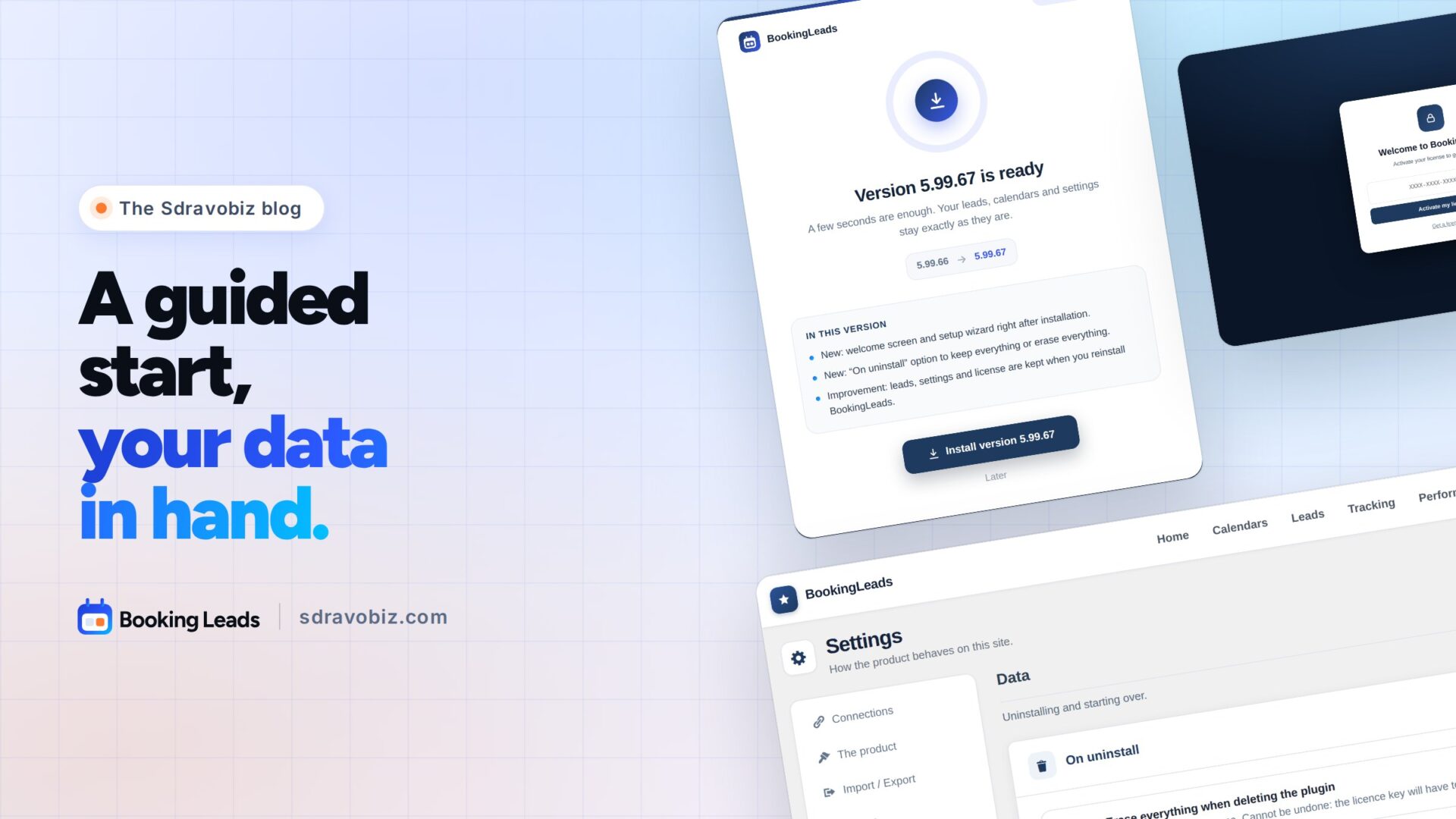
You install a new plugin. And right away, one question comes up: where do I start?
With Booking Leads 5.99.67, the answer shows up on its own, from the very first second.
Booking Leads is my smart calendar for WordPress. It sits in front of the calendar you already use. It keeps every visitor’s contact, scores their answers and hands the request to the right rep. Then you follow every appointment through to the deal.
Booking Leads 5.99.67: a guided start
As soon as you activate it, Booking Leads greets you with a welcome screen. You paste your key, and the wizard opens straight on your calendar.
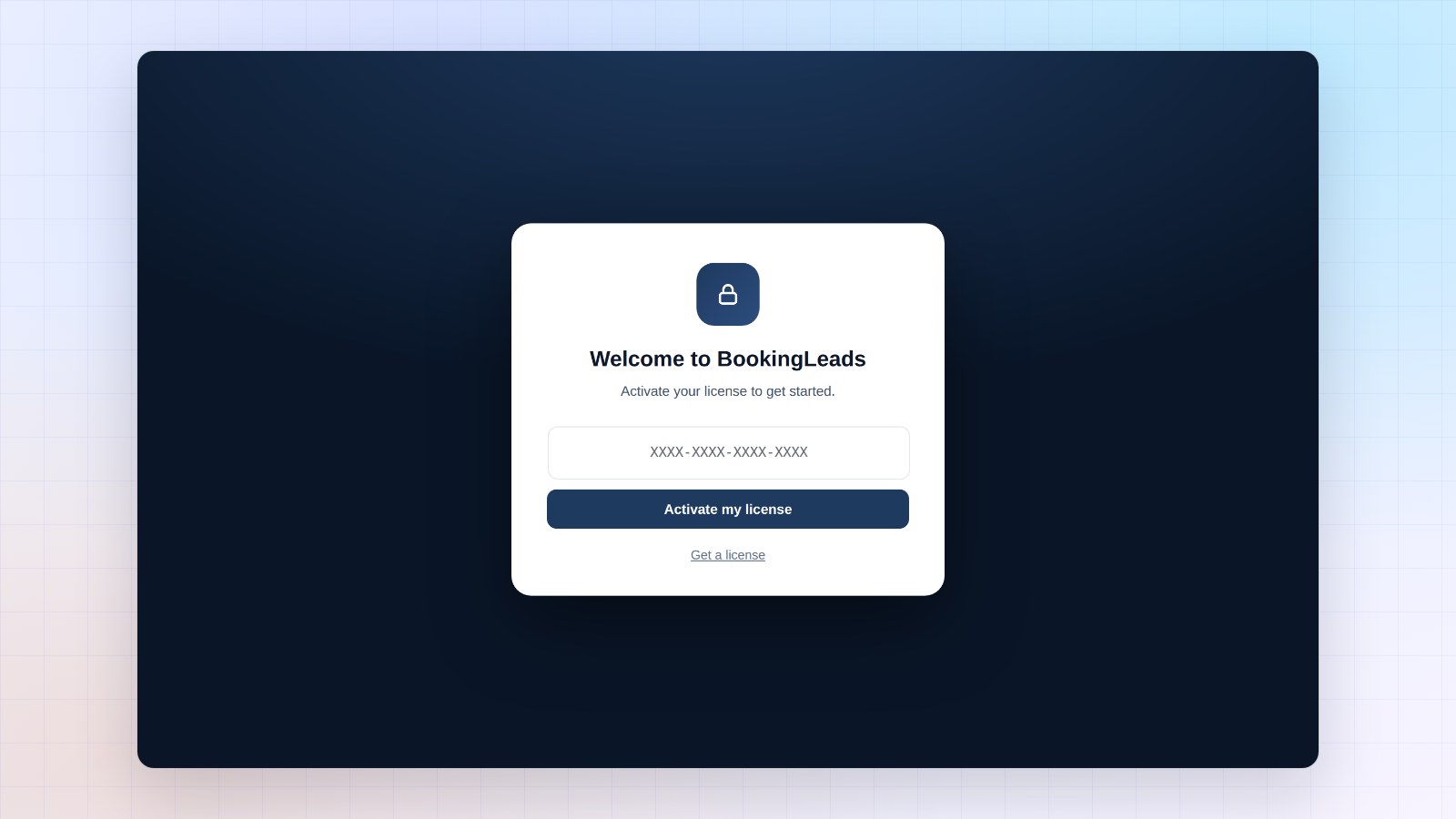
One decision per screen: your calendar, your form, your CRM, your design. You keep the calendar you already use. In a few minutes, your first access screen is live.
Your leads stay with you
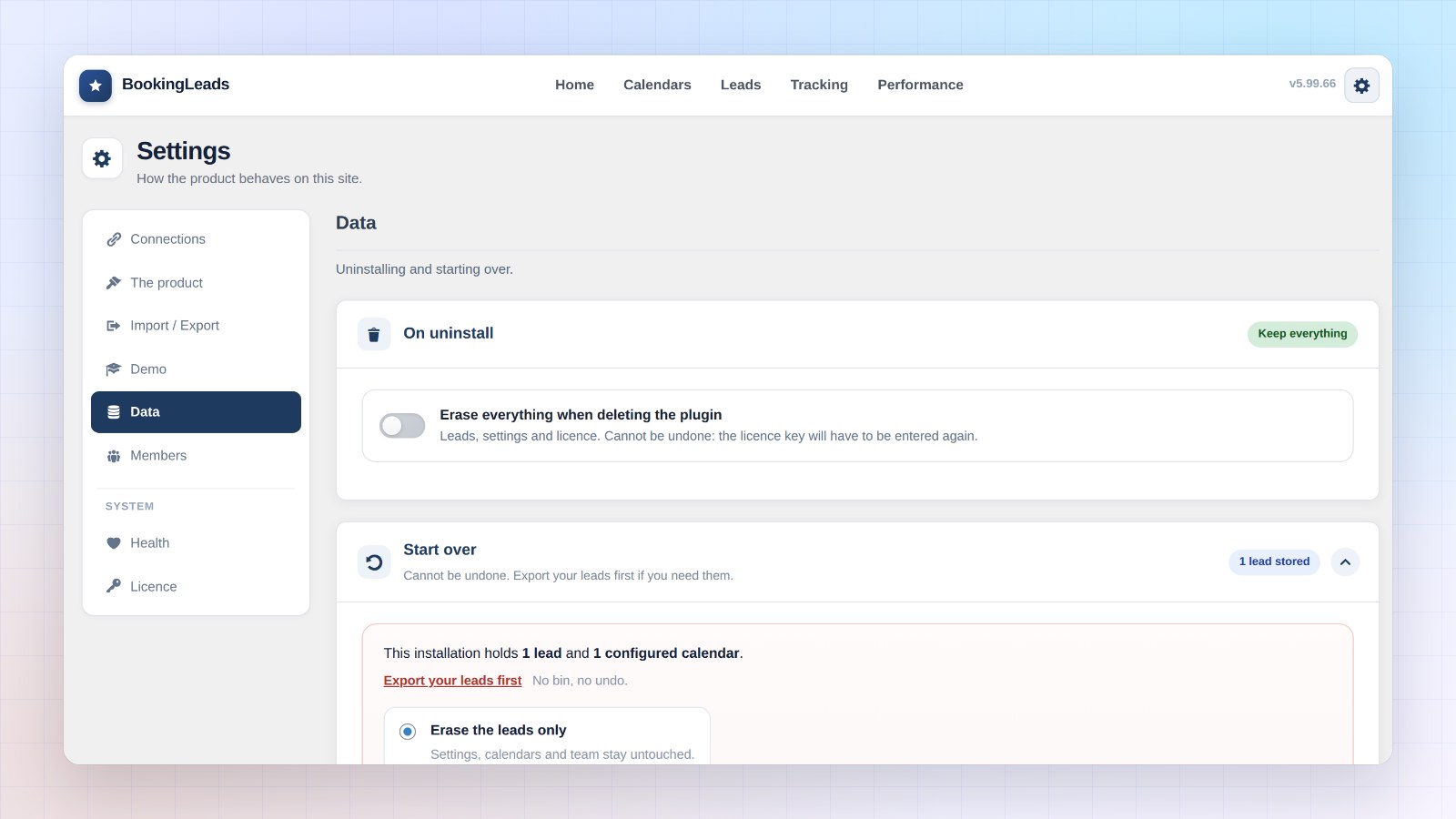
Your leads live in your WordPress database, on your own server. With 5.99.67, they stay there even if you delete the plugin to reinstall it. Your license too: no need to enter your key again.
And the day you want a fresh start, one switch takes care of it. Settings, Data section: “On uninstall”. You choose to keep everything or erase everything.
A one-click Booking Leads update
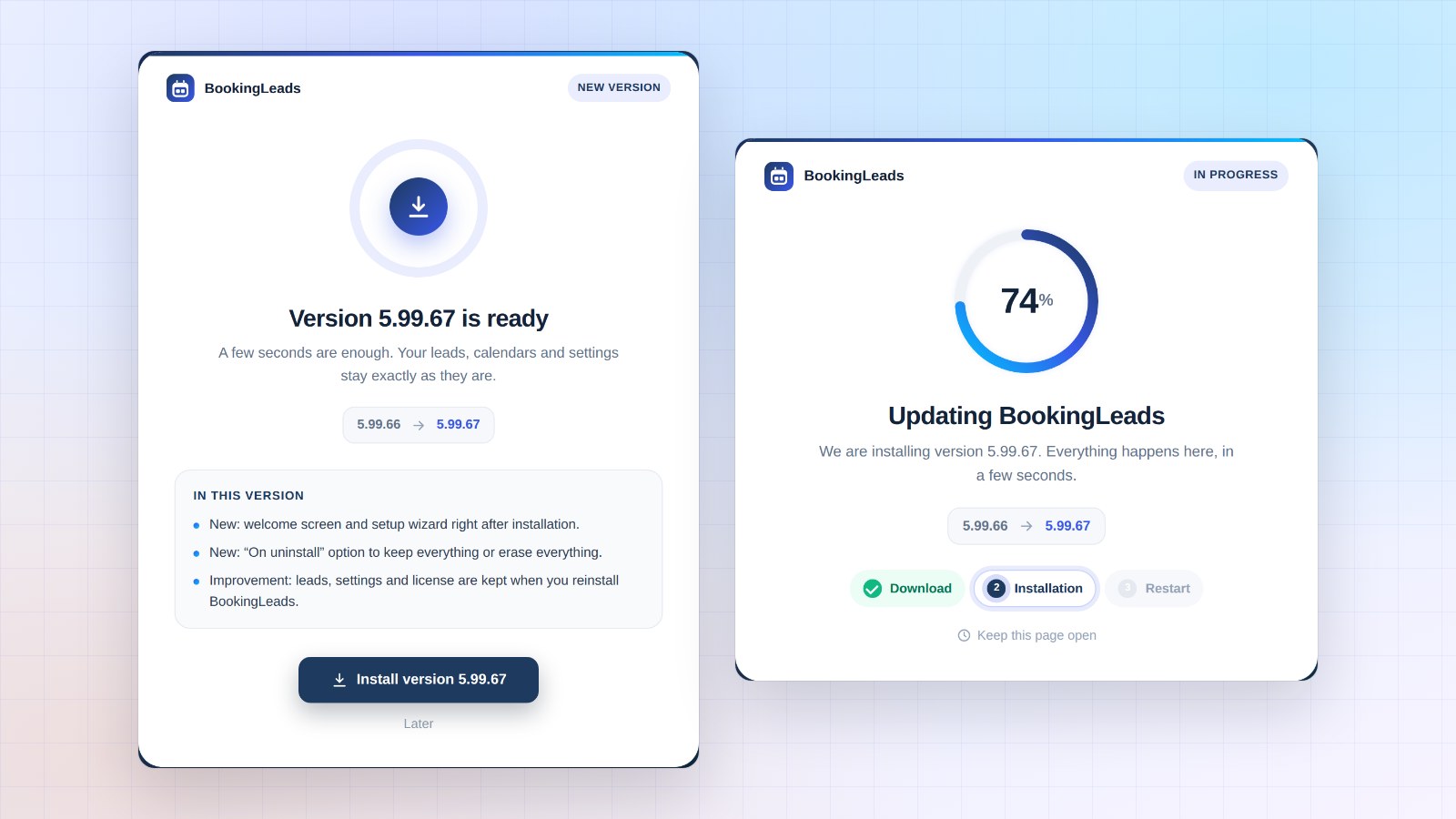
The next releases install on a brand new screen. You see what the new version brings you, then each step lights up in turn. A few seconds later, you’re back on your dashboard.
How to install the update
Already using Booking Leads? The banner appears in your WordPress admin. One click, and you’re done. Your calendars, leads and settings stay in place, and the update is included in your license.
Every new feature is shown in pictures in the full article on bookingleads.pro.
Booking Leads 5.99.67
Every new feature, in pictures
The full article shows you every screen of this release.
- Welcome screen
- Setup wizard
- “On uninstall” setting
- Update screen
To go further: let me introduce Booking Leads, screen by screen, and book a demo to see it in action. On the Sdravobiz side, find the current offers, the latest FunnelCart update, the latest Client Vault update, the Booking Leads group and La Taverne, the free community where we talk about it.
Frequently asked questions
What is Booking Leads?
Booking Leads is a smart calendar for WordPress. It sits in front of the calendar you already use, keeps every visitor’s contact, qualifies the request with a few questions and hands it to the right rep. It works with Fluent Booking, Amelia, Bookly, Calendly and more.
Is the 5.99.67 update included in my license?
Yes. Every update is included in your Booking Leads license.
Are my leads and settings kept?
Yes. The update keeps your calendars, leads, statistics and settings. Your license stays active.
What happens to Booking Leads if I delete the plugin?
By default, everything stays in place: leads, settings and license. To erase everything, turn on “Erase everything when deleting the plugin” in Settings, Data section.
How much does Booking Leads cost?
The price follows the number of sites, never the number of reps. All the offers are on the pricing page.