



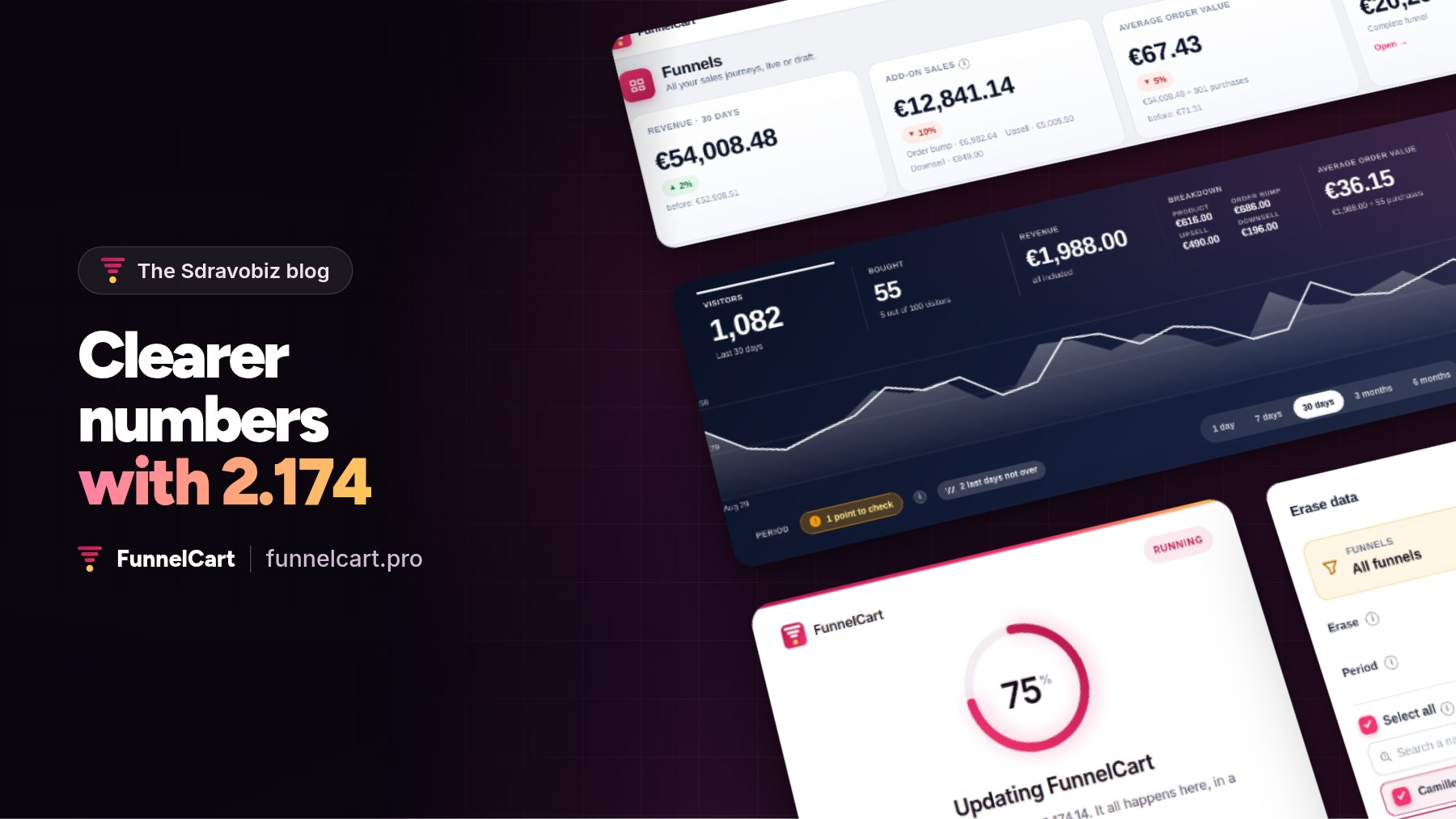
Let me be direct: when you sell with funnels, the question that matters is “what brings me money, and how much?”. FunnelCart 2.174 answers it at a glance.
FunnelCart is my WordPress plugin for sales funnels on FluentCart. I use it every day on my own funnels. This update comes from there: I wanted numbers that read in two seconds, accurate to the cent, and to stay in control of my data.
FunnelCart 2.174: what every offer brings in
A funnel is more than one product. There is the order bump at checkout, the upsell right after, and the downsell that offers another option. Each one adds its share to the order.
With 2.174, your revenue reads in four parts: product, order bump, upsell and downsell. At the top of the funnel list, four numbers give you the essentials: revenue, add-on sales, average order value, and your top-earning funnel.
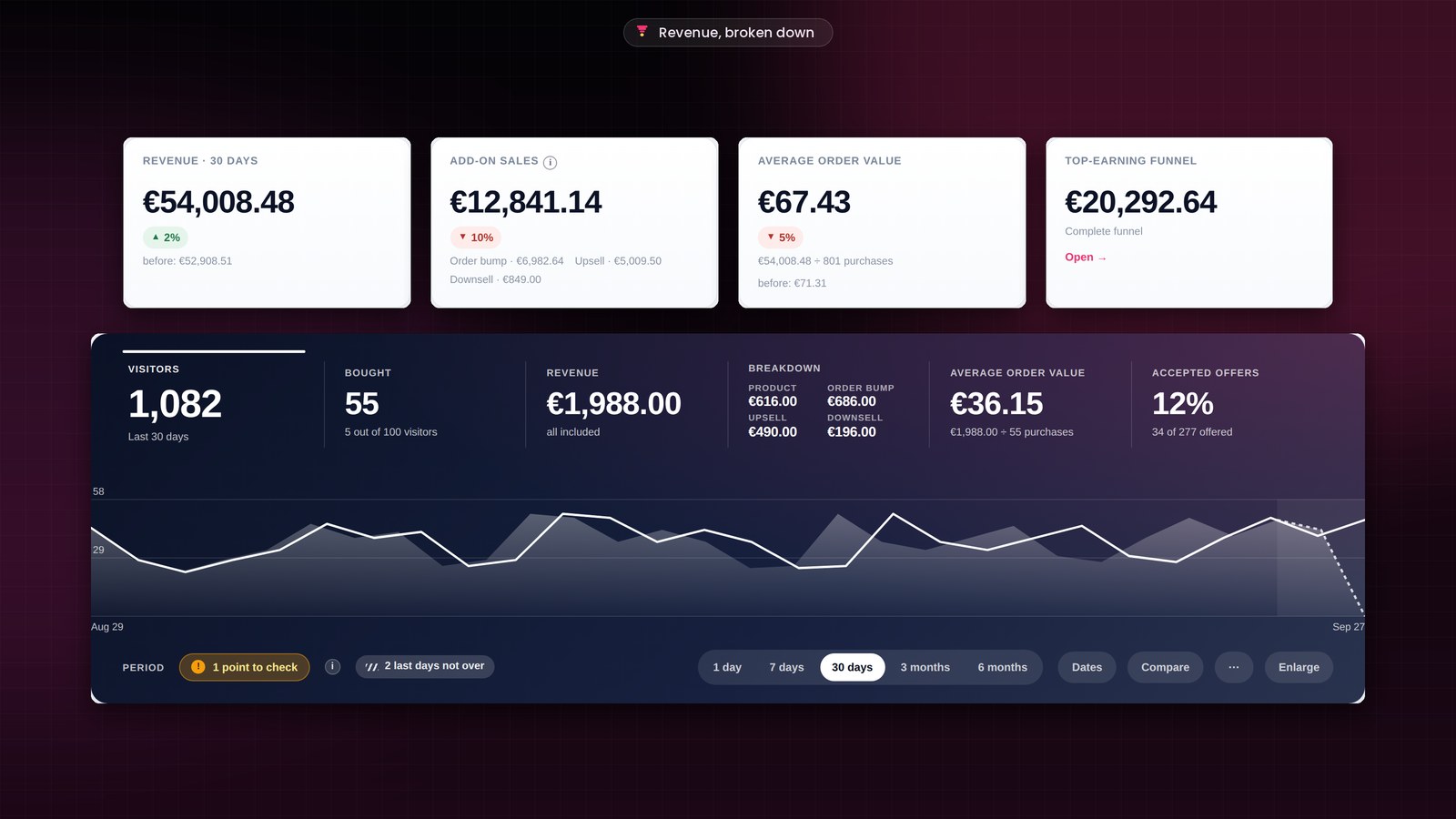
Let’s be honest: this is the kind of number that leads to the right decisions. You know which offer to push, which one to work on, and how much you can pay for a click.
Clean analytics from launch day
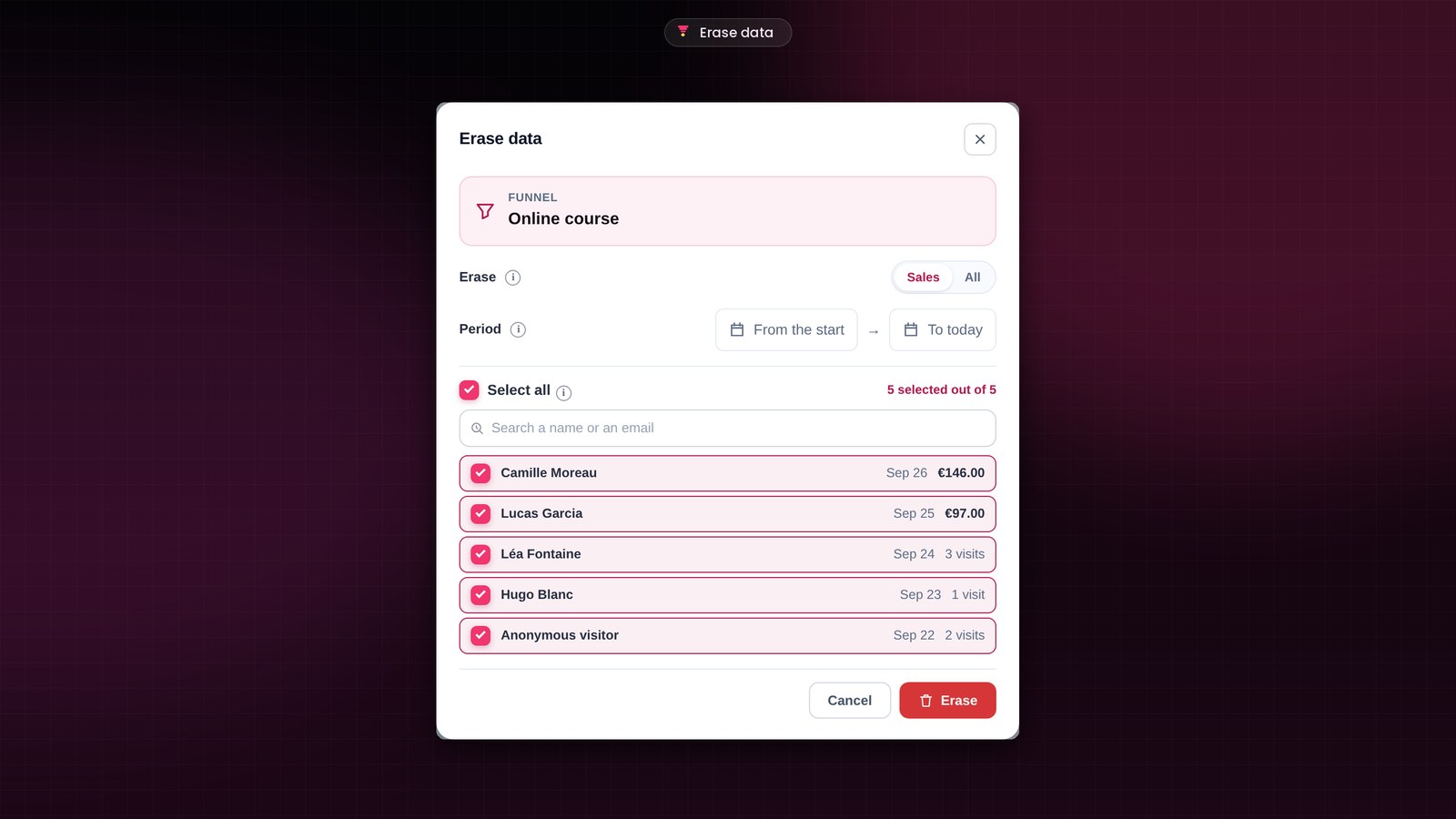
Before launching a funnel, you test it: a few test orders, clicks everywhere. You now erase those tests in a few clicks, and your analytics start clean on launch day.
You pick one funnel, several, or all of them from the settings. Sales only or everything, over the period you want. And you keep the people you choose: your real customers stay. Your orders stay in FluentCart, and your contacts in your CRM.
A simpler setup
As soon as you activate the plugin, the license and setup screens open full page. Five screens, one decision per screen, and your first funnel is ready in a few minutes.
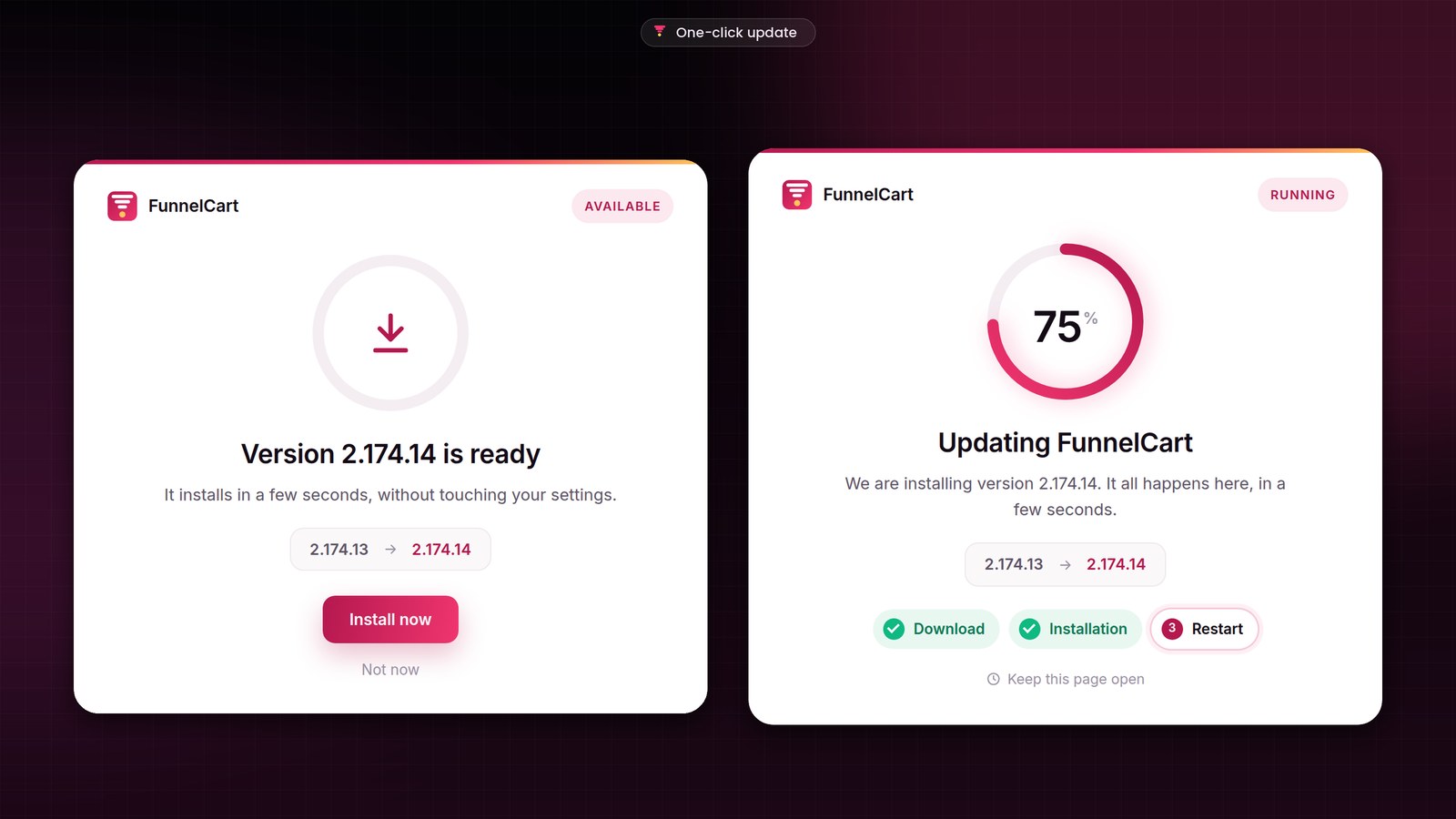
Future versions install on a new update screen: the previous version next to the new one, the steps one by one, and you are back on your dashboard a few seconds later.
Numbers accurate to the cent
I went back over every screen with numbers, one by one. Revenue counts every sale, the current day included, and the same total shows everywhere. The order bump is counted tax included. And with Stripe, the upsell is a one-click charge even when the customer didn’t tick the box to save their card.
How to install the FunnelCart update
If you already have FunnelCart, the banner appears in your WordPress admin. One click, and it’s done. Your funnels, pages and settings stay in place, and the update is included in your license.
All the details, screen by screen, are in the full article on funnelcart.pro.
FunnelCart 2.174
Everything new, in pictures
The full article shows you every screen, with the details of each improvement and fix.
- Revenue broken down
- Data erasing
- Full-page setup
- Update screen
To go further: meet FunnelCart, with all its screens, and the demo to see it in action. On Sdravobiz, check out the current deals, the latest Client Vault update and La Taverne, the free community where we talk about it.
Frequently asked questions
What is FunnelCart?
FunnelCart is a WordPress plugin that turns your site into a sales funnel, right inside FluentCart: sales page, checkout, order bump, one-click upsell and downsell, clear analytics. The free version of FluentCart is all you need.
Is the 2.174 update included in my license?
Yes. Updates are included, whether you chose the one-time lifetime payment or the yearly subscription.
Are my funnels and analytics kept?
Yes. The update keeps your funnels, pages, leads, analytics and settings. Your license stays active.
What happens to my orders when I erase a funnel’s data?
They stay in FluentCart, and your contacts in your CRM. Erasing covers the funnel’s numbers and leads, over the period you choose.
How much does FunnelCart cost?
The price depends on the number of sites. You choose a one-time lifetime payment or a yearly subscription, with every feature included. The details are on the pricing page.