



Your cooking course in warm colors, your sewing space in a soft mood, Christmas decorations that arrive on December 1 and leave on their own. Every corner of your community can now have its own atmosphere.
Theme Studio is the free FC Extensions extension that gives your Fluent Community its colors, fonts and shapes, with fifteen templates and a live preview. On November 11, it gained three new features. The full article is on fcextensions.com.
Theme Studio worlds: a theme for every place
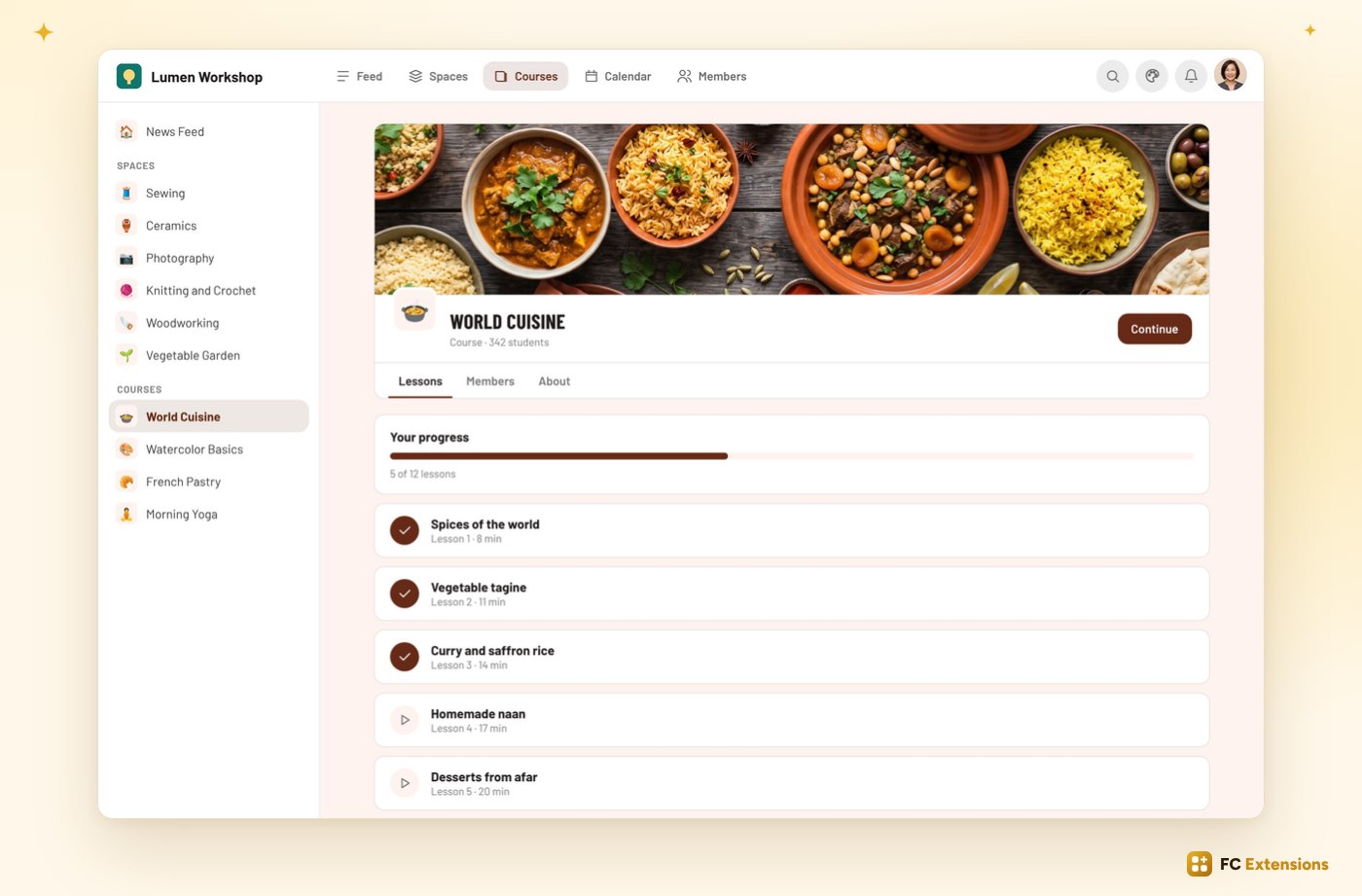
A world gives its own theme to a course, a space or a page. From one place to another, colors change smoothly, and members feel right away where they are.
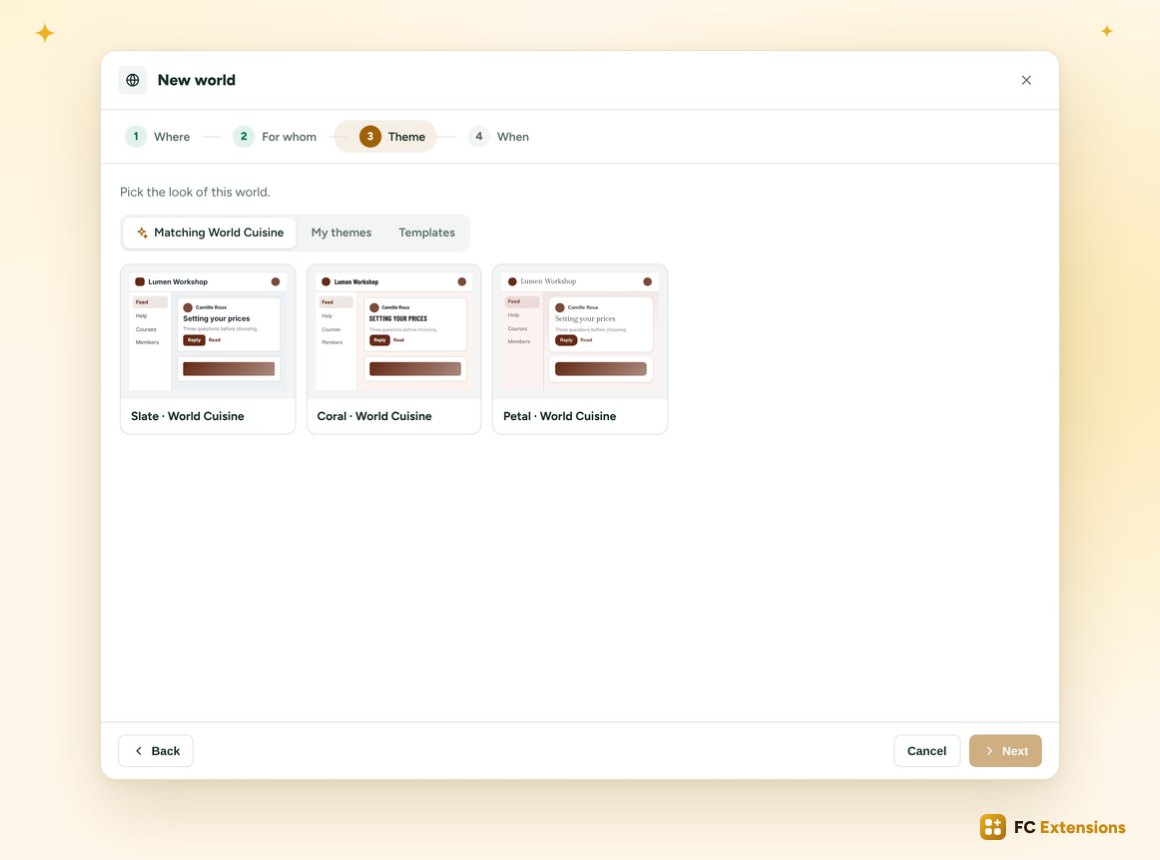
A window guides you in four steps: where, for whom, which theme and when. The audience can be everyone, your visitors, a Gamification level or a FluentCRM tag. Theme Studio even reads your course image and suggests three matching themes.
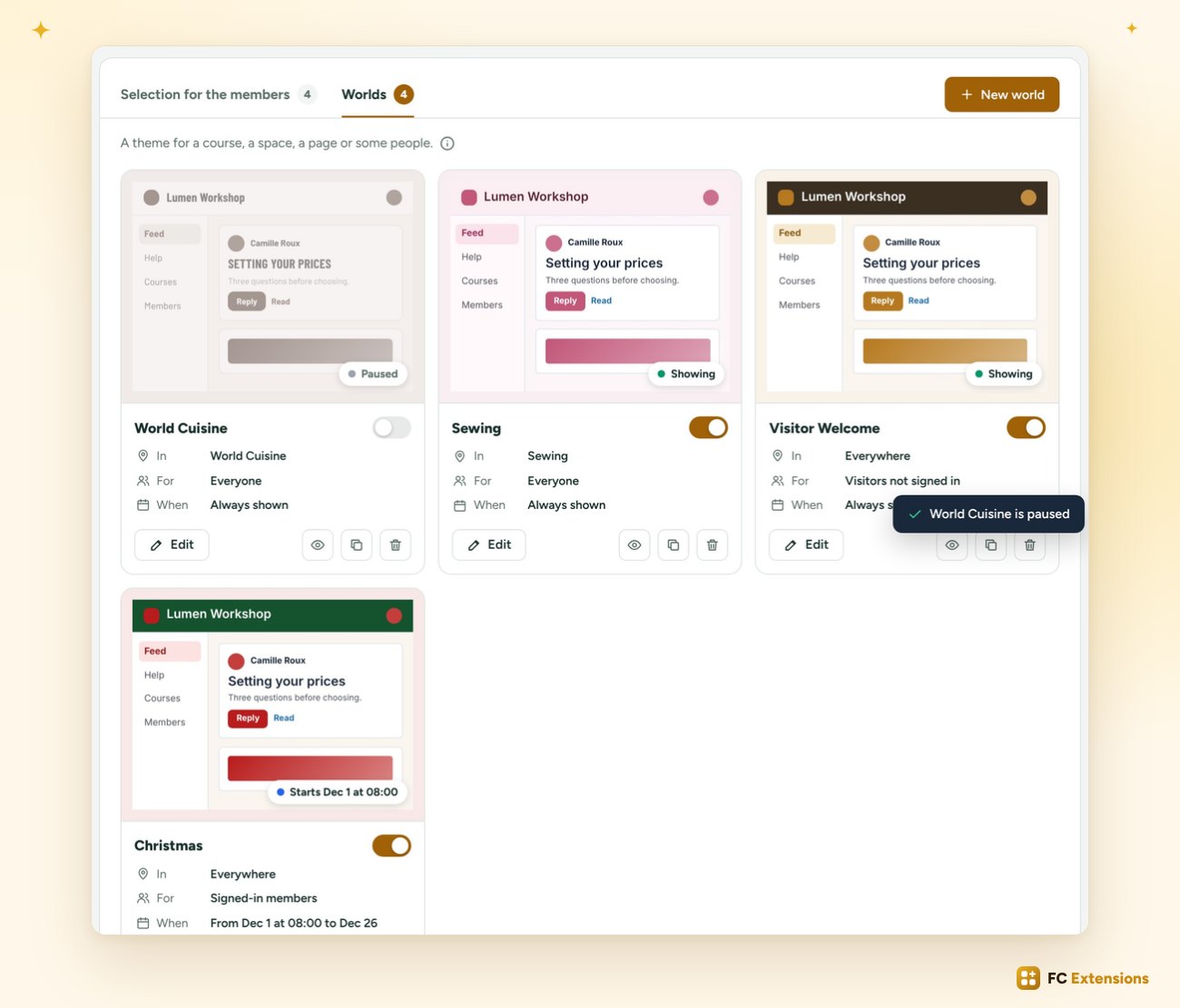
A world can run all the time, or only between two dates. Each has its card, with its status and a switch to pause it in one click.
Members choose their look
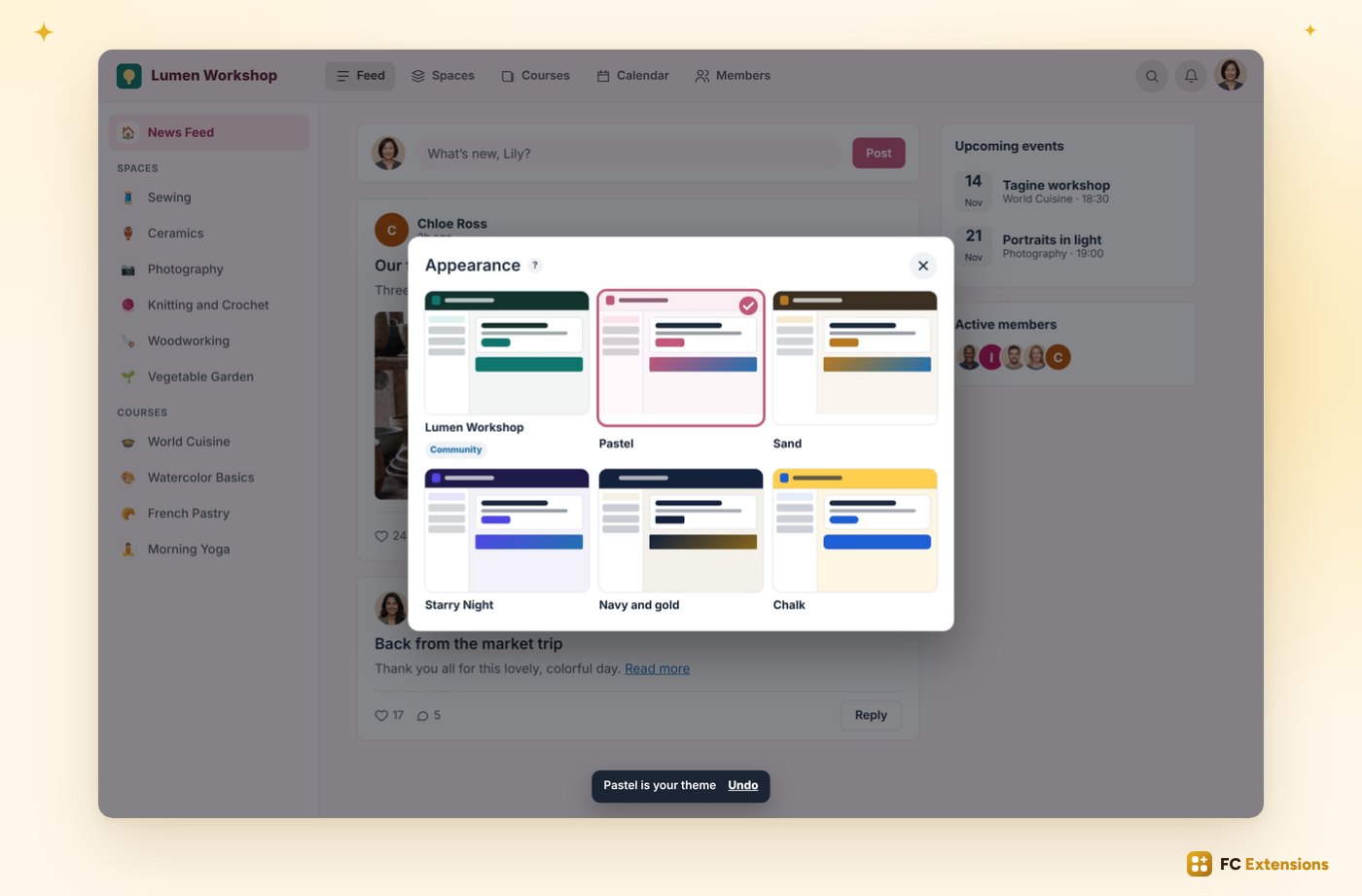
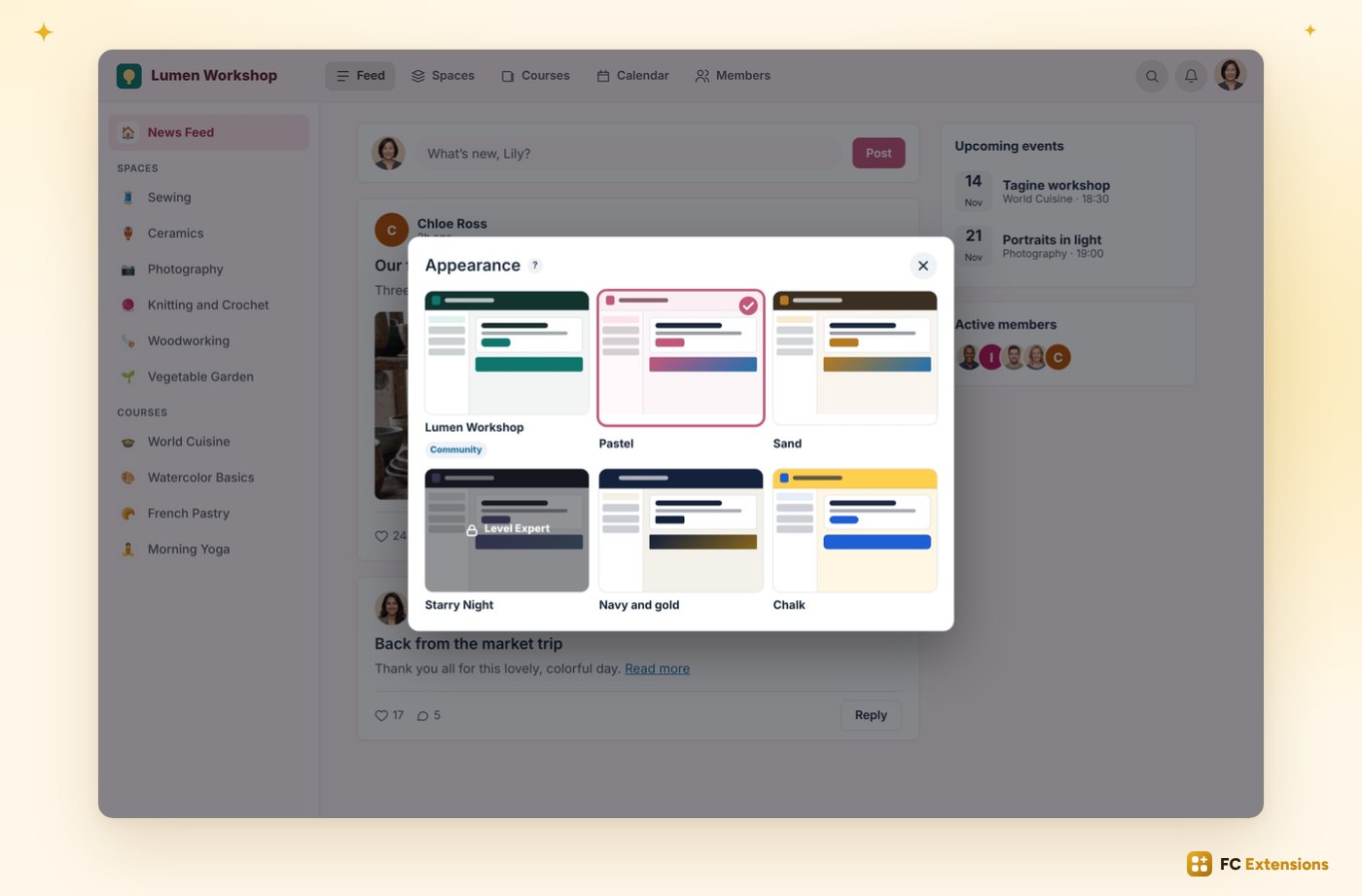
You pick the themes on offer, and members open “Appearance” from their photo menu. One click, and the whole community changes for them. On a phone, the choice slides up from the bottom, within thumb’s reach.
A theme can also become a reward, reserved for a level, a role or a tag. Others see it with a padlock. A great reason to level up.
See as: check everything at a glance
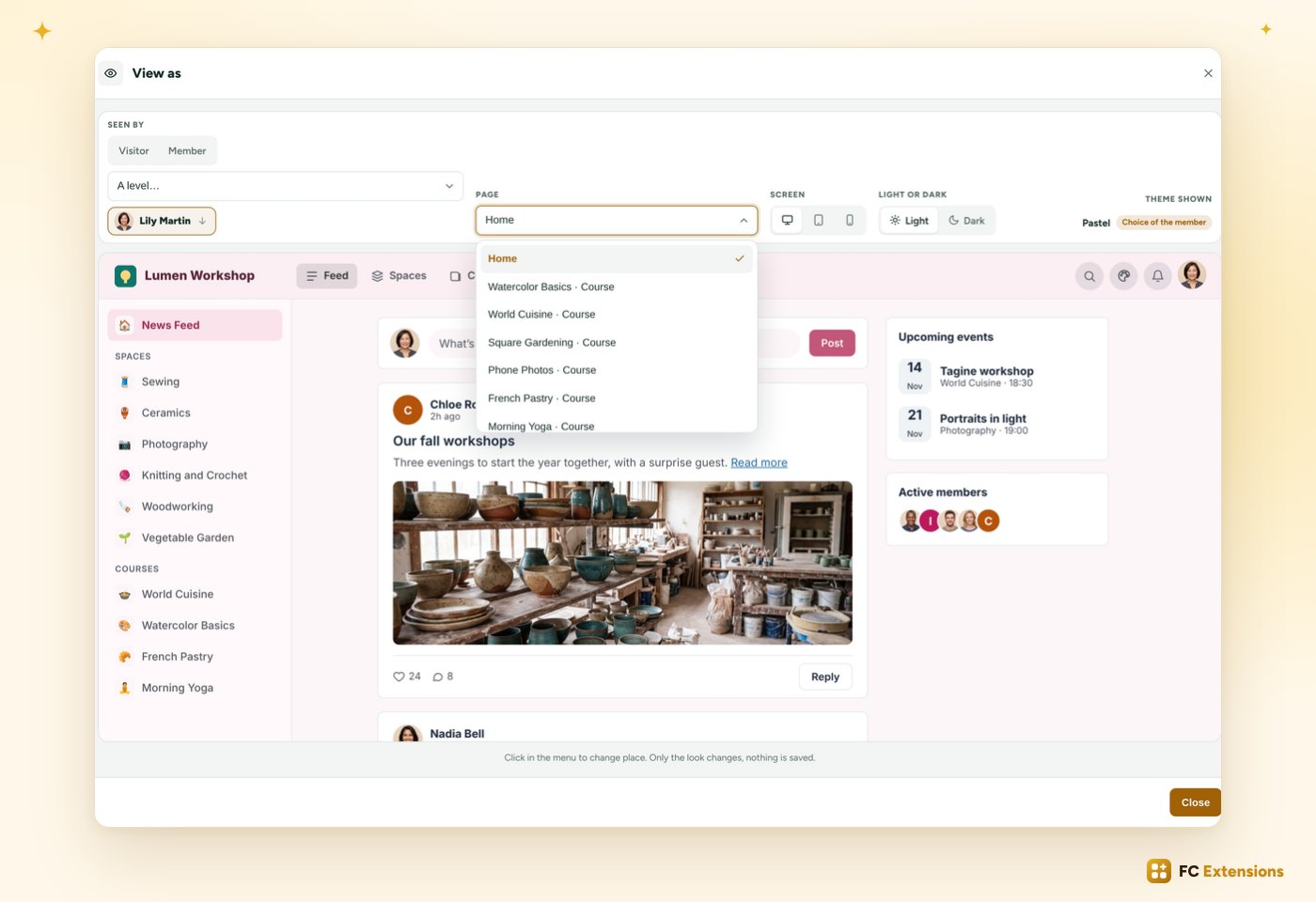
“See as” opens your community as a visitor, a member, a level or a specific member sees it, on desktop or phone. Theme Studio tells you which theme shows and why. Nothing is saved, so you can check with peace of mind.
This appearance choice pairs nicely with Quick Access, which places the “Appearance” button wherever you want.
FC Extensions · Theme Studio
A thousand faces for your community
Theme Studio is one of the free FC Extensions extensions. One free key, and everything opens.
- Worlds
- A theme per member
- Themes as rewards
- See as
Go further: every extension on video. On Sdravobiz, see job offers in the Directory, current offers and La Taverne.
Frequently asked questions
What is a world in Theme Studio?
A theme applied to a specific place in your community, for an audience and a period you choose.
What if two worlds target the same place?
Drag the cards to choose which one takes priority.
Can members choose their own theme?
Yes, among the themes you offer, from “Appearance”.
Is Theme Studio free?
Yes. It is one of the free FC Extensions extensions.