



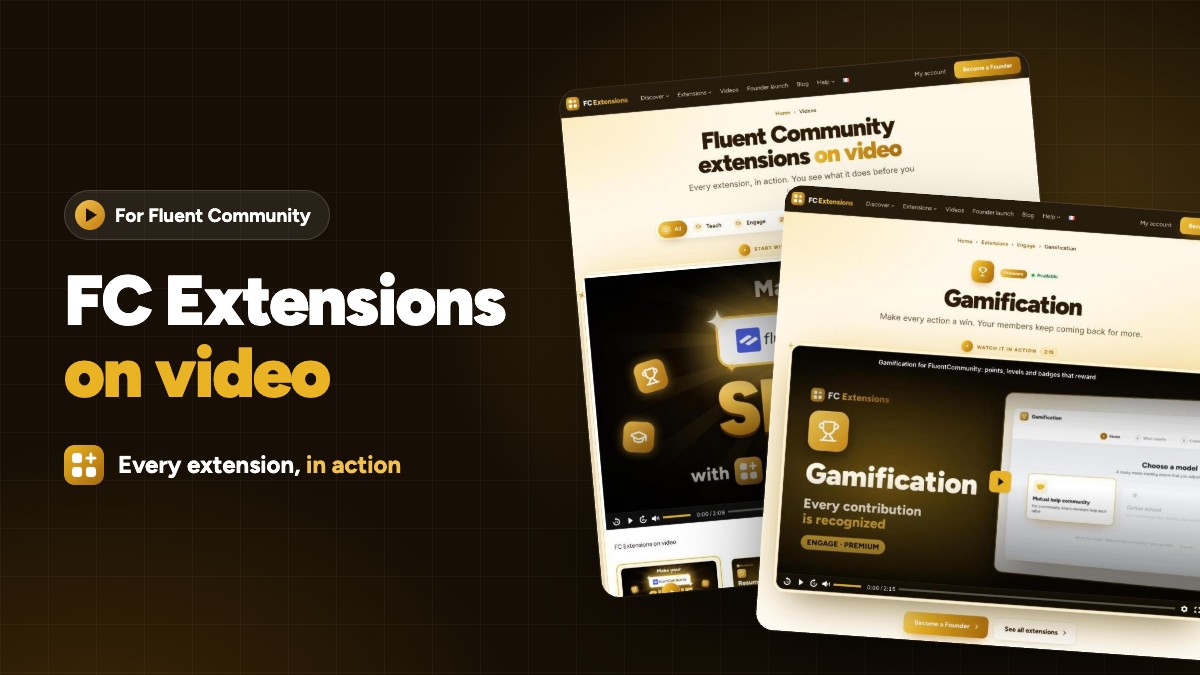
FC Extensions on video: every Fluent Community extension, in action
Every FC Extensions extension has its own video, in English and in French. Watch them all here, and see where to find them next.
Dragan Stamenkovic
4 min read
On October 9, I showed you our four plugins on video right here. FC Extensions didn’t have its own yet. It’s done, and even better: every extension now has its own video, in English and in French.
You can watch them all without leaving this page. And if you’d rather find them somewhere else, I’ll also show you where they’re waiting for you.
Every FC Extensions video, right here
The first video presents FC Extensions in two minutes. The next ones take the extensions one by one, in catalog order: teach, engage, organize, customize, sell, manage.
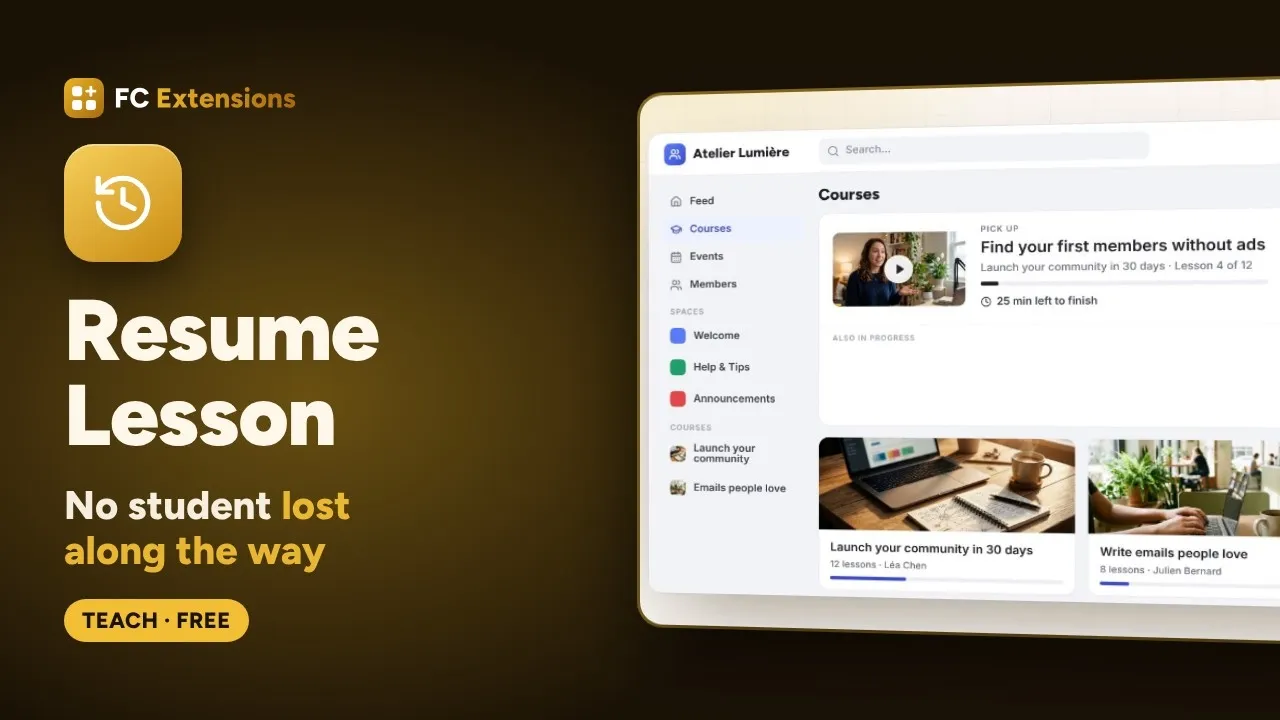
Resume Lesson for FluentCommunity: bring students back to the right second
0:01:27
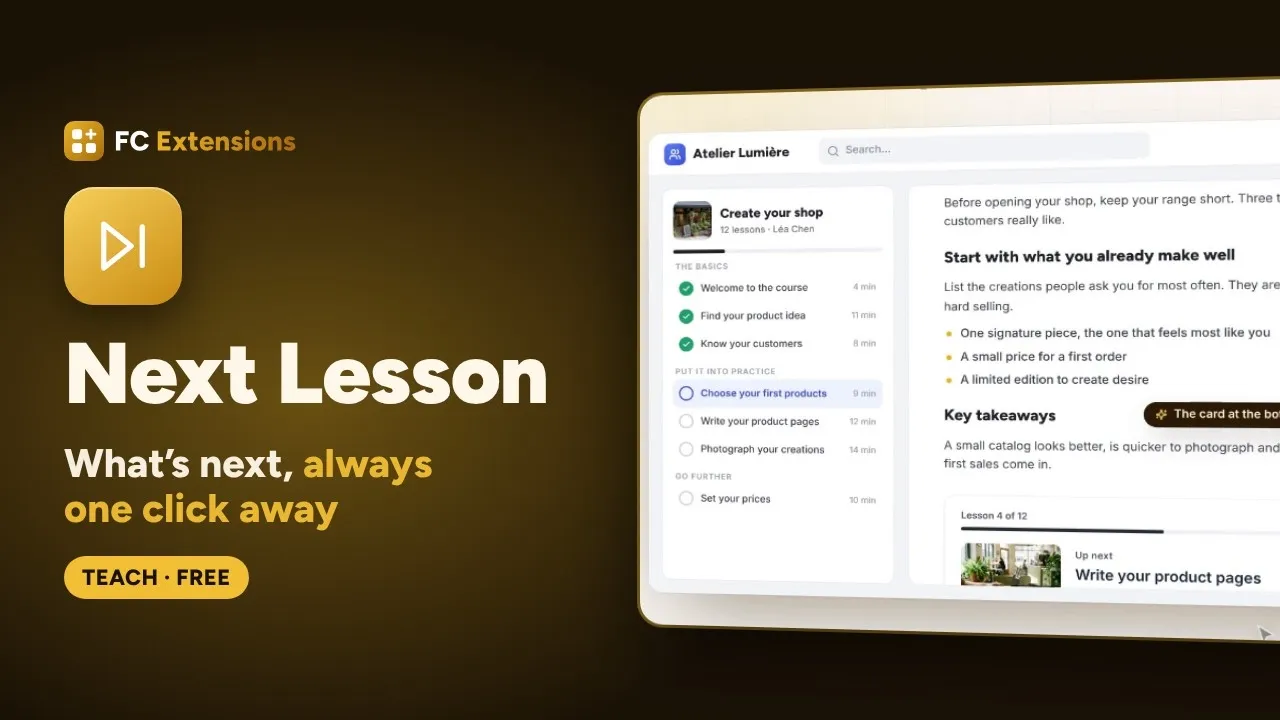
Next Lesson for FluentCommunity: guide students to what comes next
0:01:43
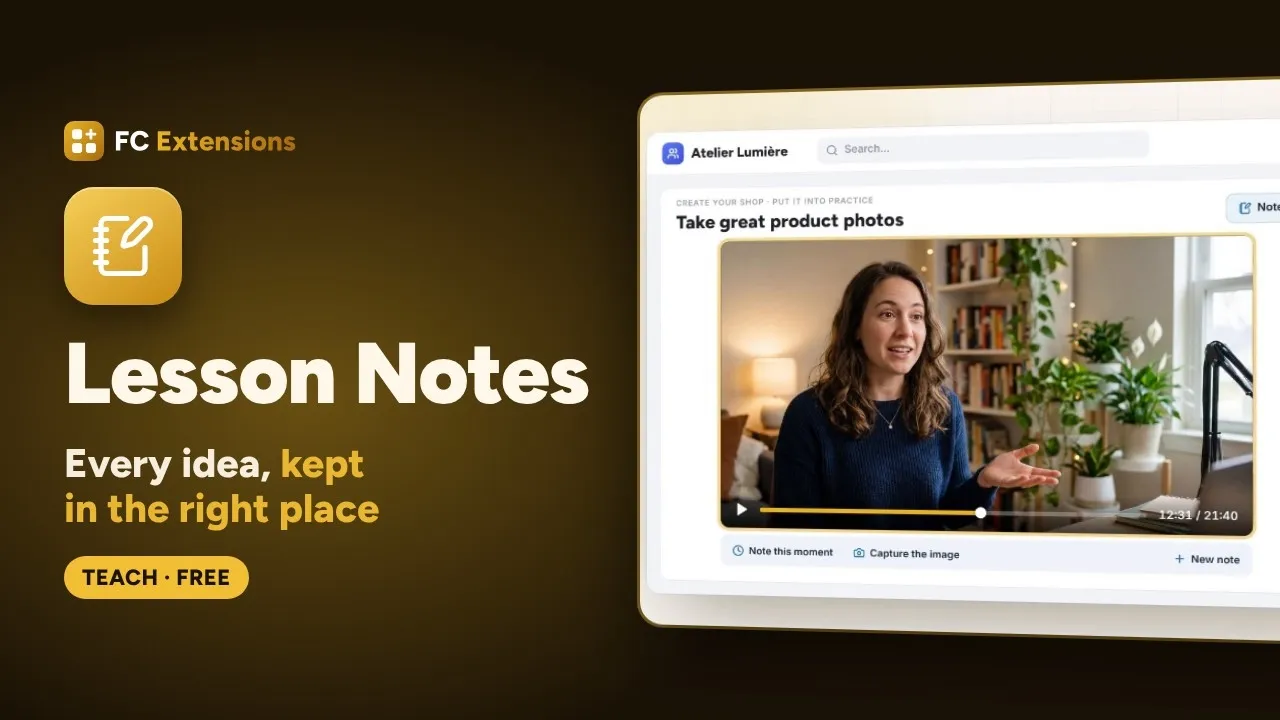
Lesson Notes for FluentCommunity: let members take notes next to the video
0:01:27
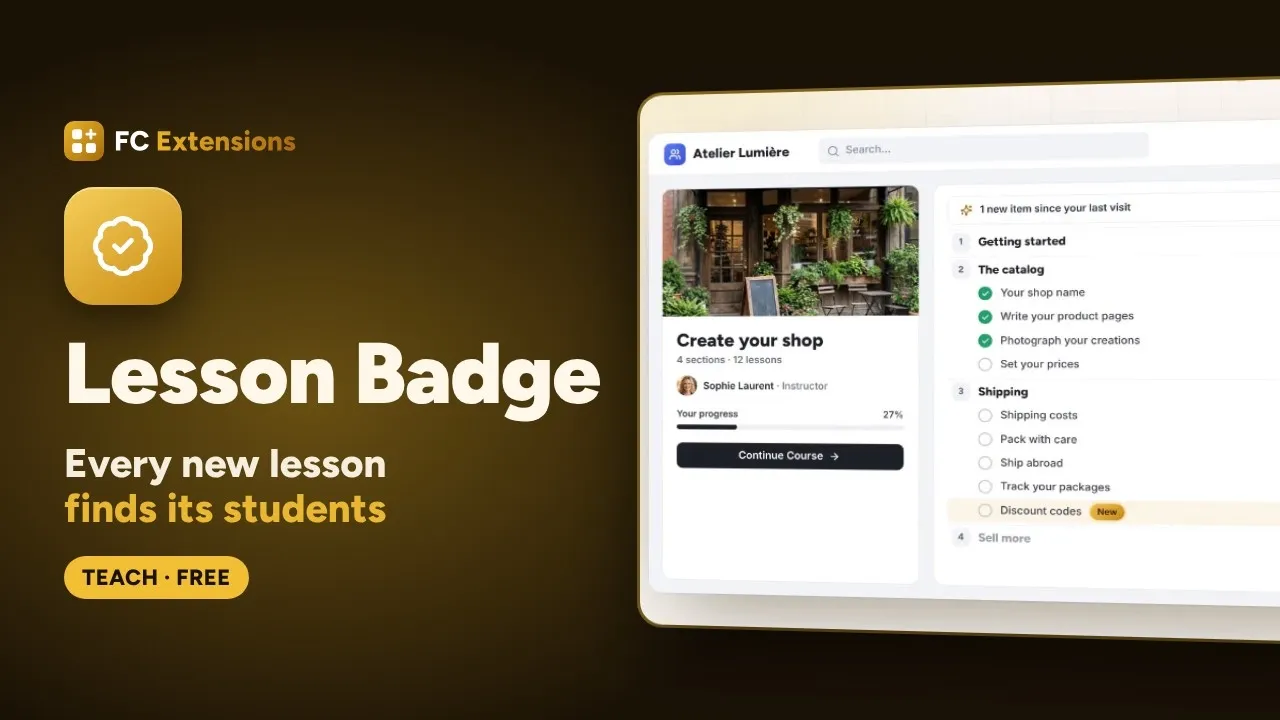
Lesson Badge for FluentCommunity: show students what's new in your courses
0:01:30
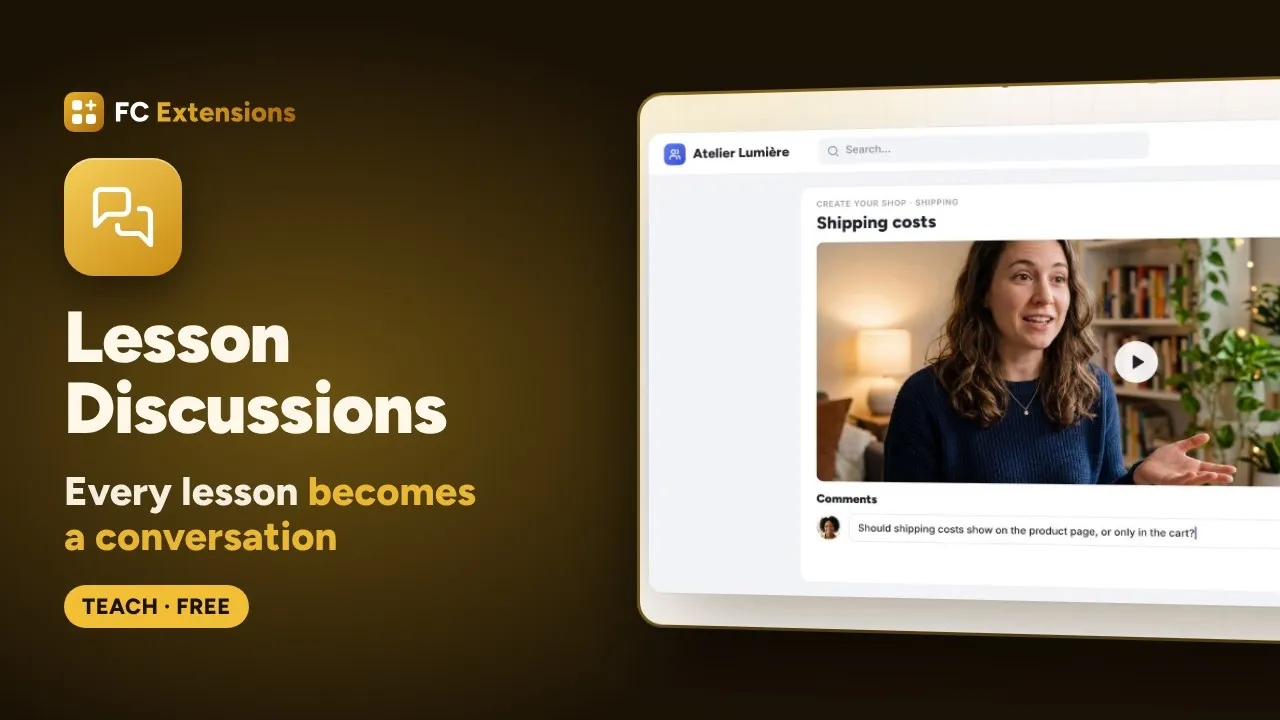
Lesson Discussions for FluentCommunity: turn lessons into conversations
0:01:22
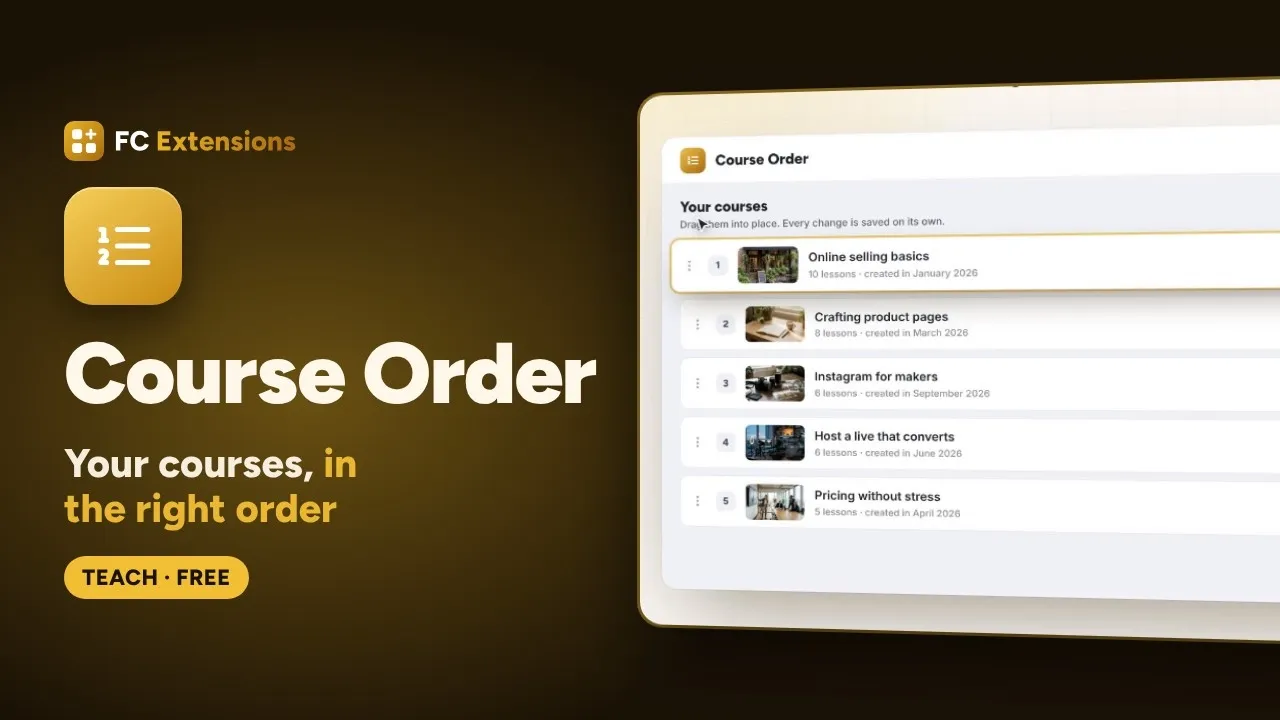
Course Order for FluentCommunity: display your courses in the right order
0:02:15
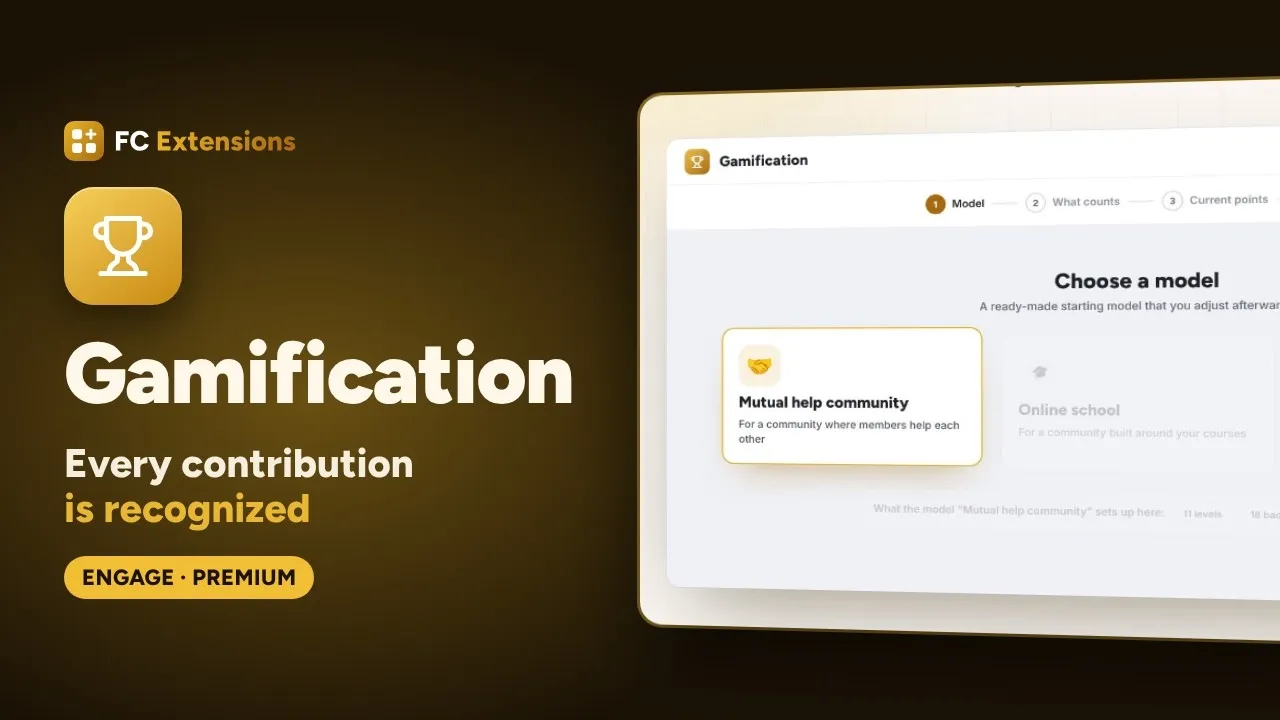
Gamification for FluentCommunity: points, levels and badges that reward
0:02:02
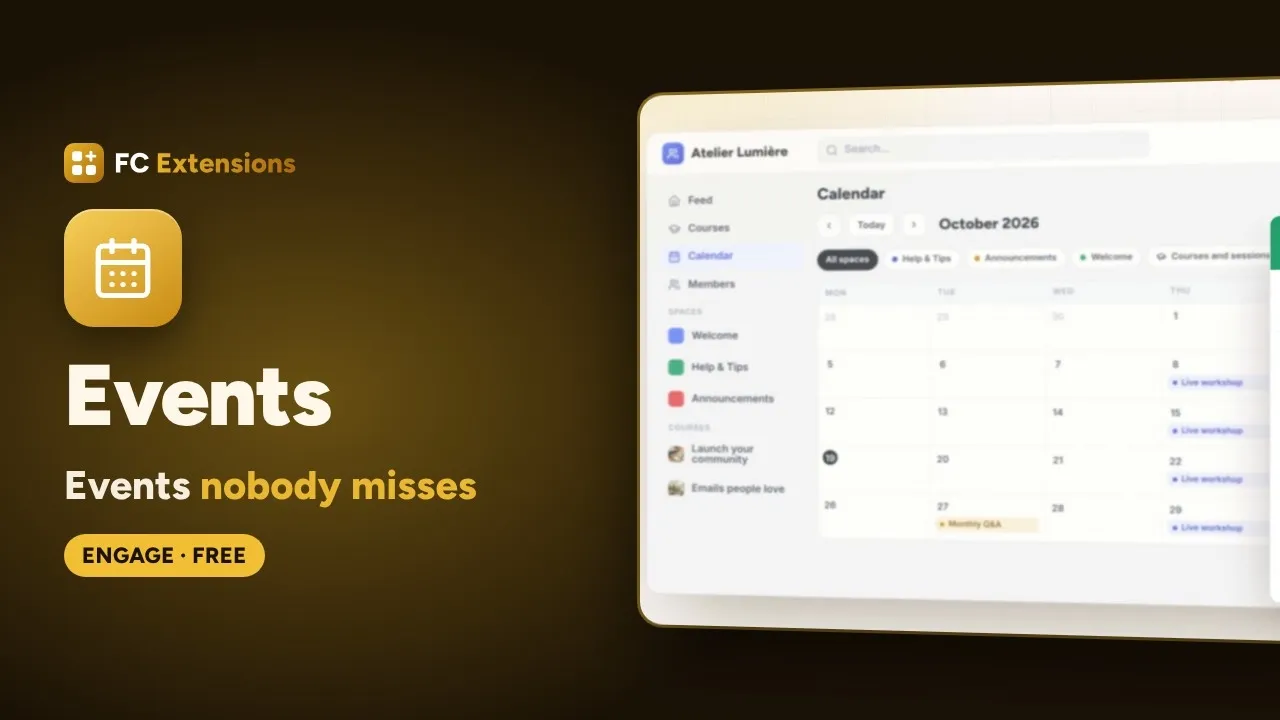
Events for FluentCommunity: a community calendar with registrations
0:01:24
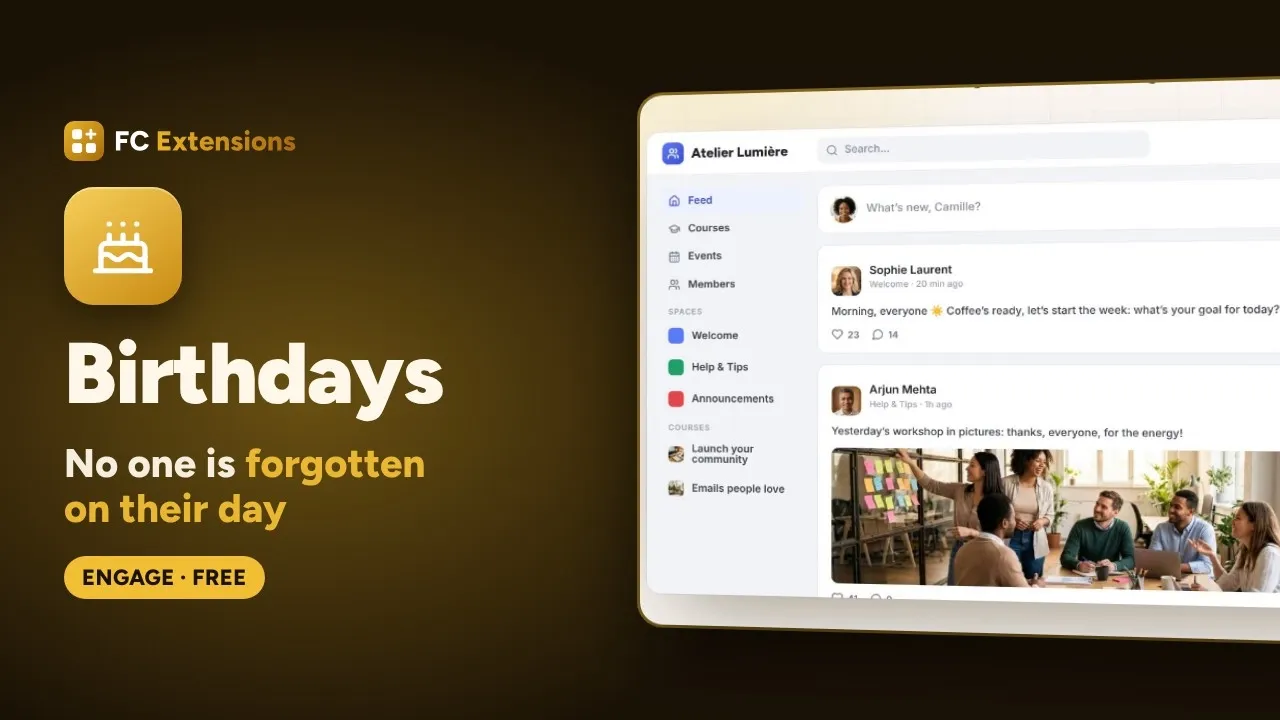
Birthdays for FluentCommunity: make sure no member is forgotten
0:01:34
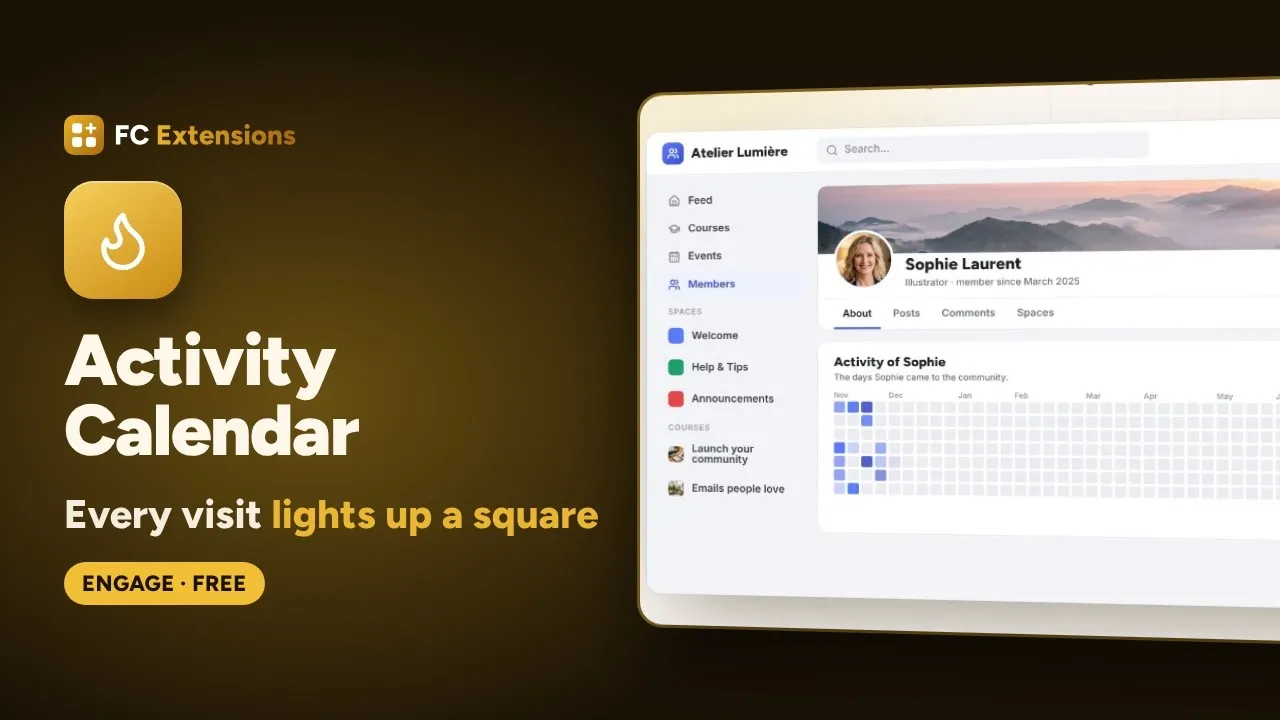
Activity Calendar for FluentCommunity: help members build consistency
0:01:36
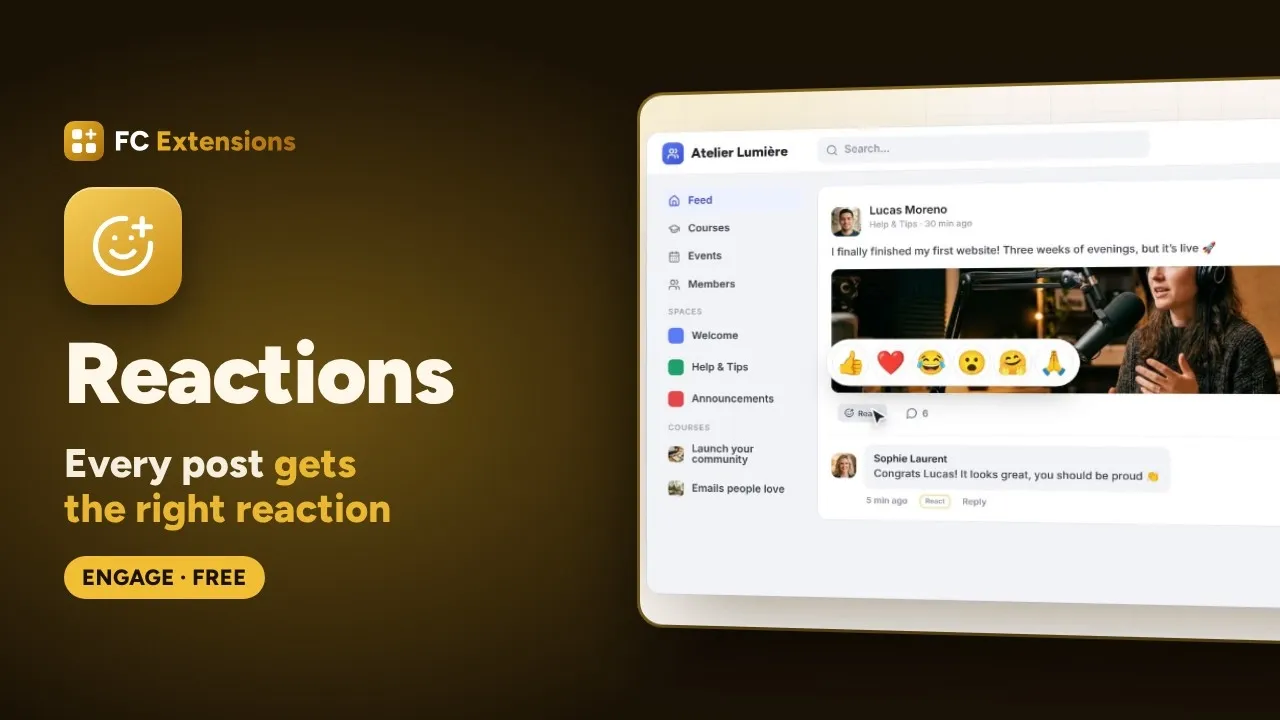
Reactions for FluentCommunity: go beyond the heart on posts and comments
0:01:36
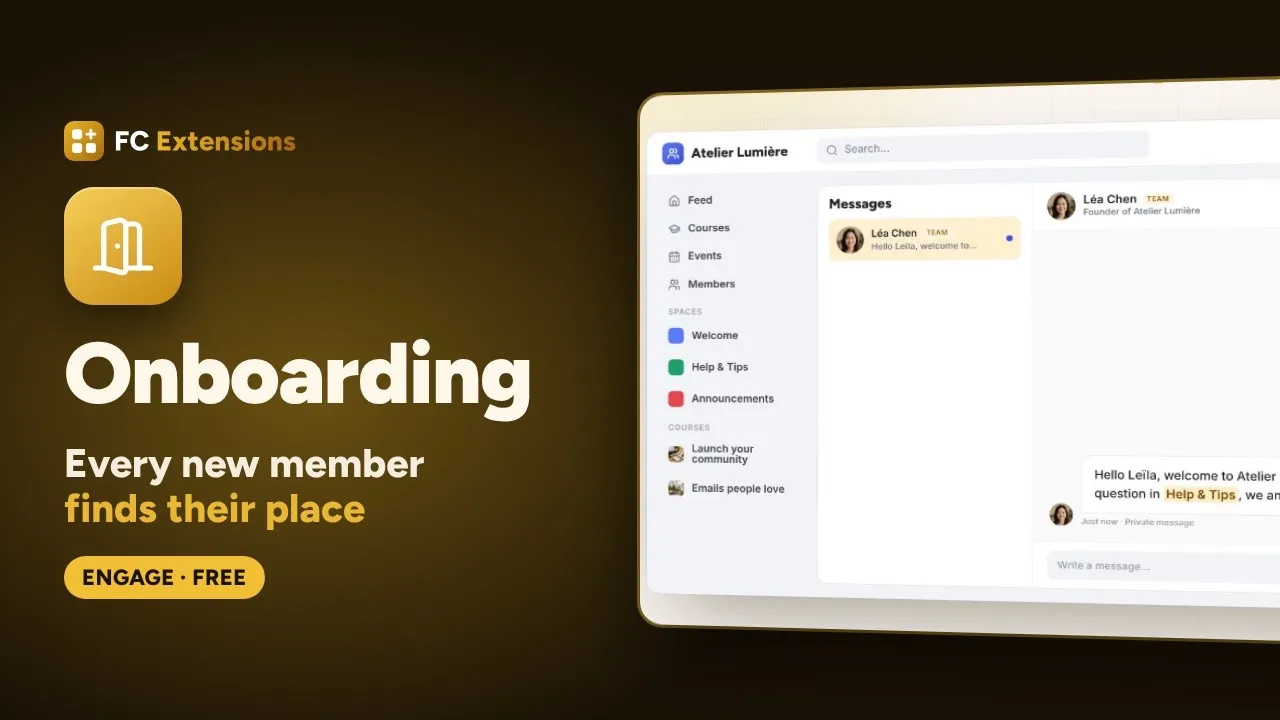
Onboarding for FluentCommunity: guide new members from their first step
0:01:43
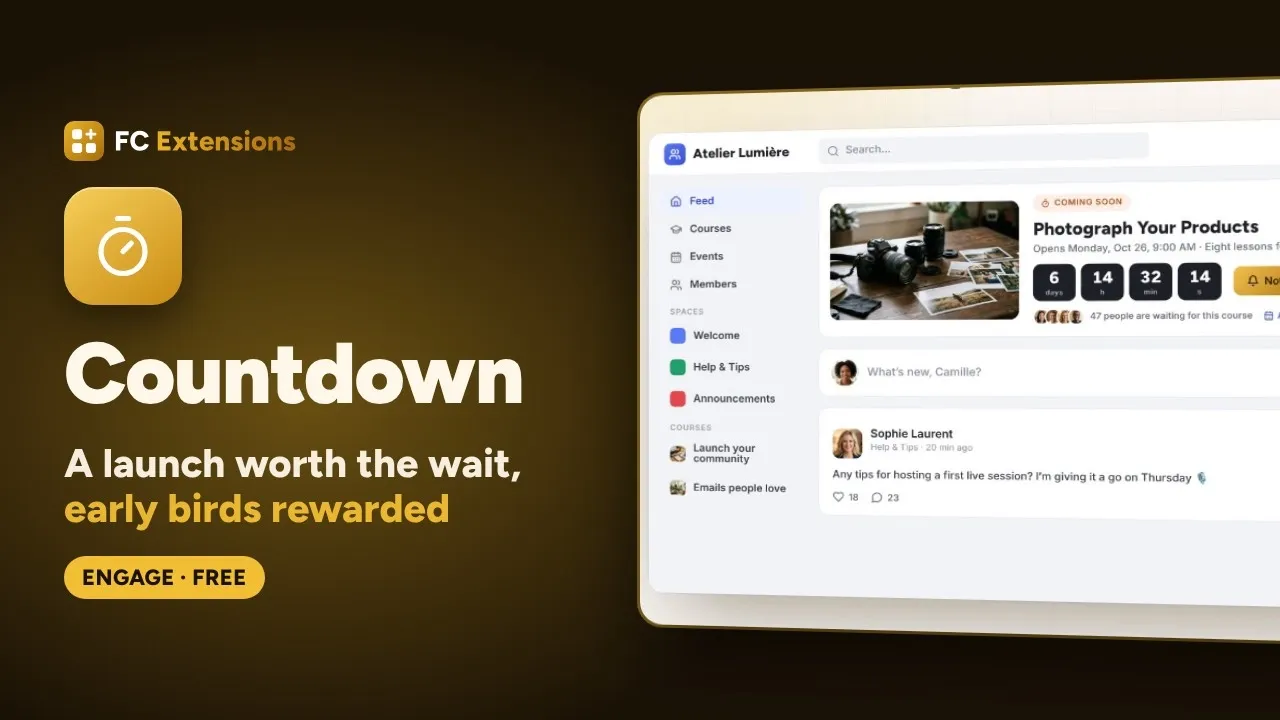
Countdown for FluentCommunity: build a waiting list for your next course
0:01:45
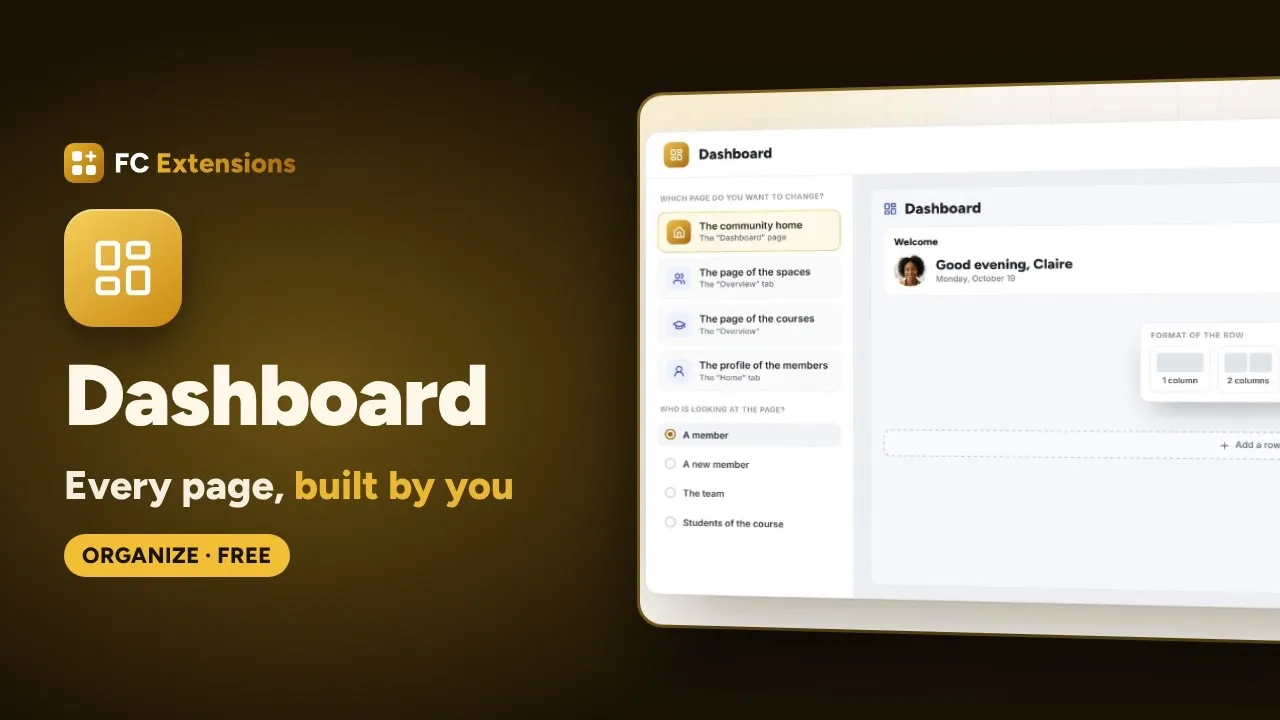
Dashboard for FluentCommunity: build your own pages, block by block
0:01:33
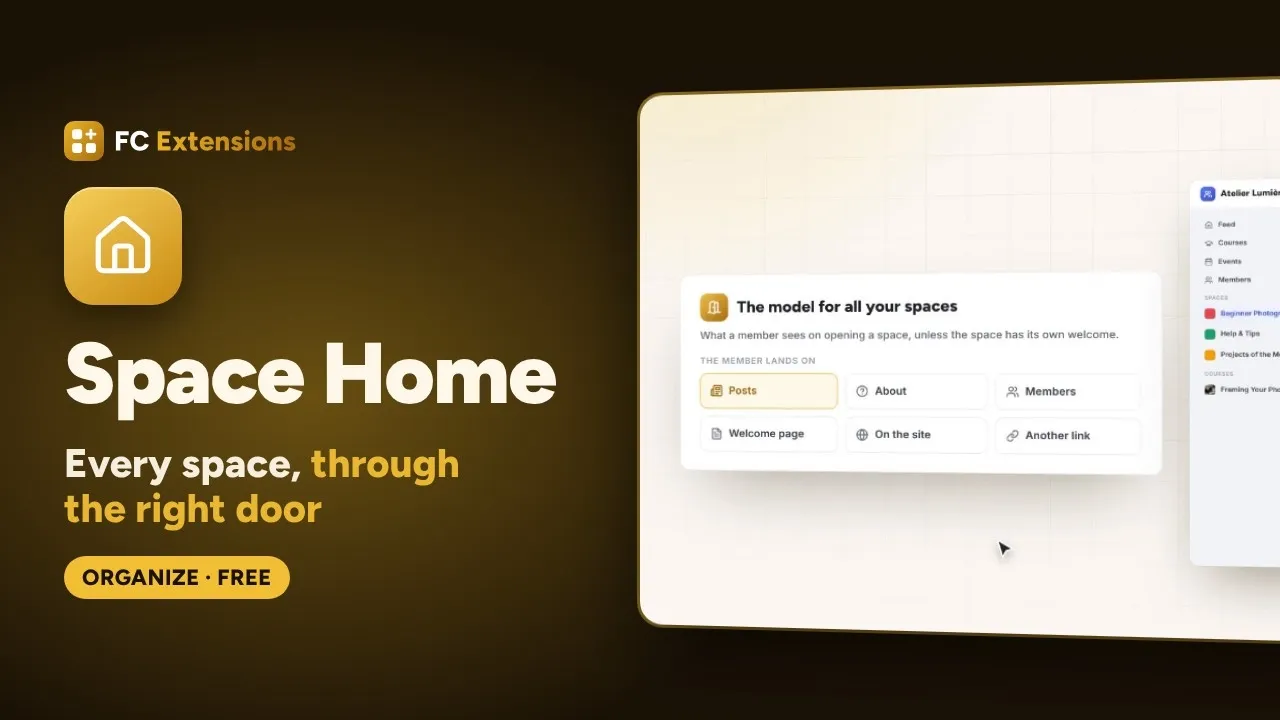
Space Home for FluentCommunity: choose where members land in each space
0:01:38
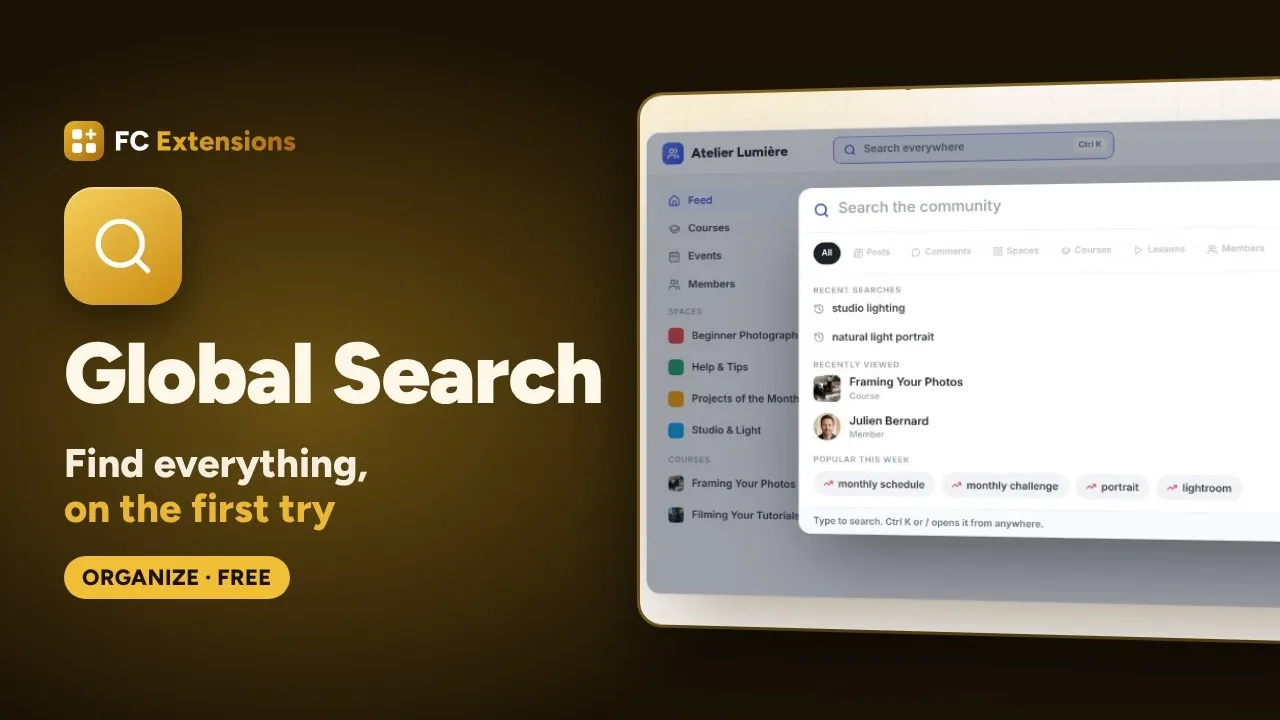
Global Search for FluentCommunity: find everything in a single search
0:01:57
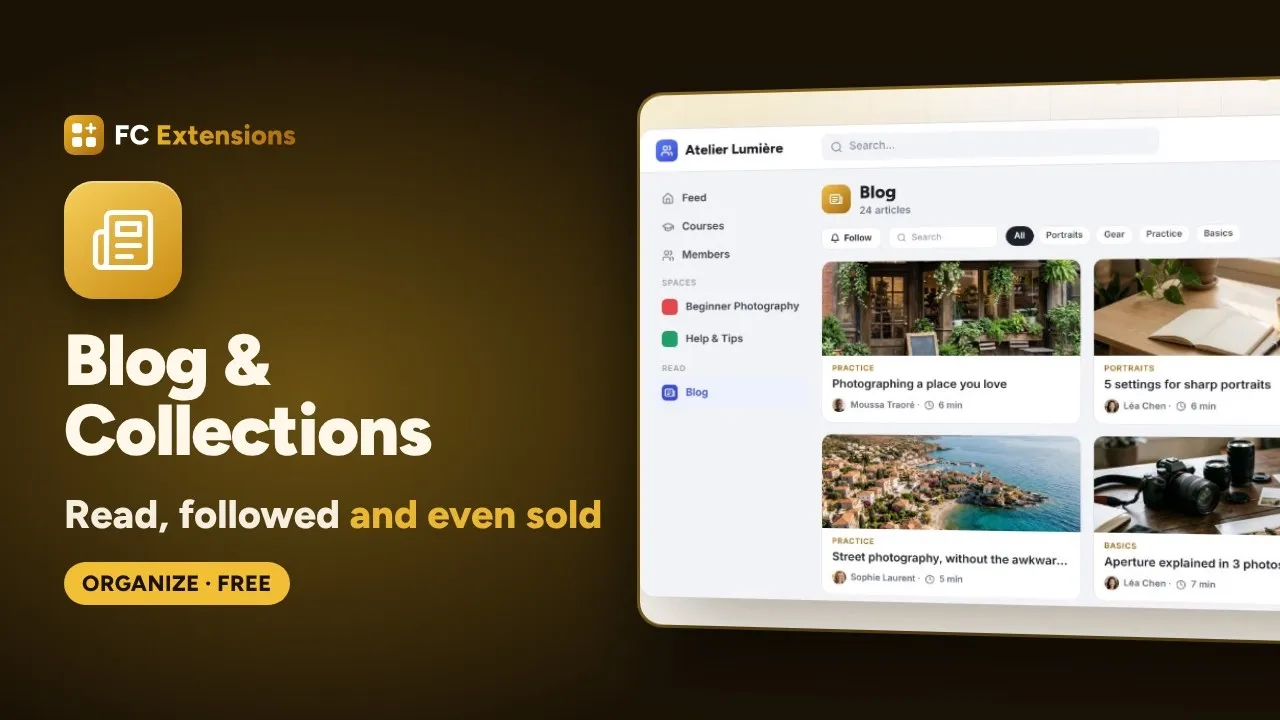
Blog & Collections for FluentCommunity: bring your articles to your members
0:01:30
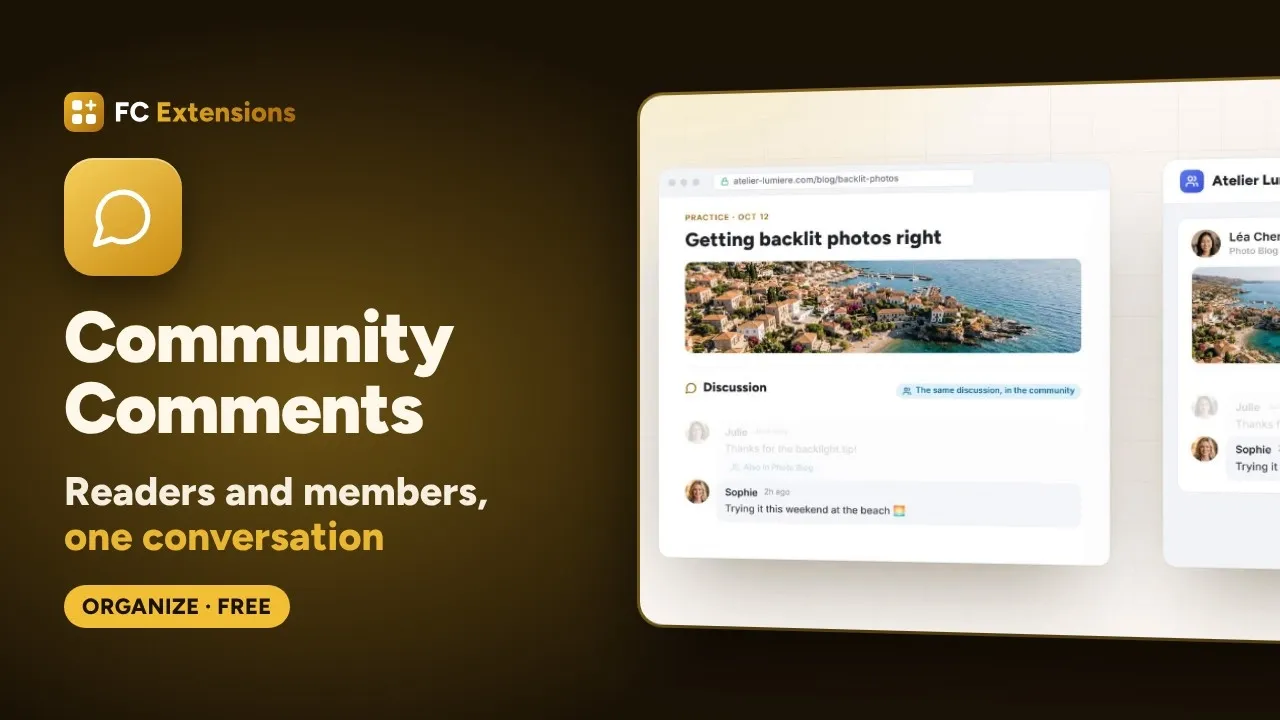
Community Comments for FluentCommunity: unite readers and members
0:01:29
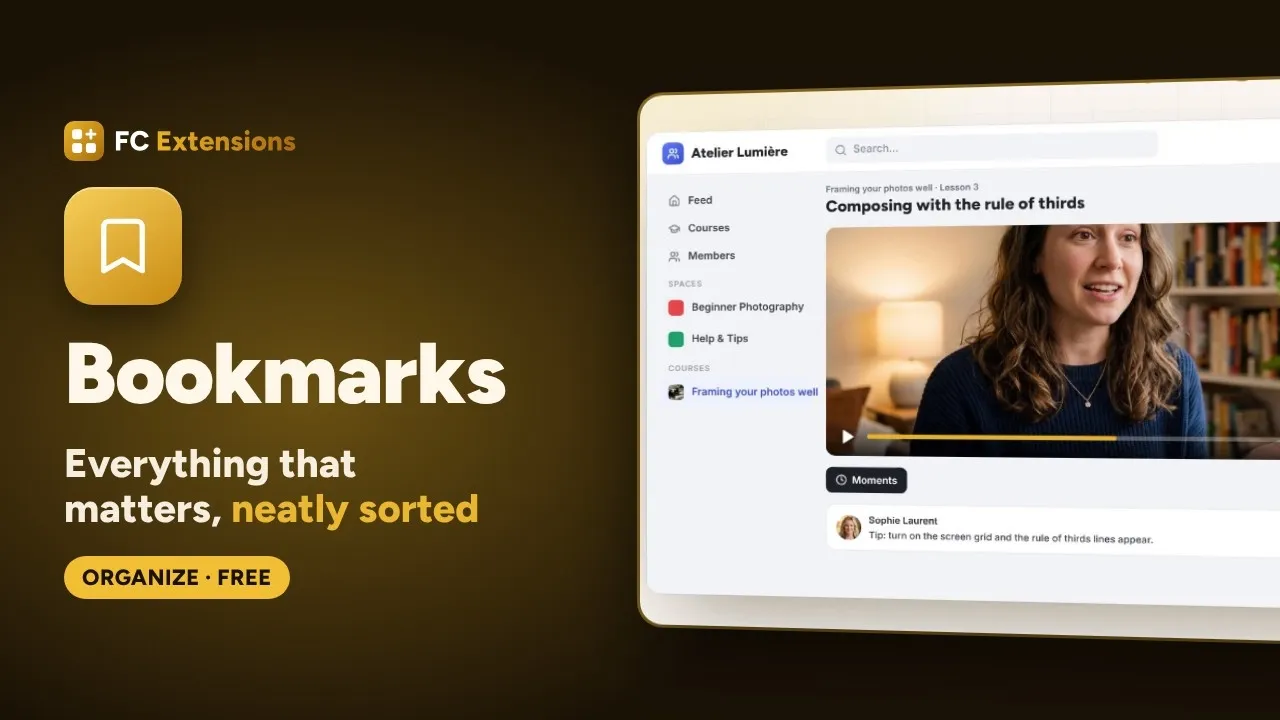
Bookmarks for FluentCommunity: help members save and sort what matters
0:01:56
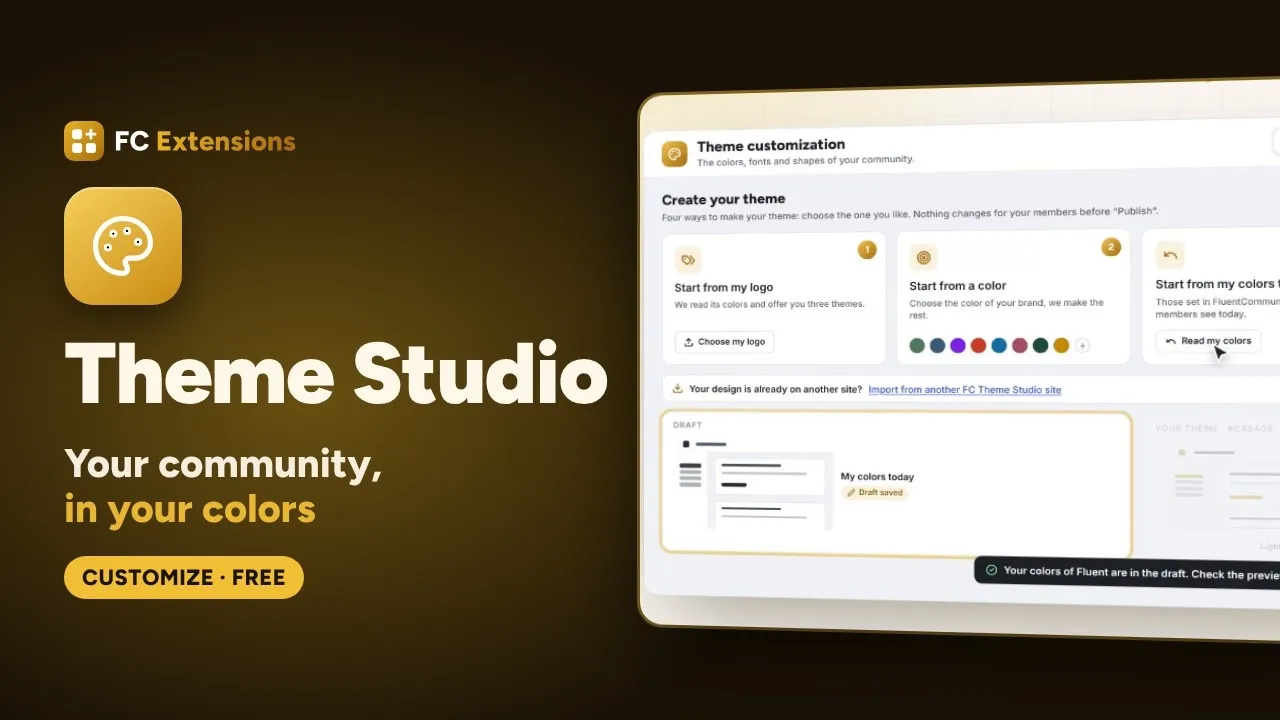
Theme Studio for FluentCommunity: your colors and fonts, no code needed
0:01:33
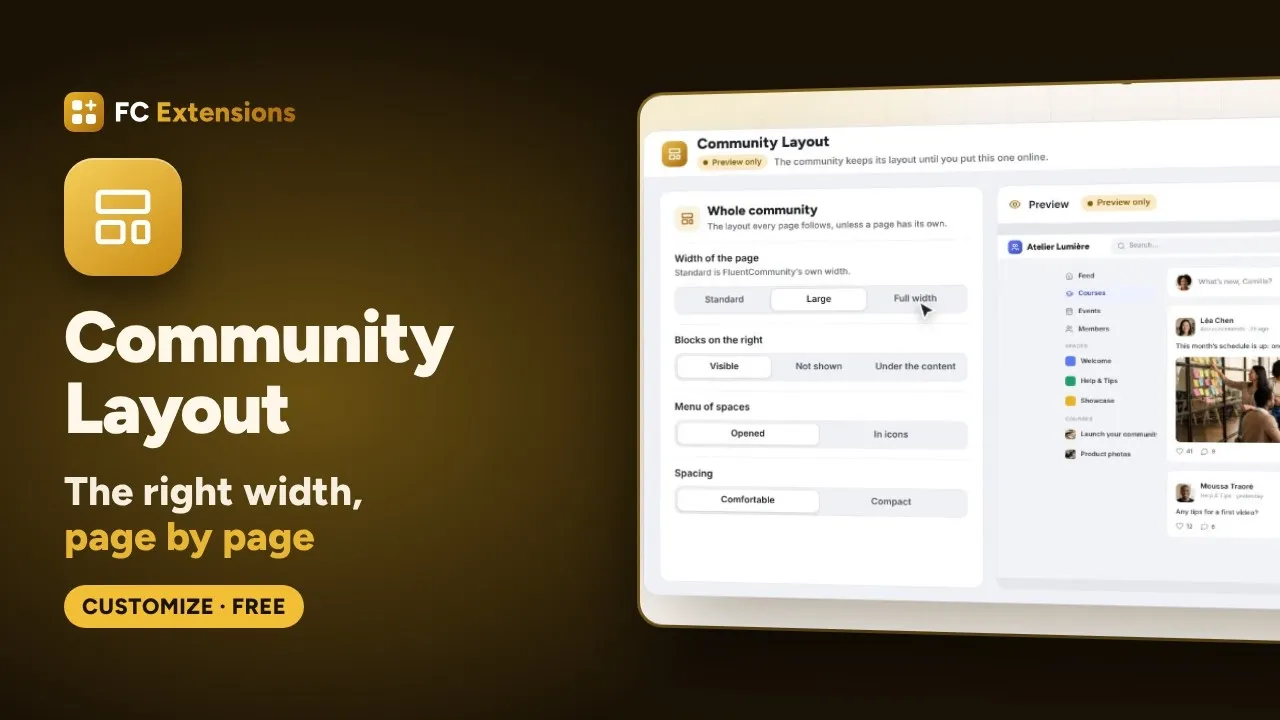
Community Layout for FluentCommunity: the right width for every page
0:01:39
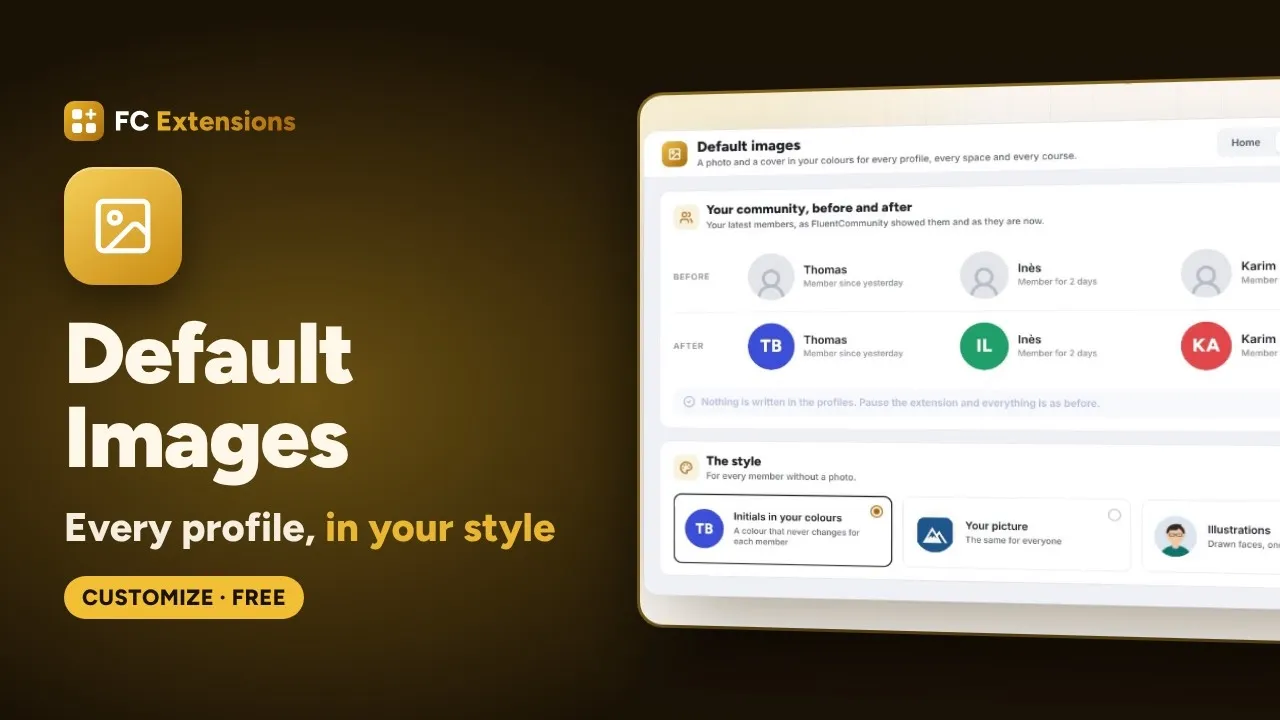
Default Images for FluentCommunity: an image for every profile and space
0:01:24
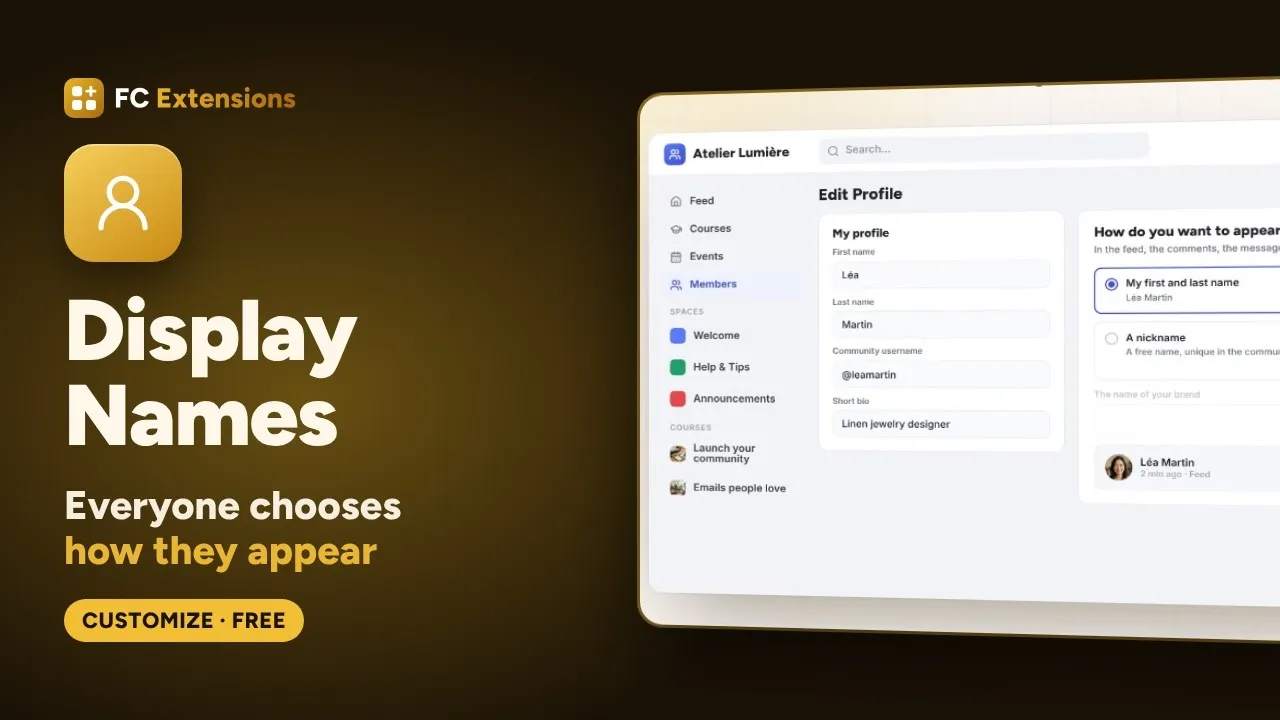
Display Names for FluentCommunity: let members choose how they appear
0:01:42
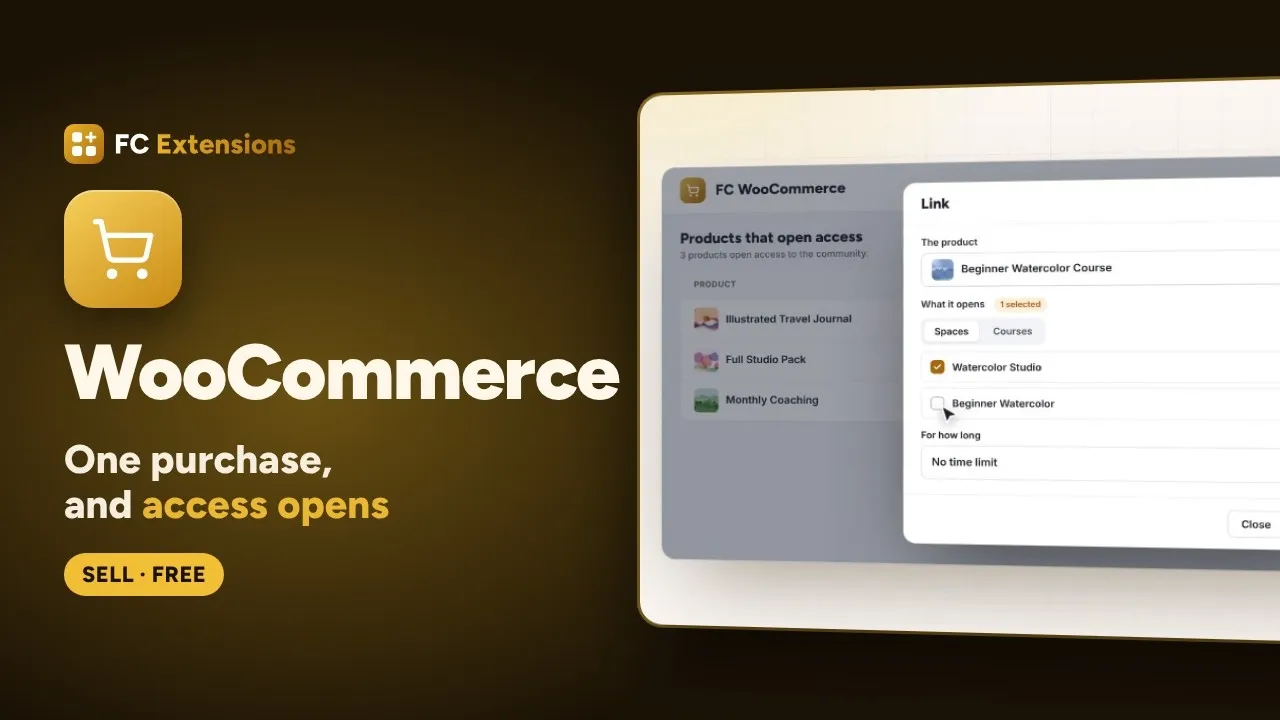
WooCommerce for FluentCommunity: open spaces and courses on purchase
0:01:49
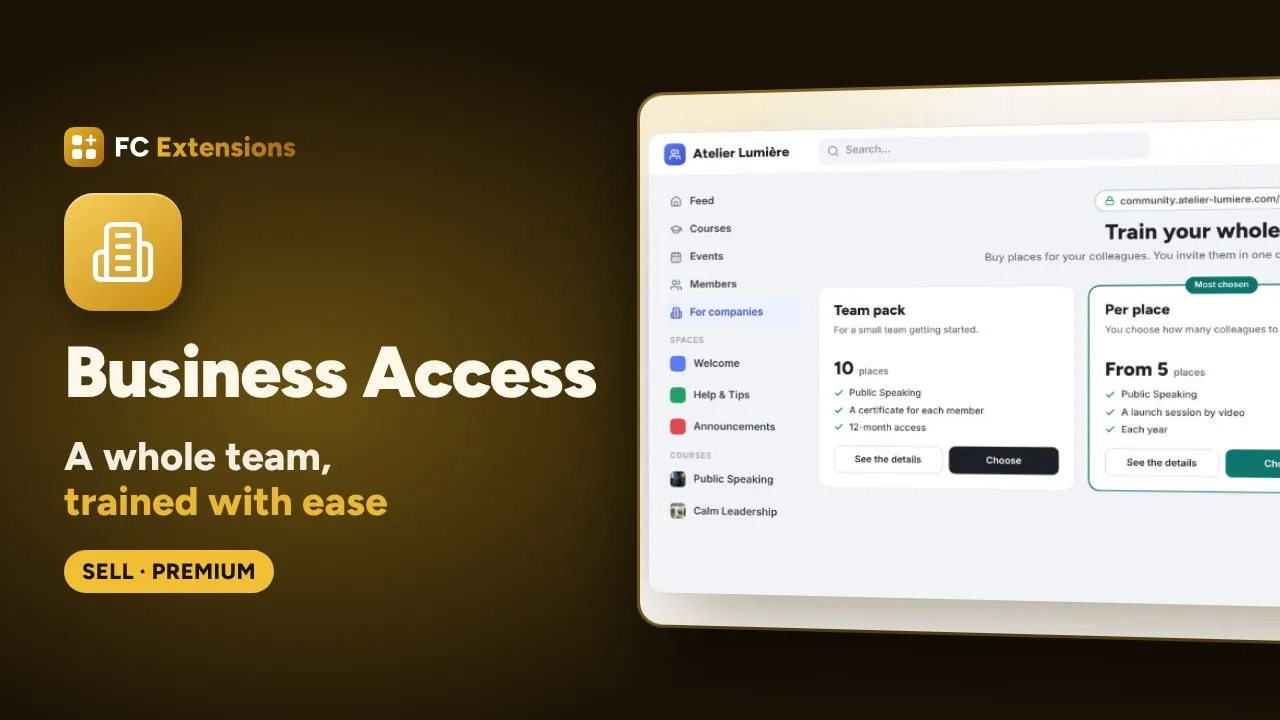
Business Access for FluentCommunity: sell course seats to whole teams
0:01:38
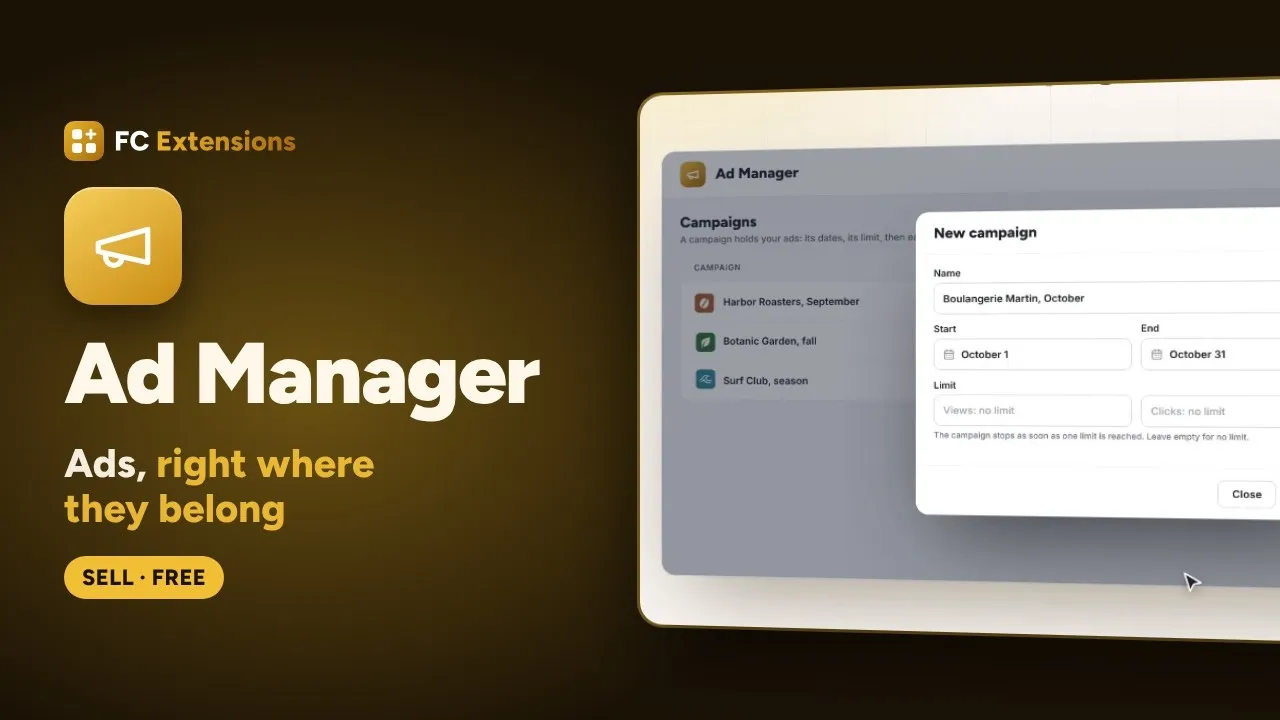
Ad Manager for FluentCommunity: show partner ads without bothering members
0:01:36
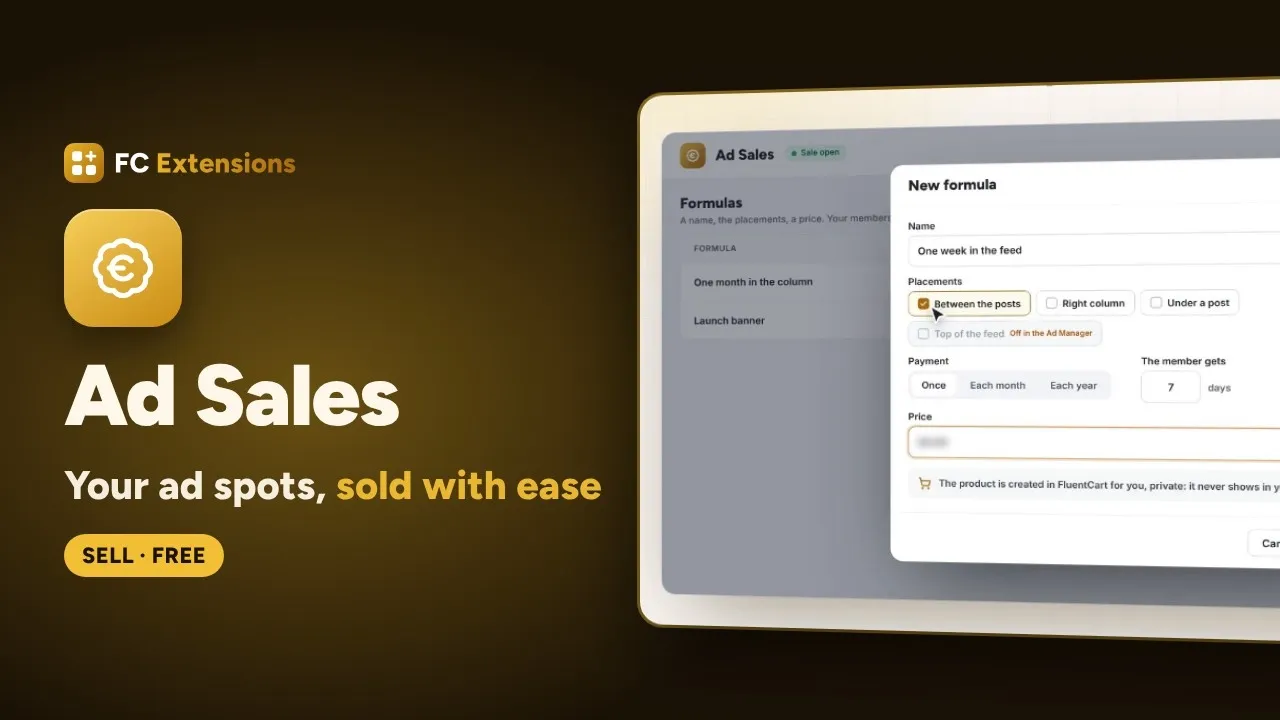
Ad Sales for FluentCommunity: let advertisers buy their own ad spot
0:02:03
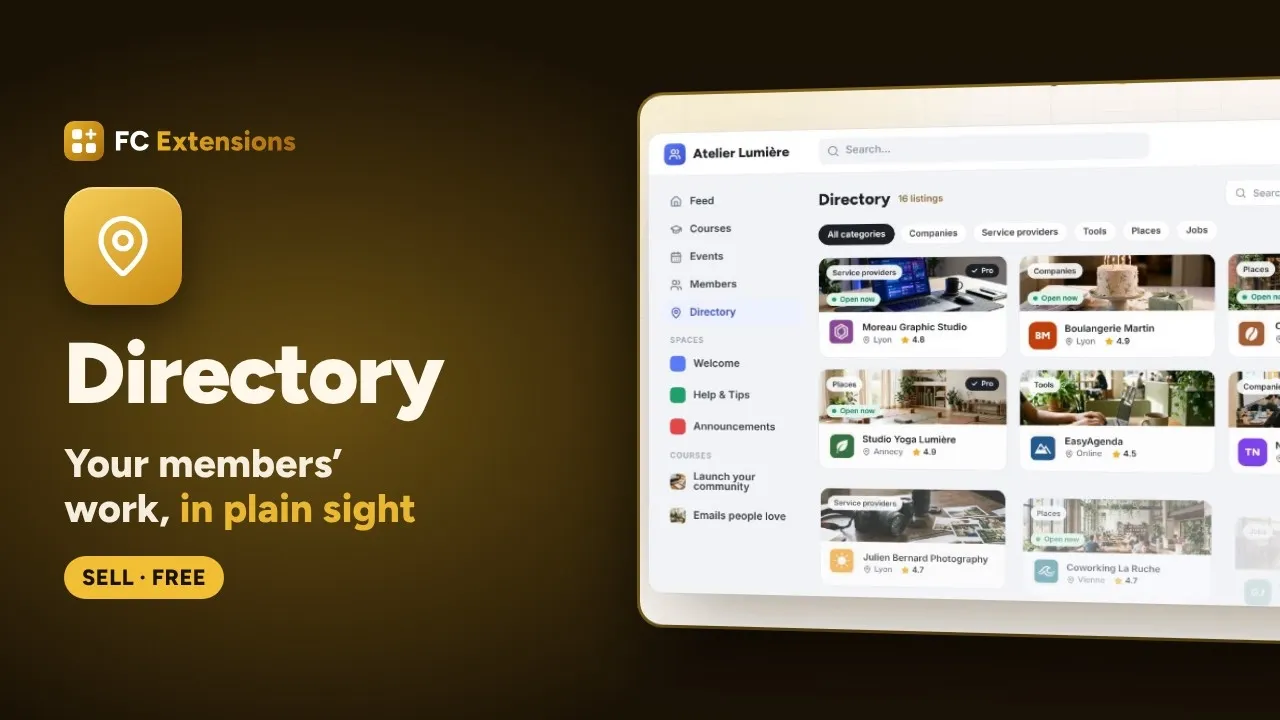
Directory for FluentCommunity: a lasting showcase for your members' work
0:01:42
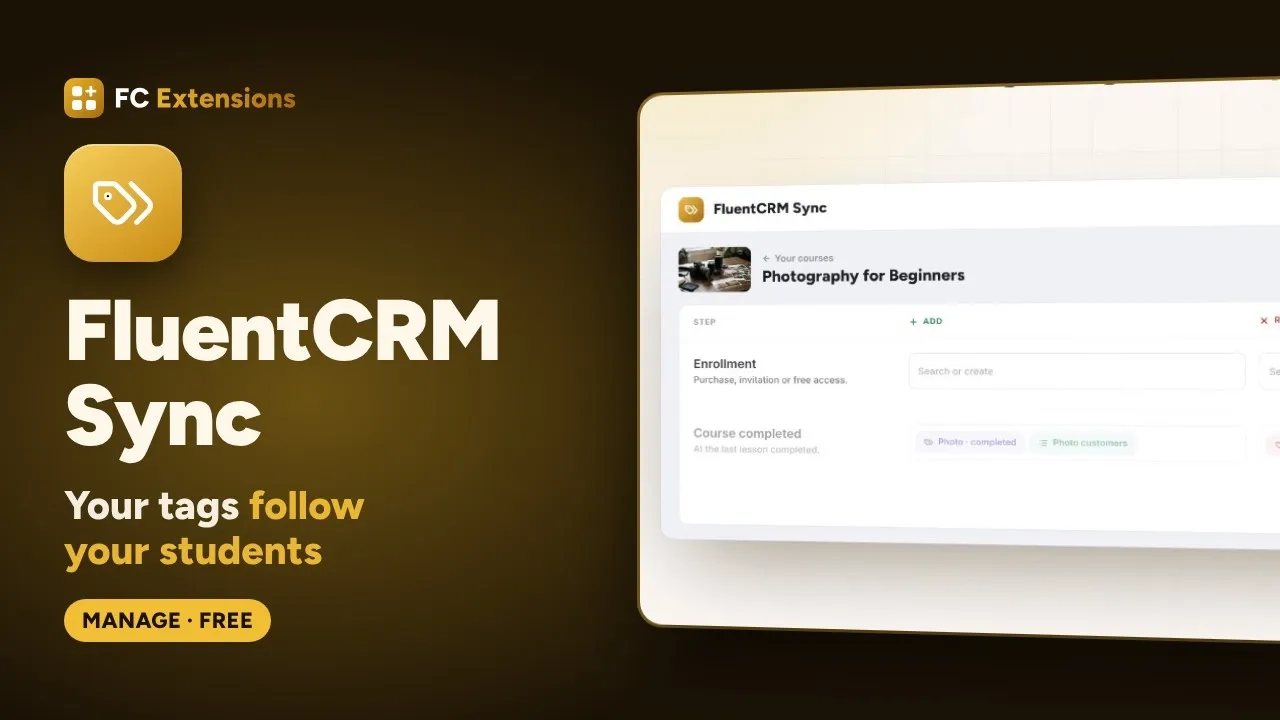
FluentCRM Sync for FluentCommunity: tags that follow your students
0:01:28
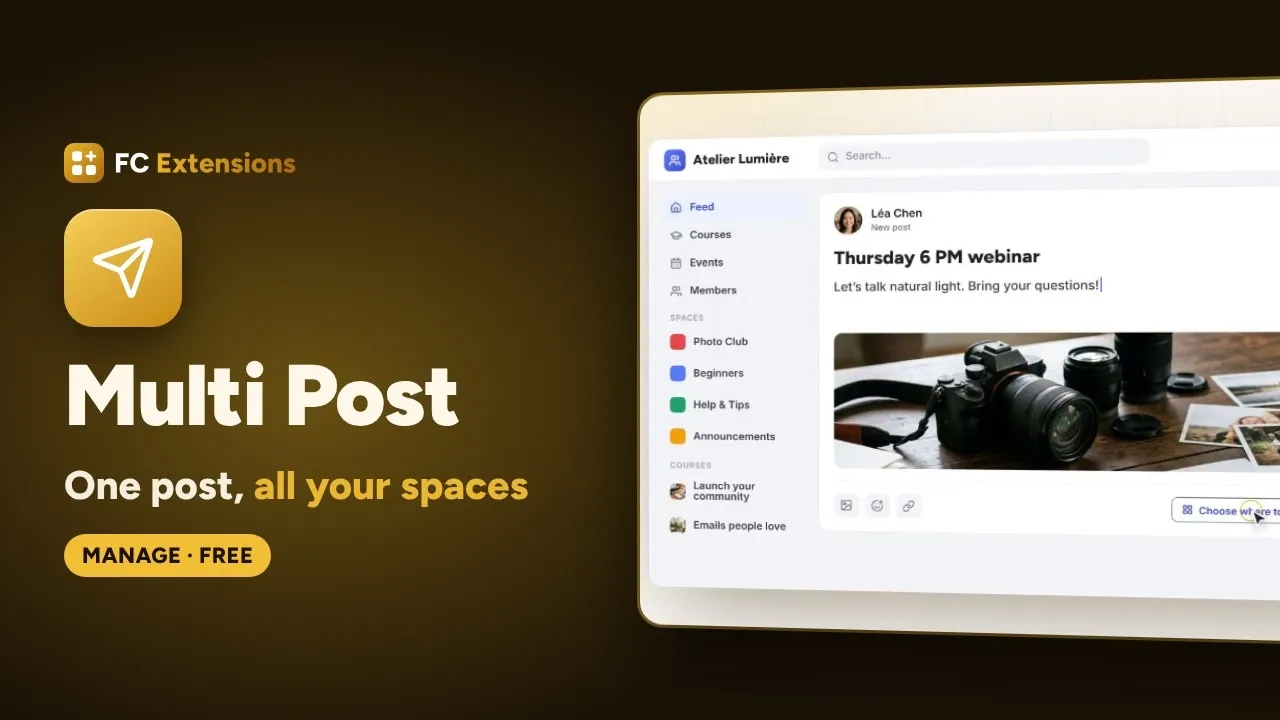
Multi Post for FluentCommunity: publish one post in several spaces
0:01:34
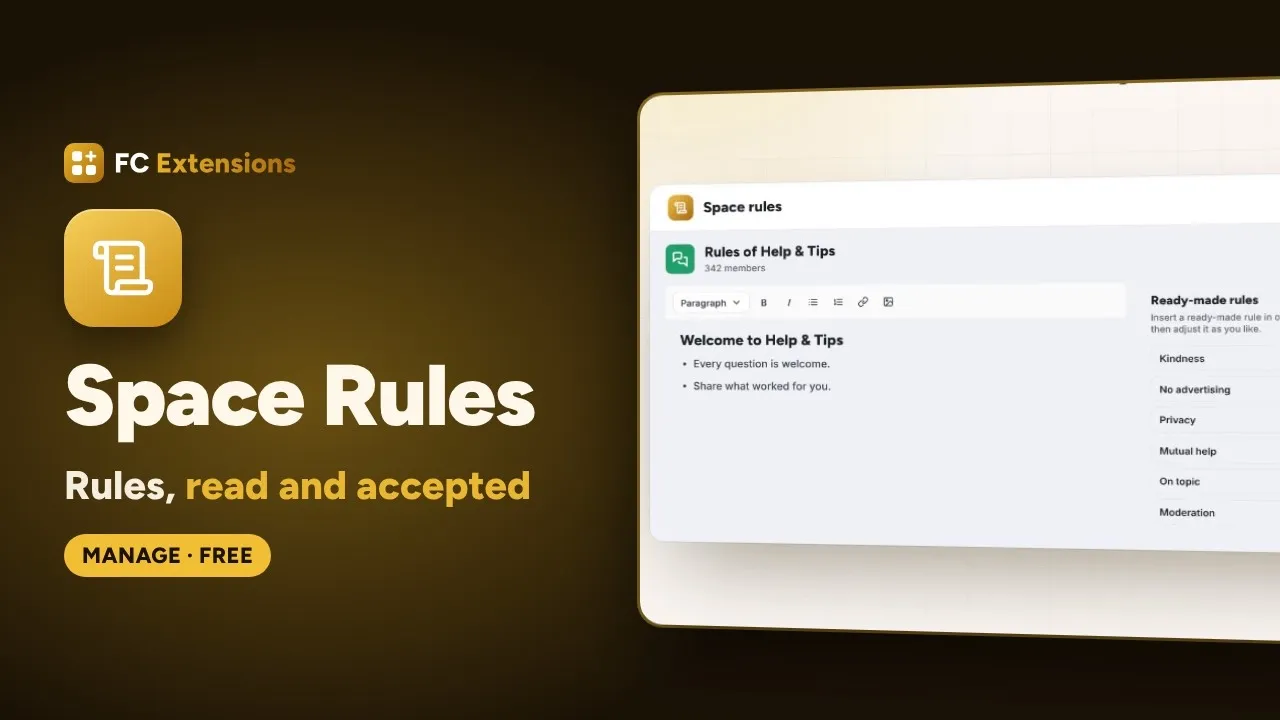
Space Rules for FluentCommunity: members accept the rules before posting
0:01:42
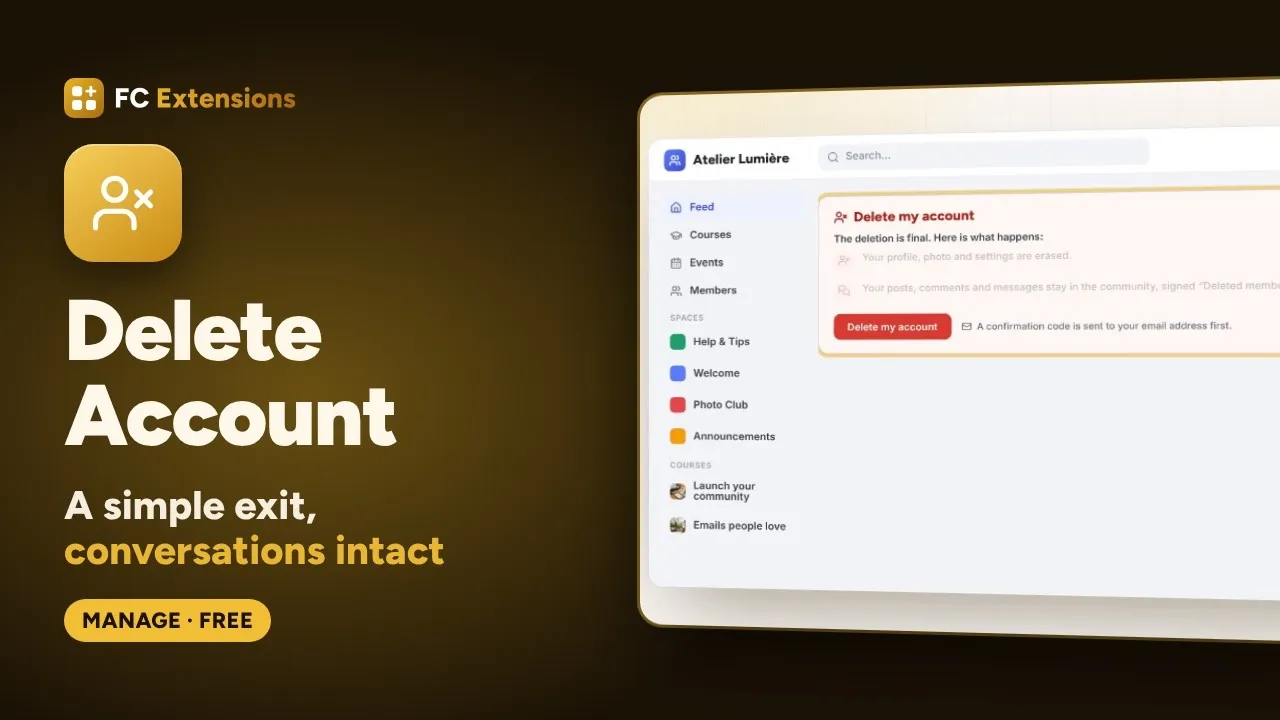
Delete Account for FluentCommunity: a simple exit, conversations kept
No videos found
Try a different search term
The search at the top of the list takes you straight to the extension you’re curious about. Each video runs between a minute and a half and a little over two minutes. Just enough time to understand what the extension does and to see it run.
What you see in each video
Each video starts from a need of your community, then shows the extension that answers it, step by step. The members’ side first, then the admin side, with the real screens and the real labels.
I held on to one rule: everything you see exists. Every feature shown was checked in the extension itself, and anything optional is presented that way. Only the community is an example, which you adapt to yours.

On every page of fcextensions.com, the video is waiting for you at the very top.
On fcextensions.com, every extension page has its video at the very top, right under the name of the extension. And below the video, the “In pictures” section lets you look at the screens up close, on the public side and the admin side.
FC Extensions videos sorted by family
On fcextensions.com, one page gathers every video: Fluent Community extensions on video. Tabs sort them by family. Looking for ways to bring your community to life? One click on “Engage”, and those are the only videos left.
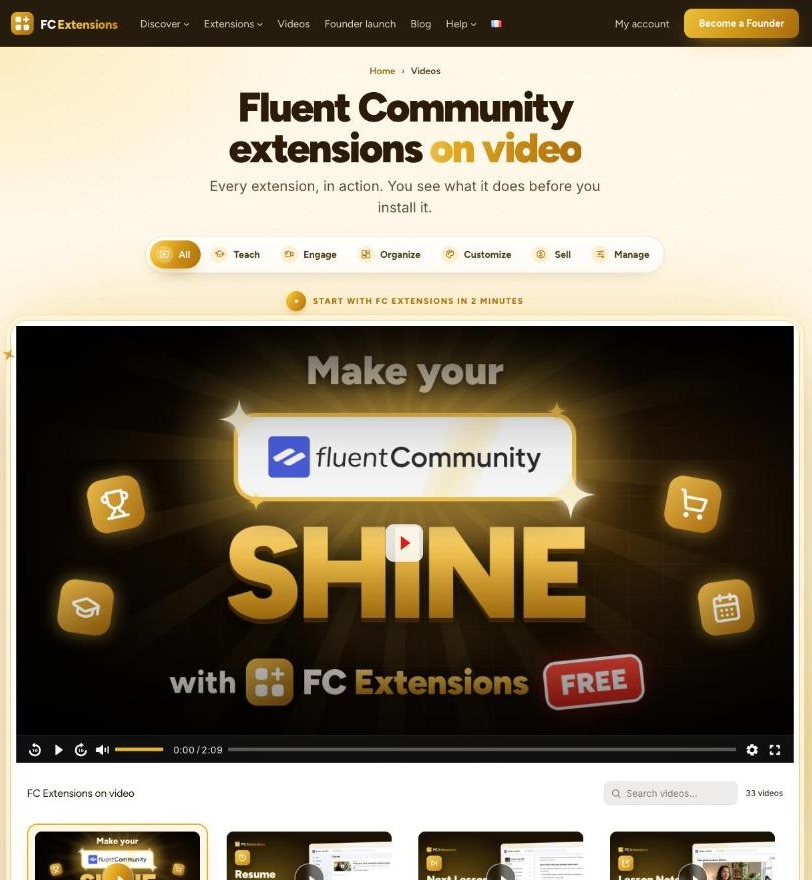
The Videos page of fcextensions.com, with one tab per family.
It comes in handy when you know what you want to do, but not yet which extension takes care of it.
In your FC Extensions space
If you’re a member of the Sdravobiz community, the FC Extensions space has two new tabs at the top: (EN) Vidéos and (FR) Vidéos. Every video is gathered there, in the same place as your conversations with the other users.
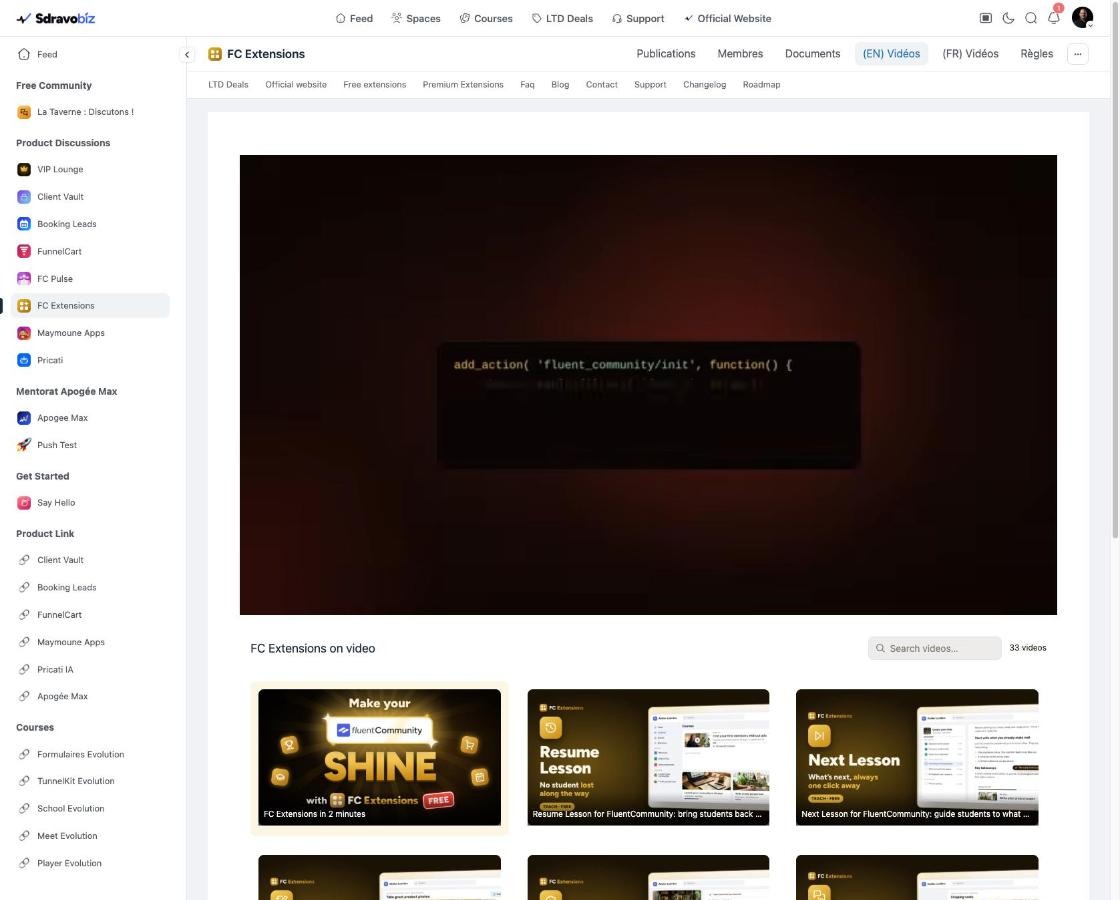
The (EN) Vidéos tab of the FC Extensions space, in the community.
You watch a video, a question comes up, you ask it right next to it. I answer, and so do the other members.
On YouTube too
The English videos are also on our YouTube channel, in the FC Extensions for FluentCommunity playlist. It’s the easiest way to share one with a client, a partner or a developer: a link is all it takes.
The French videos stay on our websites. They start fast, with no ads. And if you’d like to hear about the next ones, subscribe to the Sdravobiz channel.
The premium extensions, before you decide
The videos are there for the premium extensions too. You see Gamification and Business Access at work, from the first setup to what your members experience, before you’ve even installed them.
They’re included in the Founder offer, along with every premium extension still to come. The launch price runs until Sunday, October 25 at 11:59 pm, Romania time. And the free extensions stay yours, forever.
FC Extensions
Give your community what you just watched
One free key opens every free extension, with their updates.
Right here, in this article. On fcextensions.com, at the top of every extension page and on the Videos page. In the FC Extensions space of the Sdravobiz community. And on our YouTube channel.
Are the videos in English?
Yes. Every extension has its video in English, with the screens in English, and its French version.
Does what the videos show really exist?
Yes. Every feature shown was checked in the extension, and anything optional is presented that way. The members, levels or badges you see are examples, which you set up your own way.
Do I need an account to watch them?
No. Here and on fcextensions.com, the videos are open to everyone, on a computer as well as on a phone.
Can I share a video?
Yes. The English videos are on YouTube, in the “FC Extensions for FluentCommunity” playlist: just send the link.
Will the next extensions get their video?
Yes. Every new extension will get its video and its pictures when it comes out.
Dragan Stamenkovic
23 years propelling entrepreneurs, from their first client to their first million, and far beyond. Your ambition deserves a structure, not guesswork. No empty promises, just real-world experience, authenticity and action.