



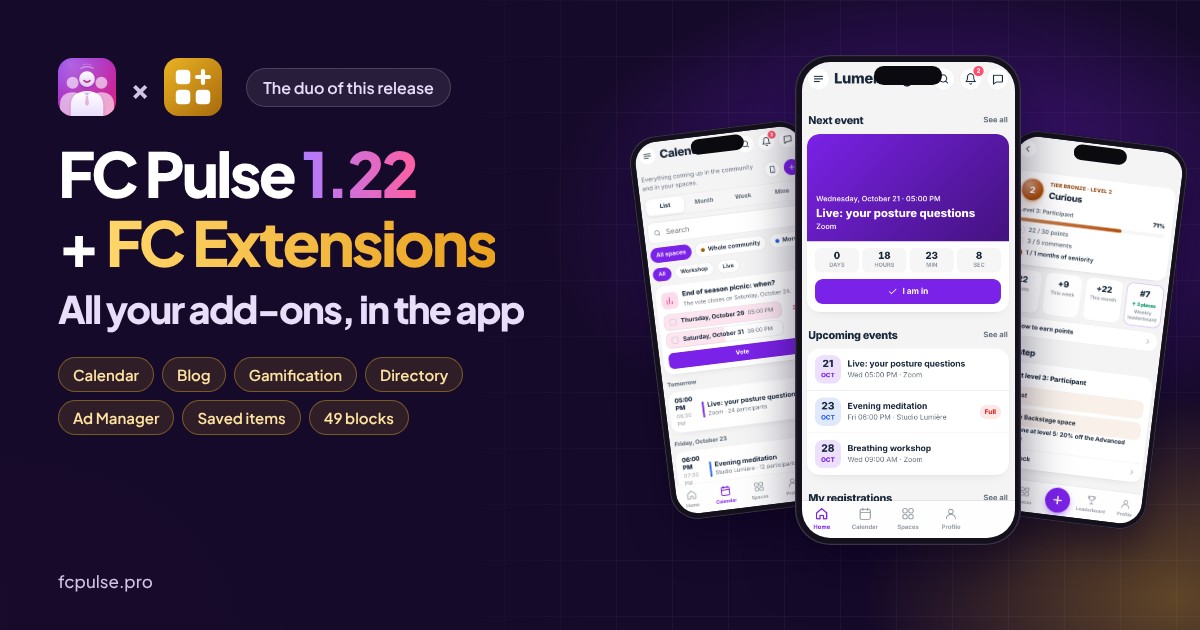
79 new features, 12 improvements, 7 fixes. FC Pulse 1.22 is the release where FC Pulse and FC Extensions become one: all your add-ons come into the app.
A few days ago, I showed you the whole FC Extensions ecosystem right here. It still had to land in your members’ pockets. Now it has: FC Extensions brings the features, FC Pulse makes them a pleasure on the phone. Here are the highlights. The full article on fcpulse.pro details every new feature, screen by screen.
Your add-ons in the app, with more than 50 blocks
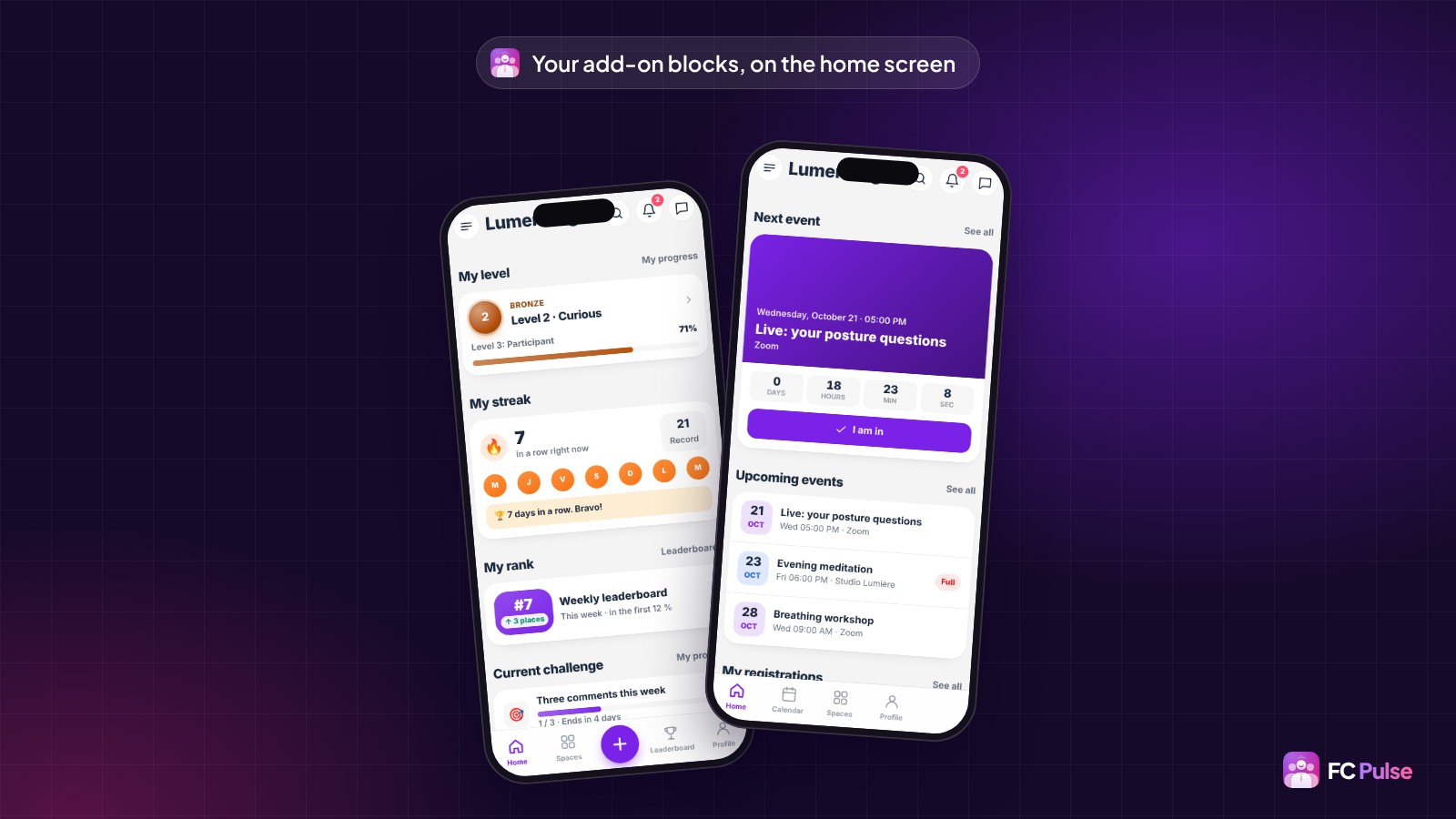
Until now, an add-on installed on your site stayed on your site. Now every active add-on brings its blocks, screens, notifications and settings to the app.
A new “FC Extensions” family joins the block library: more than 50 blocks, designed for the phone. Upcoming events, My level, Leaderboard, Latest articles… You place them on the home screen or on any page of the app. A block with no content hides on its own, and future add-ons will show up there without waiting for an FC Pulse update.
A real Calendar for your events
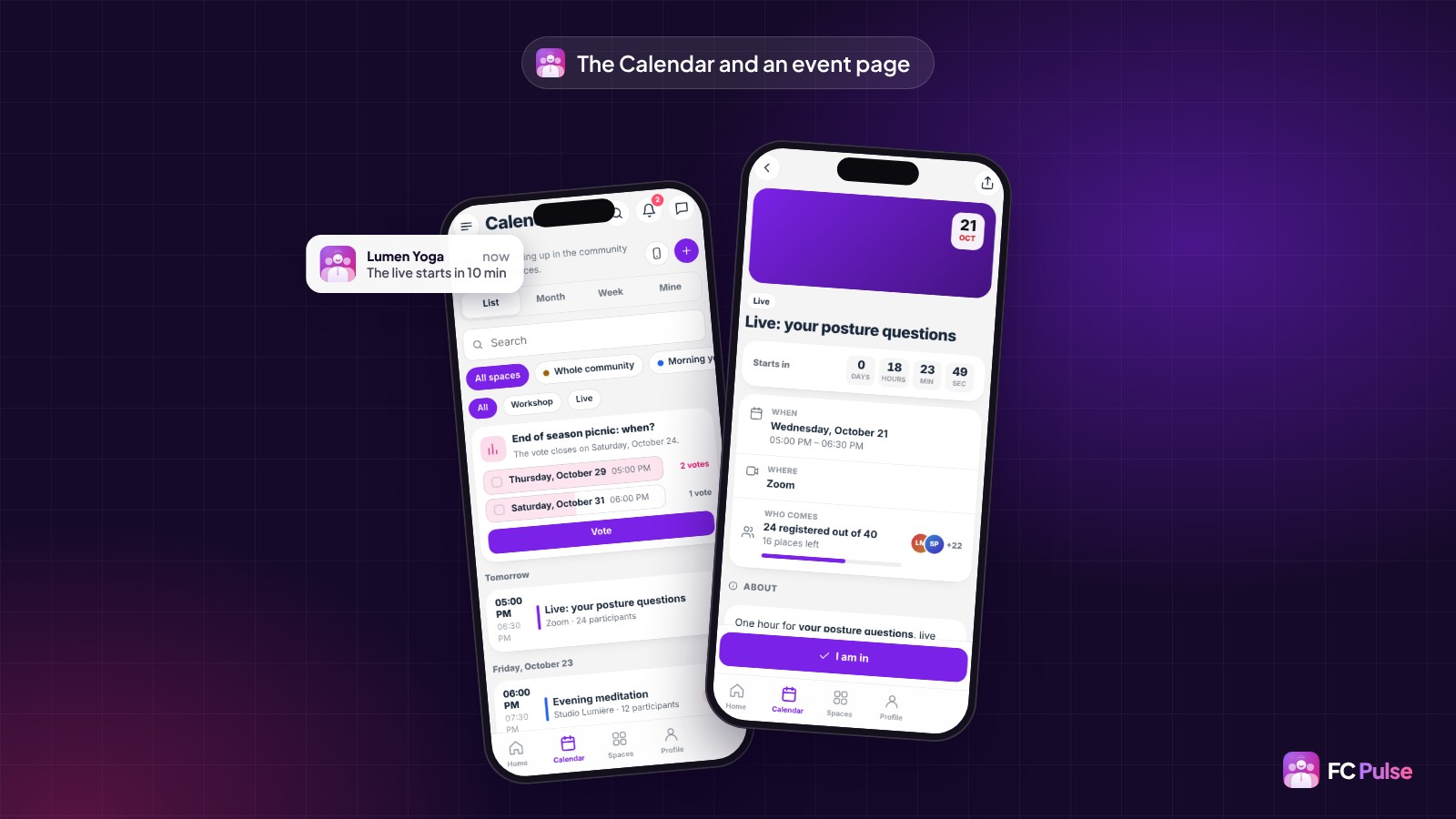
With the Events add-on, your members get a Calendar in the app, and every space gets its Calendar tab. List, month or week, search, filters by space or category: they find the right meetup in seconds.
“I’m going” takes one tap, with a waiting list when it’s full and paid tickets handled in the app. Reminders and changes arrive as notifications, and open the event page directly.
Your blog, to read in the app
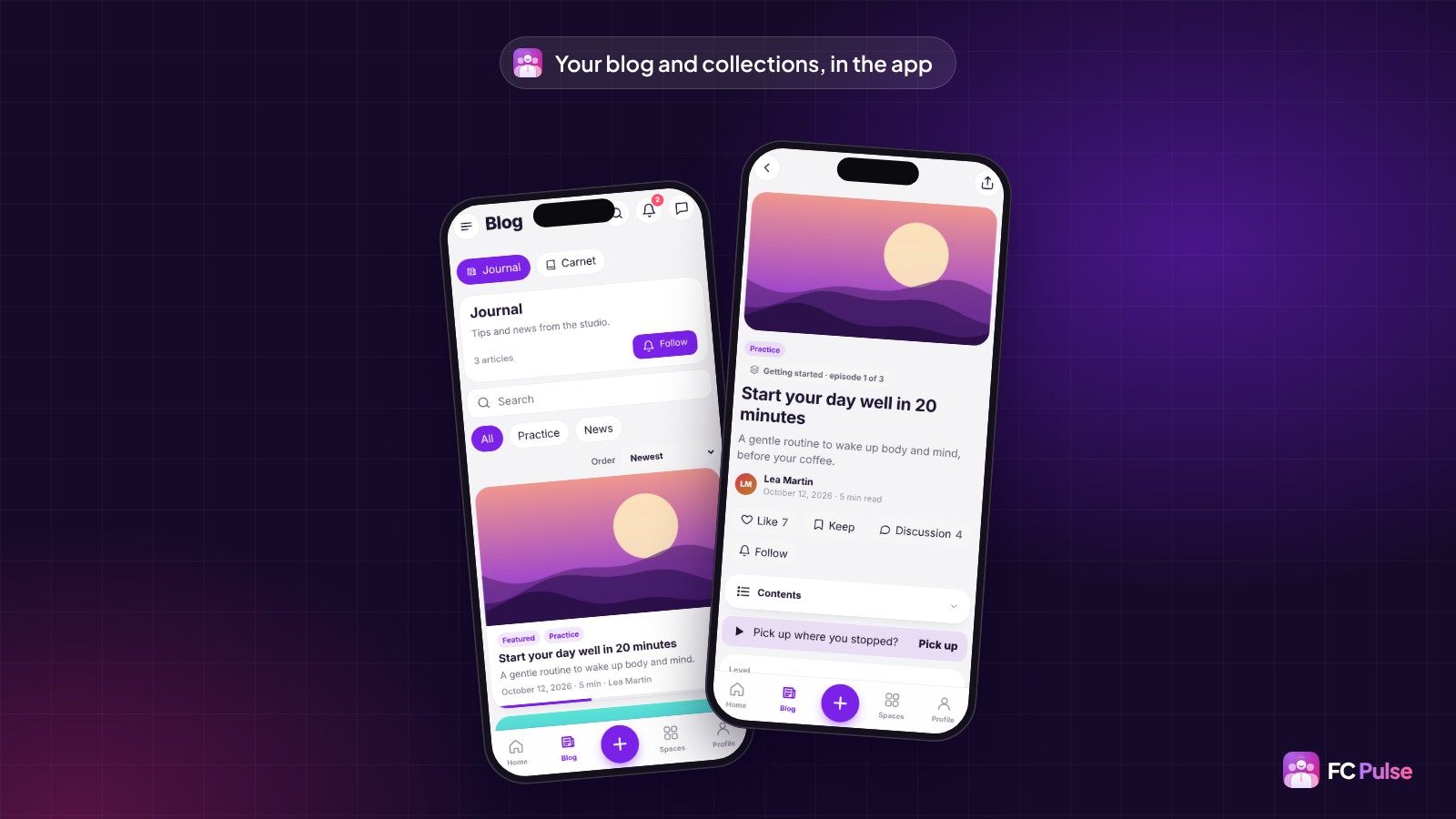
With the Blog & Collections add-on, the app gets a Blog section: your collections, categories, a search and your articles, with their table of contents and reading time. Reading resumes where the member stopped, and the community discussion shows under the article.
Using Theme Studio? One choice is enough, “My community colors”, and the app takes your colors, fonts and corners, in light and dark.
Livelier courses and community
Under every lesson, your students ask their questions and find their files, with a built-in PDF reader. “Complete and continue” takes them to the next lesson, the video resumes to the second, and quizzes happen in the app.
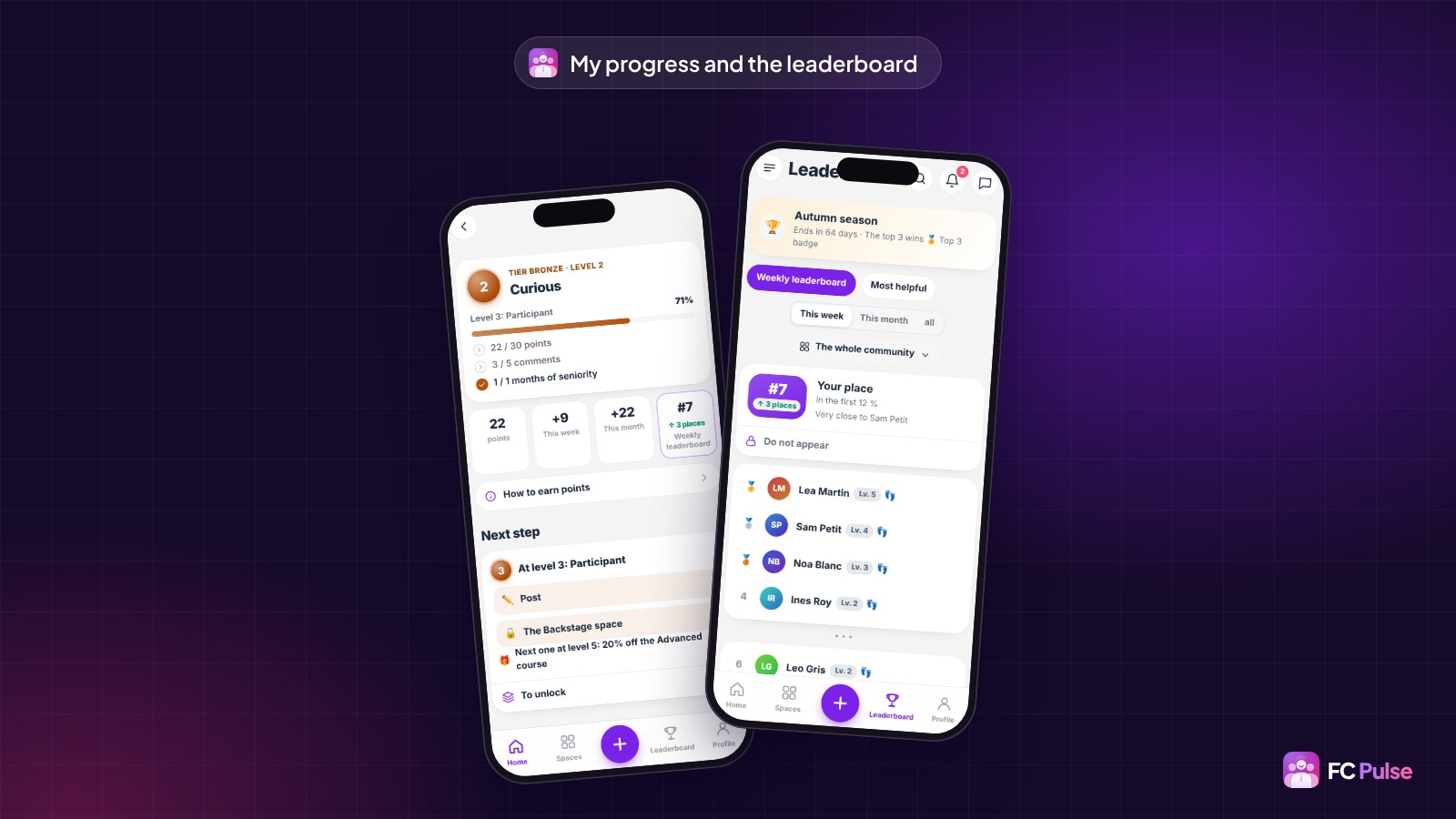
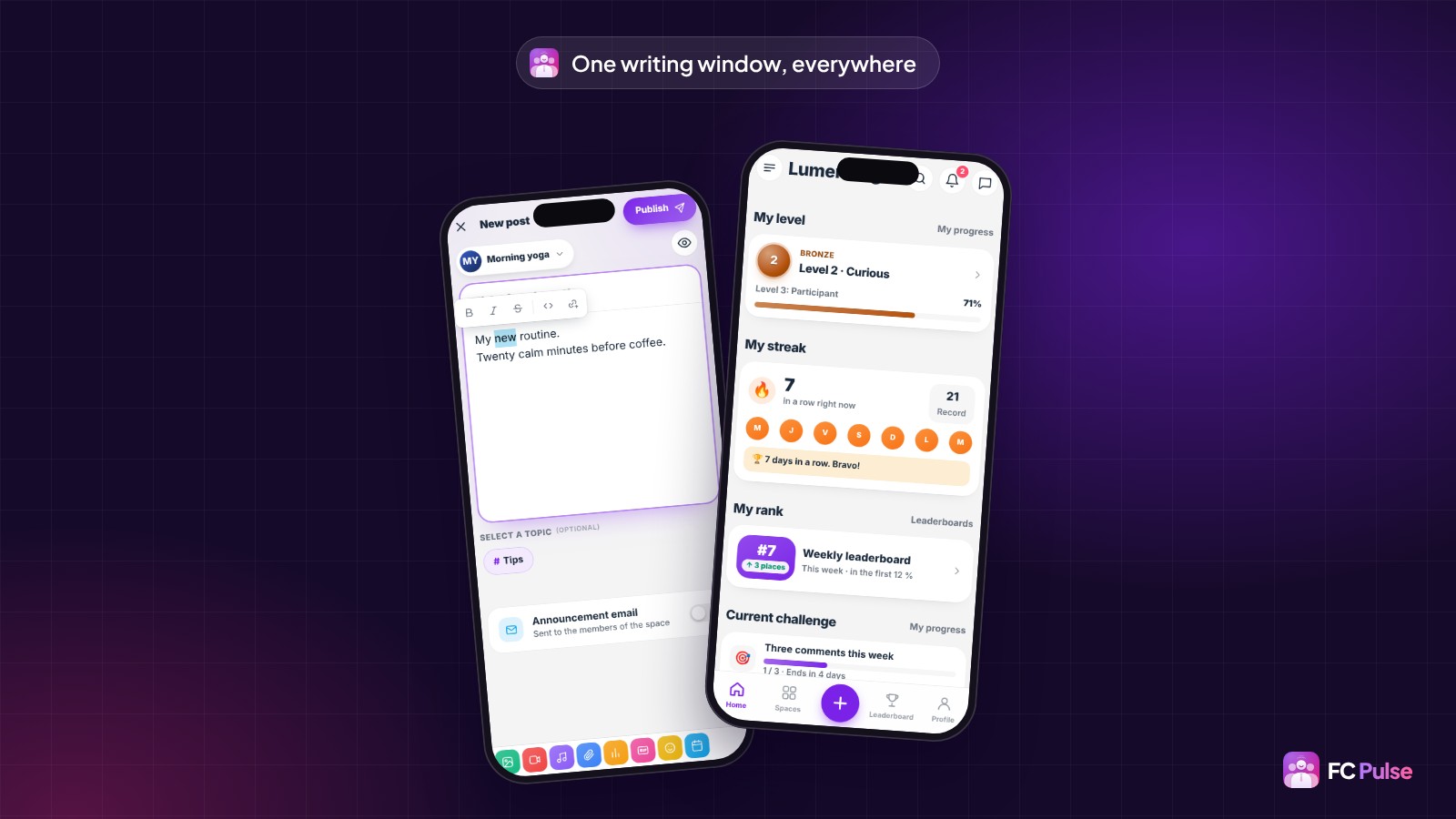
With Gamification, every member has a My progress screen: their level, challenges, badges and the leaderboard. A new level is celebrated on screen, and so are birthdays and streaks of days spent in the community.
Write and buy without leaving the app
All writing now goes through a single window, for a comment, a question, a private message or a note. On iPhone, it takes the whole screen when the keyboard is open, formatting appears as soon as you select a word, and a draft is never lost.
If you sell with FluentCart, your customers find their orders, subscriptions, licenses and downloads in their profile. Checkout stays in the app, including for a Directory listing, an Ad Manager ad or an event ticket.
Update in one click
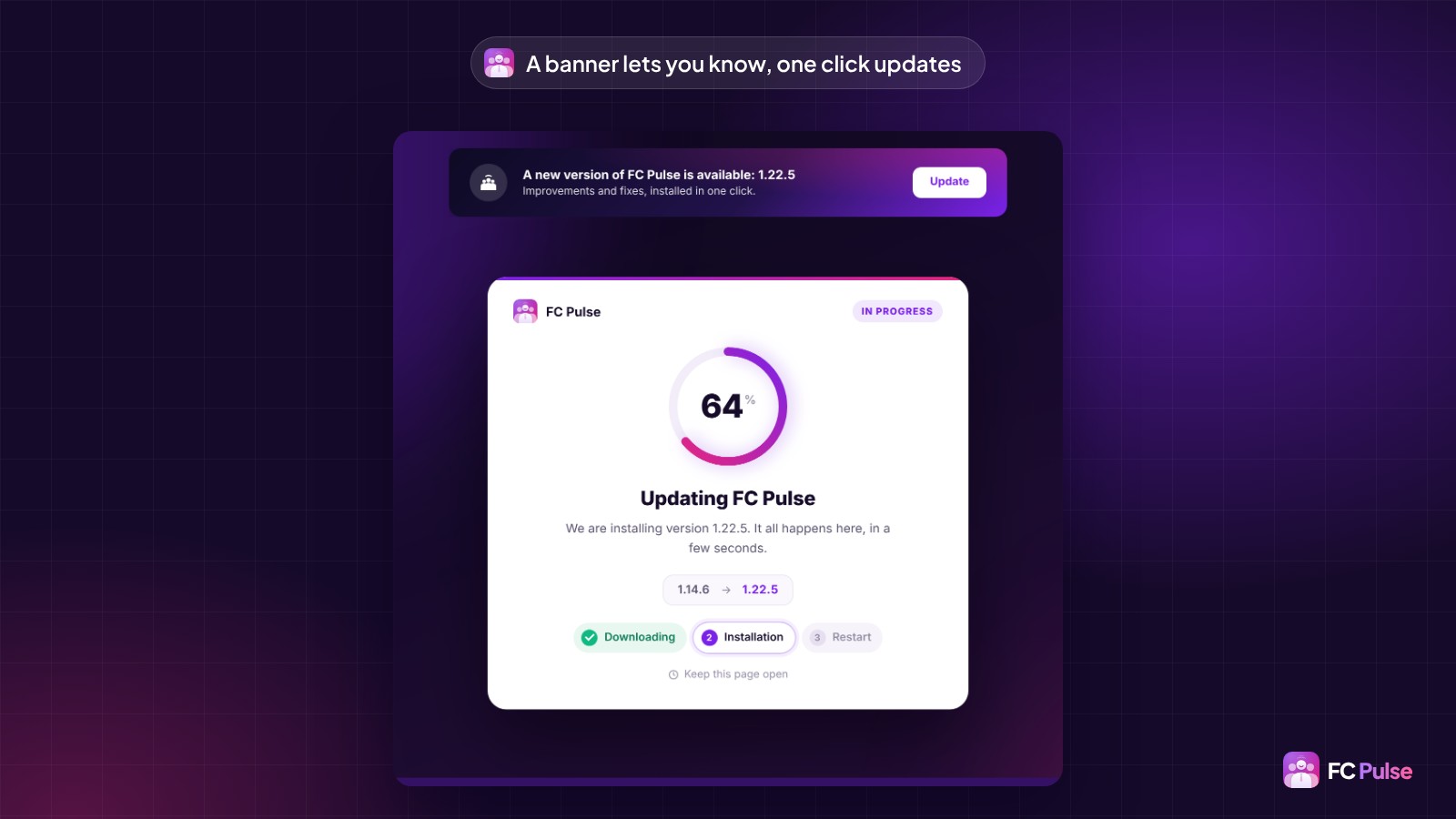
Already have FC Pulse? The banner shows at the top of your editor. One click on “Update”, and 1.22 installs in a few seconds, without touching your settings. Your members find the new features the next time they open the app, with nothing to reinstall.
No need for FC Extensions to enjoy it: lessons, the writing window, the FluentCart shop and the new editor serve every community. An add-on’s new features appear as soon as it is active on your site. The line-by-line detail is in the changelog.
FC Pulse 1.22
Your whole community, in your members’ pockets
The full article shows you every new feature, in pictures.
- Your add-ons in the app, with more than 50 blocks
- Calendar, Blog and Gamification
- Lessons with discussion, files and PDF
- The FluentCart customer account in the profile
To go further: discover FC Pulse and read again everything FC Pulse 1.14 brought. On Sdravobiz, find the FC Extensions ecosystem and the current offers, and come and chat in the FC Pulse community or in La Taverne.
Frequently asked questions
What does FC Pulse 1.22 bring?
79 new features, 12 improvements and 7 fixes: your FC Extensions add-ons in the app with more than 50 blocks, the Calendar, the Blog, Gamification, the Directory and the Ad Manager, richer lessons, a single writing window and the FluentCart customer account in the profile.
Do I need FC Extensions to enjoy FC Pulse 1.22?
No. A large part of the release serves every community: the discussion and files under each lesson, the PDF reader, the writing window, the FluentCart shop and the new editor. An add-on’s new features appear as soon as it is active on your site.
How do I update to FC Pulse 1.22?
In one click, from the update banner at the top of your FC Pulse editor. You can also update from the WordPress Plugins screen, and your settings stay in place.
Do my members need to reinstall the app?
No. The installed app updates on its own. Only a member who has not opened the app for more than 60 days will need to sign in again.
Where can I ask my questions about FC Pulse?
In the FC Pulse community, on Sdravobiz. That is where I share every new feature and answer your questions.