


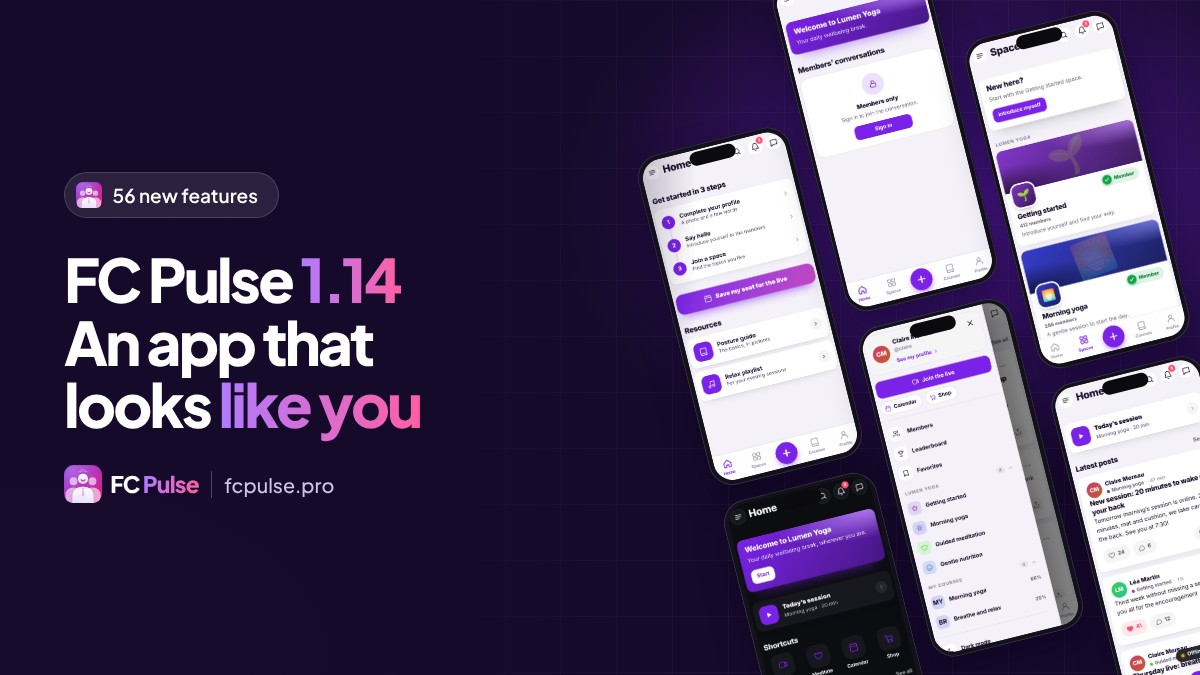
56 new features, 32 improvements, 20 fixes. That is the count for FC Pulse 1.14, four days after the first public version came out.
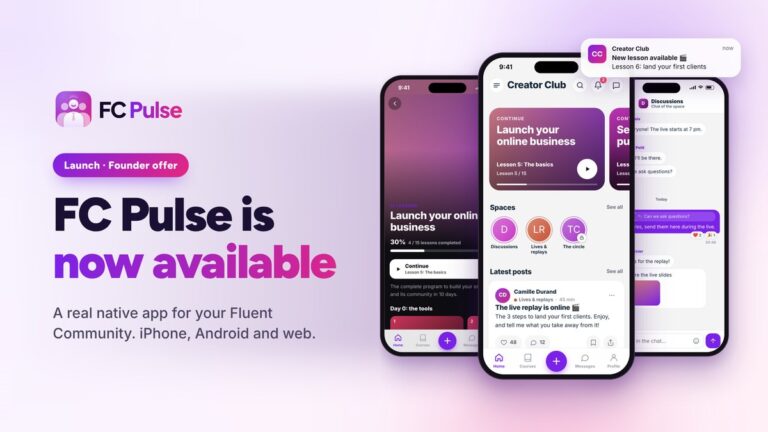
FC Pulse is the WordPress plugin that gives your Fluent Community a real mobile app, in your colors, on iPhone, Android and the web. With this version, it no longer just exists: it is built the way you picture it. Here are the highlights. The full article on fcpulse.pro details every new feature, screen by screen.
Your Fluent Community app, built block by block
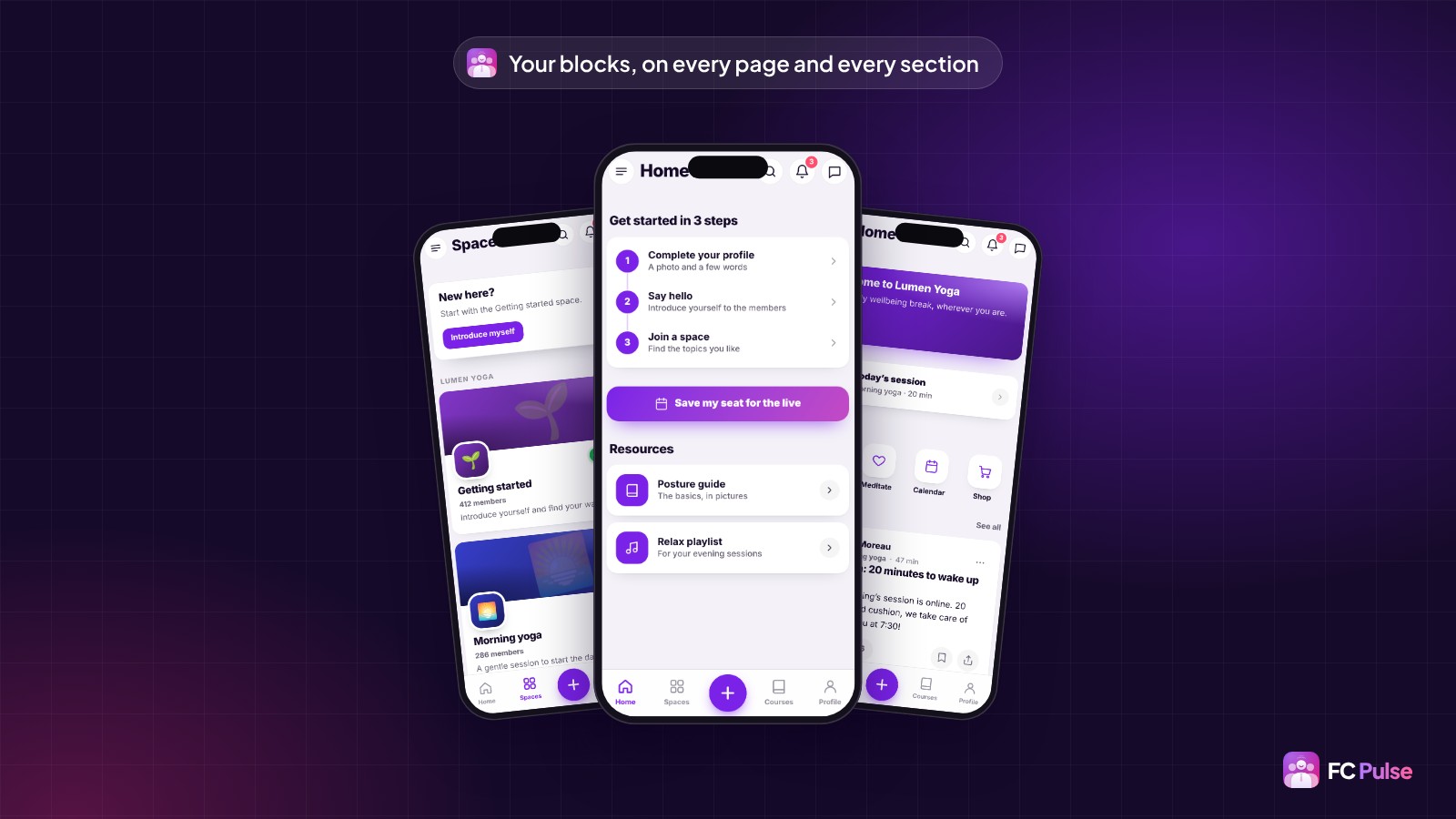
You no longer fill an app, you compose it, like a page of your site. A home page for newcomers, a resources page, an events page: each one takes seconds to create, with 25 blocks sorted by family and five ready-made templates.
Blocks also go on every section of the community, above or below the Activity feed, spaces, courses or profile. A “New here?” banner above the spaces, a button to your live session under the feed: your members find the right path where they are.
Your brand, down to the typography
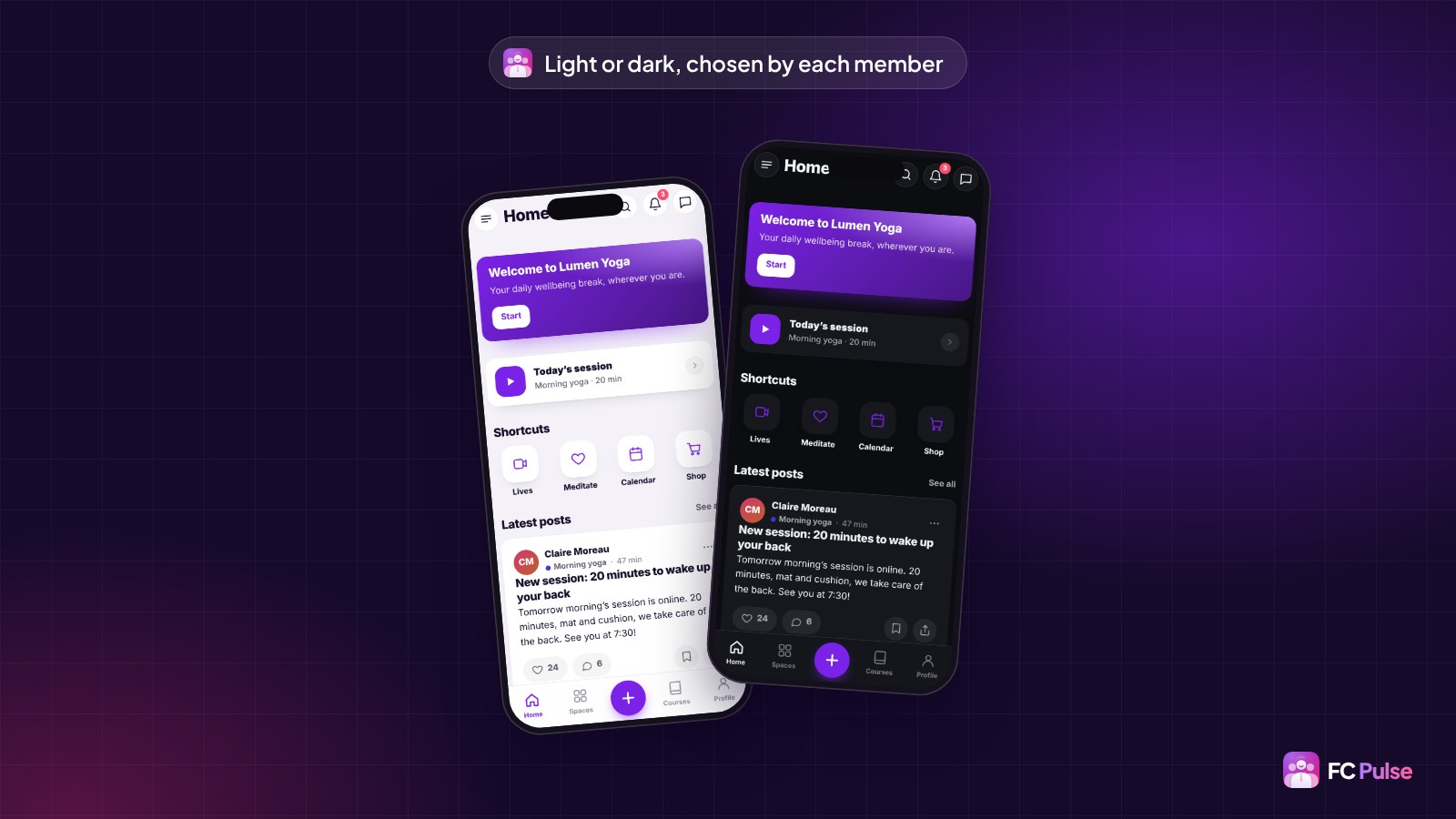
Every color can be set, once for light mode and once for dark mode. Each member picks their display, and your colors follow. Your Fluent Community portal already has its identity? One click imports it.
Typography can be set everywhere, down to the title of each block. You add your own font files, or a Google Fonts typeface that FC Pulse copies to your site: your members load nothing from Google.
Role management in the app
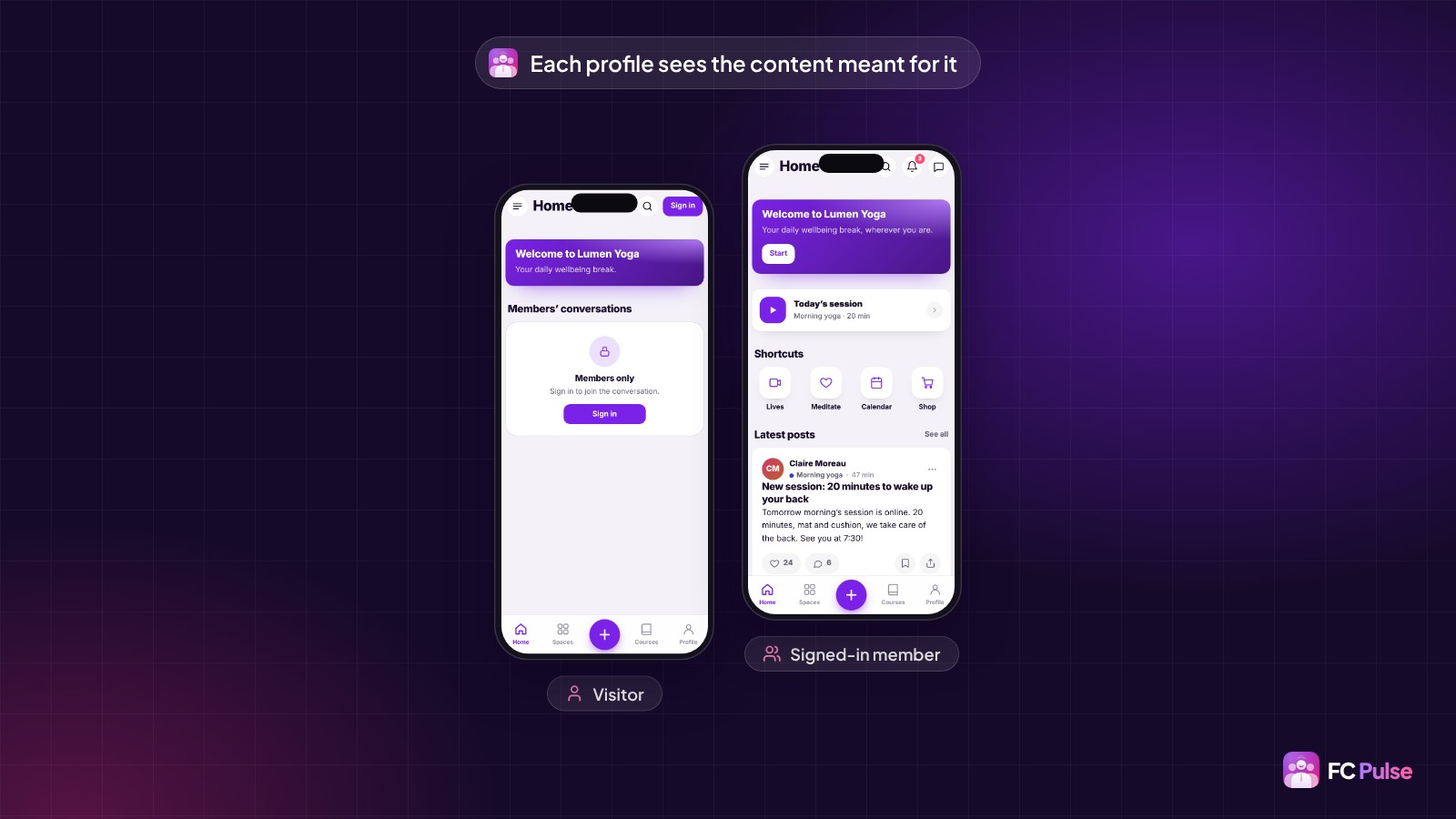
A visitor, a loyal member and a customer of your course don’t expect the same thing. Every block, page, menu item and link now shows for the people you choose: everyone, visitors, signed-in members, administrators or members of a space.
A visitor who lands on reserved content sees a message inviting them to sign in. One and the same app becomes a showcase for your visitors and a private space for your members.
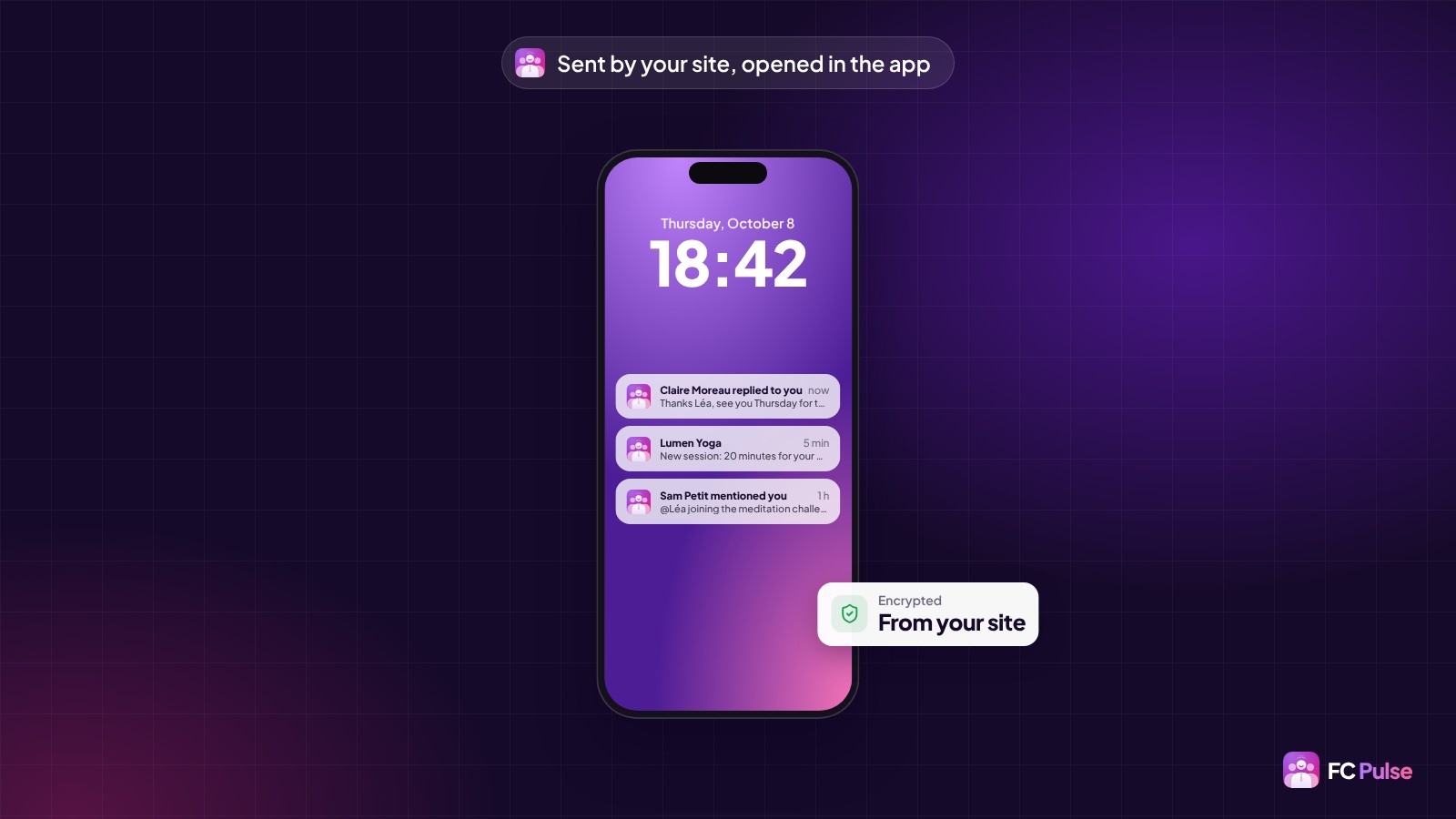
Notifications sent from your own site
The app installed from your site receives its notifications directly, with no Firebase account to create. Each notification is encrypted by your site before it leaves, and the list of subscribed phones stays in your WordPress database. Your data stays with you, right down to notifications.
The comment text shows in the notification, one tap opens the right content in the app, and each member chooses what they receive, space by space.
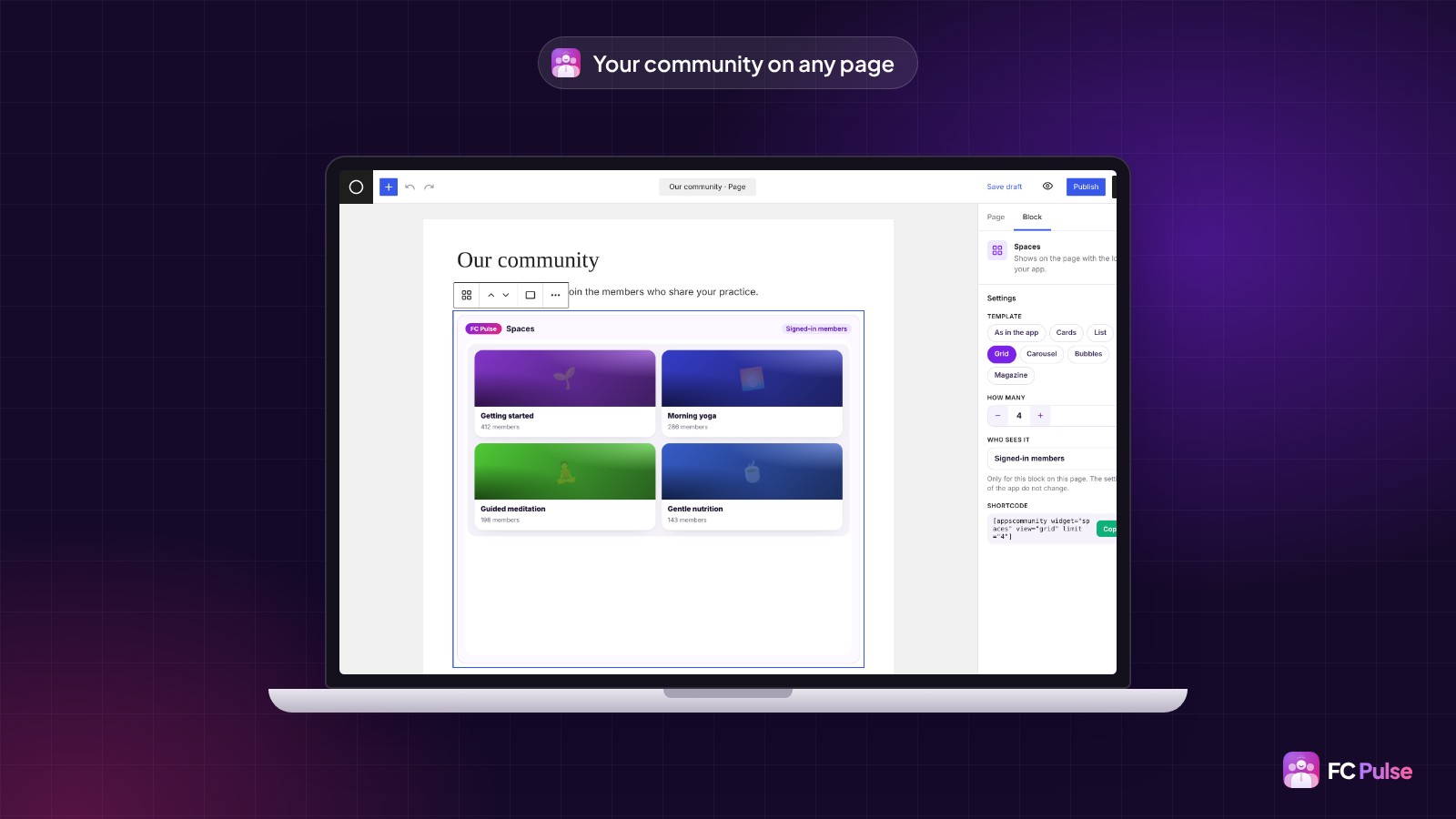
Your community on your WordPress pages
FC Pulse adds 14 Gutenberg blocks: spaces, courses, the Activity feed, the course in progress and the other sections of your community. Each one shows the real section in the editor, with its template and display settings. A sales page can show your spaces to visitors, your home page can display each member’s course in progress.
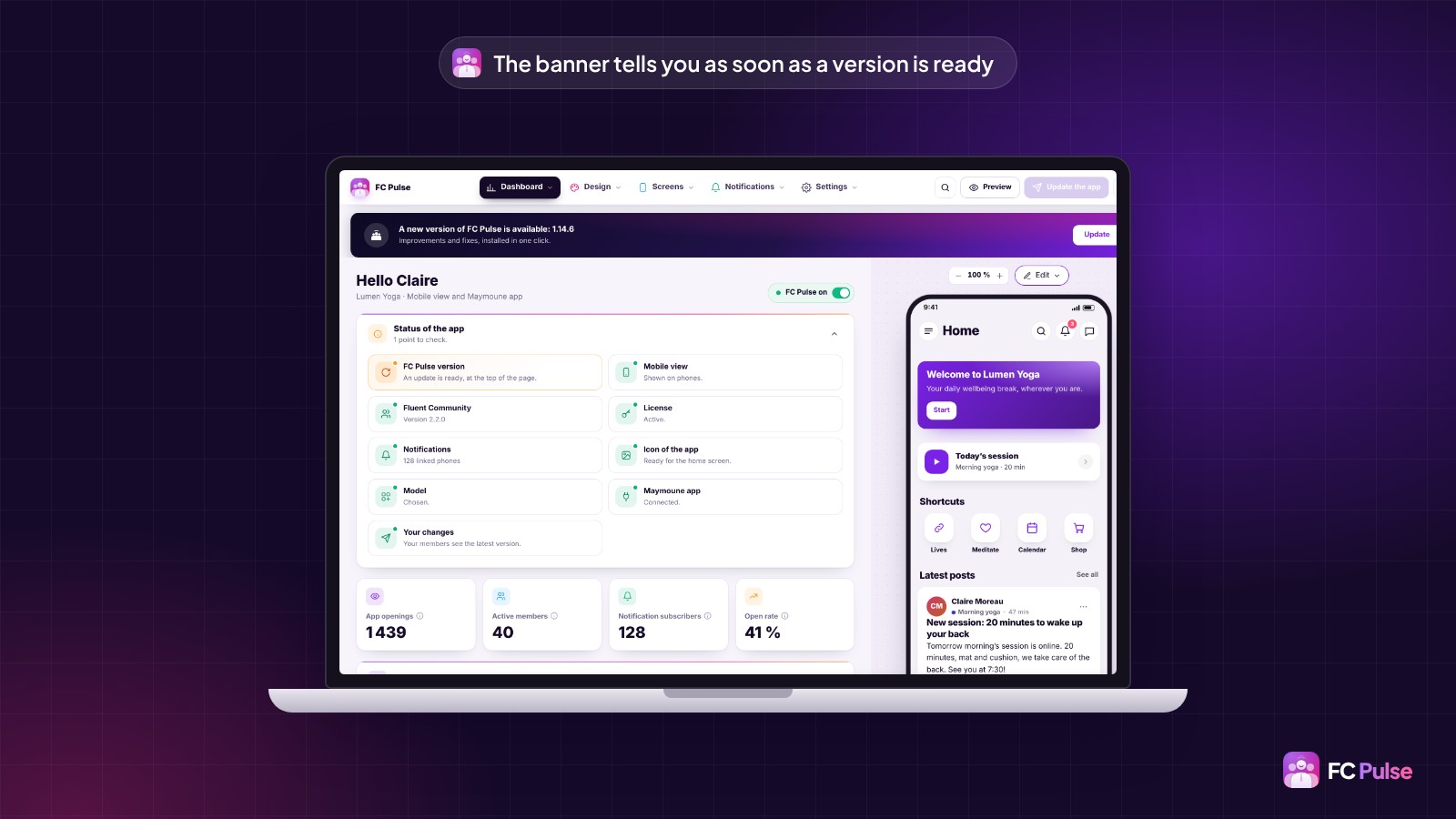
On the admin side, the dashboard has been rebuilt: the status of the app at a glance, your key figures, and blocks you arrange your way.
Updating in one click
Already using FC Pulse? A banner shows at the top of your editor as soon as a version is ready. One click on “Update”, and it installs in a few seconds, with your settings untouched. Your members find the new features the next time they open the app, with nothing to reinstall.
FC Pulse 1.14
A Fluent Community app that looks like you
The full article shows you every new feature, in pictures.
- Pages built from blocks
- Your brand, down to the typography
- Role management
- Notifications sent by your site
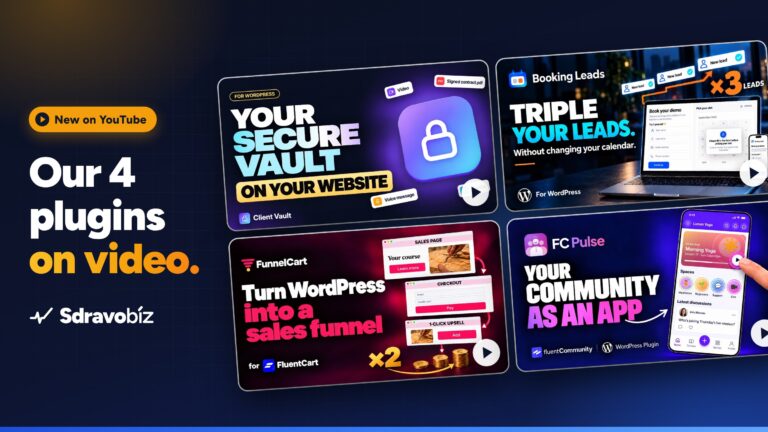
To go further: discover FC Pulse, read why I built FC Pulse and the push notifications guide. On Sdravobiz, read the FC Pulse launch announcement again, watch our four plugins on video, find the current offers, and come and chat in the FC Pulse community or in La Taverne.
Frequently asked questions
What is FC Pulse?
FC Pulse is a WordPress plugin for Fluent Community. It gives your community a real mobile app, in your colors, on iPhone, Android and the web. Your data stays on your site.
What does FC Pulse 1.14 bring?
56 new features, 32 improvements and 20 fixes: pages built from blocks, dark mode and your typography, role management, notifications sent by your site, a side menu that fits your brand, 14 Gutenberg blocks and a customizable dashboard.
How do I move to FC Pulse 1.14?
In one click. The update banner shows at the top of your FC Pulse editor, and the new version installs in a few seconds. You can also update from the WordPress Plugins screen.
Do my members need to reinstall the app?
No. The installed app updates itself, and it also picks up your menu and page changes.
Do I need a Firebase account for notifications?
Not for the app installed from your site: it receives its notifications directly from your site. Firebase is only used for the app under your own name on the App Store and Google Play, with Maymoune.
Where can I ask my questions about FC Pulse?
In the FC Pulse community, on Sdravobiz. That is where I share every new feature and answer your questions.