



A video is only useful if people see it. And your members do not spend their days in the library. They talk, read, open their emails, visit your site. So your videos now go to meet them.
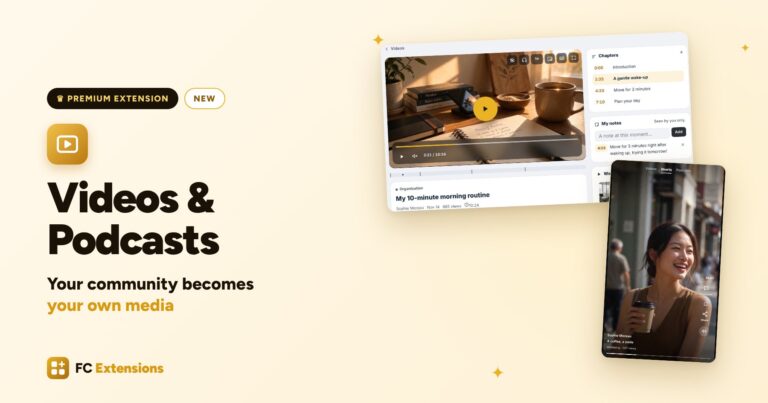
Two days after its release, Videos and Podcasts, the premium FC Extensions extension, gets a nice set of updates. The full article is on fcextensions.com.
Videos and Podcasts in discussions
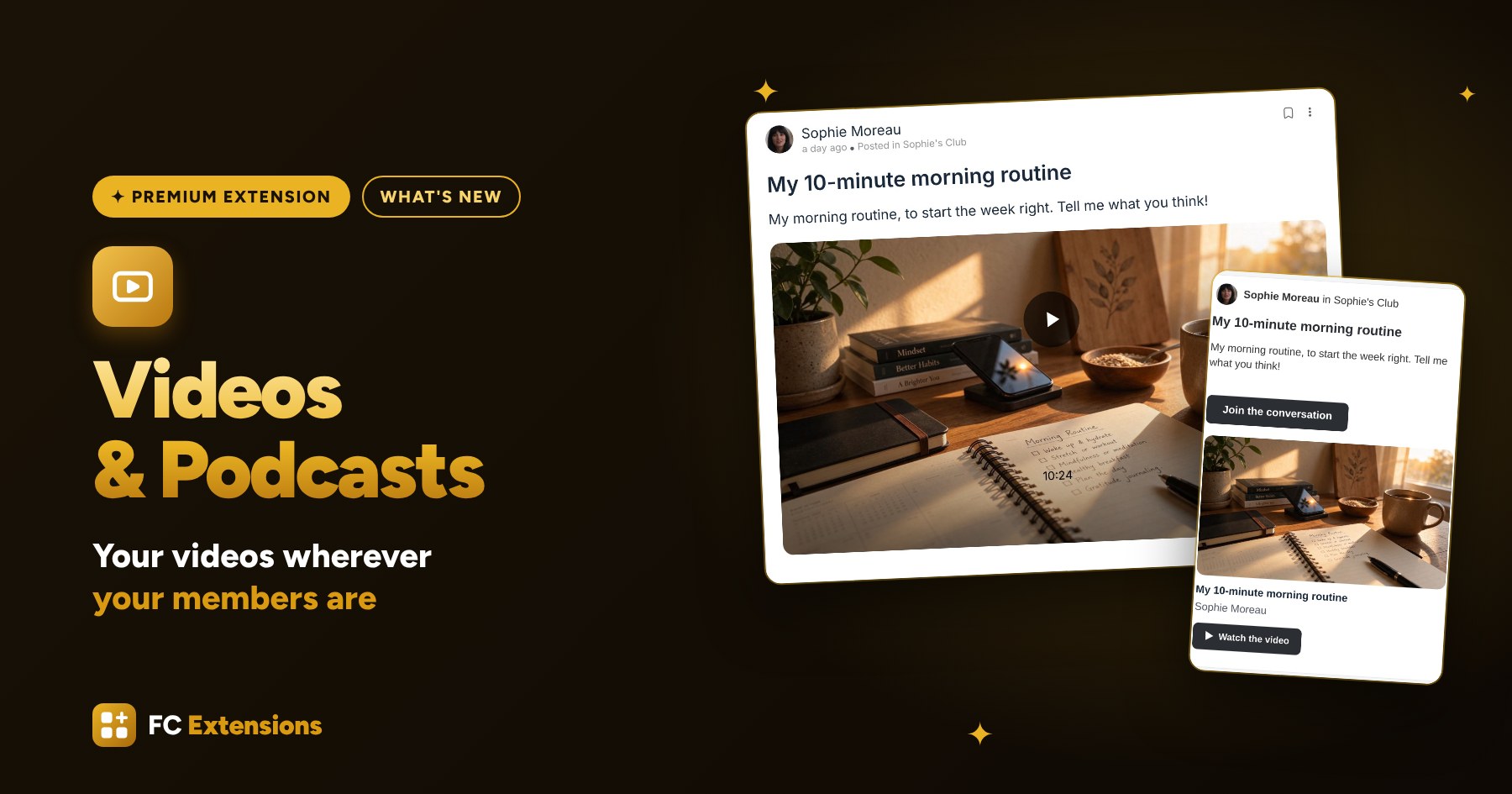
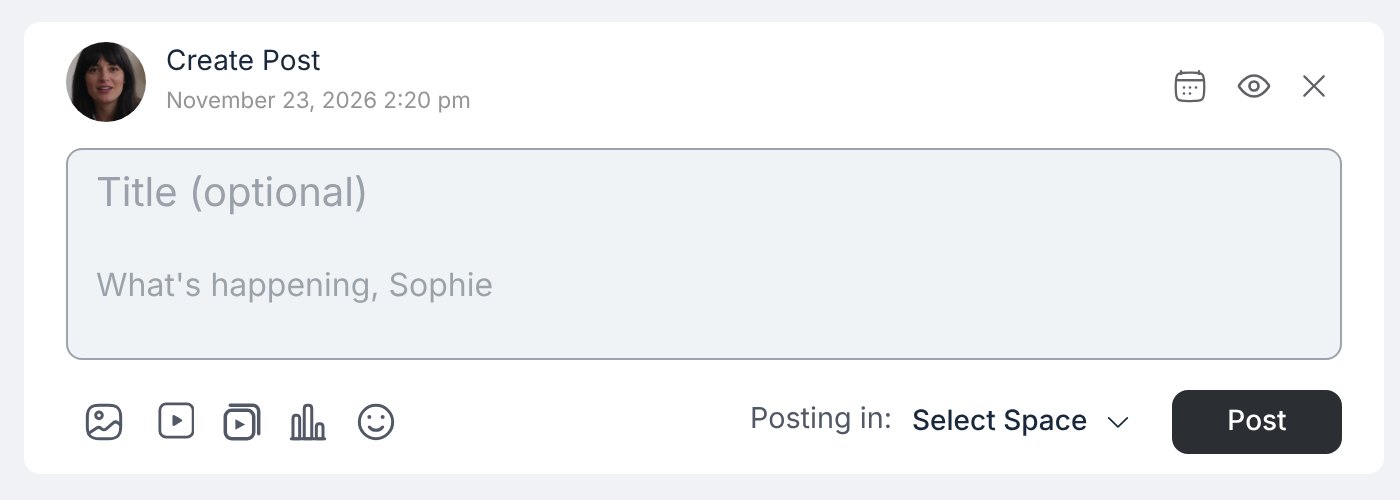
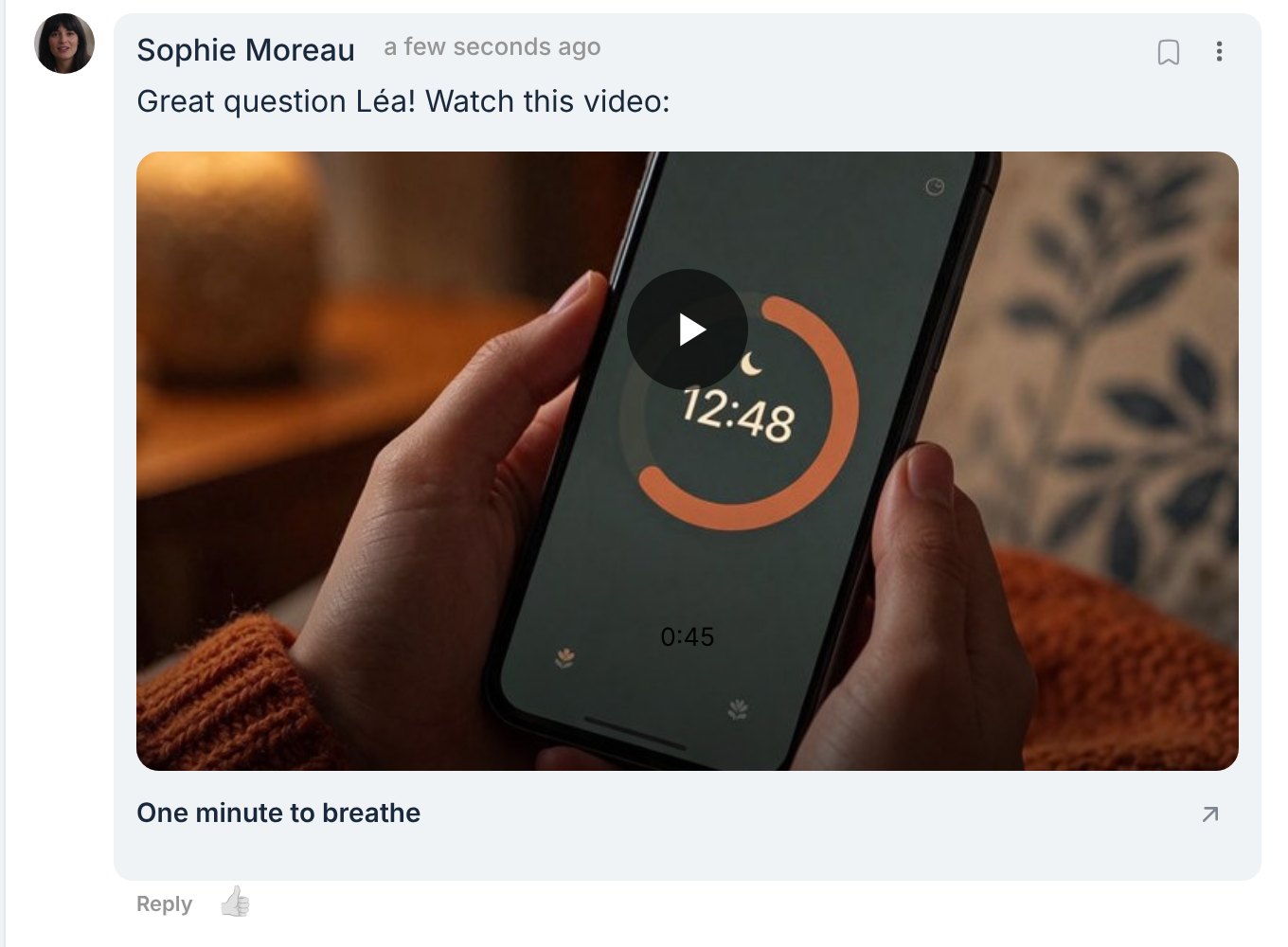
When you write a post, a new button is waiting: Library. All your videos and podcasts appear as images. Pick one, check it at a glance, add it. Even the title fills in by itself. The same gesture works to reply to a comment with the right video.
Watch without leaving the page
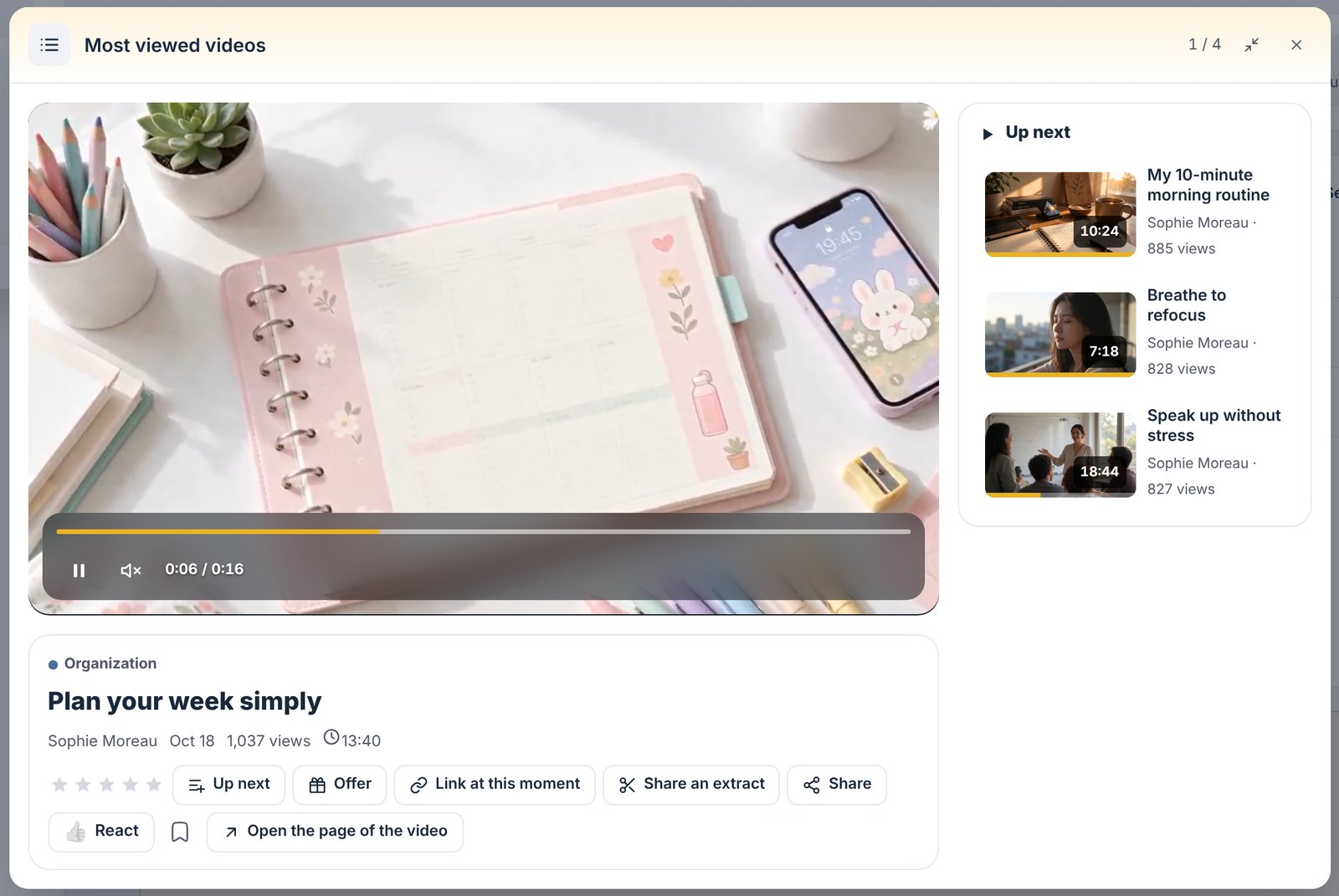
The video opens just above the discussion, and the next one is already waiting. The mini player keeps playing at the bottom of the screen while you browse the feed. A podcast episode plays right in the post.
Fifteen new blocks to feature your videos
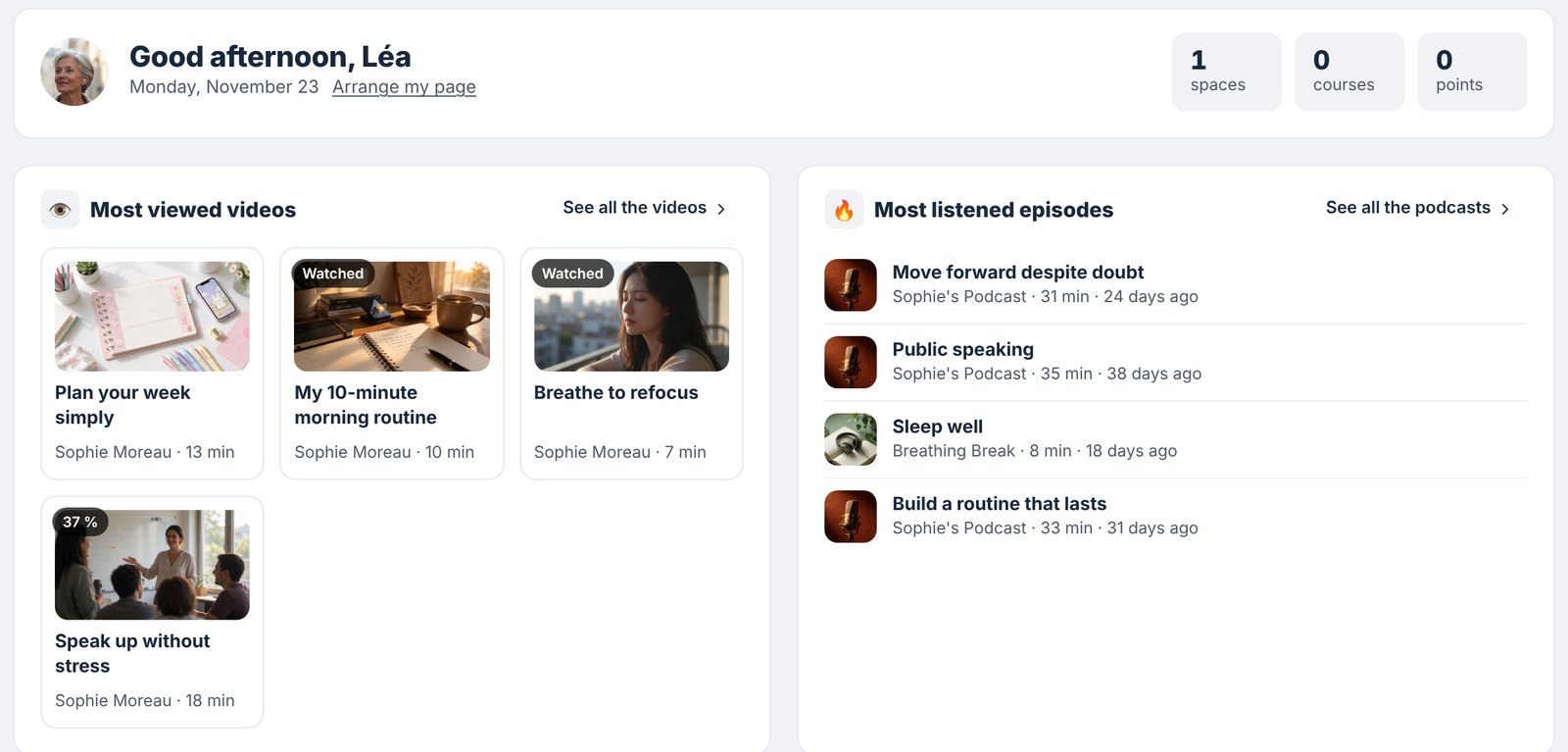
With the Page Builder and Sidebar, add your most watched videos, podcasts or playlists to the home page and columns. As soon as a member arrives, they see right away what to watch.
In your articles and your emails
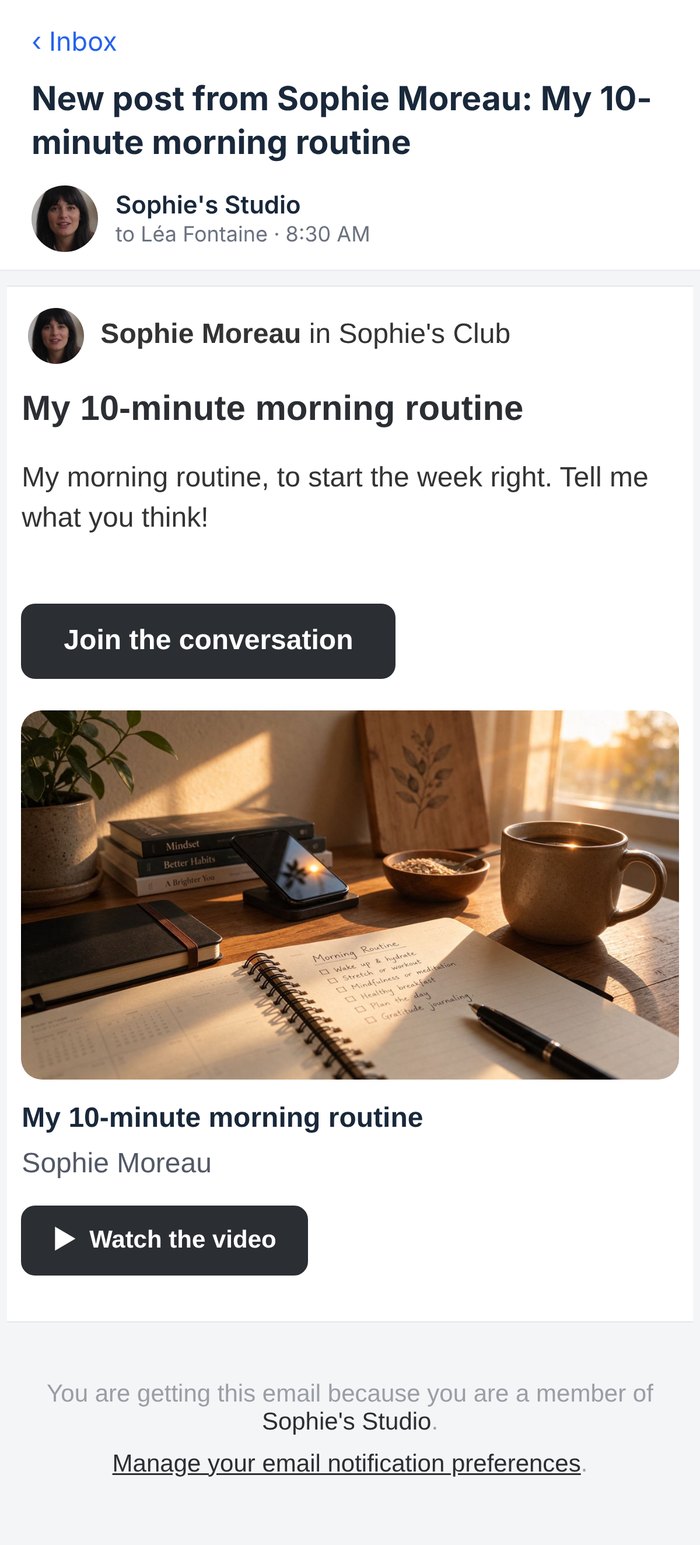
In Writing, members add a video or an episode to their articles from the same library. And when a post shares a video, the email members receive shows it large, with a button to watch it.
And even on your WordPress site
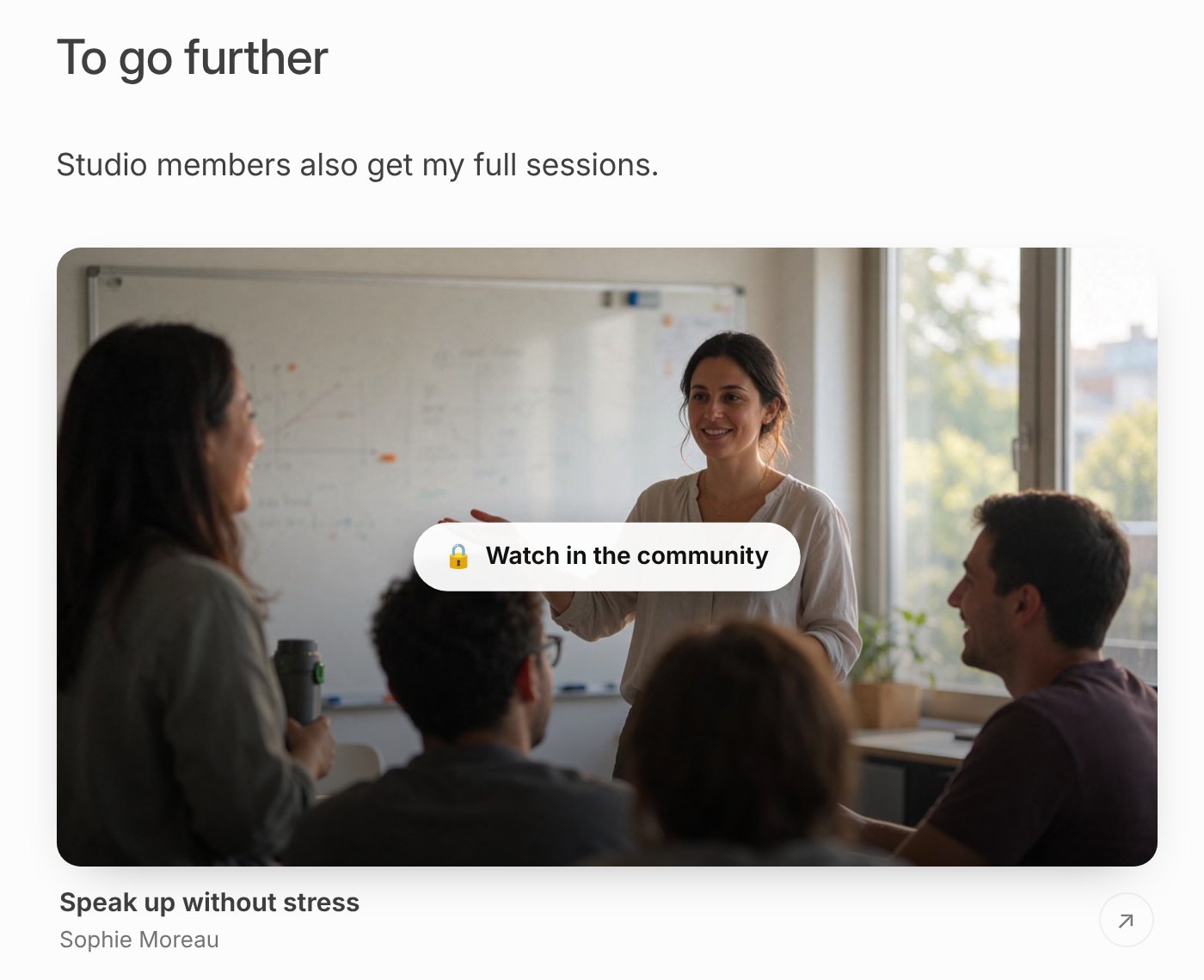
The same blocks are waiting in the WordPress editor. Videos open to all play right on the page. Members-only videos show their image with a padlock and an invitation to join the community. Your site becomes a great front door.
Already have Videos and Podcasts? The update takes one click from FC Extensions, and everything is ready.
FC Extensions · Videos and Podcasts
Your videos, wherever your members are
One update, and your videos join your discussions, home page, articles, emails and website.
- Library button
- Fifteen new blocks
- Videos in emails
- On your WordPress site
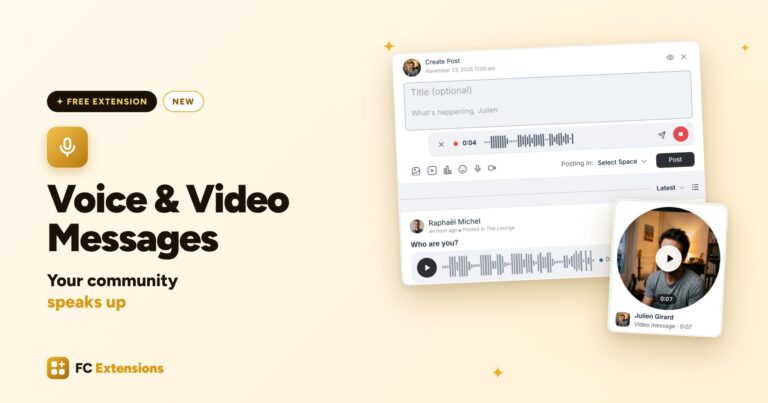
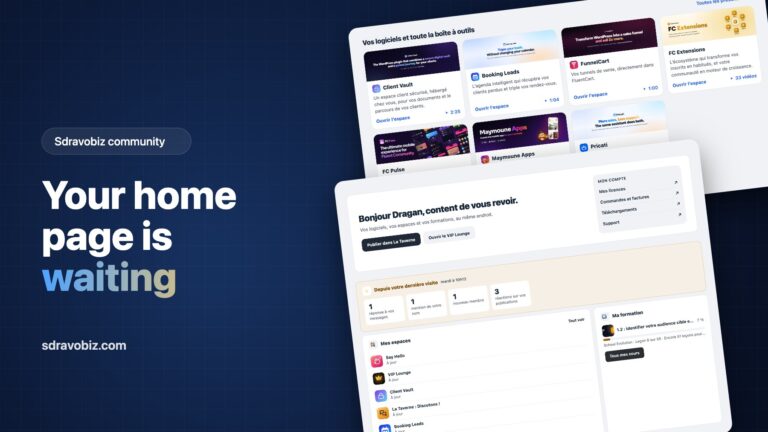
Go further: Voice and video messages, released the same day. On Sdravobiz, see every extension on video, current offers and La Taverne.
Frequently asked questions
What is new in Videos and Podcasts?
The Library button in posts and replies, the player above the page, fifteen new blocks, videos in Writing, in emails and on your WordPress site.
How do I share a video in a post?
With the Library button in the writing area: pick the video and add it.
Do members leave the discussion to watch?
No. The video opens above the discussion, and the mini player lets them keep reading.
Do members-only videos stay protected on my site?
Yes. They show their image with a padlock and invite people to watch them in the community.