



Until now, letting a member write on a WordPress site meant giving them a role and opening the admin area. I never liked that. Your members have plenty to share, and they shouldn’t have to leave the community to do it.
Writing is the third premium extension of FC Extensions, the ecosystem I build for Fluent Community. Everything created in your community can now be created from your community. The full article on fcextensions.com shows it on video.
Writing: create from anywhere in the community
It all starts with a shortcut. A bar at the bottom of the screen like in an app, a button in the header, a “Create” group in the left menu. There is even a palette: press C and type what you want to create.
You design that bar the way you like: its shape, its theme, its content and who sees it. Each member can also build their own.
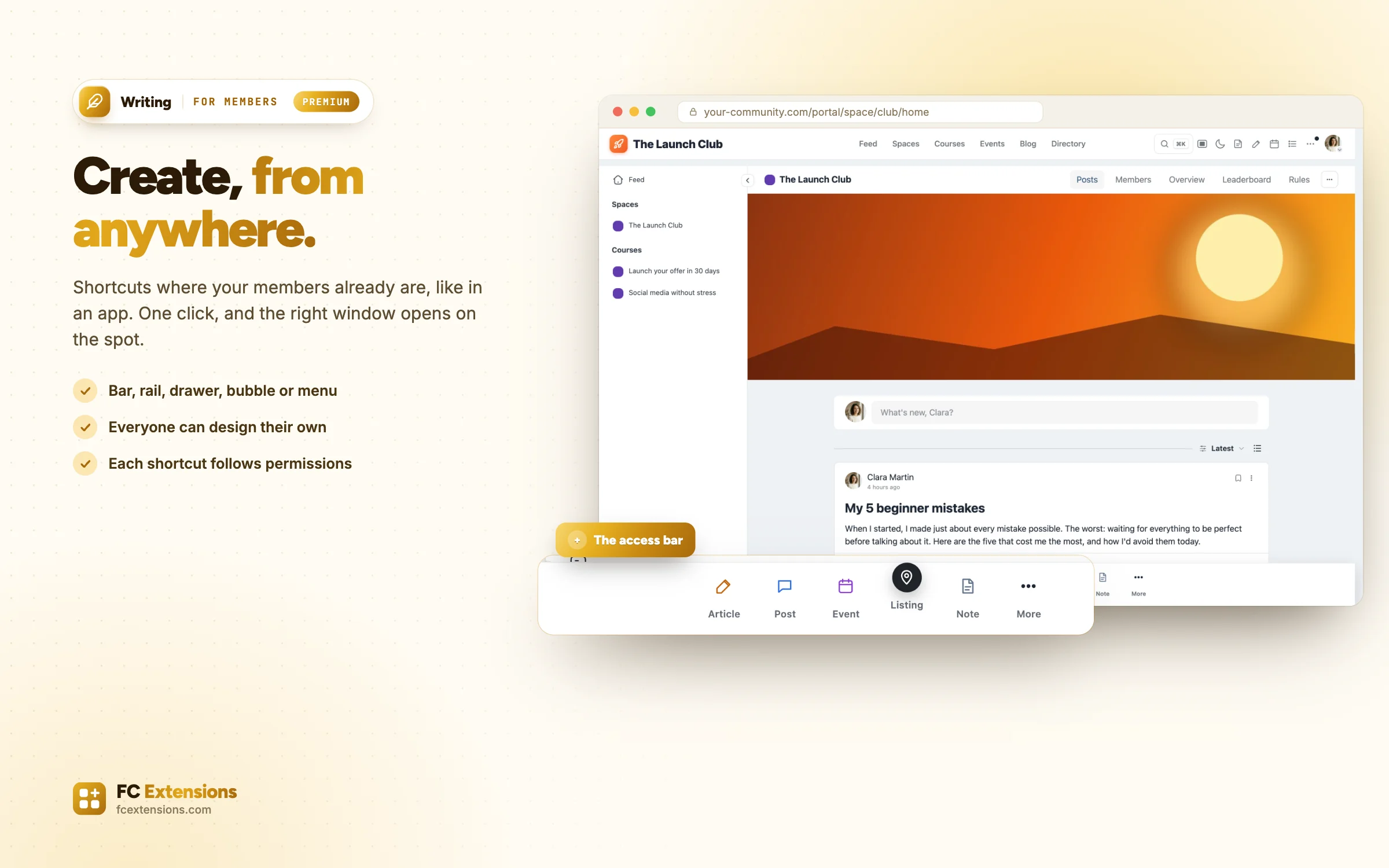
Articles, events, listings: everything is created on the spot
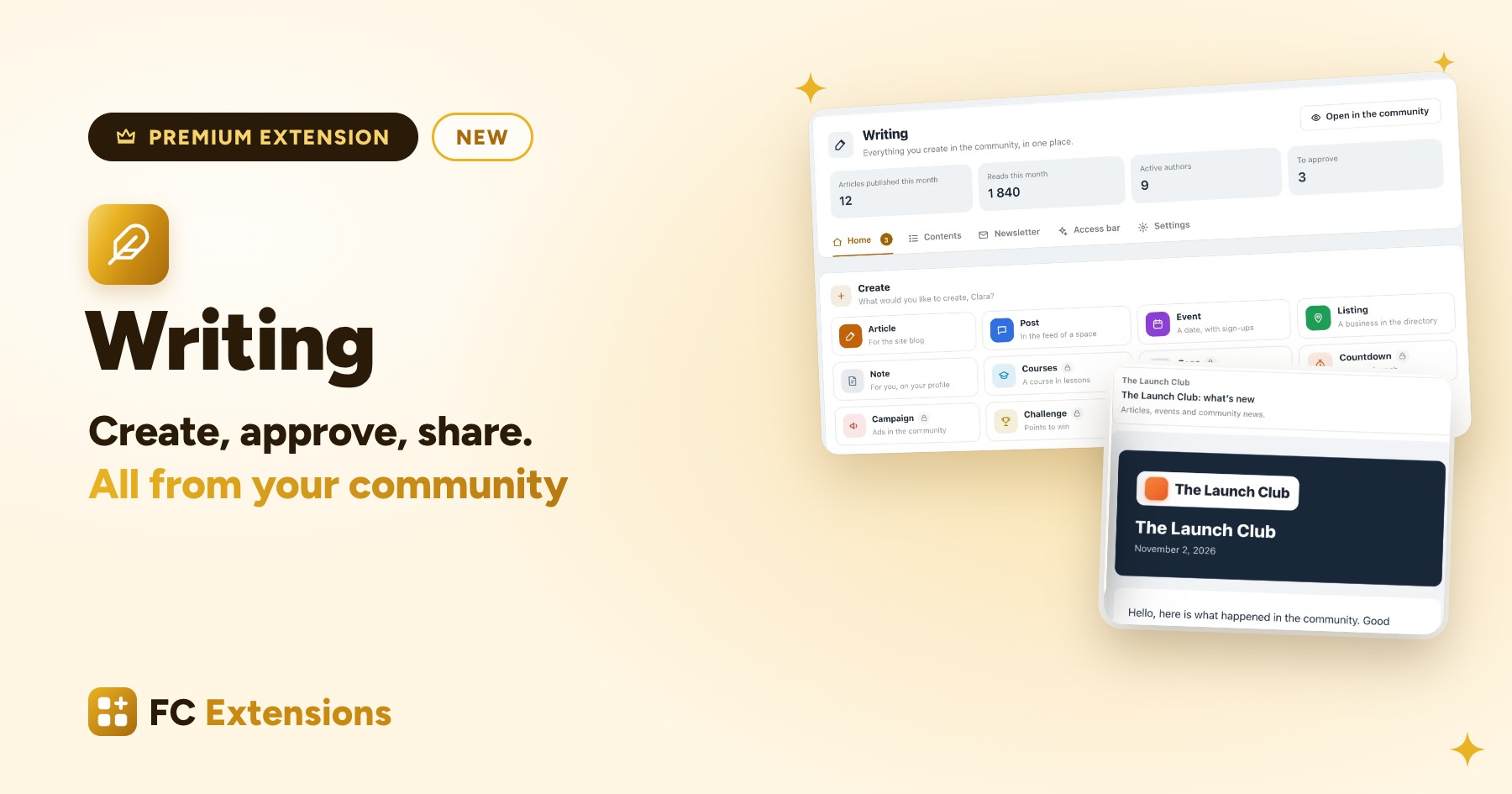
One click on a shortcut and the right window opens without leaving the page. Members create an article, a post, an event or a directory listing. Your team can also create pages, countdowns, challenges or courses.
Each shortcut only shows when the matching extension is active, and only for people allowed to create that content. The community stays clear for everyone.
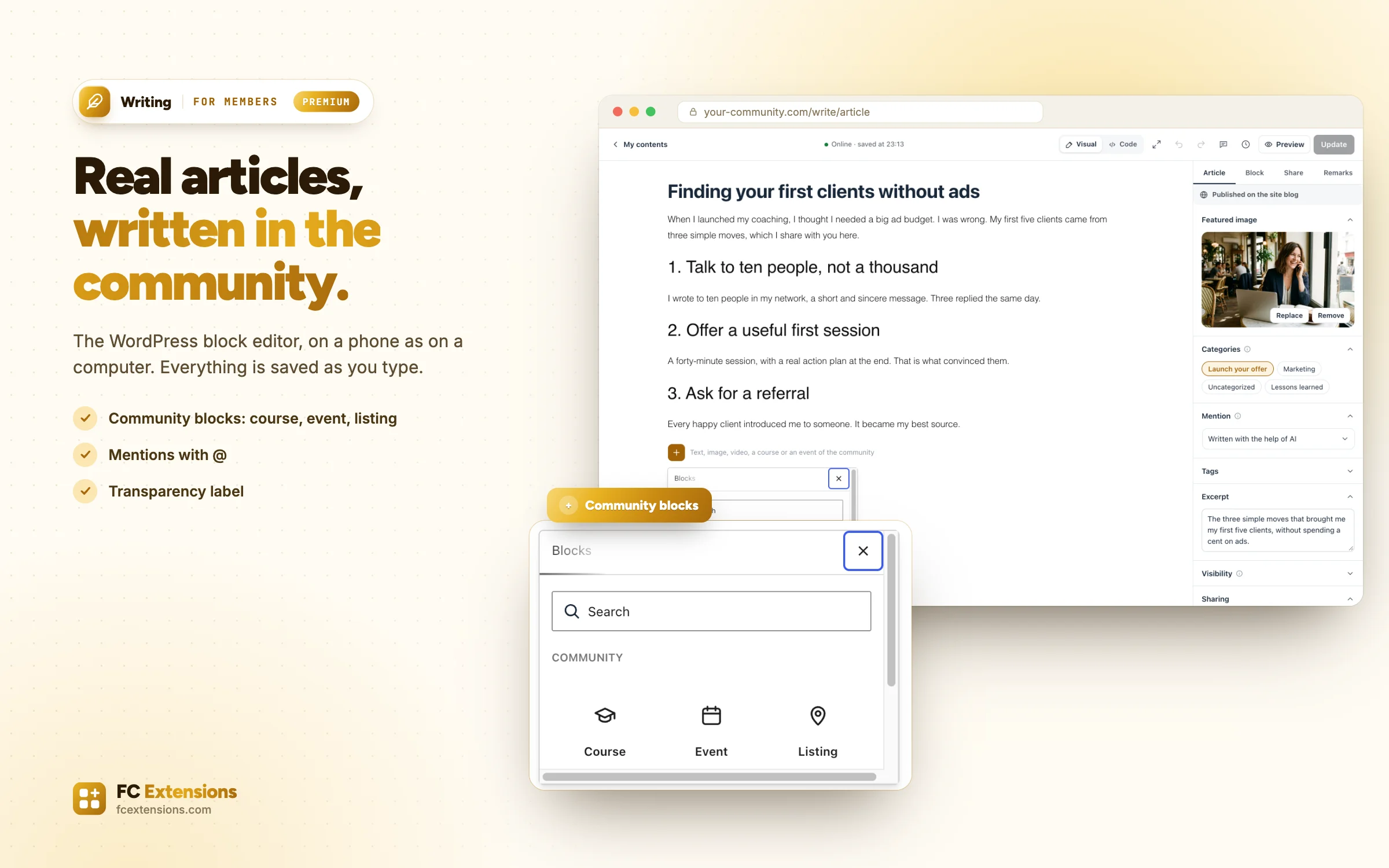
Real articles, written inside the community
For an article, the WordPress block editor opens right inside the community. Everything saves as you type. Authors drop in a course, event or listing card in two clicks, mention a member with @, and prepare how the article looks on Google with SEO / GEO.
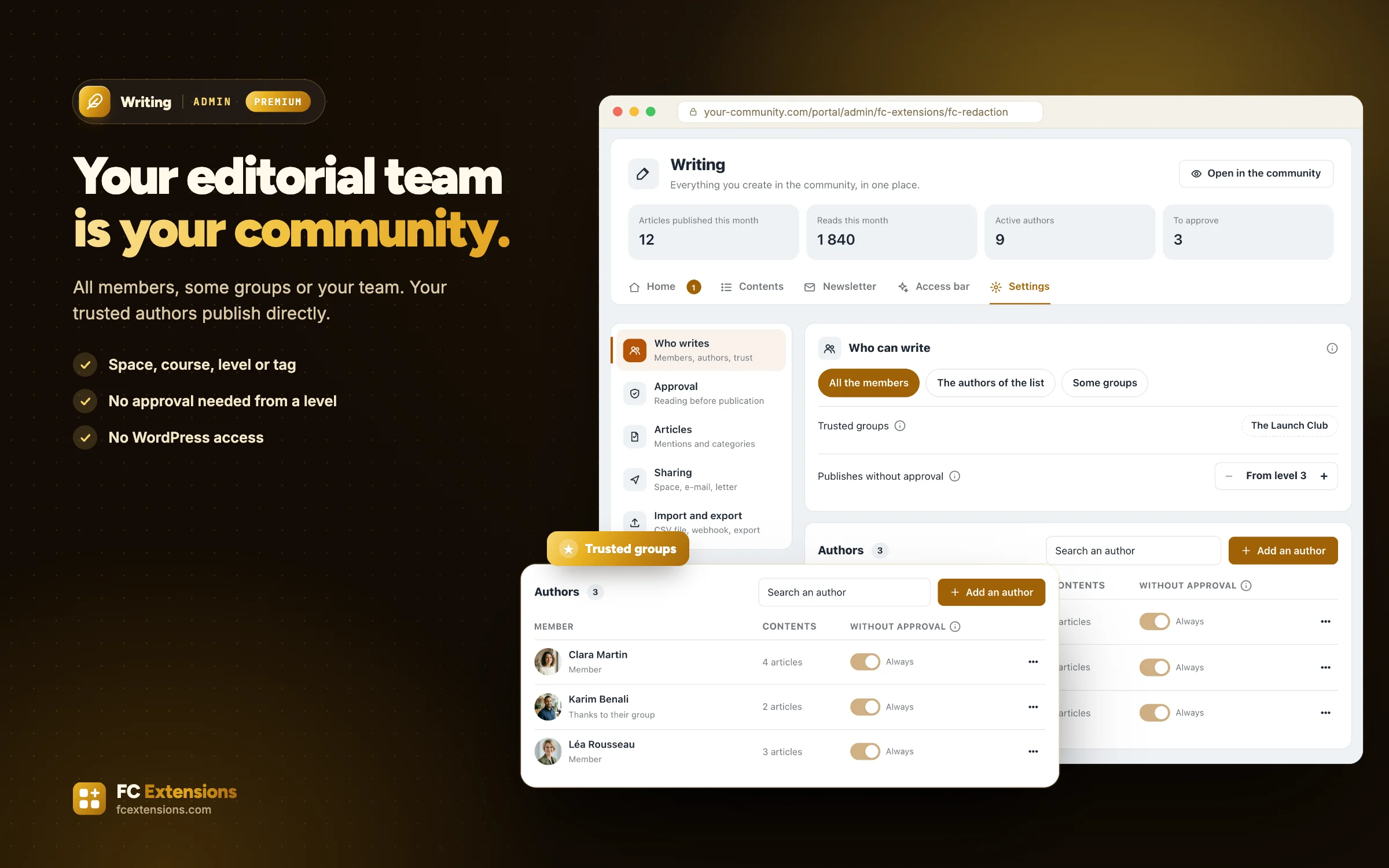
Your editorial team is your community
You choose who writes: all members, some groups, or only your team. Add one member in a click, or whole groups by space, course, level or FluentCRM tag. Nobody enters WordPress, and you have no role to hand out.
Trusted authors publish directly. For the others, you review, leave a note on a passage, and the author sends the article back when it is ready.
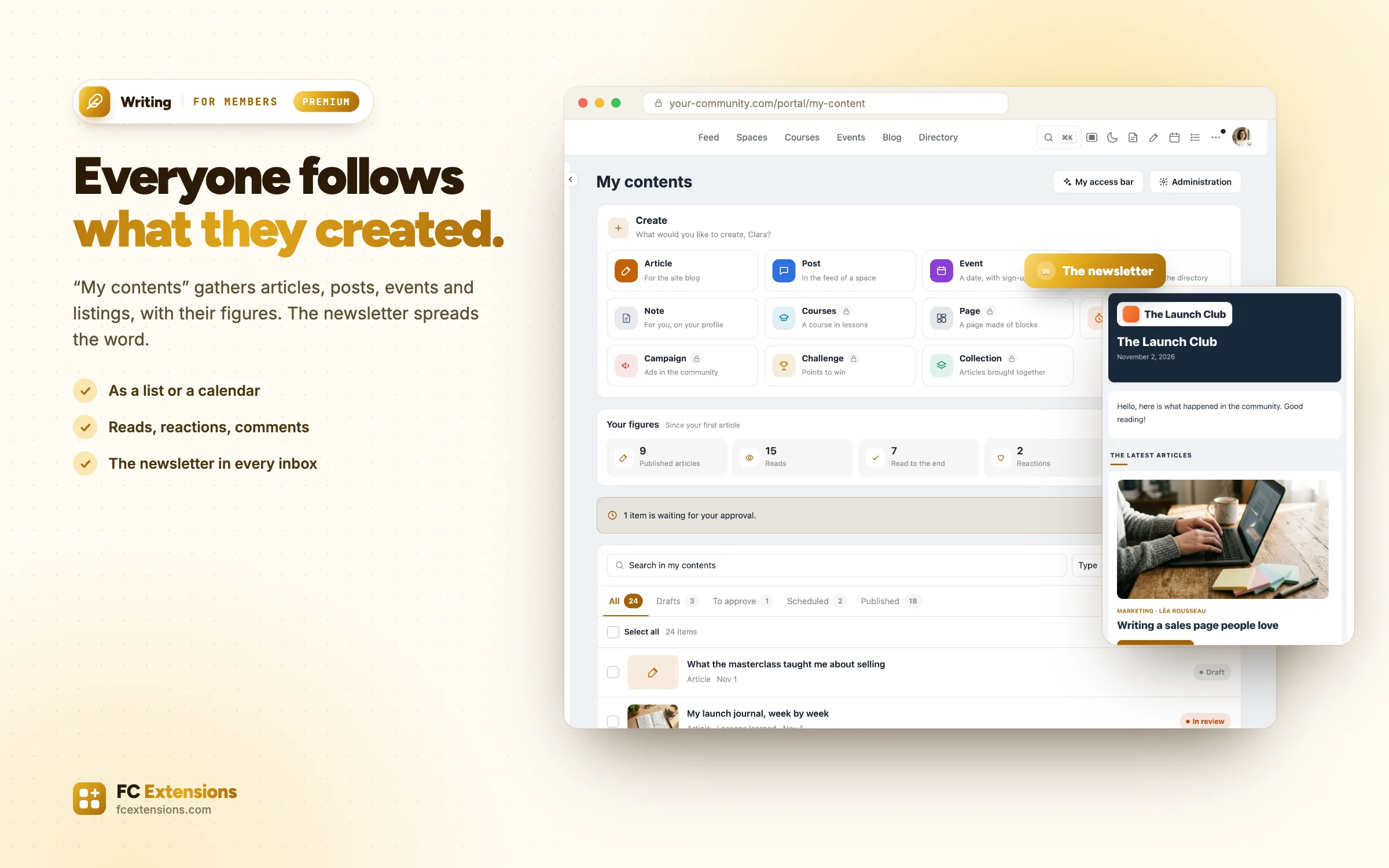
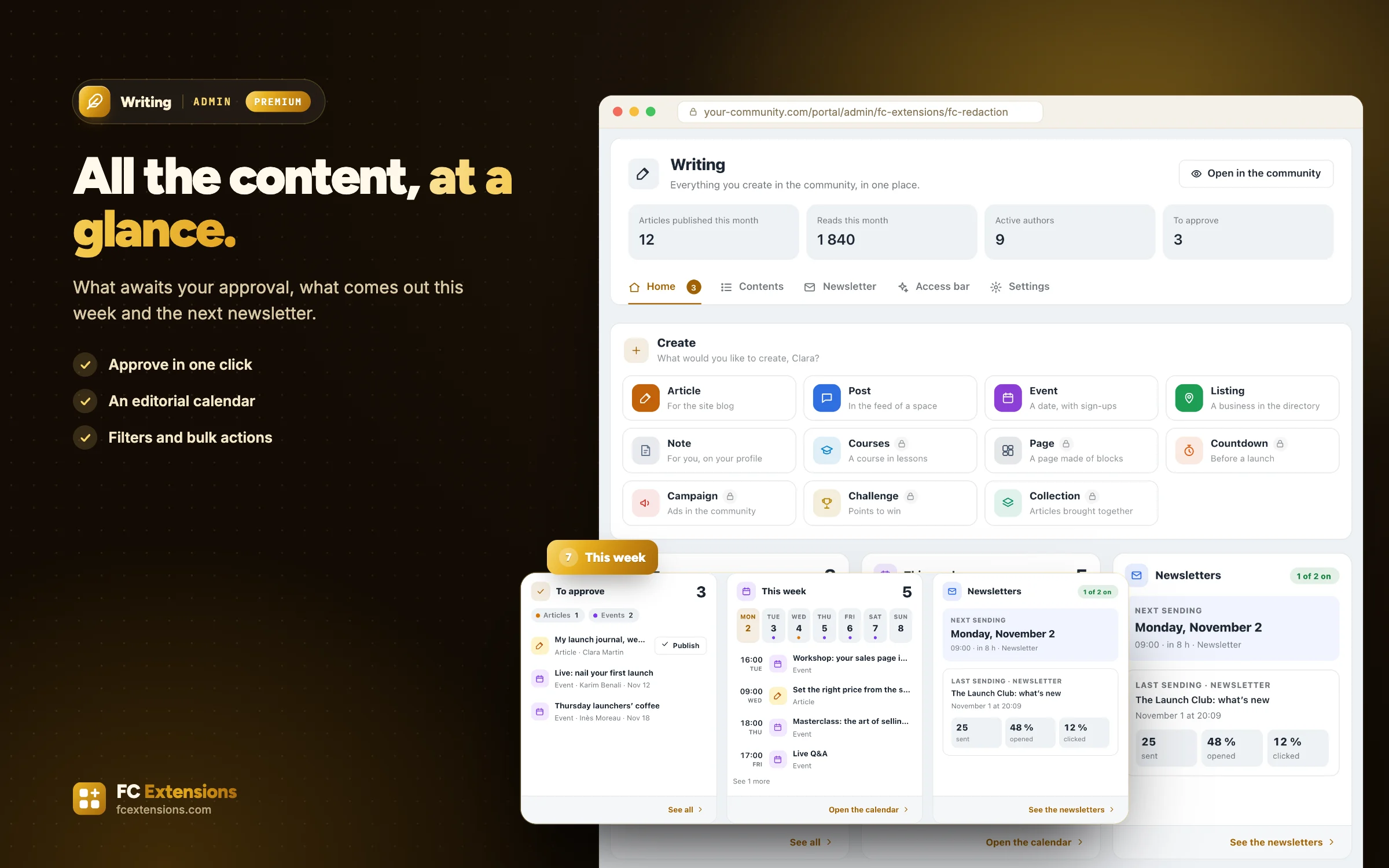
Your team sees everything on one screen: what is waiting for approval, what goes out this week and the next newsletter. The editorial calendar works with drag and drop.
A newsletter that sends itself
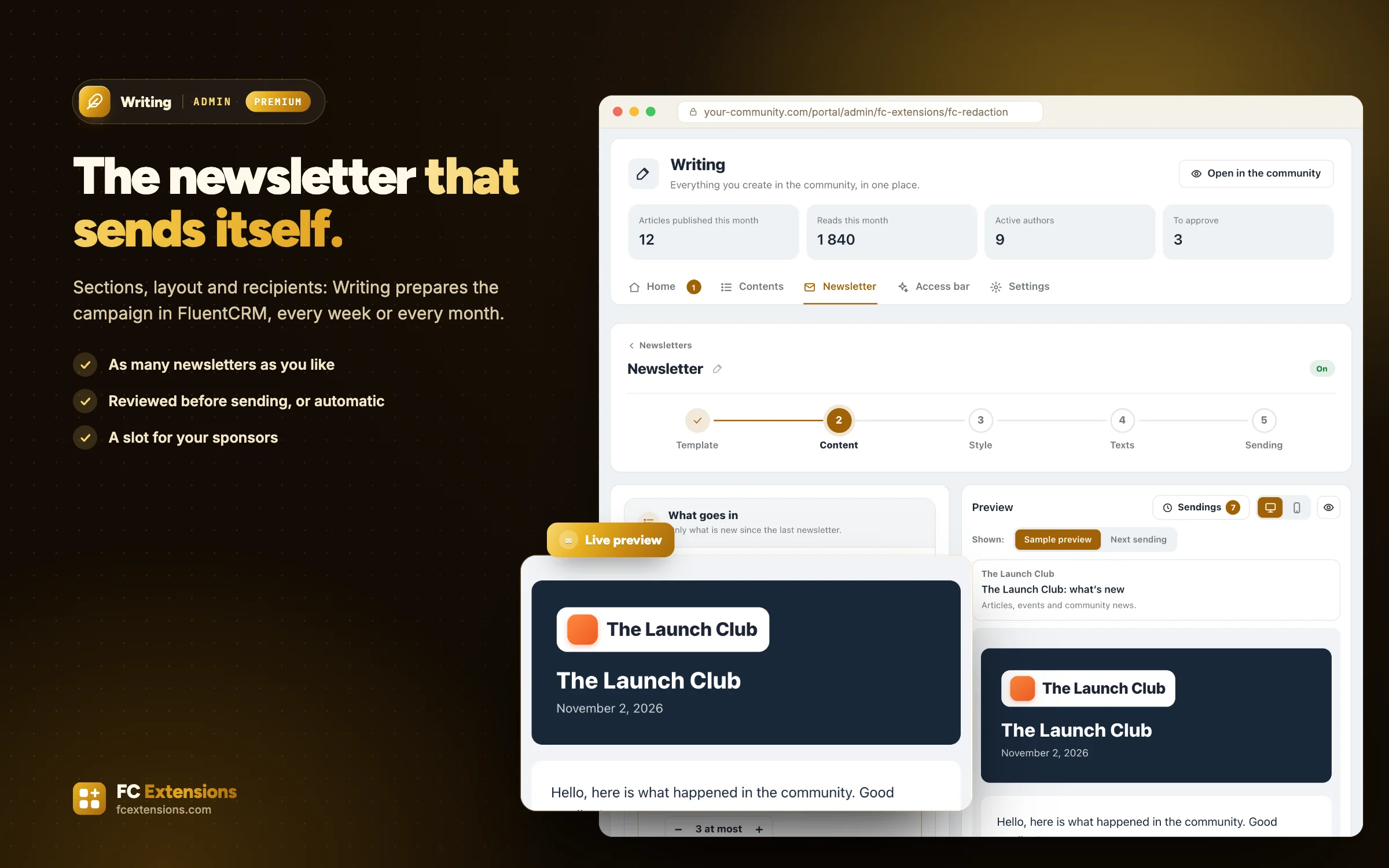
Writing gathers everything your community produced into one email: your articles, upcoming events, new listings, new courses and the most loved conversations. You choose the sections, the layout, your colors and who receives it.
Every week or every month, it prepares a real FluentCRM campaign. You review it, or it goes out on its own. With the Ad Manager, a sponsored slot can even earn you money on each send.
FC Extensions · Writing
Create, review, share. All from your community
The full article shows Writing on video, screen by screen.
- Native Fluent Community
- No WordPress access needed
- Newsletter with FluentCRM
- Lifetime license available
Go further: the full catalog and every extension on video. On Sdravobiz, see the FC Extensions launch, current offers and La Taverne, the free community where we talk about it.
Frequently asked questions
What is Writing?
A premium FC Extensions extension for Fluent Community. It lets you create, review and share articles, posts, events and listings from inside the community, all the way to the newsletter.
Do my authors need WordPress access?
No. They write in the community, with no WordPress role and without ever opening the admin area.
Who can write in my community?
You decide: all members, some groups or only your team. You also decide who publishes without review.
Do I need FluentCRM for the newsletter?
Yes. The newsletter is prepared as a real FluentCRM campaign, sent to your lists, tags or member groups.