



Some things are better said than written. A guitar chord is shown. Encouragement is heard. And a new member feels at home right away when they hear a real voice.
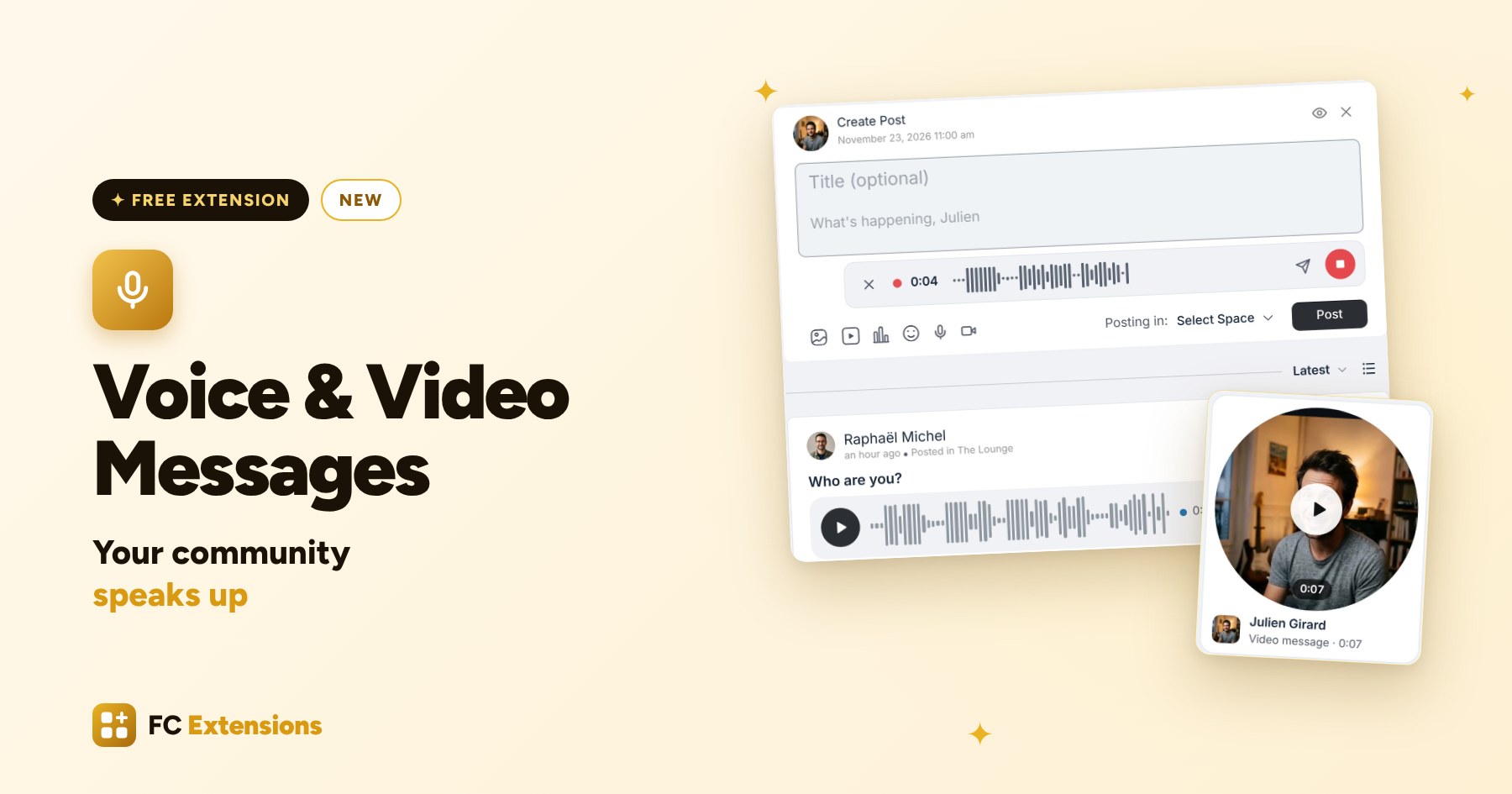
Voice and video messages is a new free FC Extensions extension, released on November 23. Members send a voice note, a video or even their screen wherever people talk in your Fluent Community. The full article is on fcextensions.com.
Voice and video messages: record in one gesture
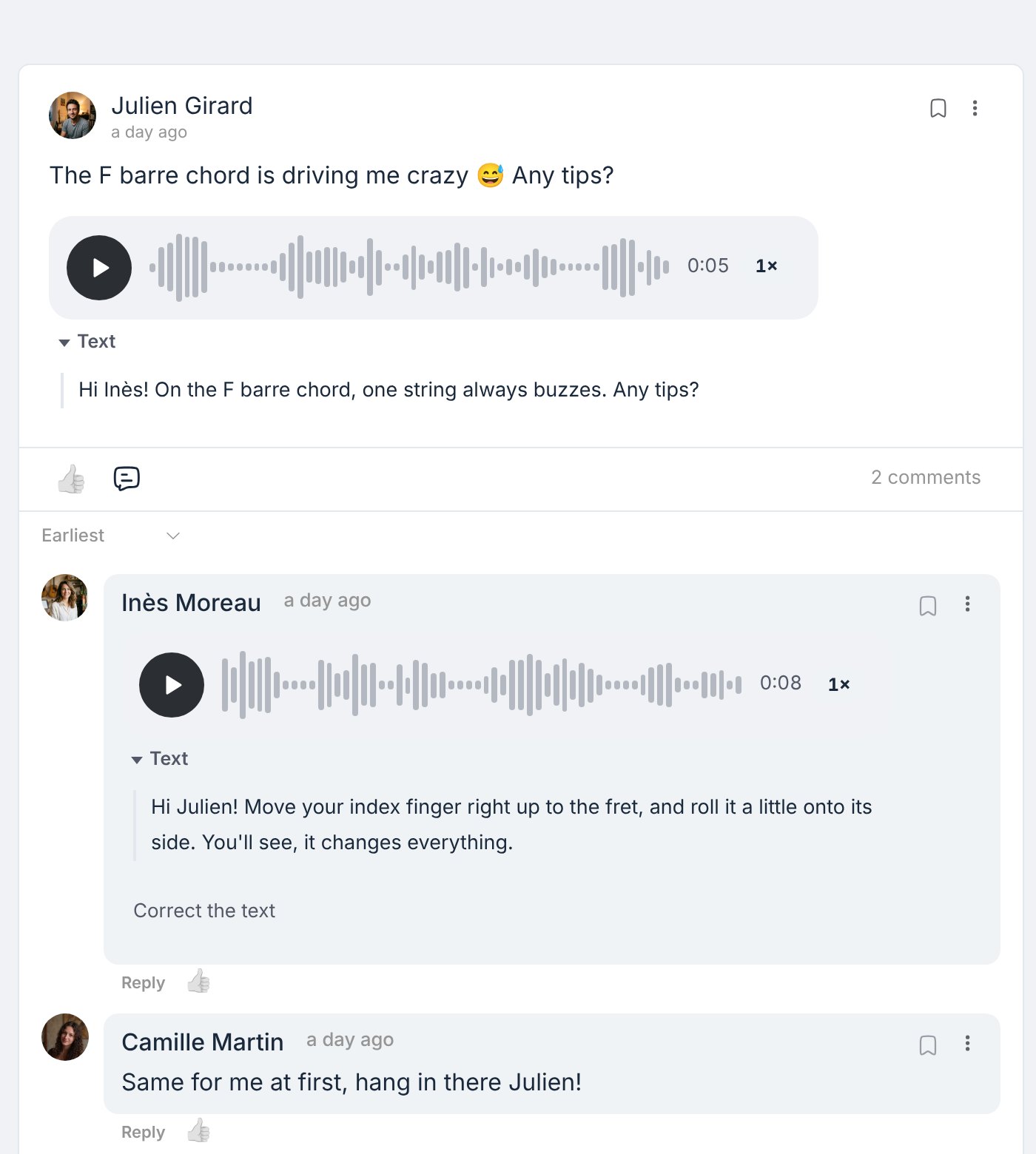
In every writing area, two icons appear: the microphone and the camera. A member taps the microphone, asks a question out loud, listens back and sends. With the camera, they film full size, in a round bubble like a selfie, or share their screen to show a tab or a piece of software.
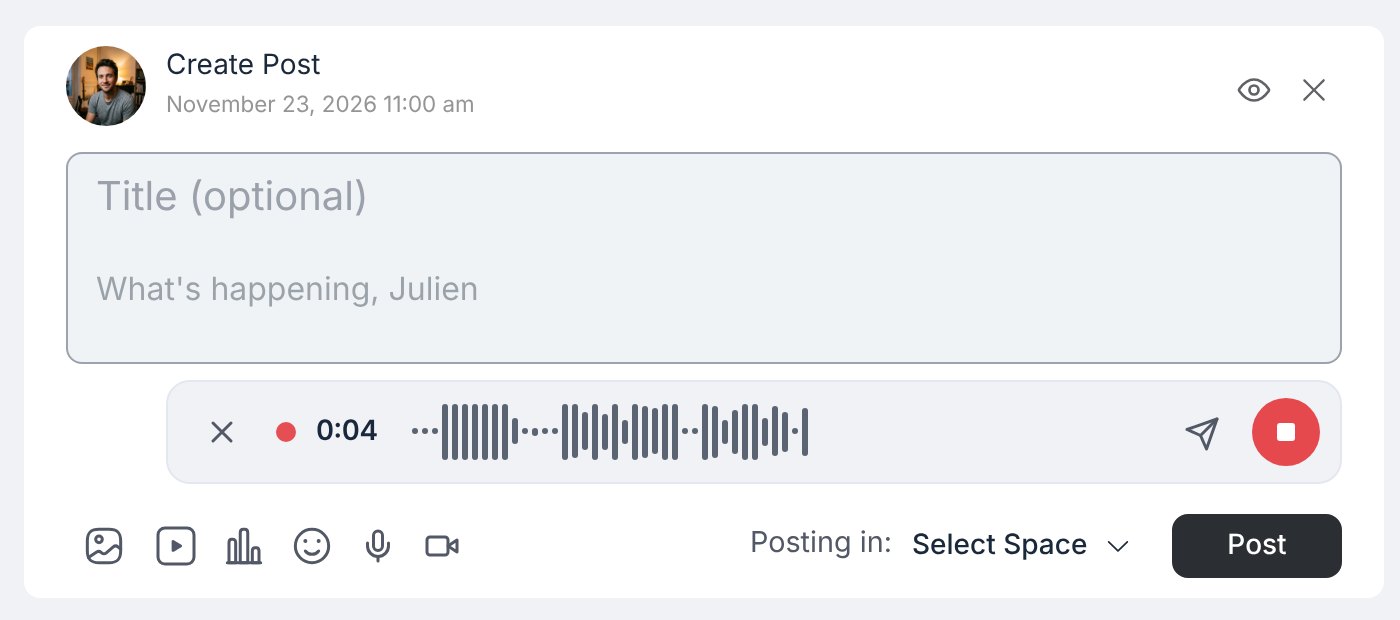
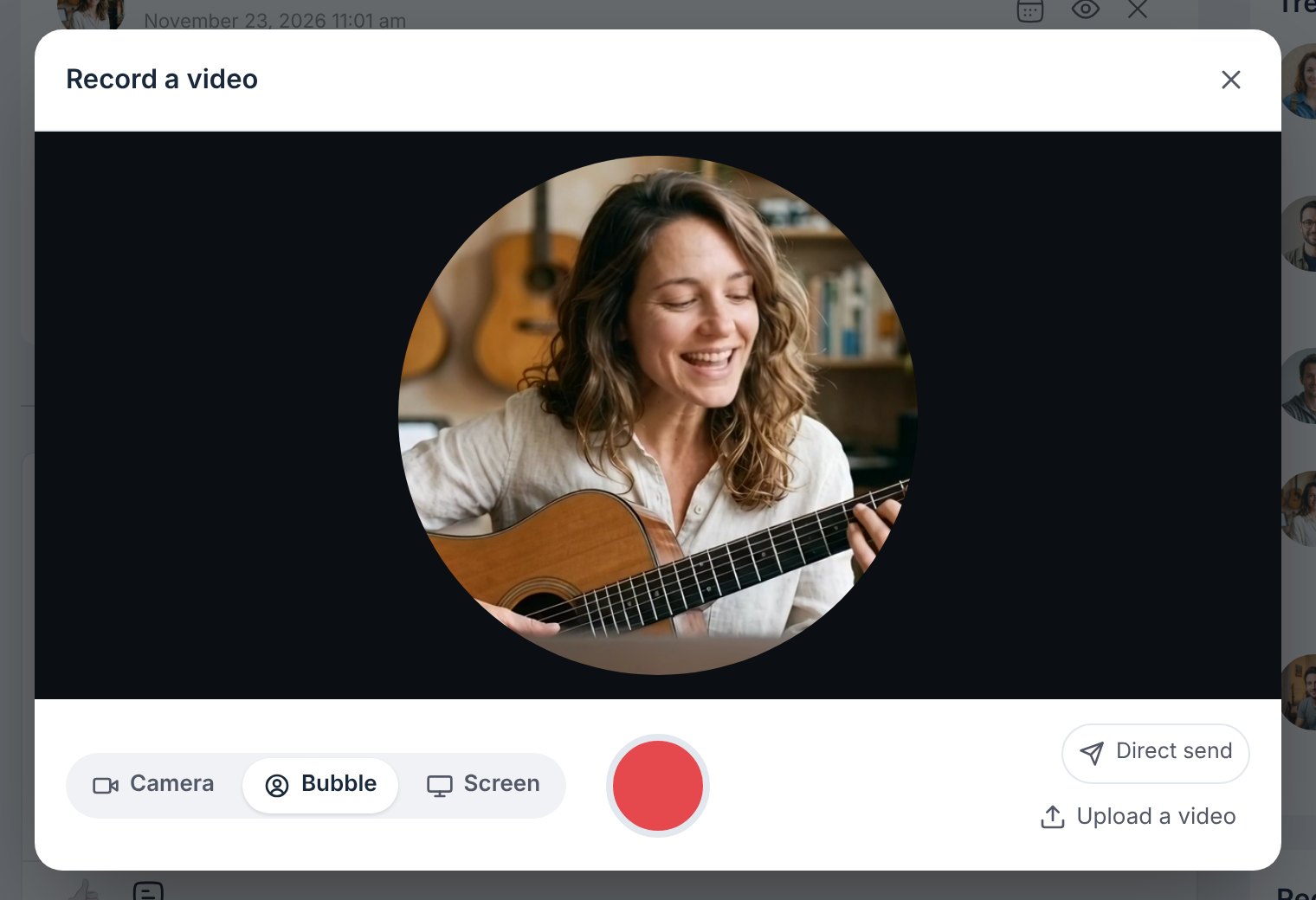
To listen, one click. The player stays at the bottom of the screen while you keep reading, and a video plays right in the discussion.
Wherever people talk
Posts, replies, private messages: everyone chooses how to join in, in writing, out loud, on camera or by showing their screen. On their profile, each member can also introduce themselves on video or by voice. A face and a voice, and trust builds much faster.
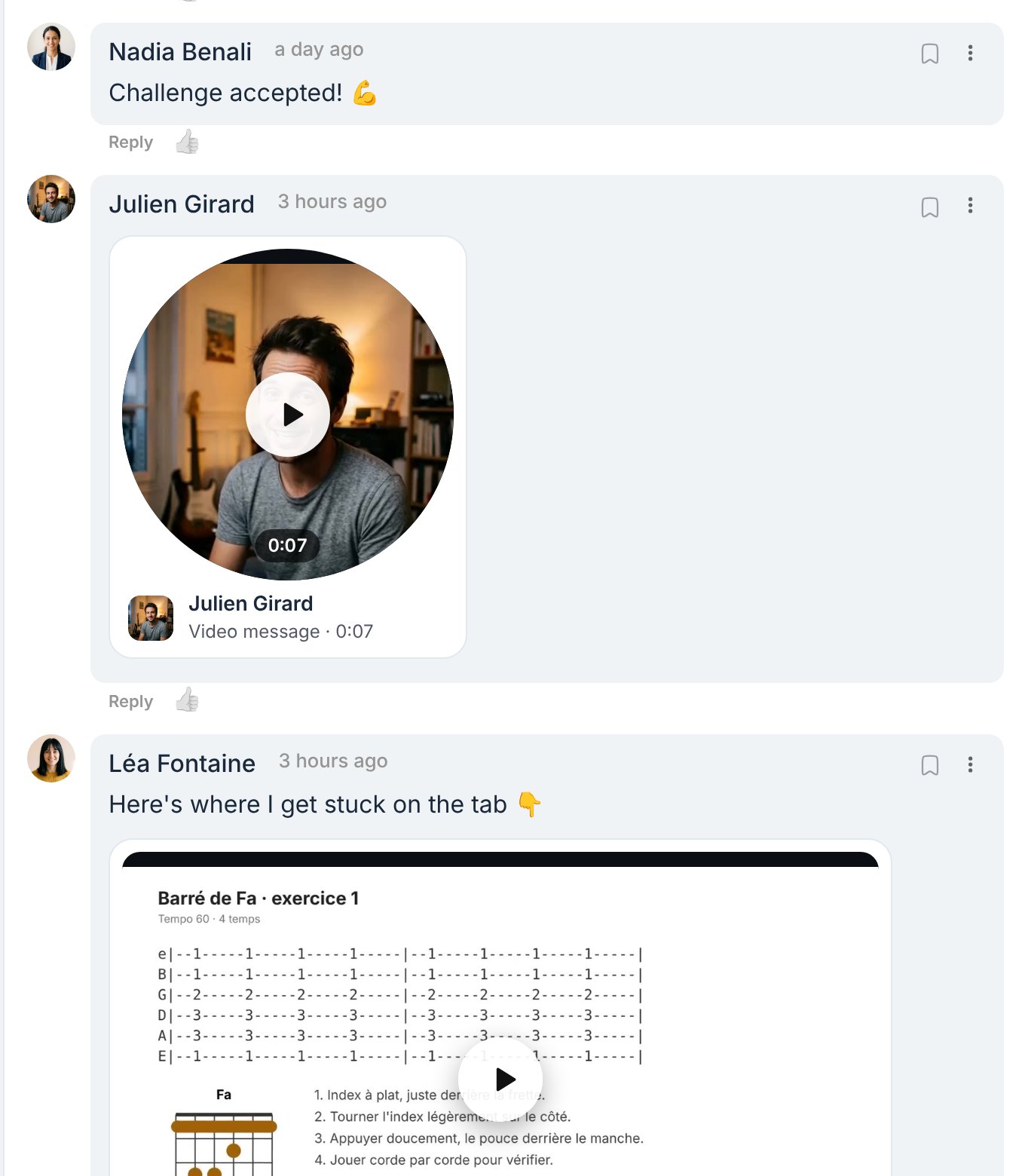
The extension works across the ecosystem: Events reviews, the Directory, blog comments, Paid posts, Writing and many more.
Personal notes, by voice or video
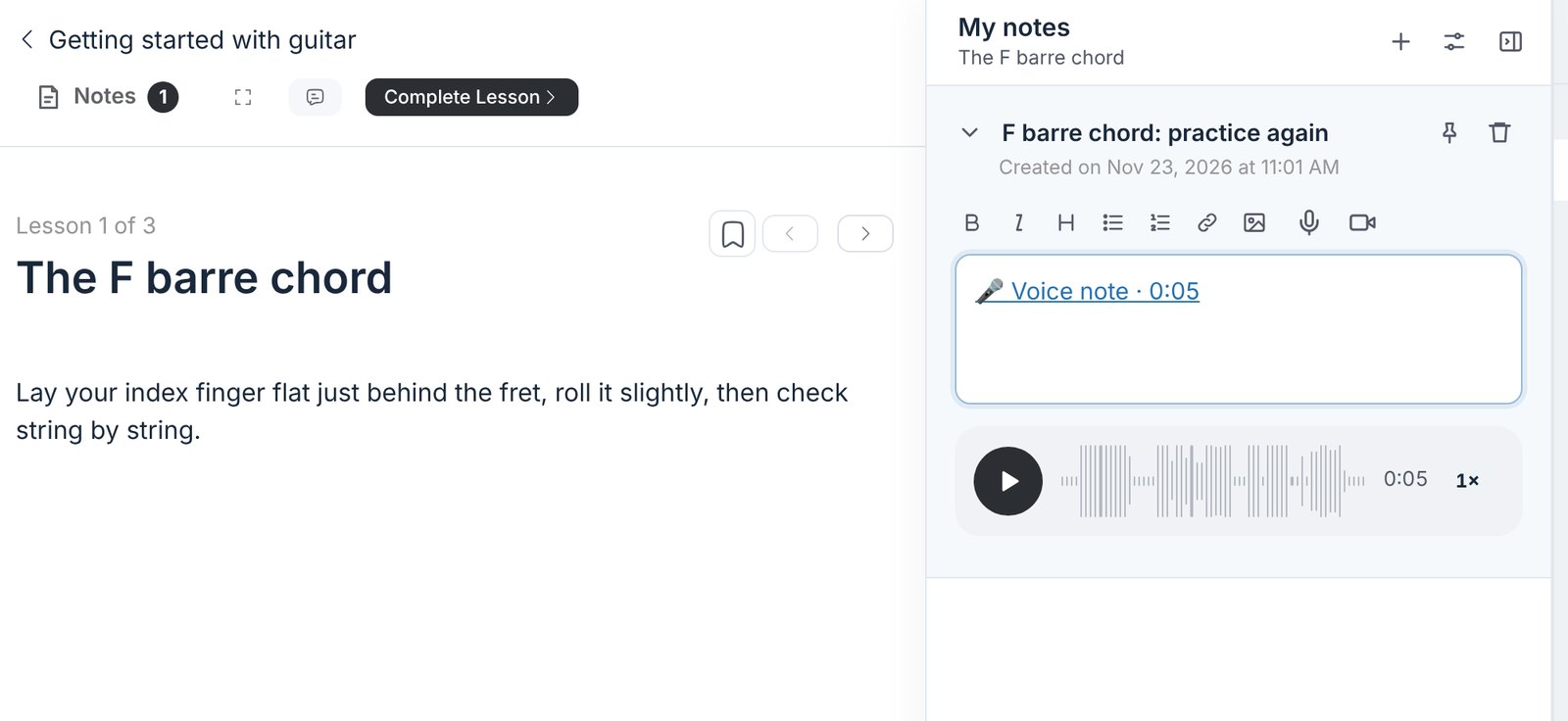
With Notes, everyone has a private notebook in their profile. They record a voice or video note, even during a lesson. With Advanced favorites, they add their own voice note to a favorite. Two real extra services for your members.
Welcome every new member with your voice
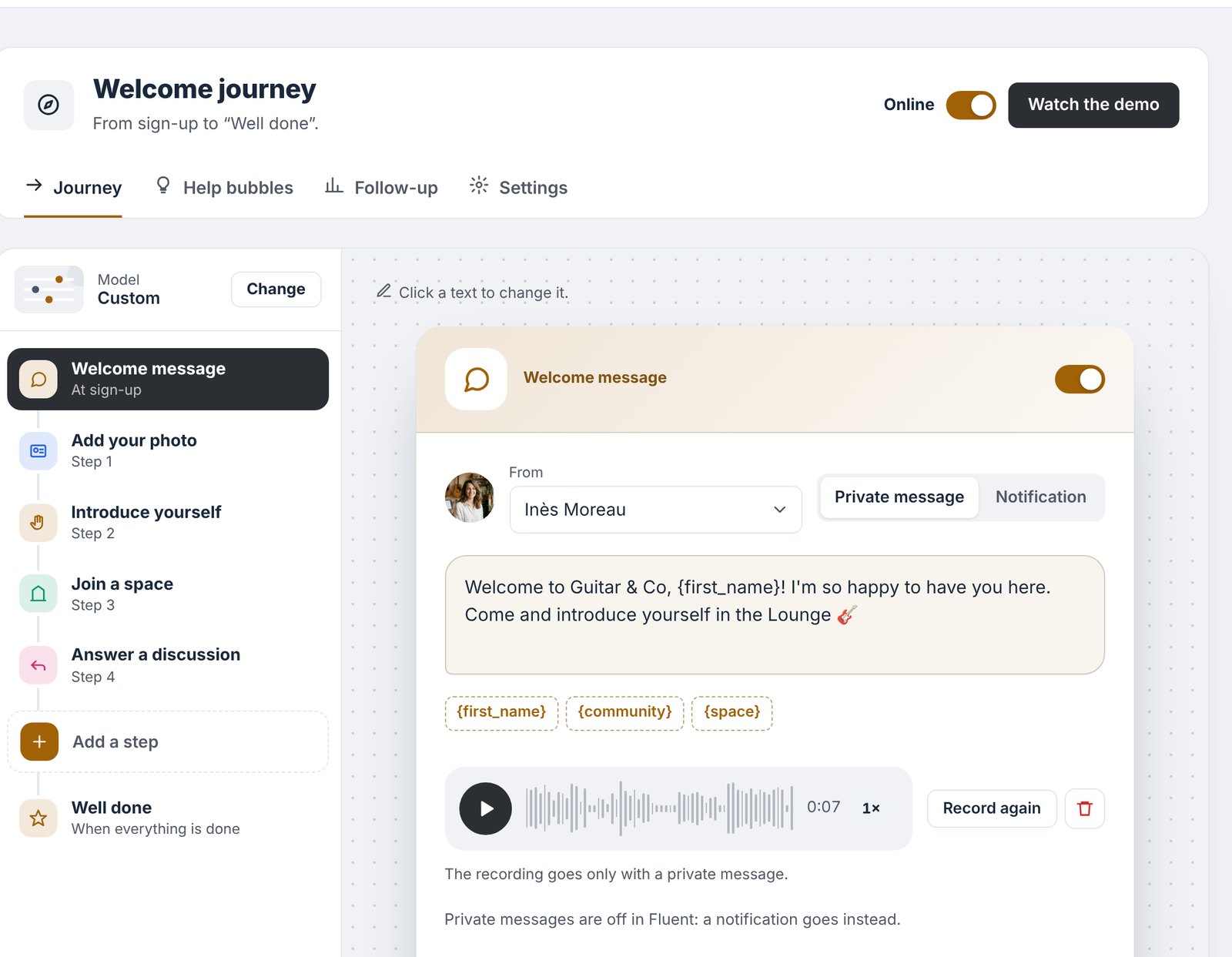
With Onboarding, record your welcome message by voice or video. Every new member receives it privately as soon as they arrive. Then they introduce themselves in a few seconds.
Find everything, manage everything
Every voice message also becomes text, and every video gets subtitles, through OpenAI or ElevenLabs. With Global search, your community even finds what was said. On the admin side, you see activity at a glance, choose the formats, who records and how long files are kept. Your files stay on your site.
FC Extensions · Free extension
Your community speaks up
Voice and video messages is one of the free FC Extensions extensions.
- Voice, camera, bubble, screen
- Transcription and subtitles
- Welcome message
- Your files on your site
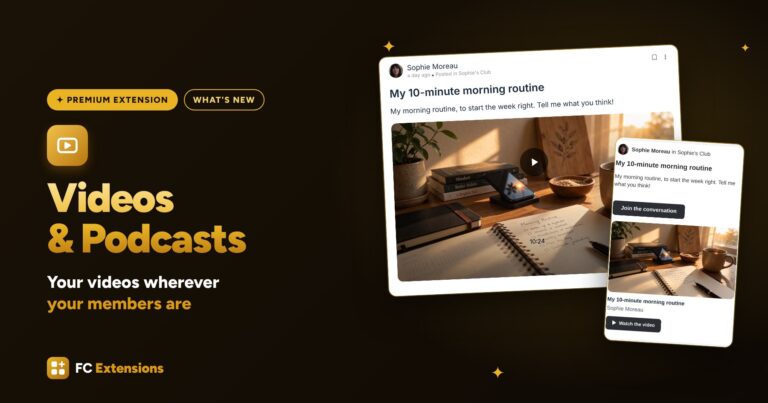
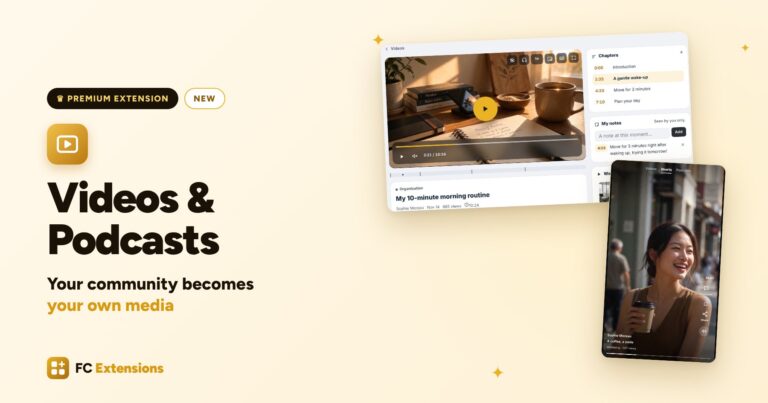
Go further: Videos and Podcasts and its updates released the same day. On Sdravobiz, see every extension on video, current offers and La Taverne.
Frequently asked questions
What is Voice and video messages?
A free FC Extensions extension that adds a microphone, camera and screen sharing wherever people write in Fluent Community.
Which formats can members record?
A voice message, a camera video, a bubble video or a screen recording. You choose the allowed formats.
How does transcription work?
It runs through OpenAI or ElevenLabs: add your key in the settings.
Where are recordings kept?
On your site, for as long as you choose.