


Hello everyone,
I hope you're all doing well.
I'm giving you an update on the documentation progress. It's a huge undertaking, but I've made a lot of progress. I think it will be truly complete next Thursday or Friday, but starting Tuesday, a good portion of the documentation will already be online. I mean online, with photos and videos, because the complete written documentation will be available tomorrow early afternoon :) And it will be available in all languages :)
If you need help or would like to share information about Client Vault, feel free to use the community.
The roadmap has also been updated.
I hope you enjoy using it, and I'll talk again very soon.
Have a good evening, everyone.
Take care of yourselves and your families.
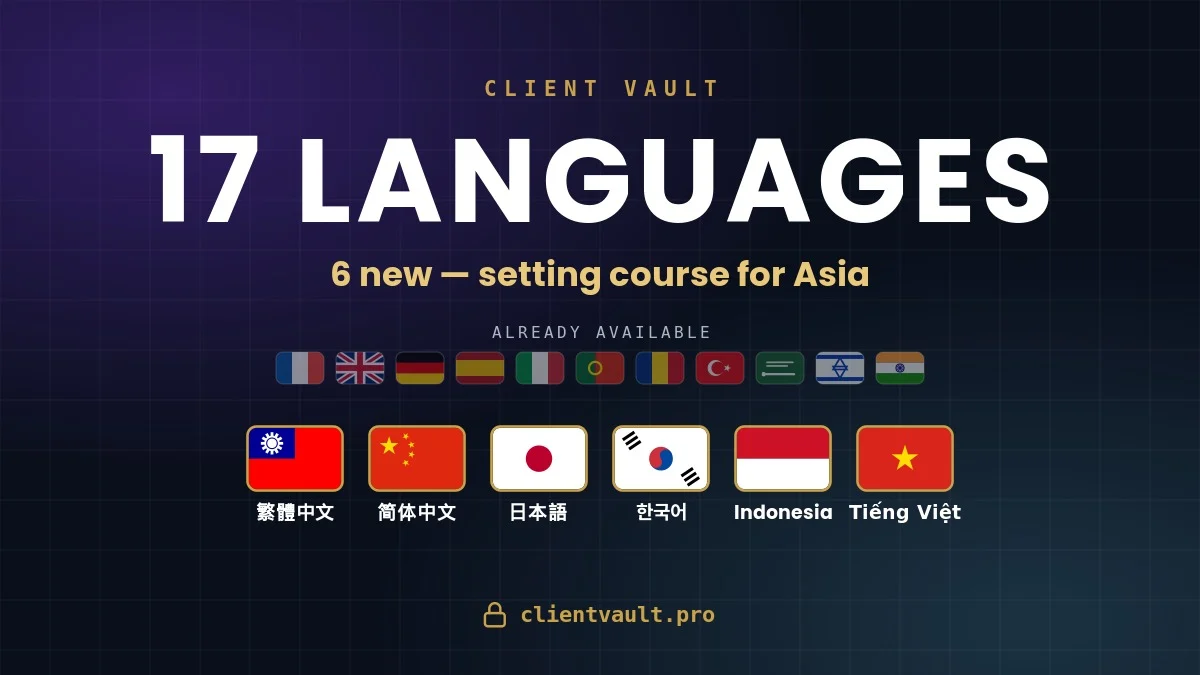
Six complete new languages join the vault: Traditional Chinese 繁體中文, Simplified Chinese 简体中文, Japanese 日本語, Korean 한국어, Indonesian and Vietnamese. Client space, emails, notifications, admin: everything is translated, over 6,500 strings per language.
Your client picks their language in one click from their space — the interface and their emails follow, each client their own, on the same site. The selector got a refresh too: native names with translations ("한국어 — Korean") and a panel in the Client Vault design.
The update also ships several improvements and bug fixes — full details in the changelog. 🔧
Best part? Chinese and Japanese were client requests posted on the roadmap — proposed, voted, delivered. Keep them coming: that's how the vault moves forward. 🚀
- 📖 Full article: https://clientvault.pro/blog/client-vault-17-langues
- 🌐 All 17 languages in detail: https://clientvault.pro/integration/multilingue/
- 📋 The 11.69.2 changelog: https://clientvault.pro/changelog/
- 💡 Request a language (or any idea): https://clientvault.pro/roadmap/
Everything ships inside the plugin, at no extra cost — just update.
Abby Weng I think you'll like this update 😀
You wanted to see what's coming for your vault? It's now public — and best of all, it's in your hands.
The Client Vault roadmap is open: you follow every item by status (proposed, under consideration, planned, launched) and you submit your own ideas right there. I read everything, and I build first what's useful to the greatest number.
- Explore the roadmap and submit an idea: https://clientvault.pro/roadmap/
- The article that explains the approach: https://clientvault.pro/en/the-public-roadmap-has-arrived-whats-next-for-your-client-vault/
Missing a feature? Say so — here or on the roadmap. The best Client Vault features come from you.

Je ne sais pas si cela est possible, j'ai déjà des clients et aimerais qu'ils puissent accèder à leur coffre. Le problème est qu'ils ne sont pas visible dans la partie admin de Client Vault et que l'import ne permet pas de les ajouter (fichier CVS).
Y a-t-il une manoeuvre à faire pour que cela soit possible? (j'ai la version solo pour le moment)
//
I don't know if this is possible, I already have customers and would like them to be able to access their trunk. The problem is that they are not visible in the admin part of Client Vault and that the import does not allow you to add them (CVS file).
Is there a maneuver to be done to make this possible? (I have the solo version at the moment)
Hello everyone! 👋
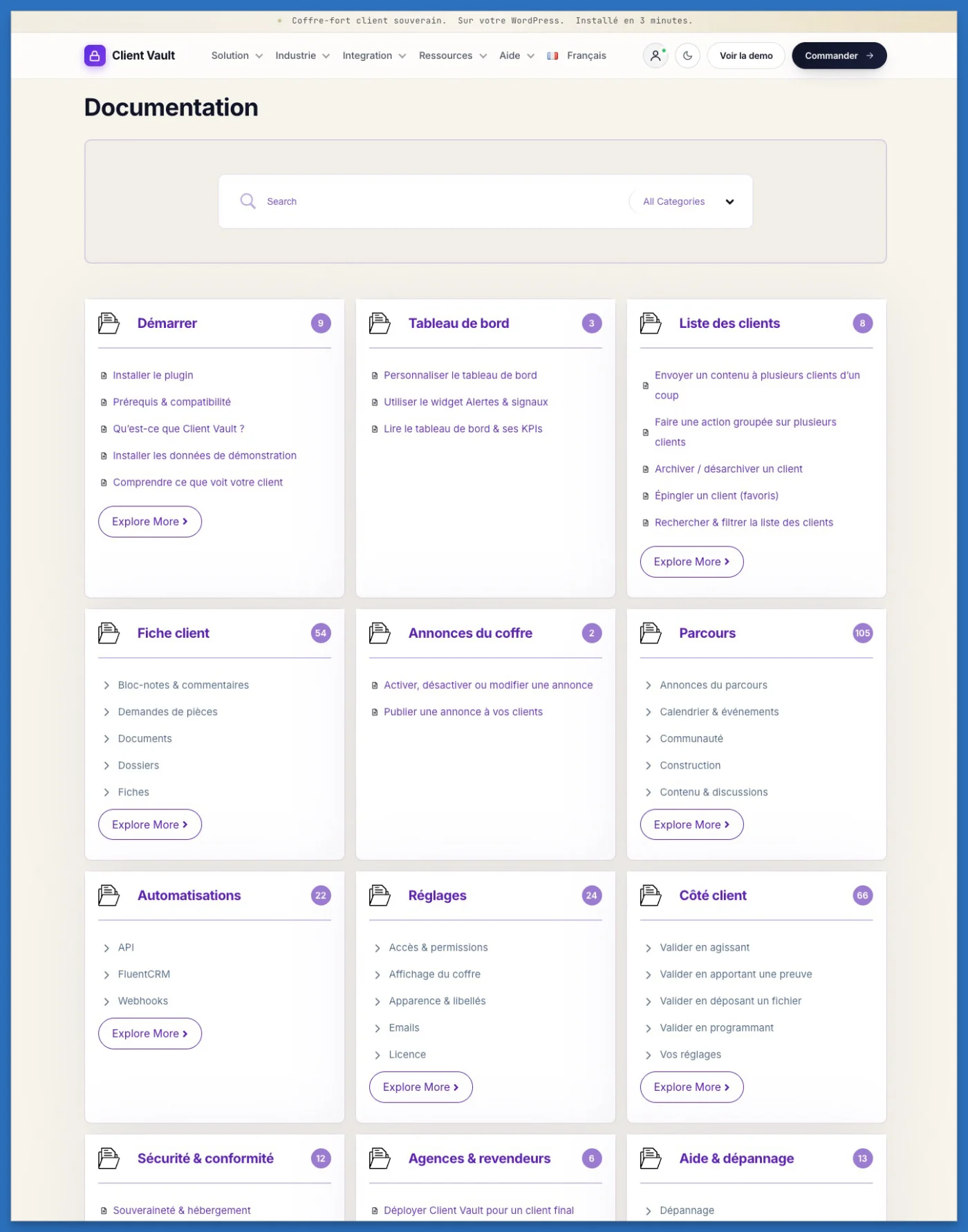
I've got great news to share: the Client Vault documentation is really taking shape — and I've fully embraced the art of detail! My goal is simple: to share everything with you, holding nothing back.
Where we are so far
To give you an idea, it already includes 325 articles across 12 categories: from installation to getting started with the vault, through journeys, automations and the client side… every feature is explained step by step.
This is where I need you 🙌
To go alongside the text, what would help you the most?
- 🖼️ Images (clear, to-the-point screenshots)
- 🎞️ Animated GIFs (the right move at a glance)
- 🎬 Short videos (the feature explained in motion)
Let me know in the comments — I'm building this documentation for you, so it should match the way you like to learn. ✍️
What's coming next 🚀
Realistically, I expect to wrap up the documentation by the end of this week.
And that's just the beginning: right after, I'm starting a free training to guide you, step by step, through installing and configuring Client Vault — whether for yourself or for your clients.
Thank you 💛
A huge thank you for your trust and your enthusiasm: you're the ones who bring this project to life.
Have a wonderful day, everyone! ☀️
Thank you — to our very first clients
First things first: a heartfelt thank-you to the very first clients who joined Client Vault. Choosing to come on board with us this early is a real mark of trust — and, honestly, a huge boost of motivation for what comes next.
Ten days devoted to reliability
Over the past ten days, I've put the focus squarely on the plugin's robustness: plenty of bugs tracked down, plenty of bugs fixed. It's less flashy than a headline feature, but it's exactly what keeps a tool entrusted with your sensitive documents reliable, day after day. You'll find the details, version by version, on our public changelog.
The new feature: your client picks their own language
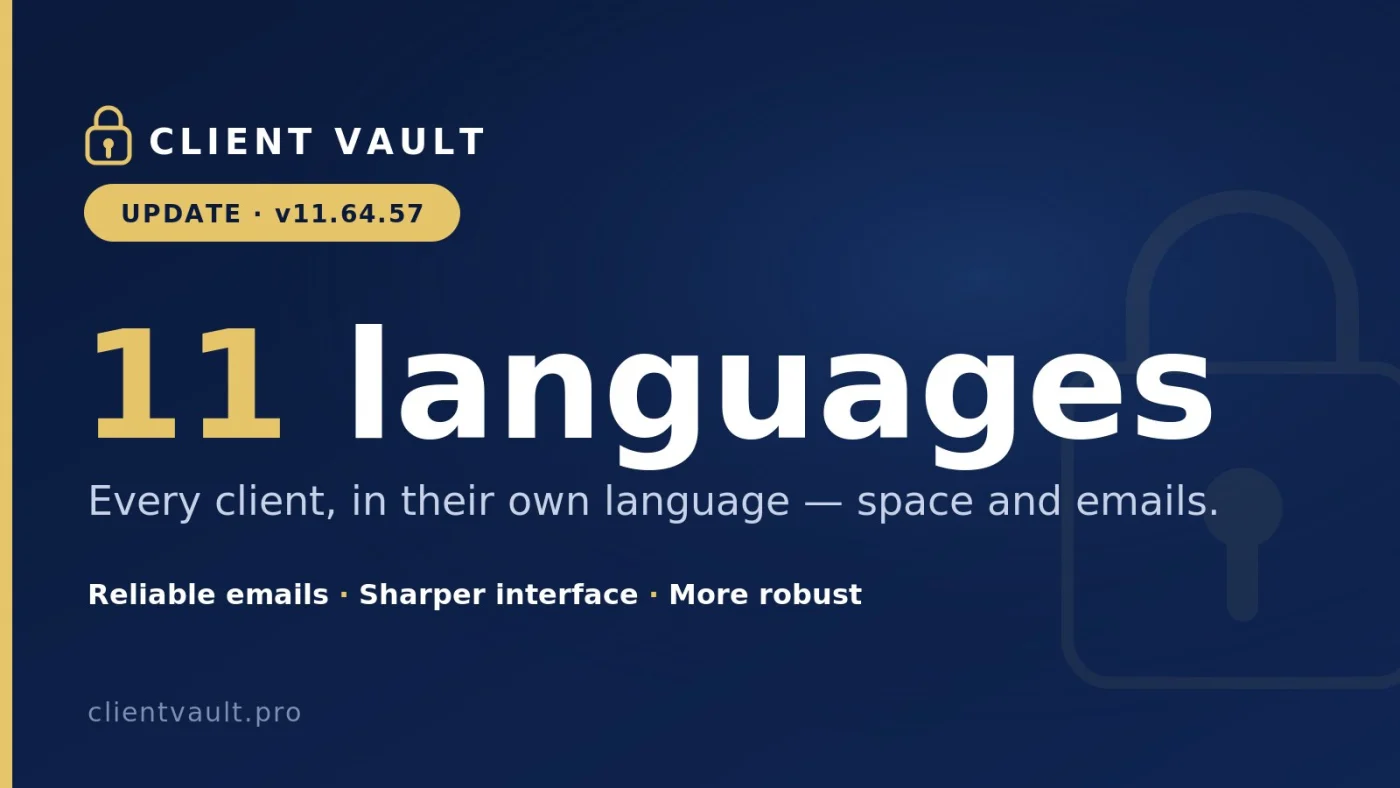
Client Vault already offered 11 languages, configurable by the administrator. Now it goes a step further: your client can choose their own language, different from yours if needed — for the online interface as well as their email notifications.
Here's what that means in practice: your firm works in French, but your client is more comfortable in English or Romanian? They view their space and receive their emails in their own language, without having to ask you for anything. That kind of care doesn't show up on a feature sheet — but it's felt in every exchange.
Your feedback — I'm taking it all in
The first rounds of feedback have been genuinely insightful, and rest assured I'm noting every bit of it. Client Vault has only just launched: not everything is finished yet, starting with the documentation. It's coming in the next few days, and I want it as thorough as possible.
A free training session is on the way
On top of that, I'll soon be opening a free training to guide you from the very first time you open Client Vault. Where do I start? What are the first steps? How do I create my first client? We'll walk through all of it together, step by step.
Installation is simple — but you might as well get it right the first time and, above all, learn to get the most out of the tool the moment it's in place. And here's a fitting twist: this training will run on Client Vault Parcours itself, in real-world conditions. The best demonstration of a tool is still the tool itself.
Soon, we'll spread the word further
Once the documentation is online, we'll step up our communication. Until then, keep one thing in mind: you're among the very first people to know Client Vault from the inside. And that truly means something.
Partner & affiliate program
On that note, since you're the first who can spread the word: take a look at the partner program and the affiliate program. Beyond the helping hand you give us, they're excellent sources of income — with the head start of being the first to talk about it in your network.
A question? An idea? Right here
That's exactly what the community is for. A question, a sticking point, a feature you'd love to see? Don't hesitate for a second: this thread — or the comments — is wide open.
Until then, I wish you a great start with Client Vault. See you very, very soon — and thank you again for your trust.

Dragan Stamenkovic For Client Vault, It is essential to have at least a rudimentary step-by-step documentation in english on how to do the following:
- Proper Setup
- Usuage of the Demo Data
Now I have installed but don't know where to go from here!
If you have any questions, feel free to share.
If you have any questions, feel free to ask.
Hi Dragan,
Tremendous work you’ve made! You can be proud of yourself. I also have questions:
- do you plan on releasing a feature that forces students to take on assignments between each lesson? I’d like an option to submit voice notes instead of simple quizzes (which can be answered to randomly)
- About your integrations: do they only deal with courses or are they community wide? (For example, the “online now” module, the tip of the day etc)
- Events: have you integrated Ross’ addon or is it natively yours? Because I think we can all agree that his system isn’t reliable as of now
Thank you very much!