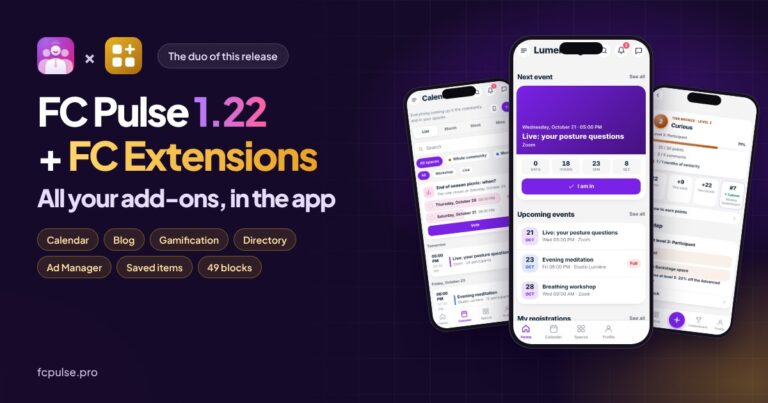




In a community, your members keep looking for the same things: the directory, events, their bookmarks, their notes. And more and more often, they look for them on their phones.
Fluent Community already gives you a great foundation. I wanted to take it further, and that is how Quick Access was born, the new free extension in FC Extensions. It is available today.
See it in action

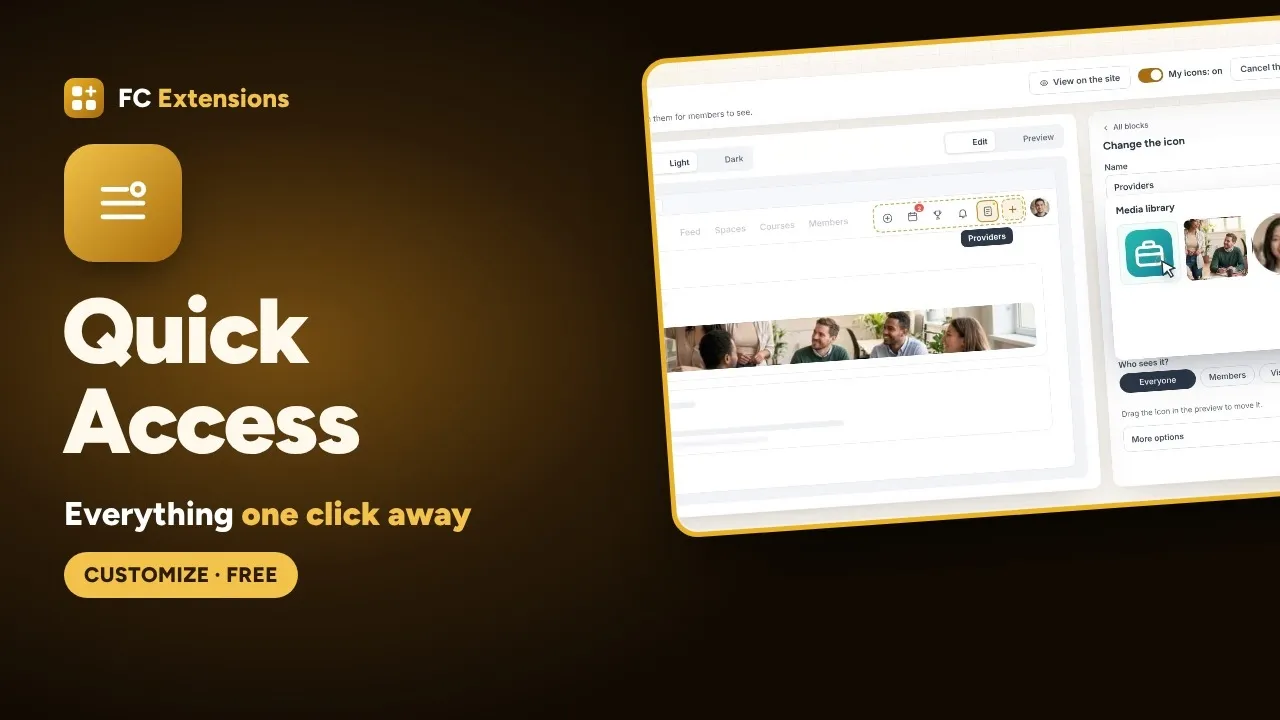
Two bars, on computers and phones
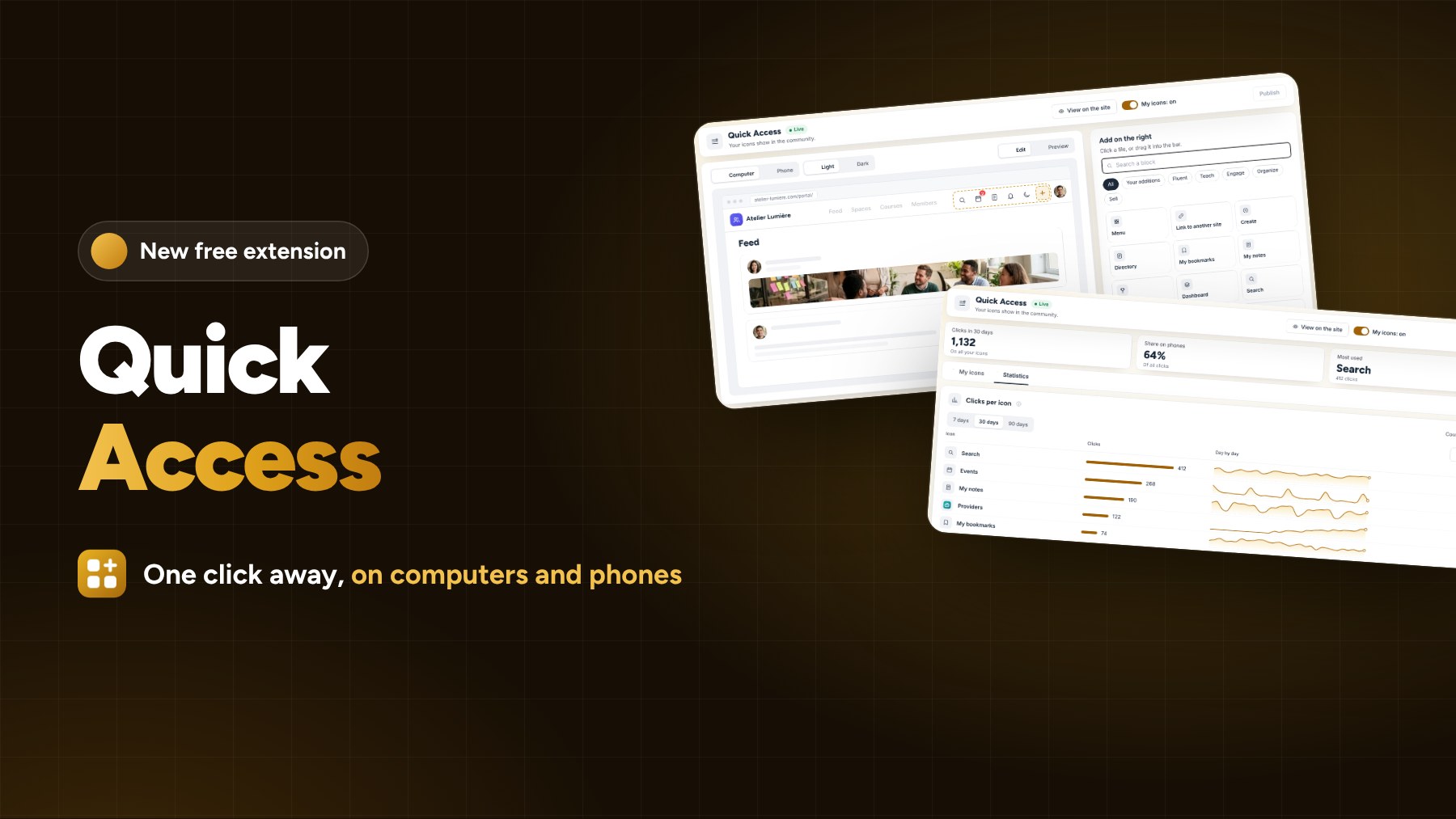
On computers, Quick Access takes care of the shortcut bar, right next to the profile. On phones, the top shortcuts and the whole bottom action bar, profile included. When space runs out, extra icons tidy themselves into a “More” button.
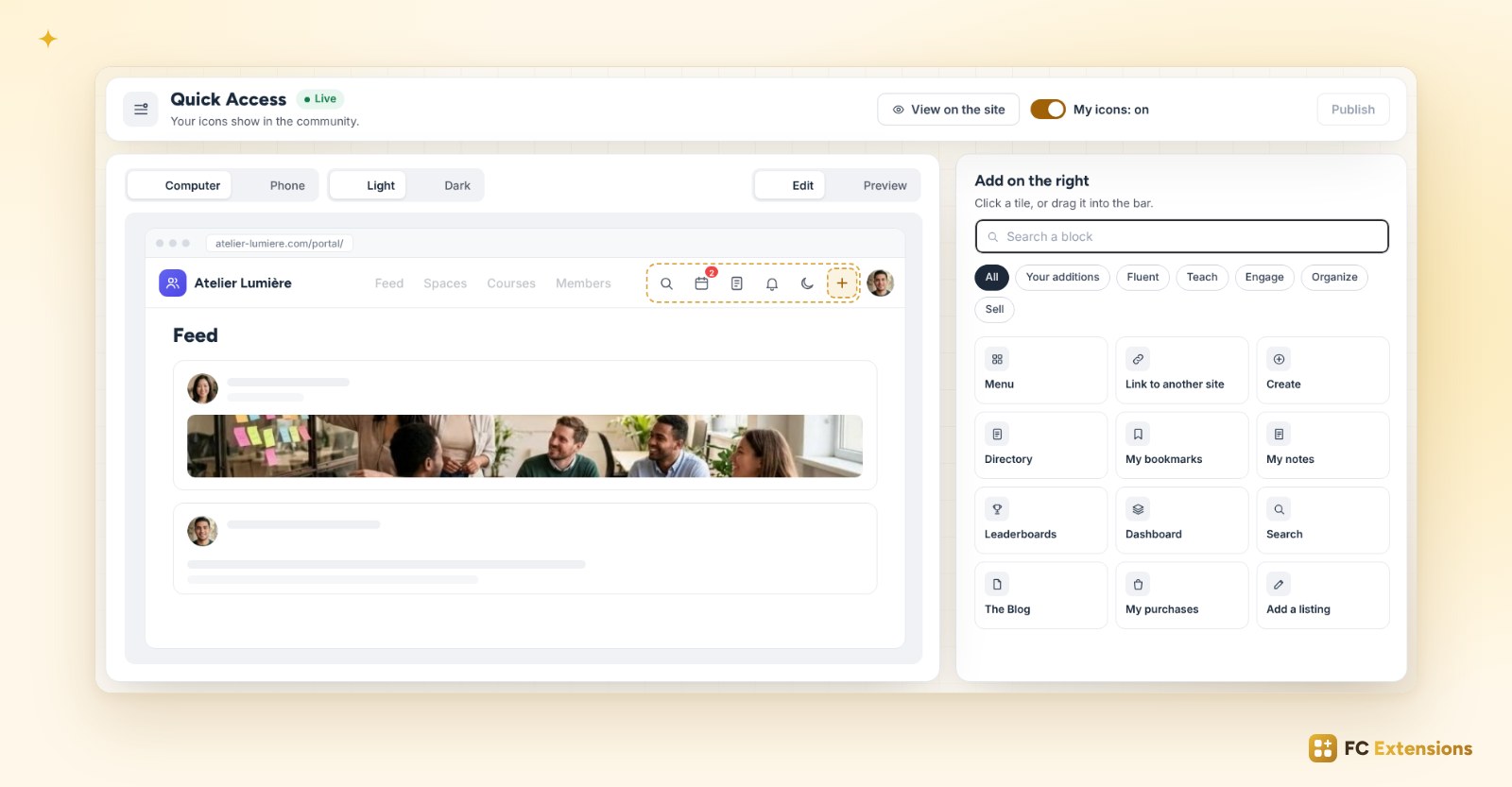
Everything on a single screen
On the left, your community, on a computer or a phone, in light or dark mode. On the right, your action blocks. Start from a model (Training, Community, Shop or Minimal), then add the pages of your extensions in one click or by dragging them into the bar.
The right icon, for the right members
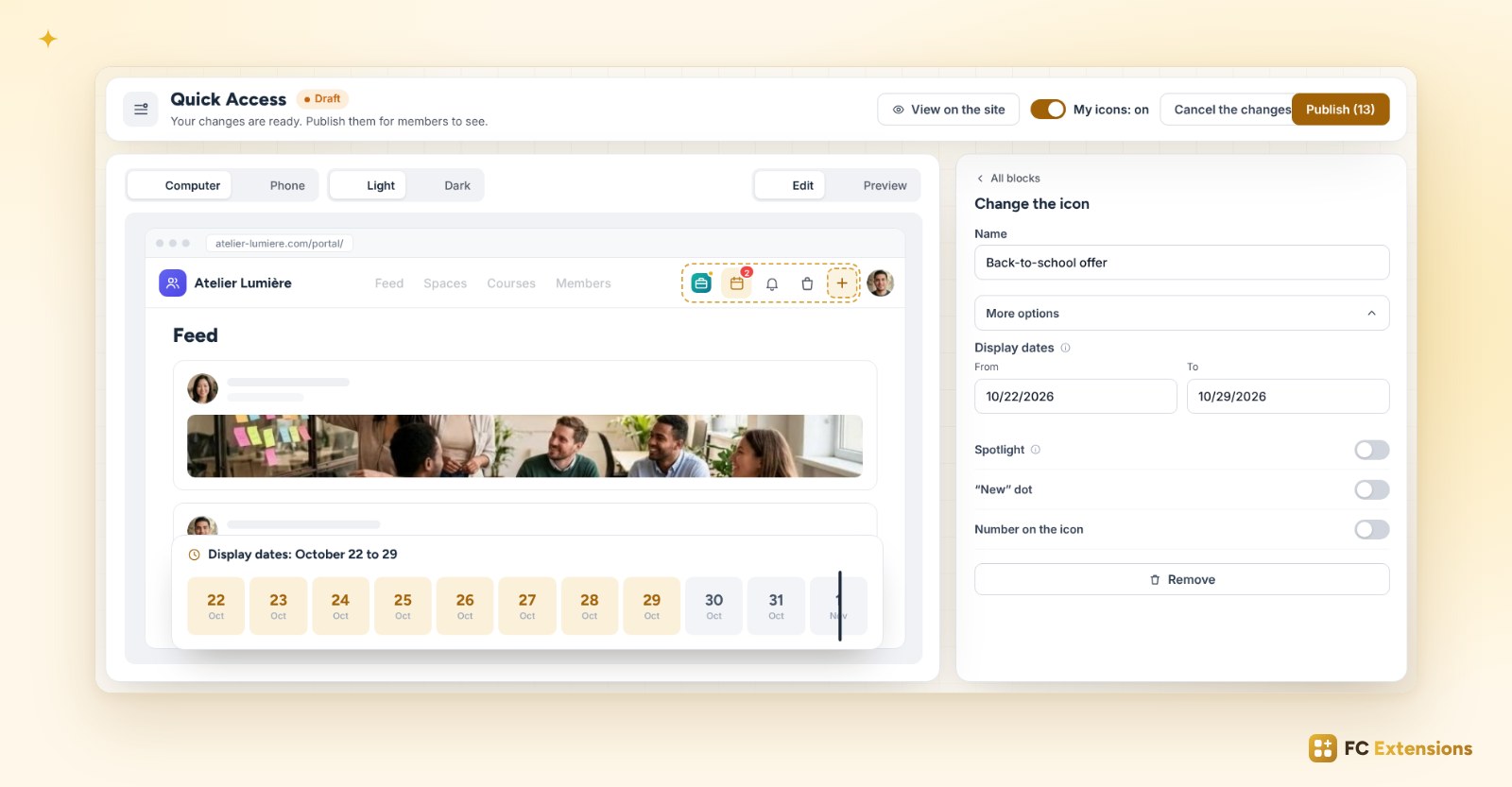
Each icon has its name, its image or your logo, and you choose who sees it: everyone, your members, your visitors, or only certain spaces, courses, roles or FluentCRM tags.
With “More options”, an icon can shine in the spotlight, carry a “New” dot or a number. And with display dates, it appears on the chosen day, then disappears on its own. Perfect for a back-to-school offer.
Publish when it’s ready
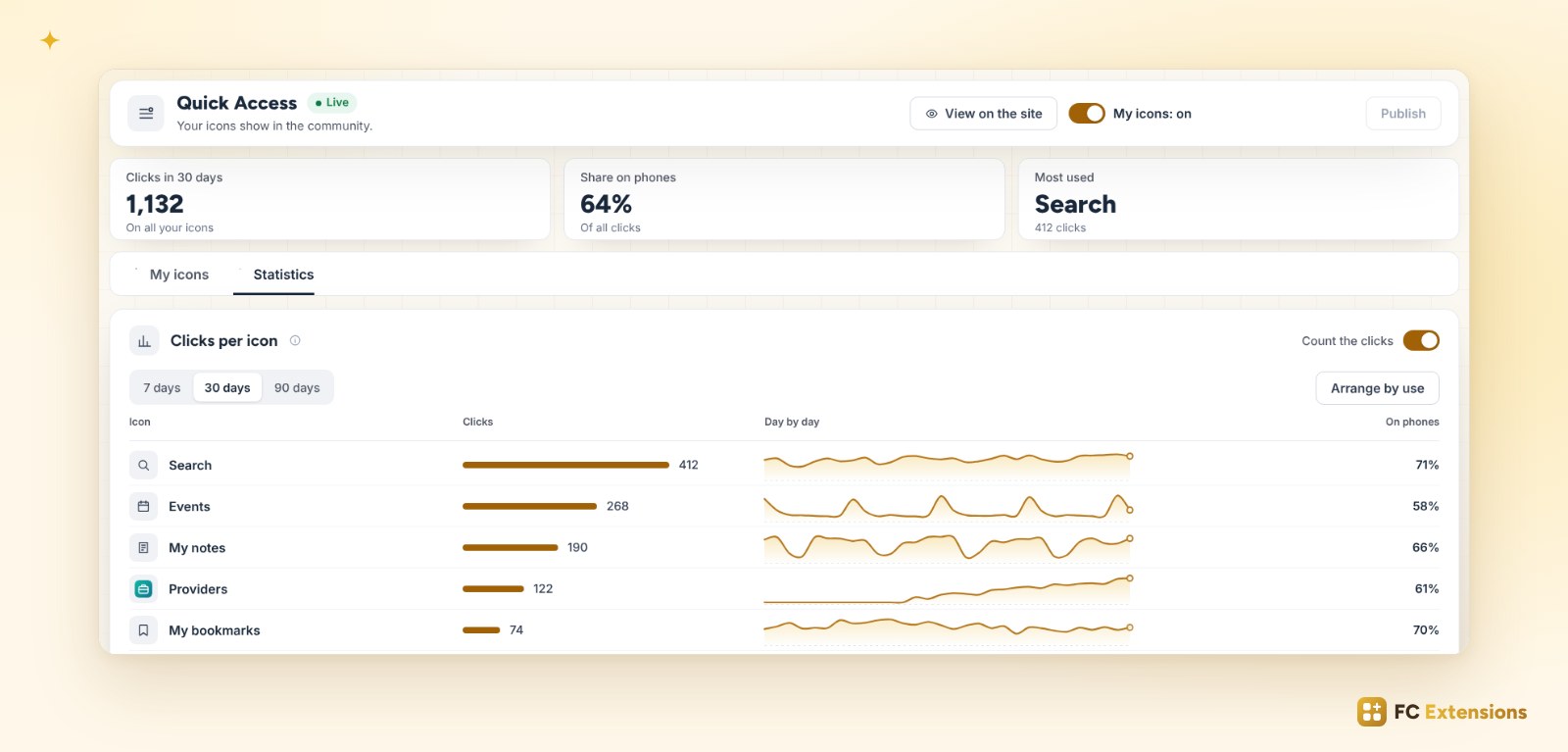
Everything stays in draft until you click “Publish”. You try the result as a member or as a visitor, and even on your real community, without anyone else seeing it. Then the Statistics tab shows you the icons your members use the most, and one click arranges them by use.
How to get it
Already have FC Extensions? Open the extension list, click “Refresh the list”, then install Quick Access. Otherwise, your first name and email are all it takes to get your free key. Quick Access is free, forever.
FC Extensions
Give your members quick access to everything
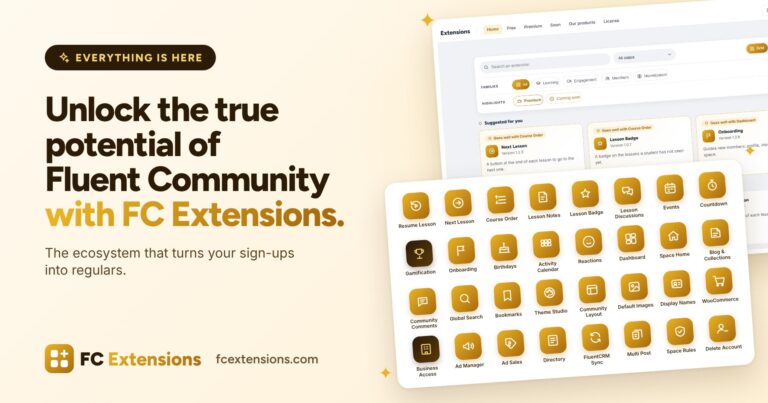
Quick Access joins the free FC Extensions. One free key, and everything opens up.
- Native to Fluent Community
- On computers and phones
- Installed and updated in one click
- Free, forever
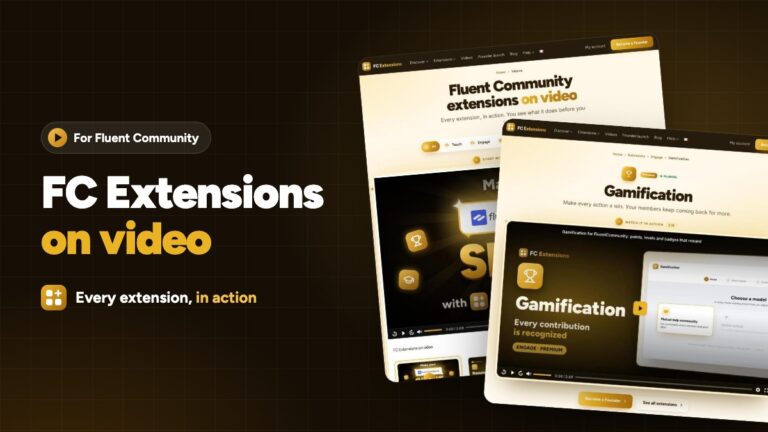
To go further: Quick Access in detail on the FC Extensions blog, every extension on video and the whole FC Extensions ecosystem. We talk about it in La Taverne too.
Frequently asked questions
Is Quick Access free?
Yes, forever. It is one of the free FC Extensions.
Does it work on phones?
Yes. You build the top shortcuts and the whole bottom action bar, profile included.
Do my members see my tests?
No. Everything stays in draft until you click “Publish”, and you are the only one who sees the draft on your community.
Can I go back to the Fluent Community icons?
Yes, at any time, with the “My icons” switch.