


Bonjour,
J'ai bien compris pourquoi FCE met en pause le Constructeur de pages et Space Home quand Widget Pro est actif. Mon souci est ailleurs : je n'ai rien trouvé d'équivalent dans FCE pour la barre latérale droite. Avec Widget Pro, j'y ajoute des blocs, par exemple deux widgets pour afficher une annonce.
Je ne cherche pas à garder Widget Pro activé. J'aimerais simplement pouvoir ajouter ces blocs dans la barre latérale droite directement avec FCE, via le Constructeur de pages ou ailleurs.
Est-ce que cette possibilité existe et que je suis passé à côté ? Sinon, est-ce prévu ?

I have to say I had a bit of a chuckle when I saw Fluent Community's new global search feature as it looks extremely familiar to FC Extensions. I tested it out and it is pretty good. I'm glad they could get inspiration from you Dragan Stamenkovic , however, I still find your extension to work better and provide more analytics so I'll stay put.

Your courses, your spaces, your members and each profile show up in the order you choose.
You could already choose the order of your courses. Now Sort Order works on four zones:
- your courses, dragged into place or sorted automatically;
- your spaces, with exactly the same screen;
- your members: your team at the top of the Members page and in each space;
- each profile: their spaces and courses, set in one go.
And more: something new at the top until the date you choose, the page seen as a visitor or one of your members, and an Undo button. You can also let each member pin their favorites.
When you update, nothing moves for your members until you change it.
Thank you to everyone who shared ideas here: several of these new features come from you. 🙏
🎬 Watch the video and read the article:
👉 Sort Order: your whole community, in the order you choose
📖 The Sort Order page
Update Sort Order and FC Extensions from your dashboard. If the update doesn’t show up yet, open the extension list and click Refresh the list.
So, what will you put at the top first? Tell me in the comments!
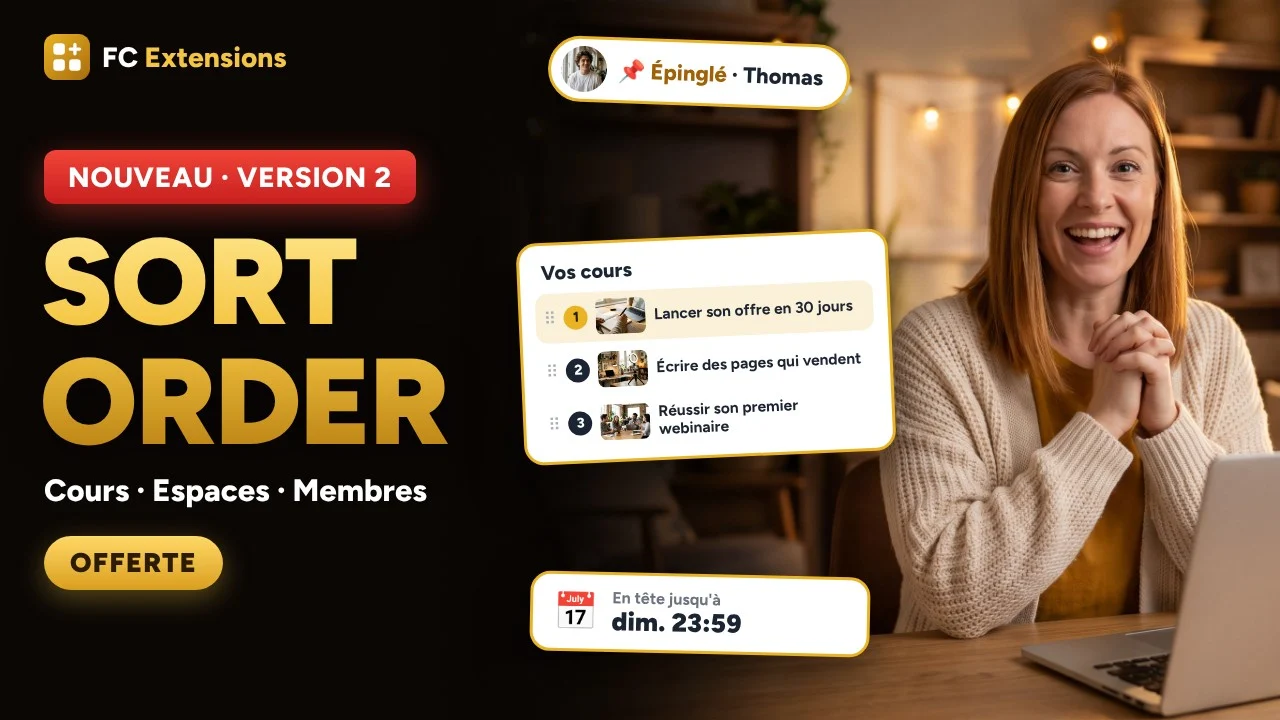
🚀 NOUVEAUTÉ : Ordre des cours devient Sort Order et range toute votre communauté pour vous
Vos cours, vos espaces, vos membres et le profil de chacun s’affichent dans l’ordre que vous choisissez.
Vous choisissiez déjà l’ordre de vos cours. Maintenant, Sort Order agit sur quatre zones :
- vos cours, à glisser à leur place ou à ranger automatiquement ;
- vos espaces, avec exactement le même écran ;
- vos membres : votre équipe en tête de la page Membres et dans chaque espace ;
- le profil de chacun : ses espaces et ses cours, réglés d’un seul coup.
En plus : une nouveauté en tête jusqu’à la date de votre choix, la page vue comme un visiteur ou l’un de vos membres, et un bouton Annuler. Vous pouvez aussi laisser chaque membre épingler ses préférés.
À la mise à jour, rien ne bouge chez vos membres tant que vous n’y touchez pas.
Merci à ceux qui m’ont partagé leurs idées ici : plusieurs de ces nouveautés viennent de vous. 🙏
🎬 Regardez la vidéo et lisez l’article :
👉 Sort Order : toute votre communauté, dans l’ordre que vous choisissez
📖 La fiche Sort Order
Mettez à jour Sort Order et FC Extensions depuis votre tableau de bord. Si la mise à jour n’apparaît pas encore, ouvrez la liste des extensions et cliquez sur Actualiser la liste.
Et vous, qu’allez-vous mettre en tête en premier ? Dites-le-moi en commentaire !

I'm playing around with the Page Builder and Activity Feed, and I'd like to add a shortcode. However, the shortcodes from Divi WordPress don't seem to work here. Is that correct?
Actuellement dans le constructeur de page > Page de la communauté, il n'est pas possible de ne pas afficher un bloc pour les visiteurs, hors parfois ce bloc n'est pas nécessaire pour eux. Il serait pratique de pouvoir décider de laisser le bloc en tant que membre et ne pas l'utiliser pour les visiteurs ou inversement.
Pour le bloc "Bienvenue", n'utilisant pas les cours sur ma communauté, j'aimerai pouvoir supprimer le chiffre pour "cours" et éviter d'afficher 0 cours, soit manuellement, soit il détecterait si 0 (0 = pas d'affichage). Ceci s'applique peut être à d'autres bloc, je n'ai pas encore tout testé.
Réactions multiples : Pouvoir modifier la couleur du texte à coté de l'emoji, avoir la possibilité de le supprimer "👍J'aime" ou "👍J'aime" (je pourrais le faire via du css, j'ai repéré la classe, mais j'aime le natif). EDIT : Je viens de remarquer que la couleur est associée aux réglages des couleurs de chaque emoji, dans ce cas pourriez vous ajouter une couleur blanche ou nous laisser choisir nos propre couleur et idéalement une couleur mode claire et une autre pour le sombre car selon notre thème nous avons parfois besoin d'affiner pour que cela soit lisible.
Pour ce qui est du nombre de 8 emoji maximum, c'est voulu ou il est possible que dans le futur nous puissions en ajouter d'autres, sur deux ligne, 6+6, par exemple ? C'est ce que j'avais avant, mais j'aimerai connaître votre raison pour ce choix et éventuellement l'avis des autres 😉
Voila, pour l'instant je ne vois rien d'autres à ajouter, mis à part un merci pour votre travail soigné !

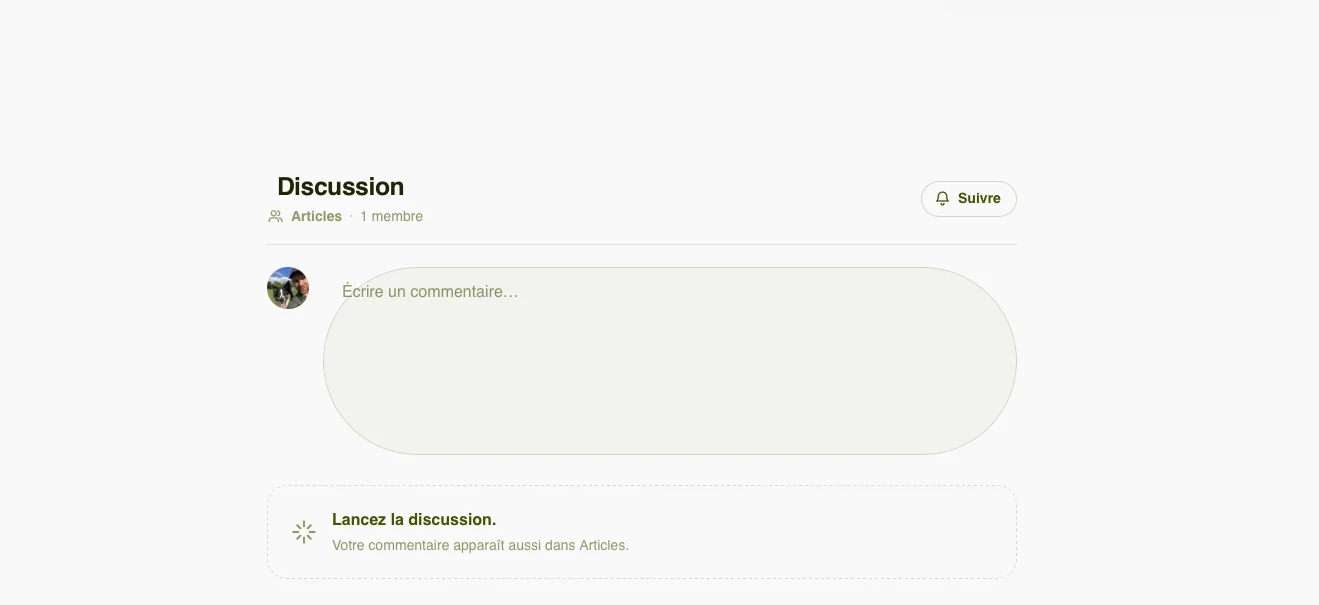
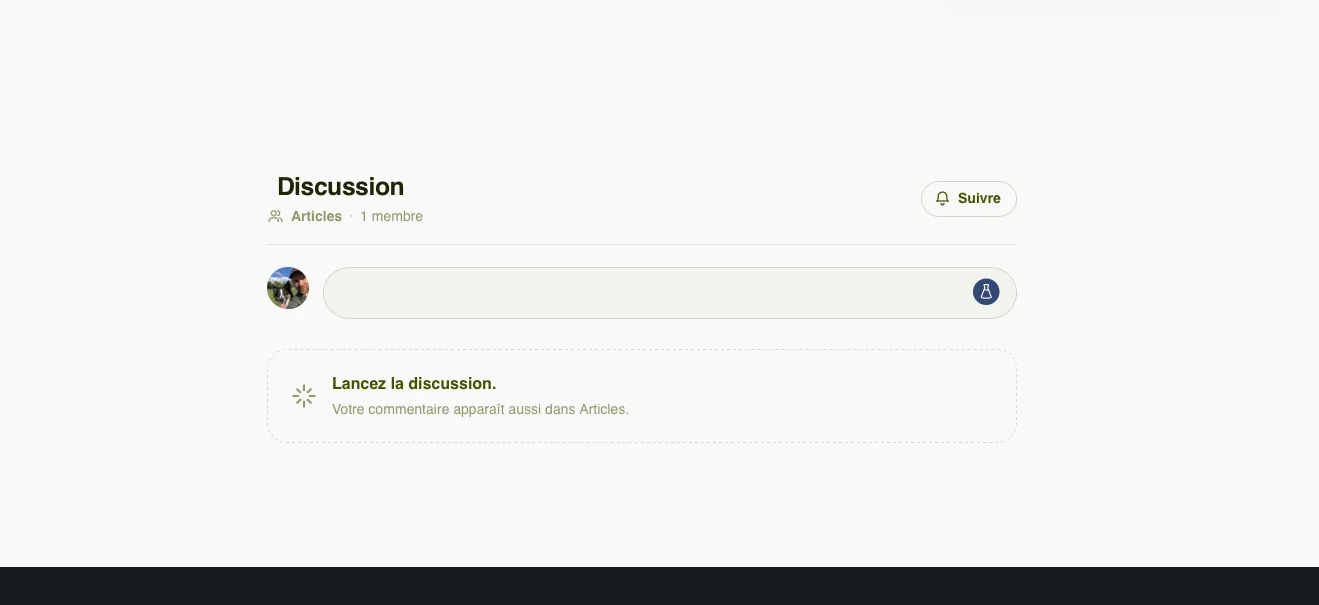
J'ai remarqué que, sur mon site, l'espace "Commentaires" s’affiche de façon incorrecte lorsque l'on n’a pas encore interagi avec, mais qu’une fois qu’on l’a fait, il prend la mise en page voulue.
Est-ce que c'est un souci de cache ou autre ? Je ne saurais le dire.
J'ai le même résultat aussi bien avec Safari que Brave.

Hi, first, FC Extensions is pretty awesome. Lots of enhancements to FC that look pretty cool.
I'm looking at using Global Search in place of the custom search I built for my site but have a couple questions.
-
We use the Members plugin to assign WordPress roles to regular WordPress pages. Is there a way to incorporate these permissions into the search results so pages that the user has no access to won't be returned in the search results.
-
We have an ACF custom field on regular WordPress pages titled 'Hide from search'. These are typically administrative type pages that nobody would ever need to search for. Is there a way or maybe a filter available to exclude these from the search results?
Thanks!!!!

I'm considering making FluentCommunity the main platform for my website, kuhudak.com, instead of using the traditional WordPress setup.
Currently, my community runs at /community, while my main website uses regular WordPress posts. However, after trying the Blog & Collections extension, I really like how smoothly it displays content without requiring a full page reload.
I'd love to use this approach for my entire website, but I have a few questions:
- Can Blog & Collections replace the default WordPress blog? I'd like to make FluentCommunity the main website and use Blog & Collections to display all my travel articles and guides.
- SEO and Google indexing: Is it possible to prevent Google from indexing my regular WordPress posts while allowing the articles published through Blog & Collections to be indexed and ranked in Google Search? Ideally, I want to maintain a clean URL structure and avoid duplicate content issues.
- Performance: My current WordPress posts take longer to load, partly because I rely on Elementor Pro and several other plugins to create an attractive layout. In contrast, Blog & Collections feels much faster and loads content without a full page reload. I'd love to simplify my setup and reduce the number of plugins I need.
- Future possibilities: Would it be possible to use FluentCommunity as the primary website while retaining WordPress as the backend, with Blog & Collections handling the entire content publishing and browsing experience?
My website focuses on travel guides, destinations, travel stories, and practical travel information. A fast, seamless, and SEO-friendly content experience is essential for me.
My ultimate goal is to replace the traditional WordPress frontend with FluentCommunity, use Blog & Collections to present my travel content, and have those articles properly indexed by Google—all without the overhead of a heavy WordPress setup.
Is this achievable with the current version of Blog & Collections, or would it require additional customization?
I'd really appreciate your thoughts and recommendations. Thank you for developing such a promising extension!
Thank you for your excellent work on the Blog & Collections extension! I’ve been testing it on my travel website and would like to share a few suggestions and issues.
1. “In this article” Section
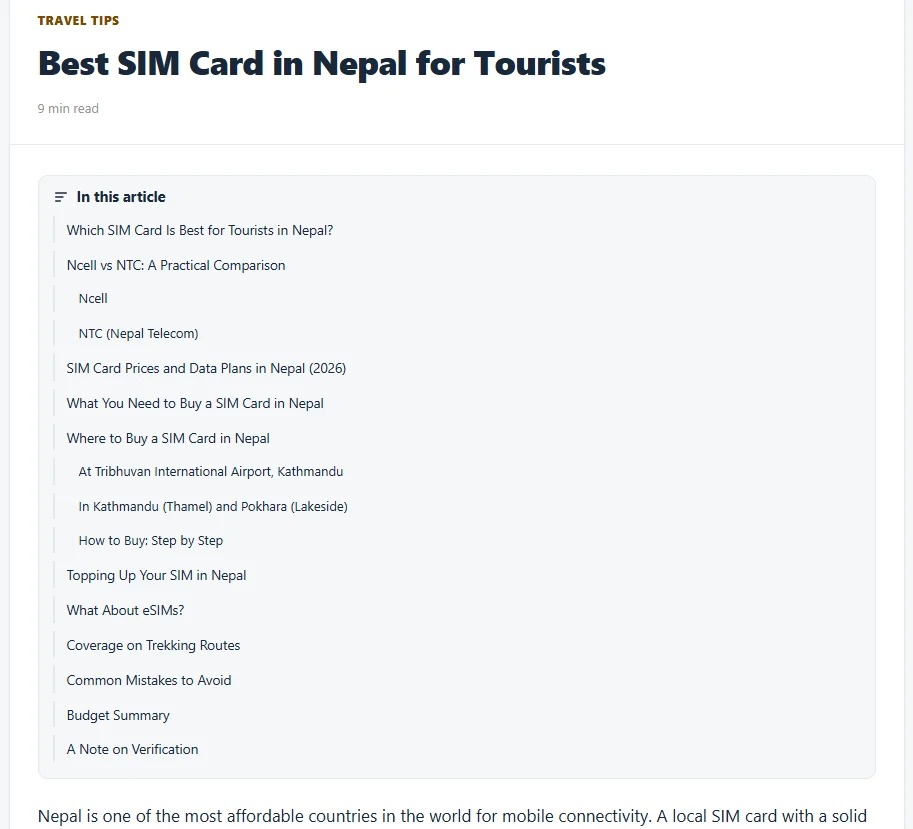
The “In this article” section takes up too much space at the beginning of an article. Could it be smaller or collapsed by default?
2. Bullet Lists
Bullet points are not displayed correctly in articles. Could you fix this?
3. Collections Label on Mobile
On mobile devices, could you display the Collections name next to its icon while keeping the layout compact and saving screen space?
4. Color Customization
How can I change the colors of Blog & Collections to match my theme? Dedicated color customization options would be helpful.
5. “Pick up where you stopped”
This section doesn’t display properly on smaller screens. Could you improve its responsive layout?
6. Lightbox for Article Images
Could you add a lightbox feature so users can click on article images to view them in a larger overlay?
7. Global Search
Is it possible to display Global Search across the entire WordPress website, including regular WordPress pages and posts outside the community? I’d love to provide a unified search experience across the whole site.
One More Thing
I’ve implemented several additional features for Fluent Messaging using custom code, including message read receipts, an online status indicator, and a list of currently active users. I’ve also implemented audio and video calling using Cloudflare Realtime, and these features are working on my website.
If you’re interested, I’d be happy to share the two code implementations with you. Perhaps they could be used as a starting point for developing dedicated extensions that other users could easily install and use.
Thank you again for your great work and for continuously improving the platform!
First of all, thank you for the latest update! It’s working great, and I really appreciate the work you’re doing on this extension. I’d like to share a few suggestions and report some issues that could make it even better.
1. Hide Article and Taxonomy Counts
It would be helpful to have options to hide the total article count, taxonomy counts, and other numerical indicators displayed throughout the extension. This would give administrators more control over the interface and allow for a cleaner design.
2. Issue with “Show the sources in tabs”
Under The Look settings, the “Show the sources in tabs” feature doesn’t seem to work when the tab names are written in Bangla. It would be great if this could support non-English languages properly.
3. Default Collapsed State for “In this article”
On single article pages, would it be possible to make the “In this article” section collapsed by default on desktop? This could help keep long travel guides more compact and improve the reading experience. Ideally, users should still be able to expand it whenever they want.
4. Search Box Active Color
The active or focus color of the article search box in Blog & Collection doesn’t appear correctly. Please consider fixing this so the search field displays its intended active color consistently.
5. Internal Links Redirecting to WordPress Pages
I’ve noticed an issue with internal links. Some links work correctly within the community interface, but others redirect users to the regular WordPress pages outside the community. I’ve particularly encountered this issue with Bangla content.
It would be great if internal links could consistently open within the community interface, regardless of the language used in the content.
6. Support for Travel Guide Articles and a Community-Based Website Structure
Since my website is a travel website, I’d also like to ask whether Blog & Collection could support publishing comprehensive travel guides for different destinations, including detailed articles, images, and useful internal links.
More importantly, would it be possible to use the community as the main website at website.com, instead of keeping it under website.com/community?
My goal is to display all my WordPress articles through the community interface rather than using the theme’s traditional single-post and archive layouts, while retaining WordPress as the content management system.
Google indexing and SEO are especially important to me. I want Google to crawl and index the articles properly, with their own URLs, titles, meta descriptions, and structured data where appropriate.
Would this type of setup be possible with the current extension, or would it require additional development? If it is possible, I’d appreciate your recommendations on the best way to implement it without compromising SEO.
Thank you again for your excellent work. I believe these improvements would make Blog & Collection even more powerful, especially for multilingual websites and content-focused platforms like travel websites. I look forward to hearing your thoughts!