

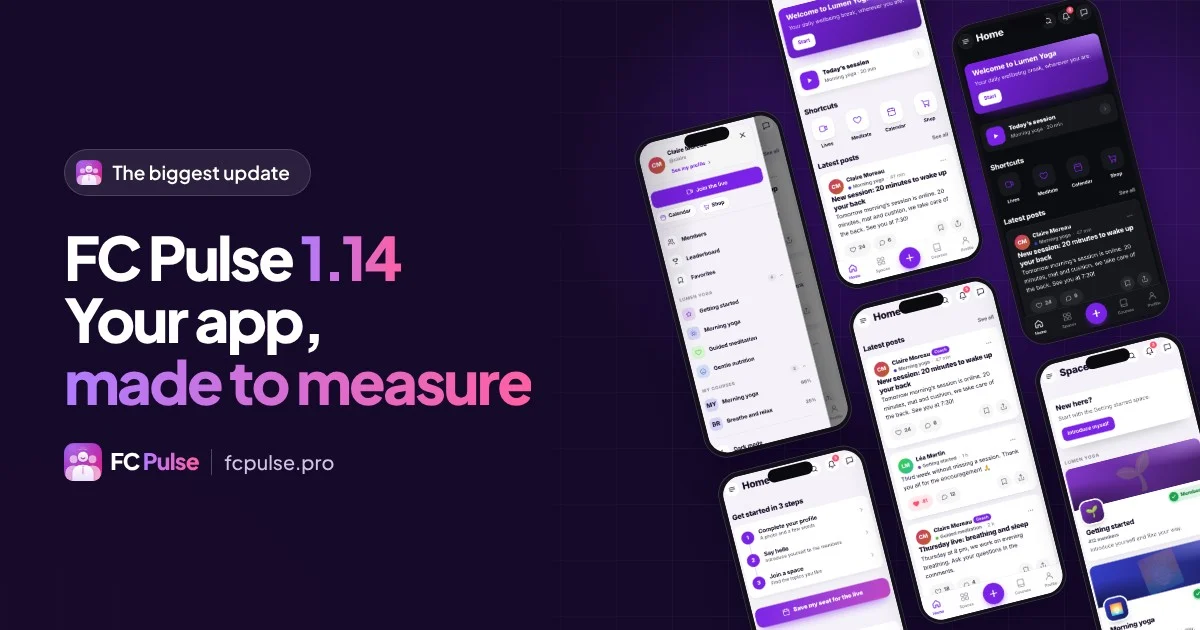
FC Pulse 1.14 is here: your community gets a made-to-measure app
Yesterday I gave you the numbers: 56 new features, 32 improvements and 20 fixes. The full article is now online, with every new feature explained and illustrated.
👉 Read the full article (version française)
The highlights, in short:
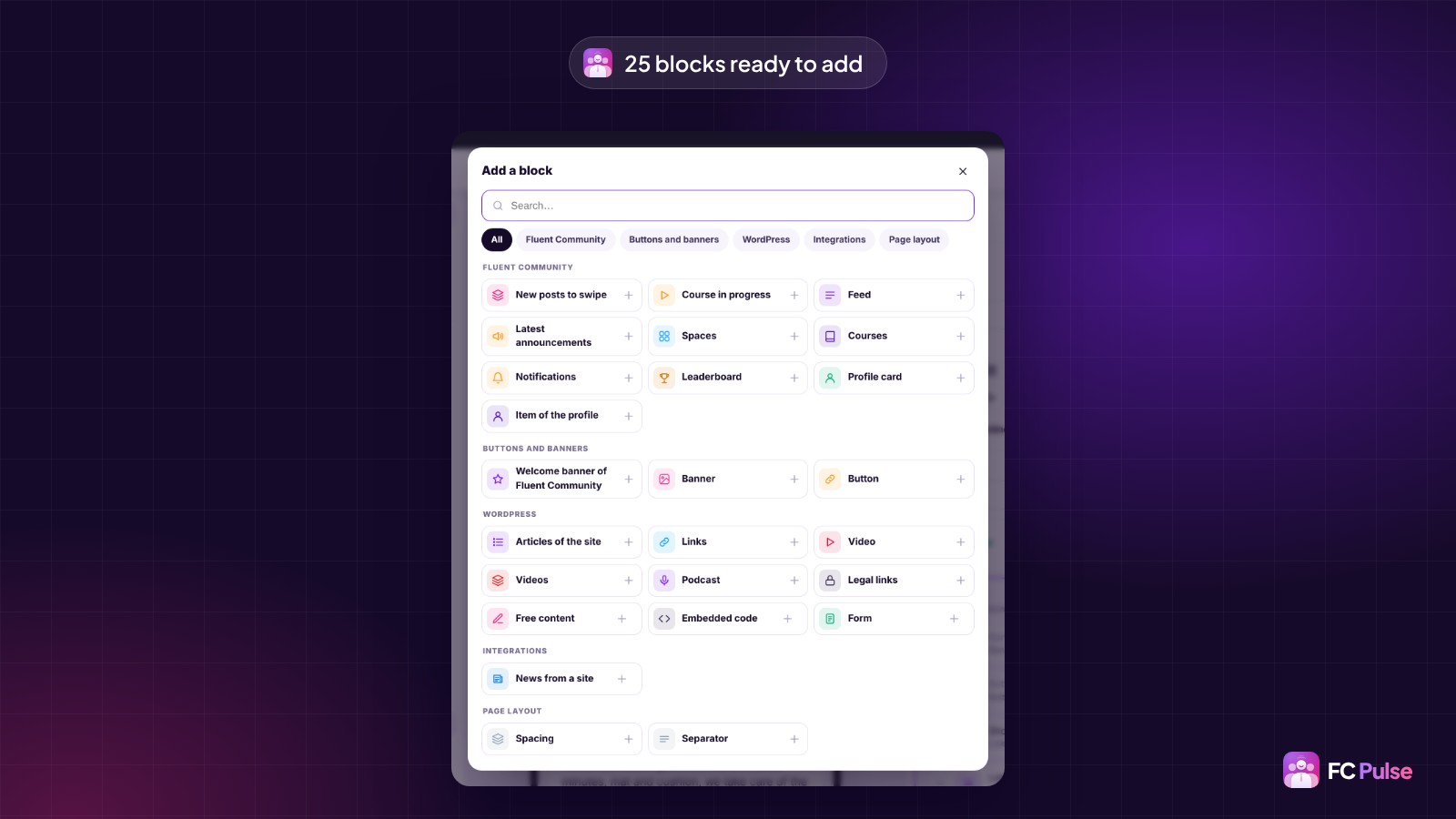
Your pages, built from blocks
You compose your app like a page of your site: 25 blocks sorted by family, five ready-made templates, and your blocks on every section of the community.
Your brand, down to the typography
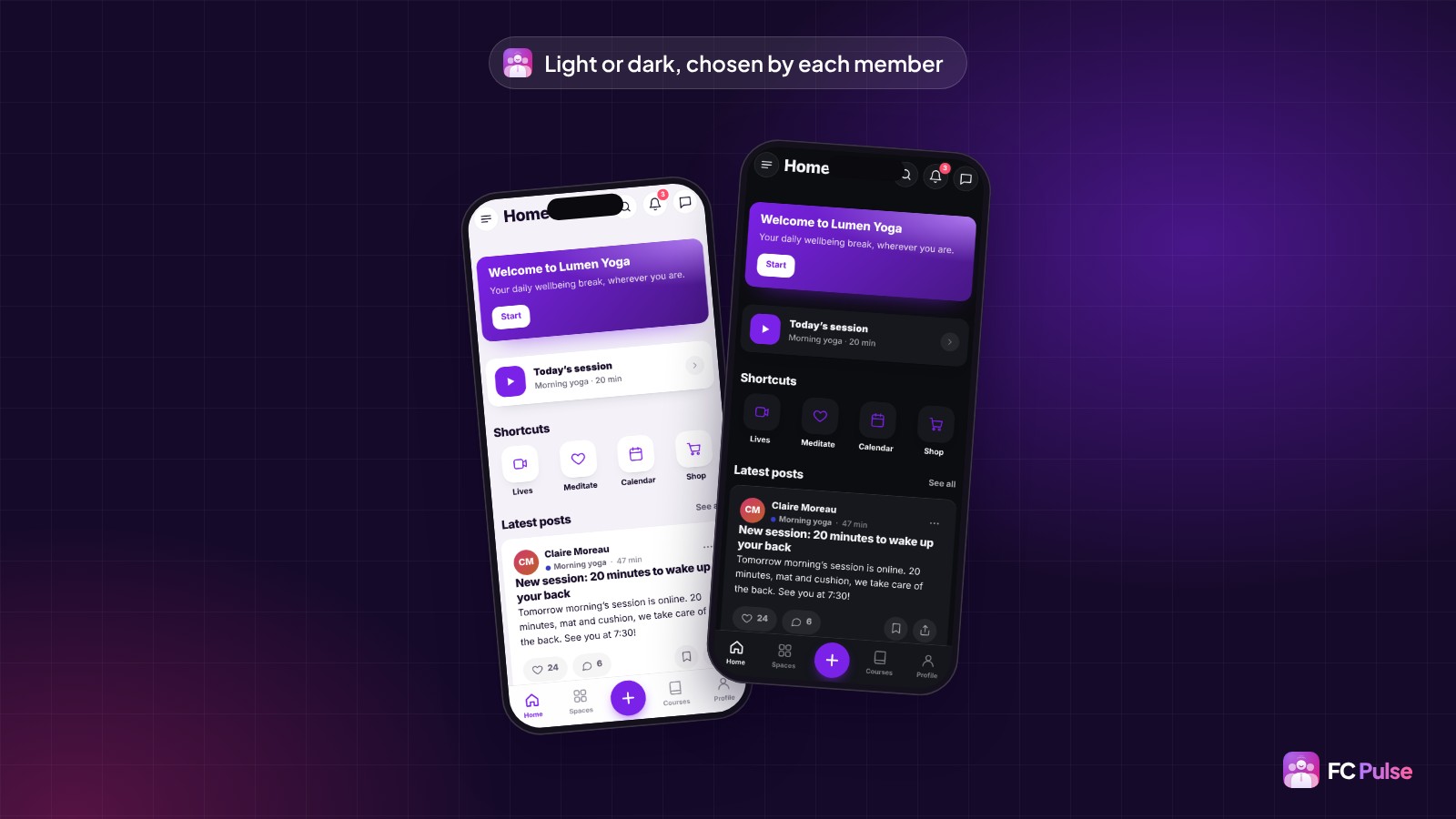
Every color in light and dark, dark mode chosen by each member, your own font files or a Google Fonts typeface copied to your site.
Role management
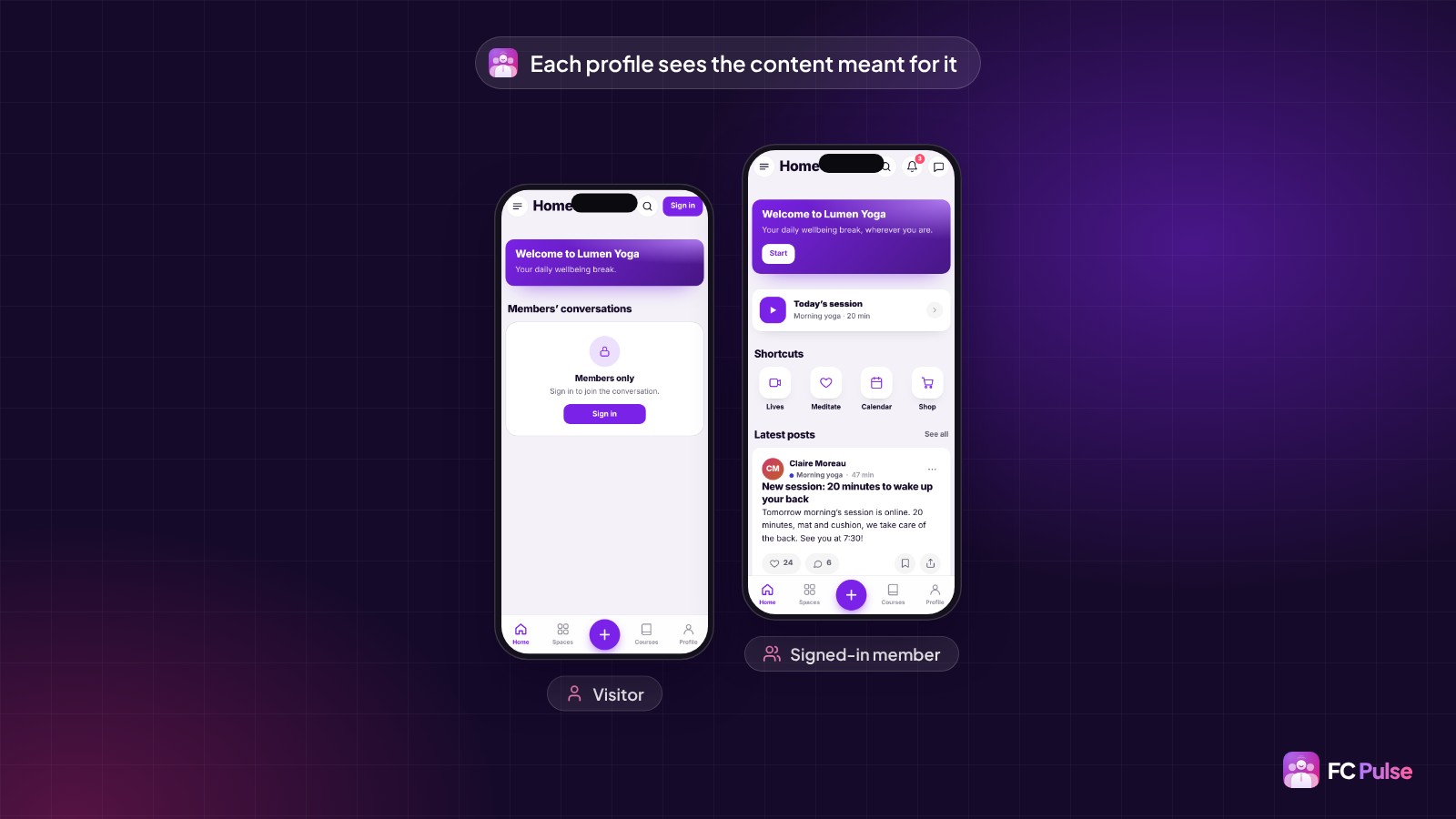
Every block, page, menu item and link shows for the people you choose: visitors, signed-in members, administrators or members of a space.
Notifications sent from your own site
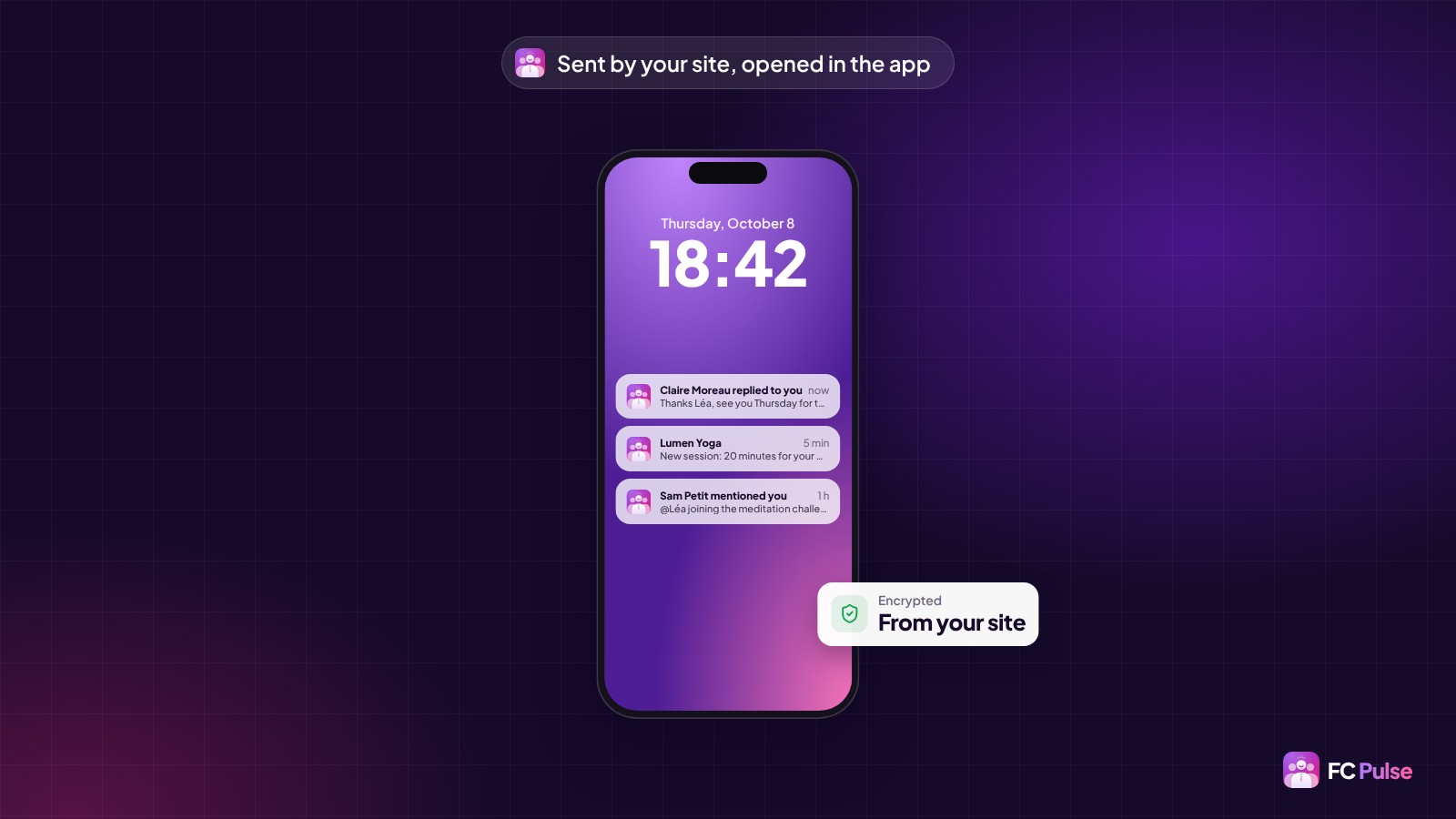
The installed app receives its notifications directly, encrypted by your site. No Firebase account to create, and the comment text shows right in the notification.
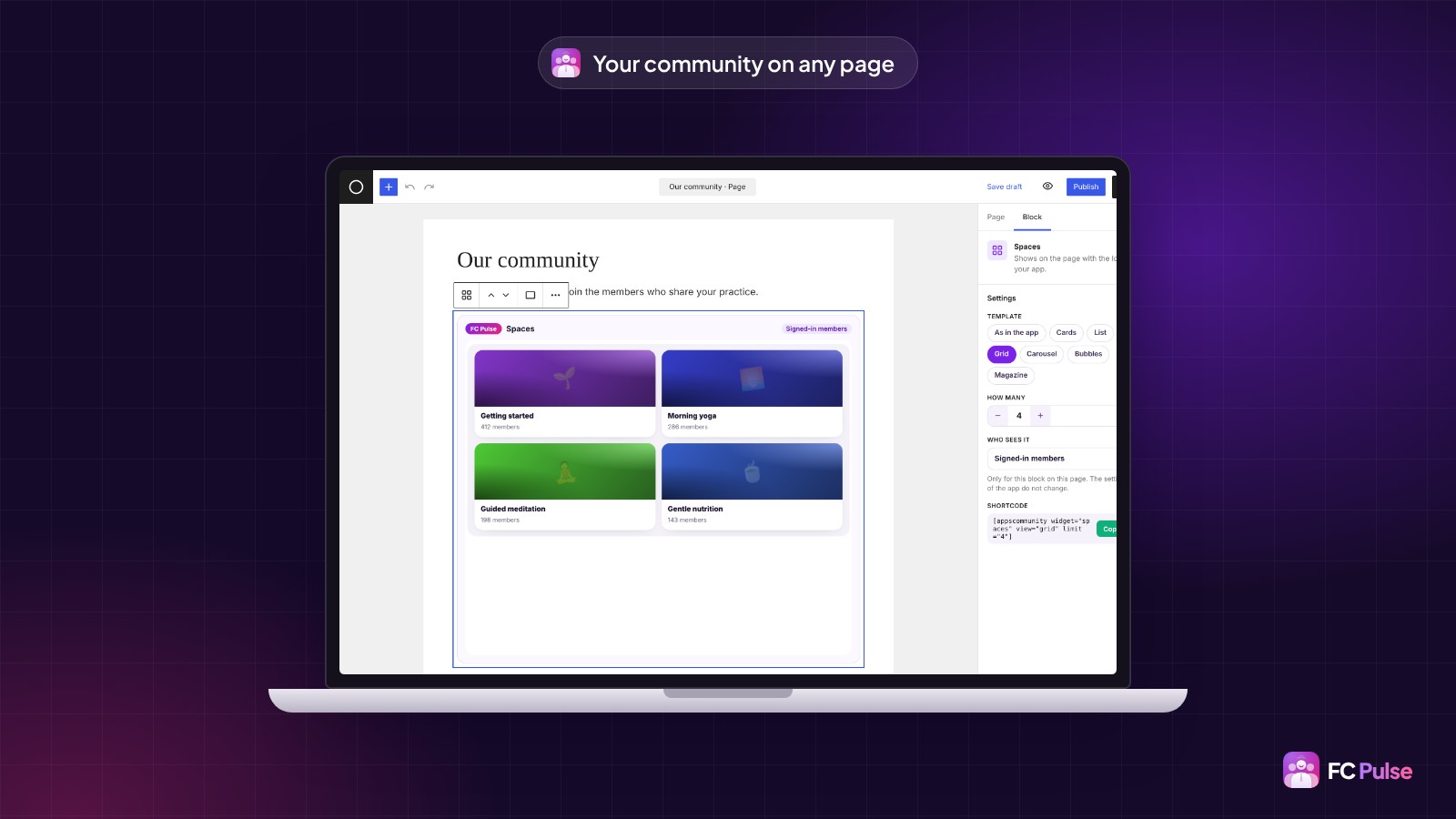
Your community on any WordPress page
14 Gutenberg blocks show the real sections of your community, each with its own settings.
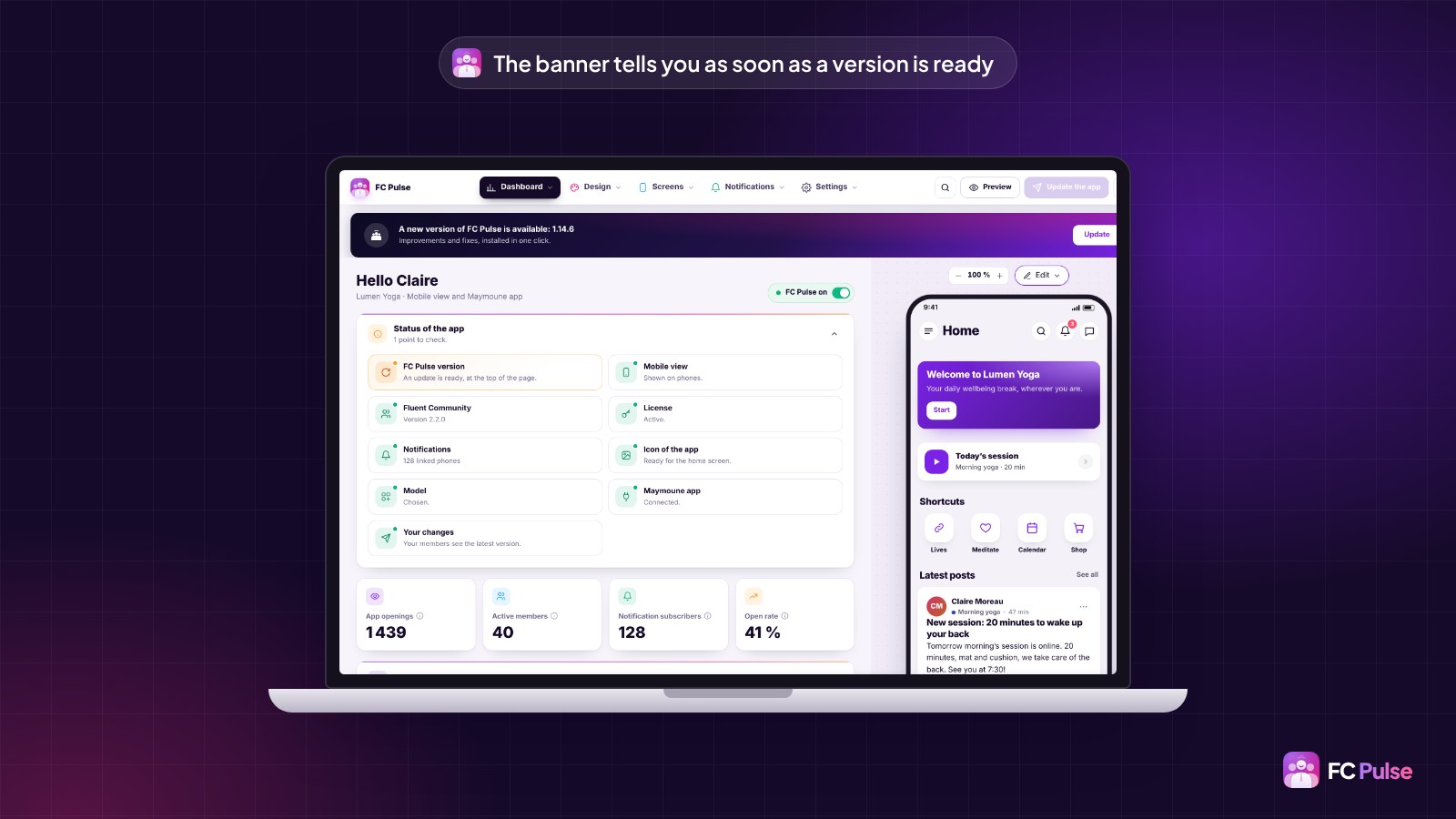
Updating takes one click
A banner tells you as soon as a new version is ready. One click on “Update”, and it installs in a few seconds, with your settings untouched.
On top of that: a redesigned dashboard you arrange your way, a side menu that fits your brand, badges and @mentions, and search in the settings. Every line is in the changelog.
Which new feature will you try first? Tell me in the comments 💜

🇫🇷 En français
Hier, je vous ai donné les chiffres : 56 nouveautés, 32 améliorations et 20 corrections. L’article complet est en ligne, avec chaque nouveauté expliquée et illustrée.
L’essentiel :
Vos pages, faites de blocs. Vous composez votre app comme une page de votre site : 25 blocs rangés par famille, cinq modèles prêts, et vos blocs sur chaque section de la communauté.
Votre marque, jusqu’à la typographie. Toutes les couleurs en clair et en sombre, le mode sombre au choix de chaque membre, vos propres polices de caractères ou une police de caractères Google Fonts copiée sur votre site.
La gestion des rôles. Chaque bloc, page, élément de menu et lien s’affiche pour qui vous voulez : visiteurs, membres connectés, administrateurs ou membres d’un espace.
Des notifications envoyées par votre site. L’app installée reçoit ses notifications en direct, chiffrées par votre site. Aucun compte Firebase à créer, et le texte du commentaire s’affiche dans la notification.
Votre communauté dans n’importe quelle page WordPress. 14 blocs Gutenberg montrent les vraies sections de votre communauté, chacun avec ses réglages.
La mise à jour en un clic. Une bannière vous prévient dès qu’une version est prête. Un clic sur « Mettre à jour », et elle s’installe en quelques secondes, sans toucher à vos réglages.
Et aussi : un tableau de bord refait que vous organisez à votre façon, un menu latéral à votre image, les badges et les mentions @, et la recherche dans les réglages. Tout est dans le changelog.
Quelle nouveauté allez-vous essayer en premier ? Dites-le-moi en commentaire 💜

Je suis super impressionné par la qualité du produit et de la personnalisation possible ! De plus la reprise des couleurs de la communauté est un vrai +.
Il me manque juste une intégration qui serait parfaite, si possible, qui est FCA Events Pro. Un grand bravo pour cet addon qui permet vraiment de se faire plaisir et d'intégrer d'autres contenus que juste ceux de la communauté.
Alain Zuber Si tu as un shortcode, tu peux l'ajouter dans une nouvelle page ou même d'ailleurs où tu veux par l'insertion d'un bloc.
Une intégration native est prévue prochainement (comme celle de FCA Ads Manager).
Merci pour les compliments, ca fait super plaisir.
Si tu as d'autres idées d'amélioration ou détecte des bugs, n'hésite pas à les ajouter à la roadmap. https://sdravobiz.com/fr/roadmap/?app=fc-pulse#/114/

Can I add a custom page in FC Pulse? There are few short codes which I want to display on these custom pages.
Suneel Kommabathula Yes sure and you can compose with bloc. Then, your creativity is free to run wild :)
Hi Dragan, the embedded code and forms blocks are not available for single site license?
Suneel Kommabathula
All builder options are available regardless of the number of licenses. Multi-license plans add collaborative features (coming soon) and white-label capabilities. The same philosophy applies to all plugins of Sdravobiz.
Dragan Stamenkovic It is showing lock symbol and i can't use it
Suneel Kommabathula This is a bug that will be fixed in the update scheduled for tomorrow morning.
Oh, you're talking about those. They're specific blocks. It's not a bug. I thought you were talking about something else. Some modules are indeed available under multi-user licenses. Sorry for the misunderstanding.
Didn't know that single site licenses have limitations.😩
Suneel Kommabathula There are no limitations preventing you from using the plugin under a multi-license arrangement. Multi-licenses are generally designed for agencies with collaborative needs or requirements for extreme customization.
I want to add a shortcode in a new blank page. How do it do it if the embed code option is not available?
Suneel Kommabathula embed or shortcode have same bloc
Alternatively, you can create a page in WordPress and add it via the sidebar using the link icon. That is one way to do it.