

Weekly check- Warnings
Dragan Stamenkovic i had installed the demo a few days ago and received this Google Translated “warning” in my email (image below):
- What is this about?
- How to correct these?
Thanks
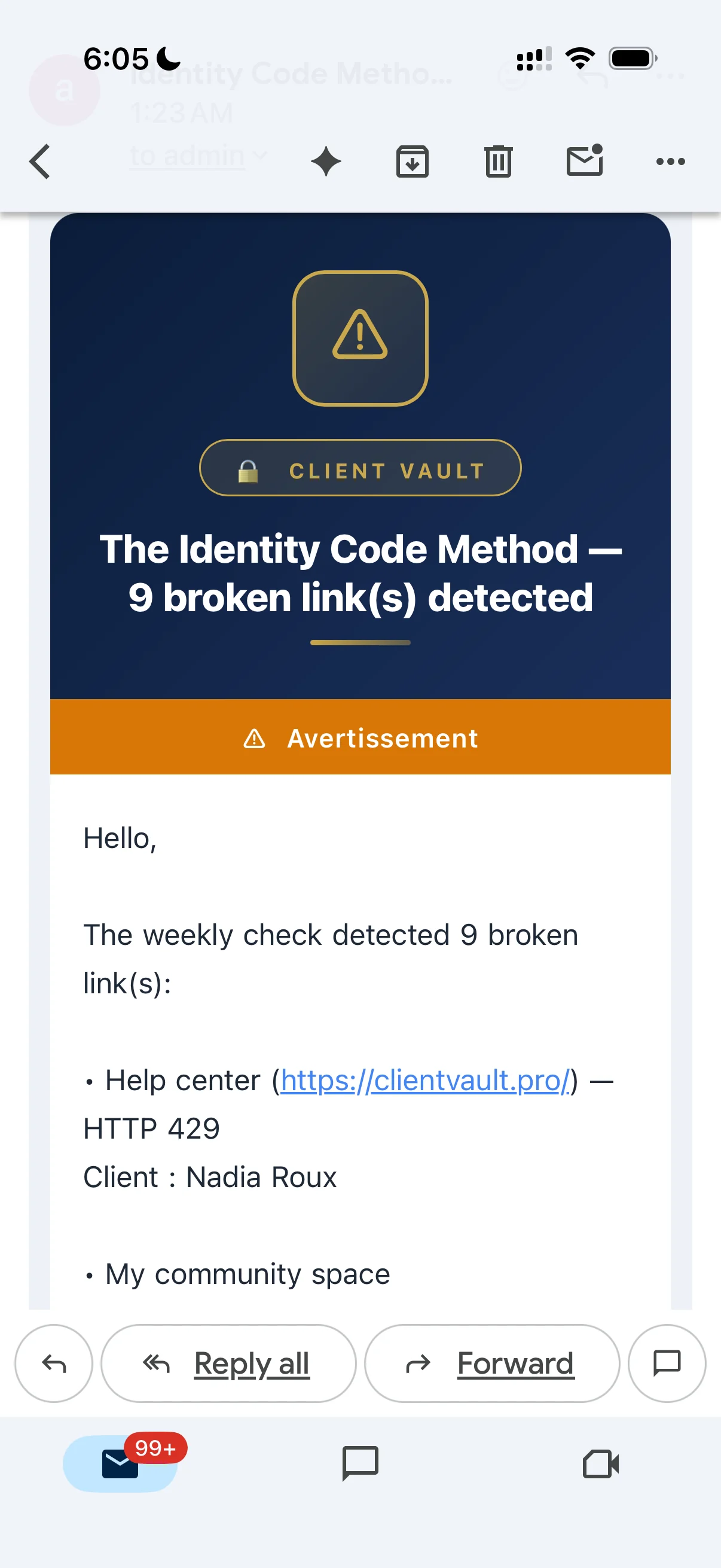

The demo installs links, and the system has detected that these links no longer work. This is perfectly normal, as it's a feature of Client Vault. If you no longer wish to receive these emails, simply disable this notification.

Dragan Stamenkovic thanks…I want to receive these emails if part of normal operations of client vault. since the demo are supposed to simulate real scenarios, how are the links created normally and how do I correct them? Or are you saying only the demo creates these types of links?
Debo Ogunrinde These are dummy links in the demo. When you want to work in production, simply delete the demo and everything will disappear.
If you want to delete them, you have the details in the email. You need to log in to the admin panel of each account and modify or delete them manually.
In the upcoming version, there will be more control over broken links, as the system currently checks the links in all vaults. Later, the client will be able to receive emails with their own broken links, as will the administrator, making it easier for you to manage everything. And most importantly, it will be much more transparent for both the client and you.
Dragan Stamenkovic got it, thanks