

Client Vault 20.37: the whole admin redesigned, and your brand everywhere
Hi Client Vault family,
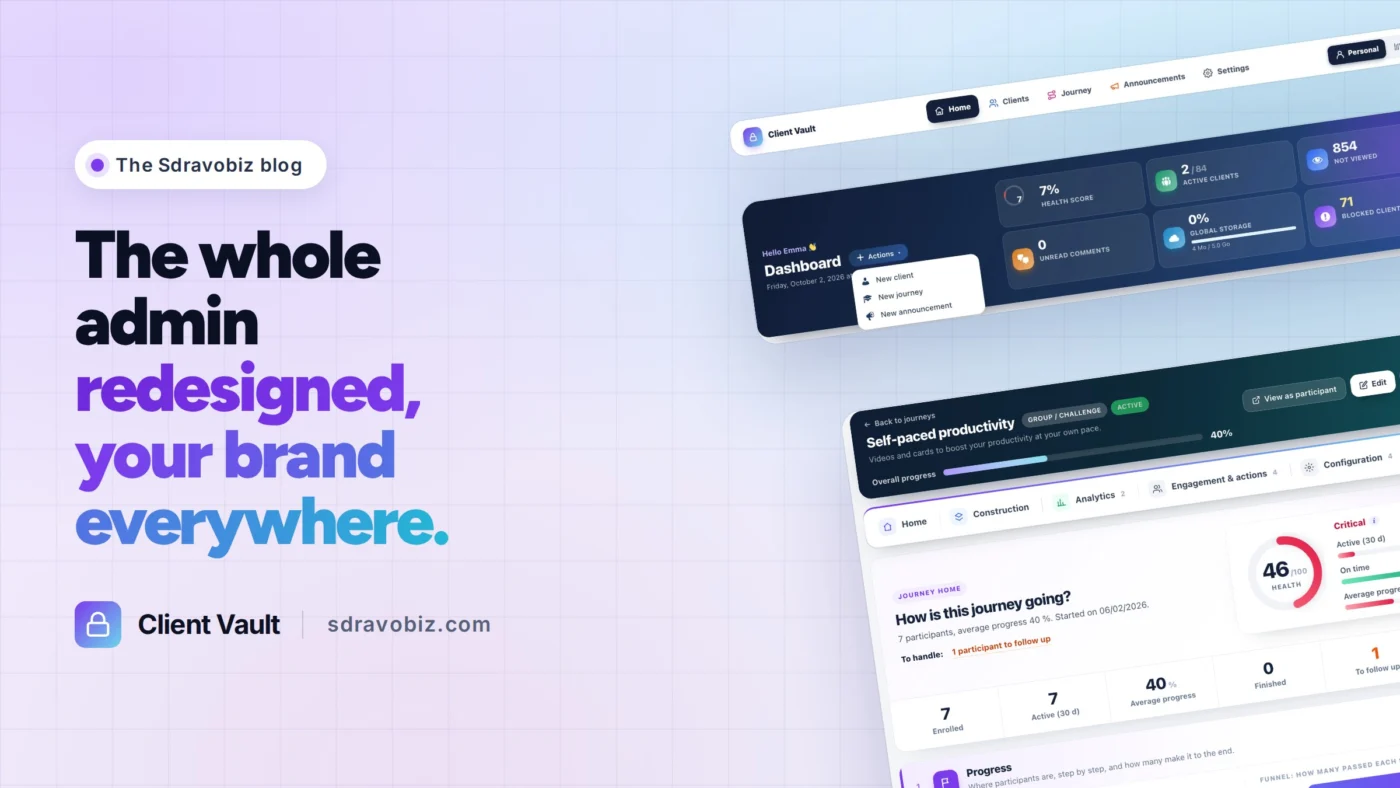
Home, Clients, Journey, Announcements, Settings. That is the new bar at the top of every Client Vault screen, and it is the start of a complete redesign of the admin.
You told me Client Vault does a lot, but that you sometimes had to look for things. So I went back over every screen, one by one. Nothing was removed: every feature has simply found its place.
A home on every page
Each page opens on what matters, with one button for the full view. If you use FunnelCart or Booking Leads, you will feel at home: it is the same layout.
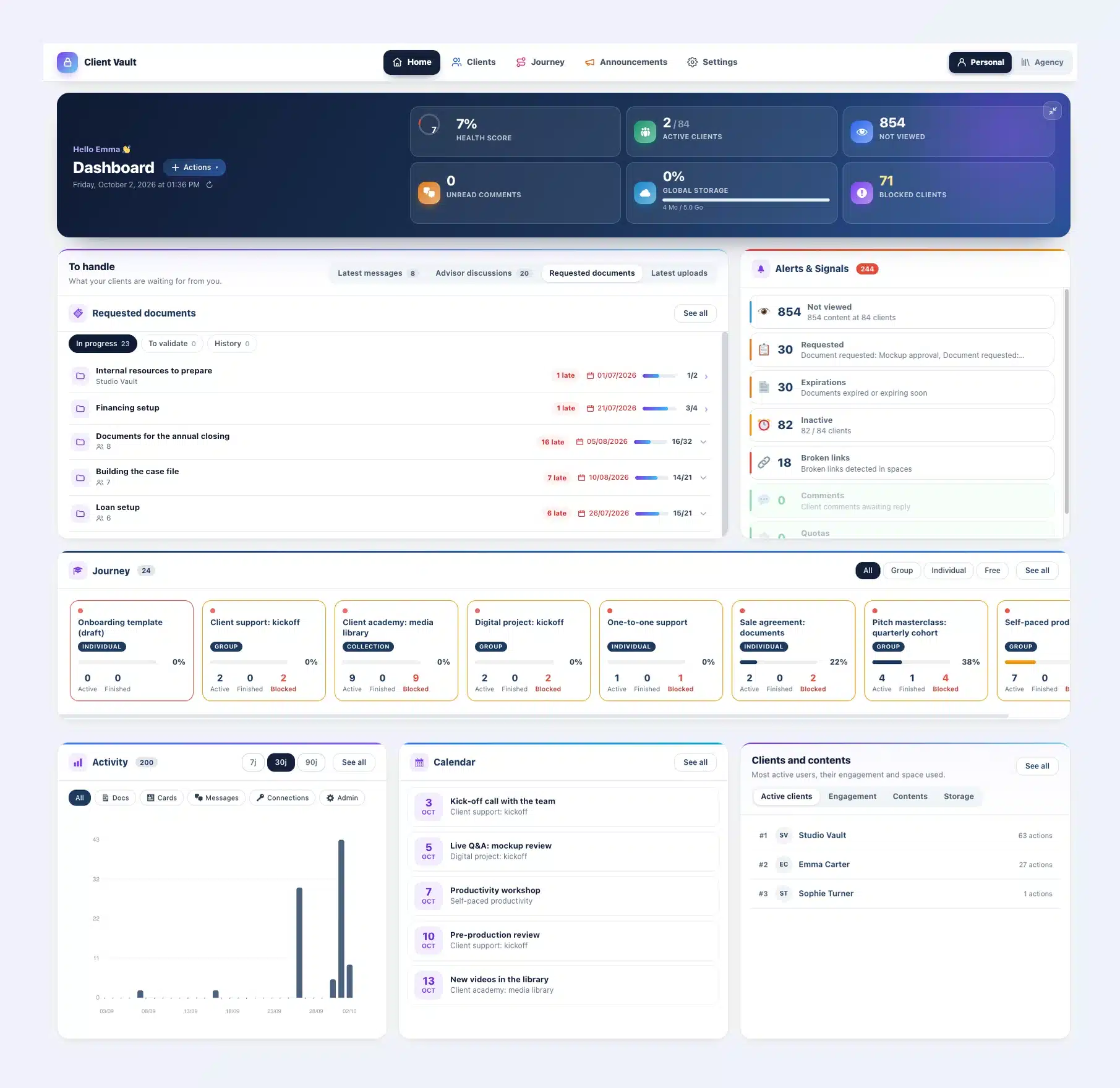
Fewer clicks for every task
A message, a document, an appointment: one click takes you to the right place, at the right client. And the Actions menu creates a client, a journey or an announcement straight from the home page.
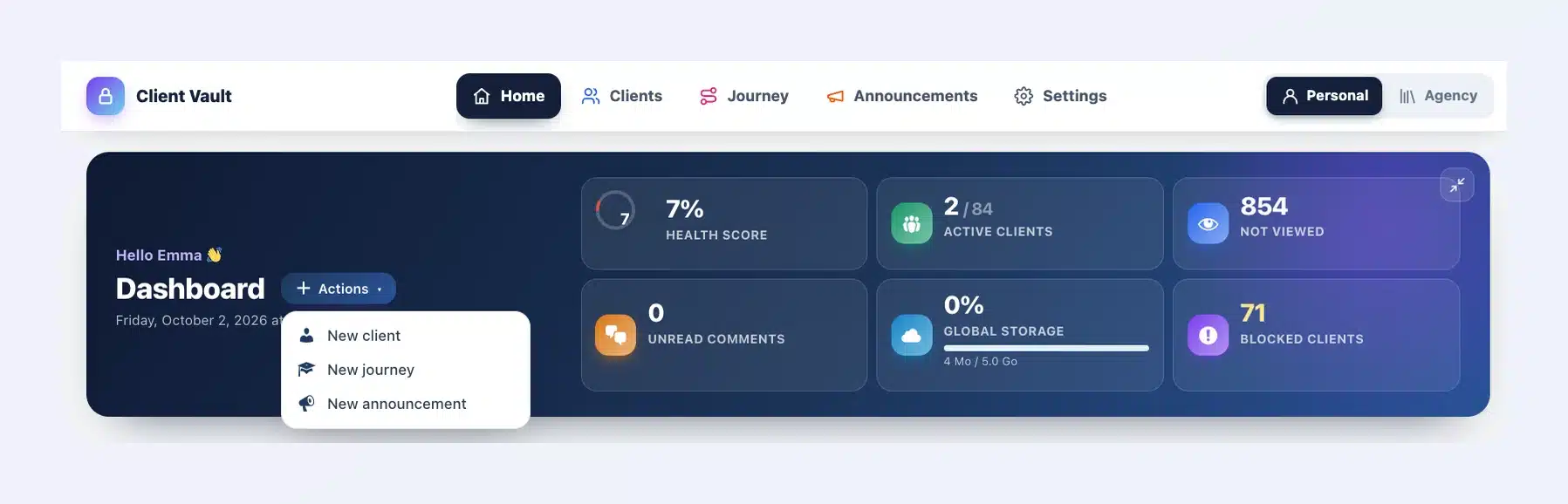
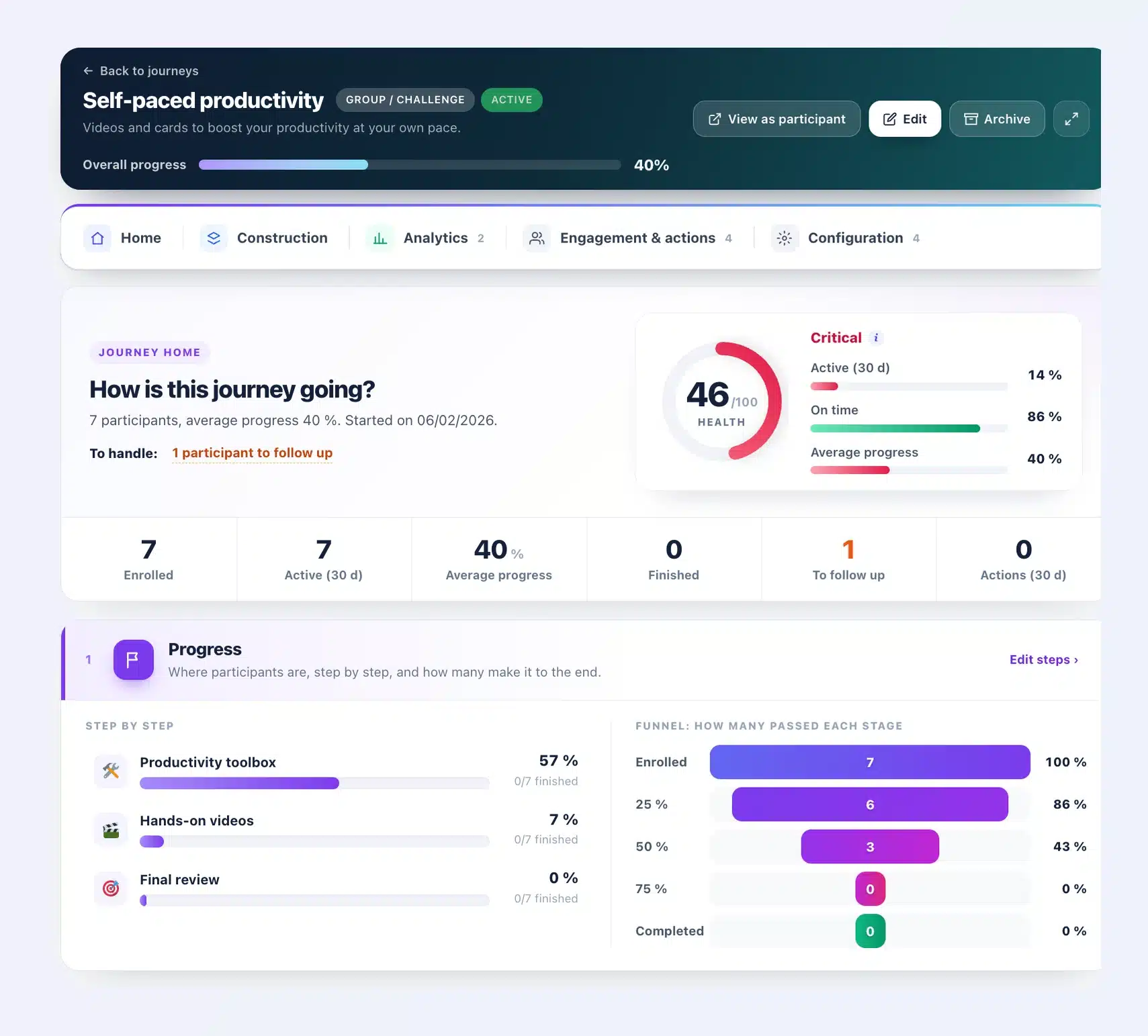
Journeys you steer at a glance
Every journey now has its own home: a health score out of 100, the participants to follow up and the progress of every step. You see who is falling behind, and you nudge them on the right step.
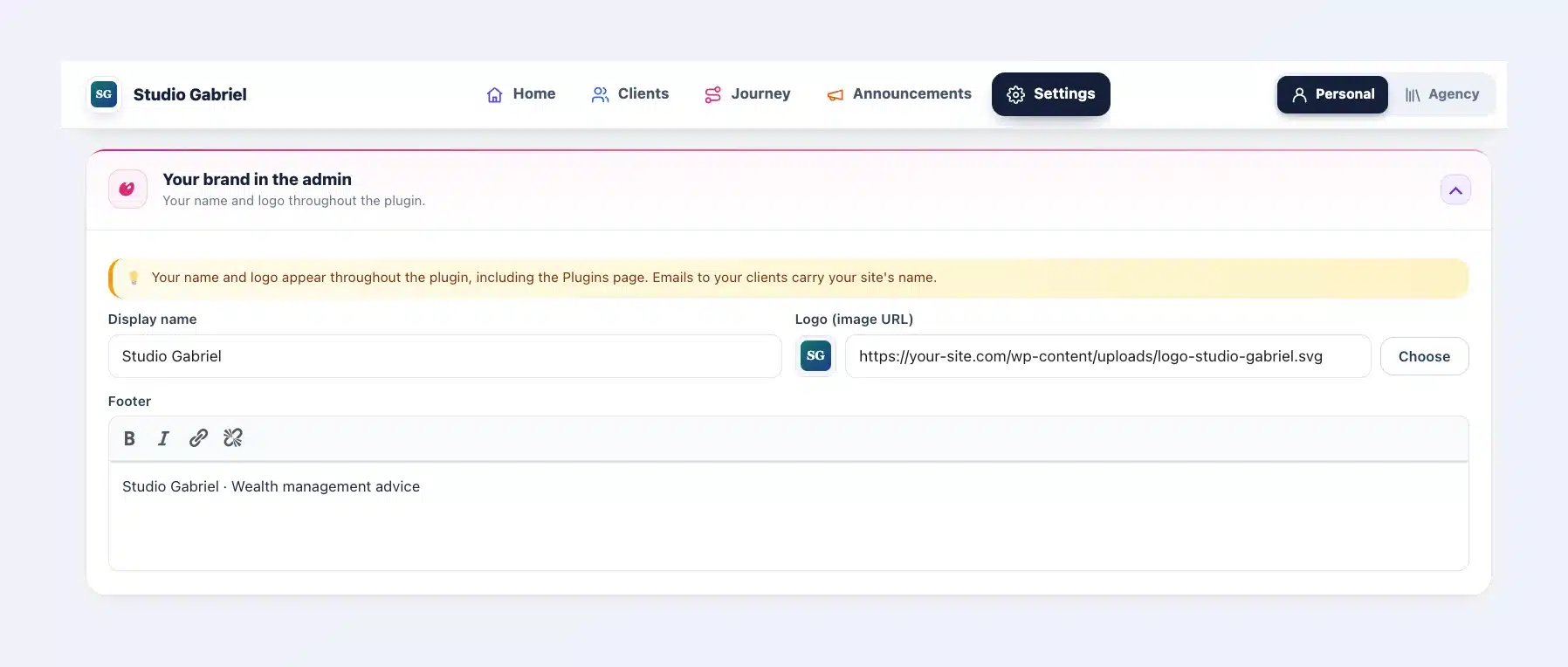
Your brand everywhere
Your name and logo now go all the way: the Plugins page, updates, the license, emails and even the calendar your clients add to their phone. Included in multi-site licenses.
The update is waiting in your WordPress admin, and your data stays in place.
Every new screen, in pictures: read the full article
Tell me in the comments which screen you would like me to improve next.
Thanks,
Dragan

Pour les francophones : l’article complet en français, avec chaque nouvel écran en images, est ici : Client Vault 20.37 en français

Much cleaner! Thank you