

Client Vault 20.36: your brand everywhere, and your key always at hand
Hi Client Vault family,
Version 20.36 is out. It answers requests you have often sent me.
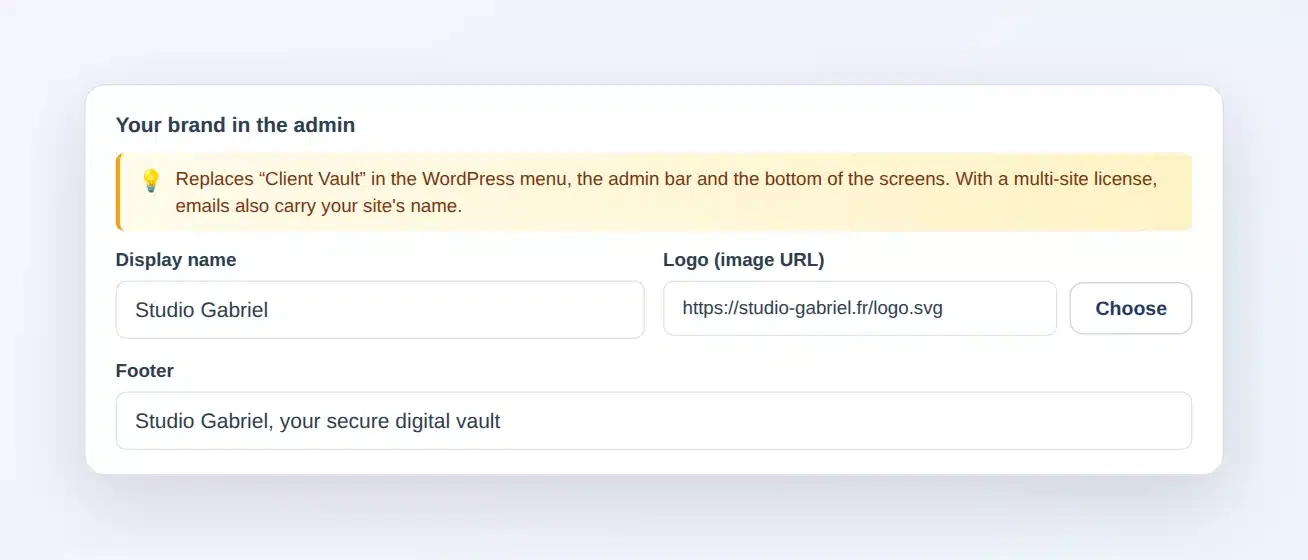
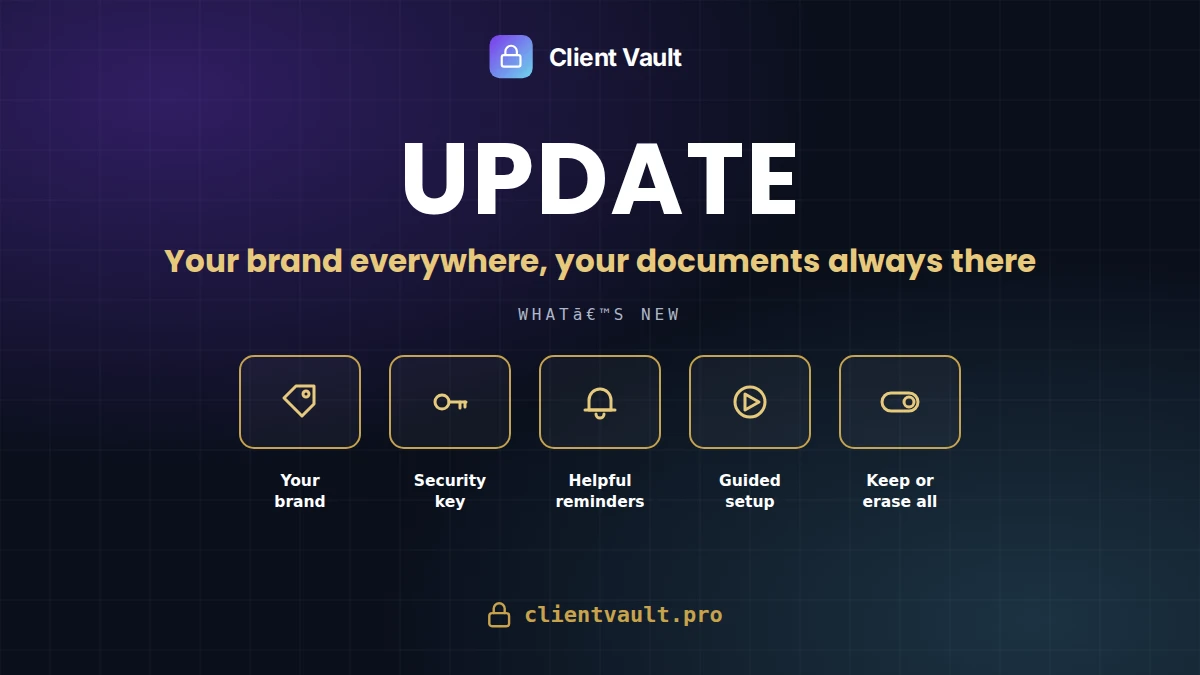
Your brand instead of mine
In the settings, Appearance tab, you enter your name, your logo and your footer. They replace "Client Vault" everywhere in the admin, and emails are sent in your site's name. It is included in multi-site licenses.
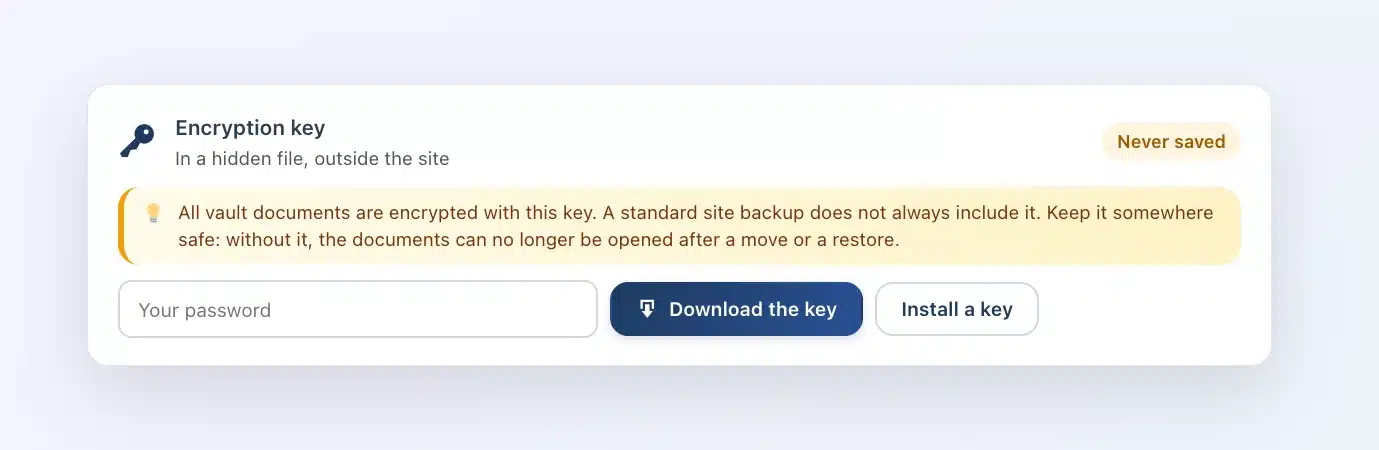
Your encryption key in one click
In the Security tab, you download your key. After changing hosts, you put it back, and Client Vault checks that it opens your documents.
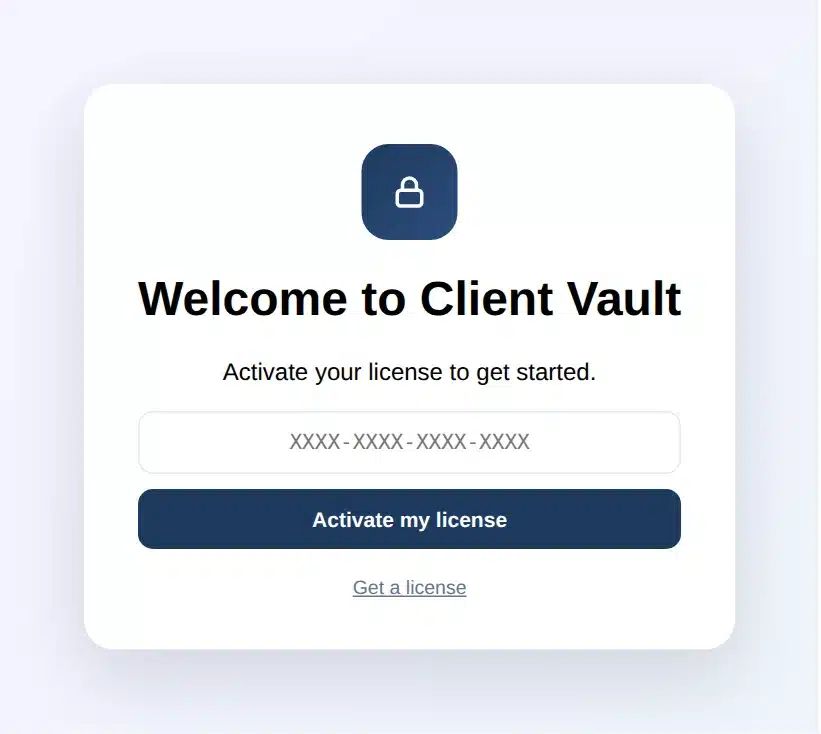
A guided start
On activation, a welcome screen greets you. The wizard then walks you through to your first client.
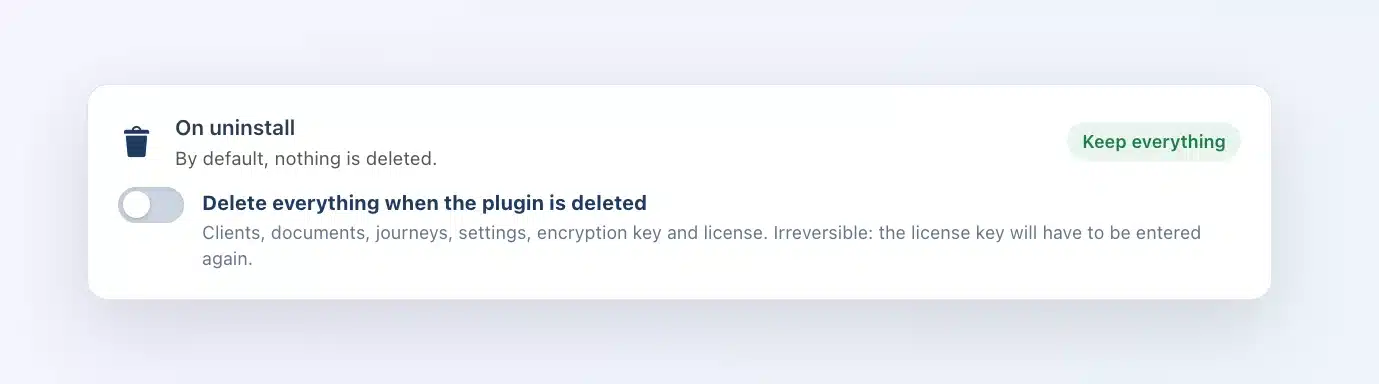
Keep everything or erase everything
By default, deleting the plugin leaves everything in place. A new switch, "On uninstall", lets you erase everything, license included, the day you want to start from scratch.
The update is waiting in your WordPress admin. Remember to download your key right after: it takes a minute.
Full article: https://clientvault.pro/en/client-vault-20-36-update/
Thank you all,
Dragan

Pour les francophones, l'article complet en français est ici : https://clientvault.pro/fr/client-vault-20-36/