

🚀 A big wave of new features just landed — and I can't wait for you to try them!
Hey everyone 👋
These past few weeks, I've poured a ton of time into polishing Client Vault, and honestly, I think this is one of the best waves of updates we've ever shipped. I wanted to take two minutes to walk you through it — not as a cold list, but the way you'd chat with people who do the same job 🙂
Resume update : https://clientvault.pro/en/major-update-user-experience-and-ease-of-use-at-the-heart-of-your-vault/
And here's something that really matters to me before we dive in: a big part of these new features comes straight from the roadmap and from your requests. You share your ideas, your gaps, your "oh, if only it could…", and I turn them into features. In other words: you're building Client Vault with me. And that means a lot 🙏
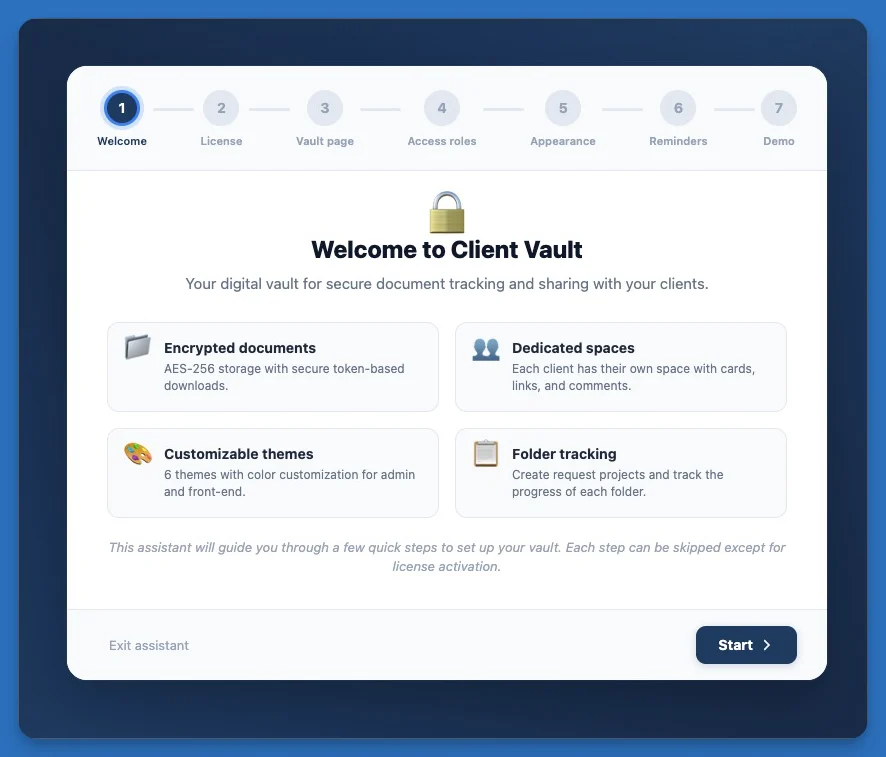
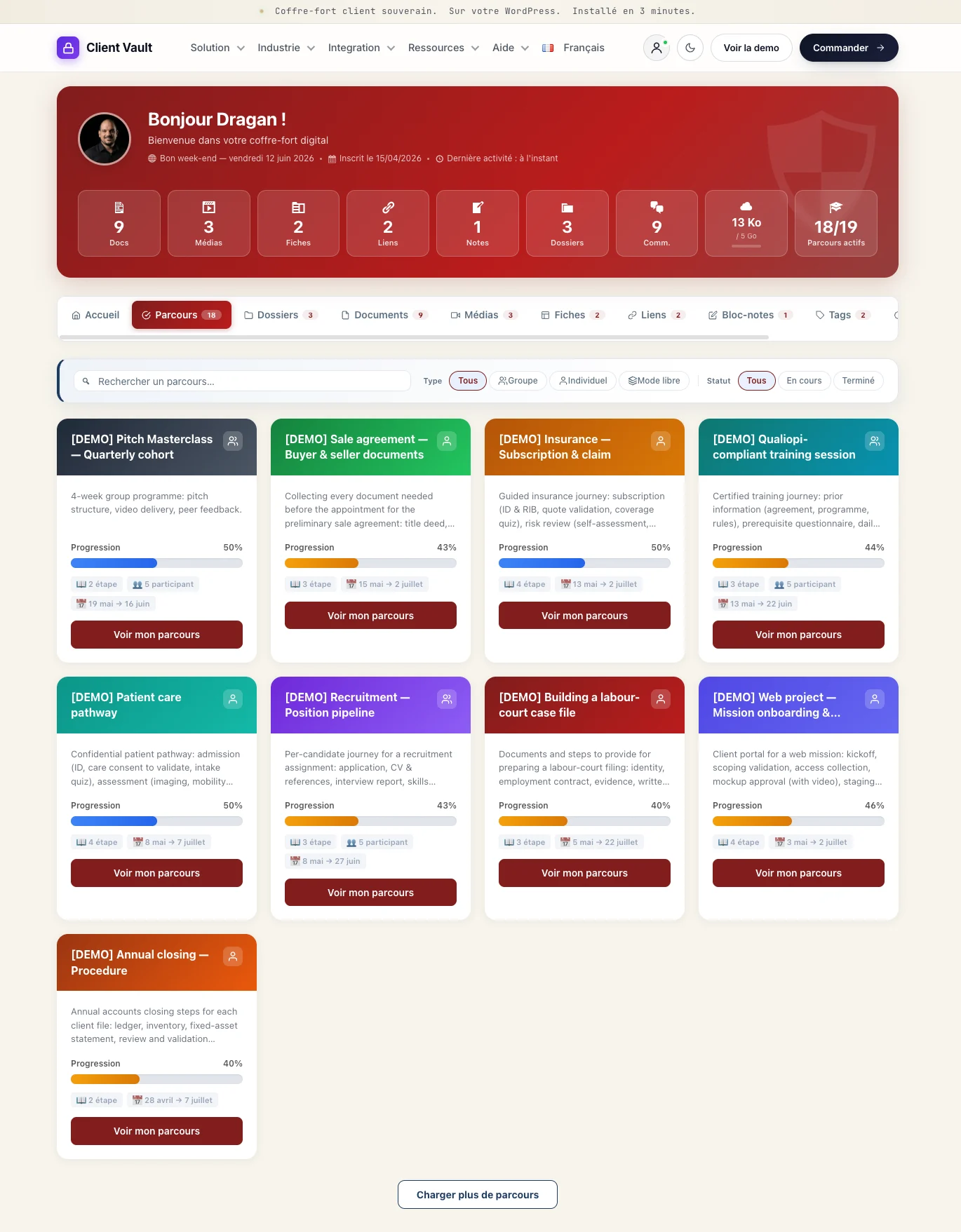
🪄 Getting started is now a breeze The new setup wizard takes you by the hand: license, client page, colors, access… everything is configured step by step. And my personal favorite in all of this: the demo by profession. You pick your trade — accountant, lawyer, notary, broker, coach, real estate, healthcare, training… — and Client Vault instantly fills up with a believable demonstration of your business: clients, files, journeys, safeguards… it's all there, alive. You can picture yourself in seconds, and it's brilliant for showing the tool to a prospect. You even choose the volume (light, standard or rich).
🧭 You're truly in control of your journeys
- You decide what each participant sees: the new "Access" tab lets you enable, hide and reorder a journey's menus, with a live preview.
- In a group, a member can become anonymous in a single click — their identity protected everywhere, while you still see the real person.
- You can pause a participant without removing them, close a one-on-one journey cleanly (and reopen it whenever you want), and preview a journey without skewing your stats.
✉️ Your clients kept in the loop, all on their own Enrollment, pause, resume, closing, removal, document requests… each step now triggers a clear, customizable email. Fewer manual follow-ups, more peace of mind.
🌍 And all of it, in everyone's language We just wrapped up a big multilingual pass: 17 languages, from the client space to the emails and the setup wizard. Your clients are served in their own language, plain and simple.
…and alongside these headlines, there are dozens of small tweaks and fixes to make everything smoother, clearer and more solid day to day.
👉 The full details are on the changelog page: clientvault.pro/changelog/
Now it's your turn: launch the new demo for your profession and come tell me what you think 🙌 What do you love most? What's still missing for you? I read absolutely everything, and your feedback genuinely shapes where the product goes next — and the roadmap.
Because yes, I'll be completely transparent with you: what's coming in the next updates is going to be nothing short of extraordinary. 🤩 I already can't wait to show you… but I'll keep the surprise a little longer 😏 Stick around — you won't be disappointed.
Thank you for being here, it means the world 💜
— Dragan

Tomorrow, I'll share a video explaining all the major new features.

Thank you for this major update...Good job my friend.
You make new updates every week. You’re incredibly prolific. I can’t wait to buy a license !
Feature: could you add Russian language?
Idea: Could you add a concierge/travel agent job path?
I’d like to understand how your vault connects to Fluent community spaces. I’ll book an appointment with you soon. Thank you for your detailed email by the way!
Anne sophie You can go for it without hesitation. It's a reliable product, and I strive to improve it every day. And thanks to the community, it's getting even better. Tomorrow evening, there will be another major update. They were all planned in advance, and I'm trying to group them together to make it easier to digest.
I haven't yet tackled Eastern European languages (except for Romanian), but that's planned for the near future (I think probably early next month).
It's a great idea. These could also be good examples.
It's very simple. In your learning path settings, you choose your group and your topic (this isn't mandatory). This will allow you to automatically share content (events, member progress, trophies earned) and also choose the widgets you want to use in your group. There are 21 of them. Some are native to the Fluent Community (logged-in users) and others are part of the Client Vault journey.
See you soon!
PS: Feel free to use the roadmap if you have any ideas to share. I think you already posted about it (I replied there).