


🚀 A big Client Vault update — your journeys now sell, unlock and schedule on their own
These past weeks, I've barely looked up: I listened to your feedback, opened the hood, and added the bricks many of you had been asking for. The thread running through this release is simple — take manual work off your plate (collecting payments, unlocking steps, chasing deadlines, tracking dates) without ever moving your data off your own server. It's by far the biggest update since 2.0.
Here are the highlights, plainly:
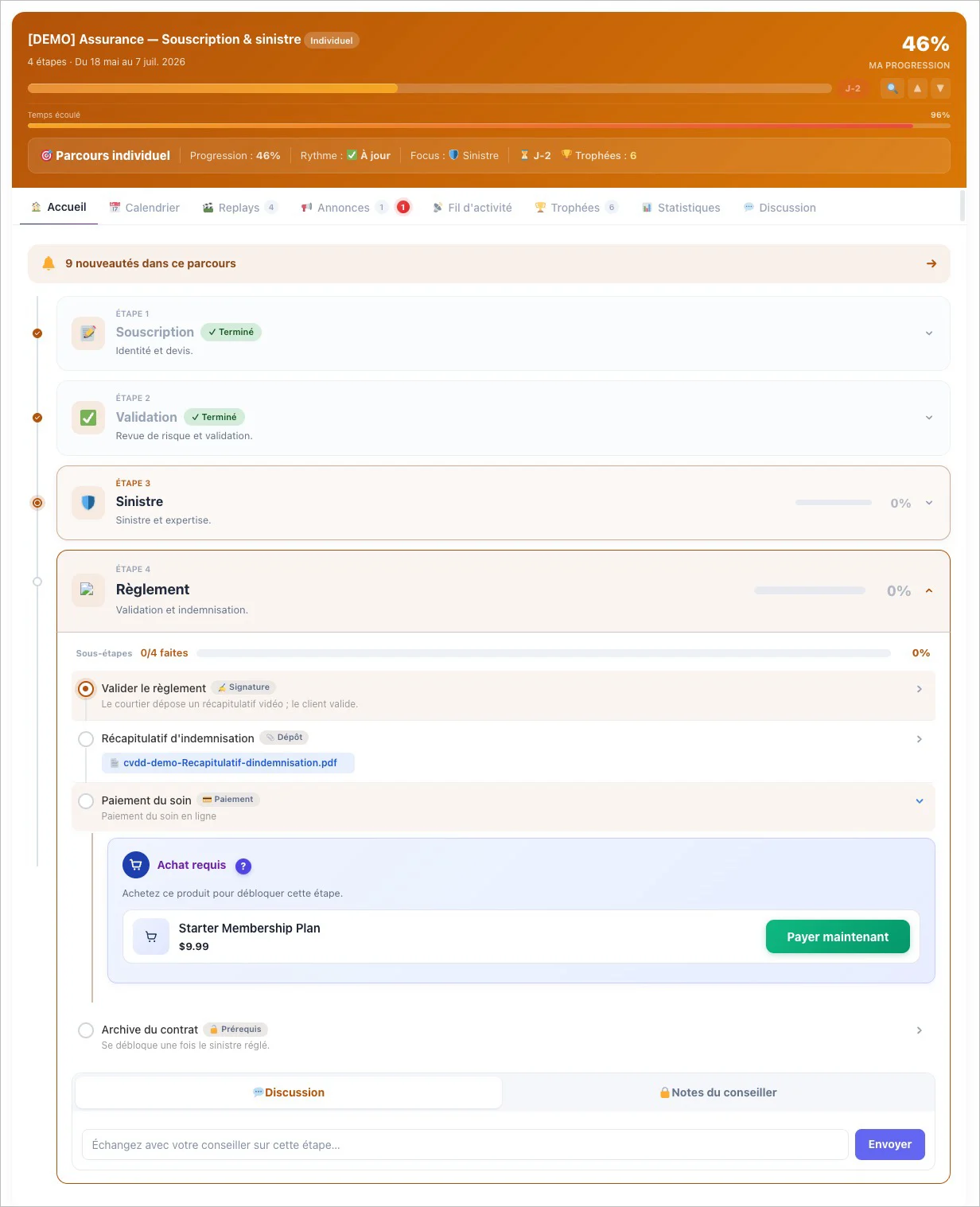
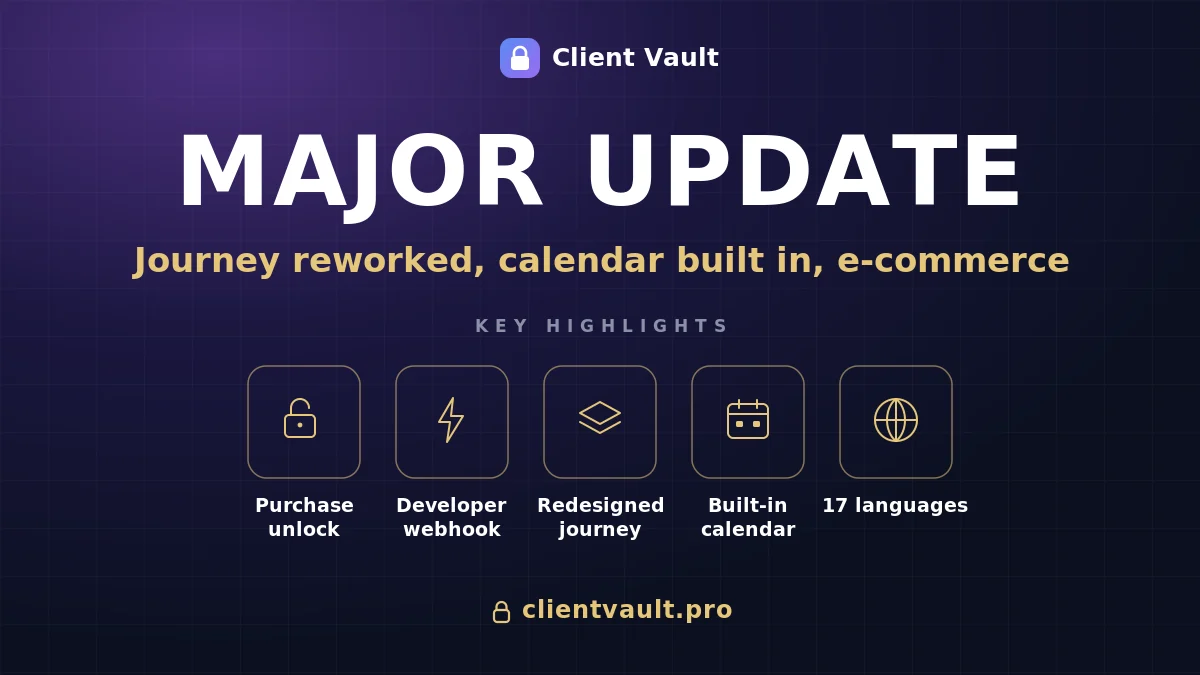
- A journey step unlocks after a purchase. The client pays right inside the step, and it opens on its own. No more confirming payments by hand.
- A shop built into the journey. A per-journey product showcase, the client's purchases, and an "unlocks step X" badge on the product page: content, sales and progress finally in one place.
- A fully redesigned journey. Cards that take on your journey's color, an icon and color per step, collapsible sessions, and a sliding schedule that gives each client their own pace.
- A real calendar inside the vault. Due dates and expiry dates on all your content, a calendar synced with Google, Apple and Outlook, and email reminders.
Safeguards E-commerce with Fluent Cart
The first big piece is the e-commerce and webhook checkpoints. The first ties a step to a product: the client buys, the step opens, and if the purchase is cancelled it re-locks on its own. It's full automatic and native integration with Fluent Cart
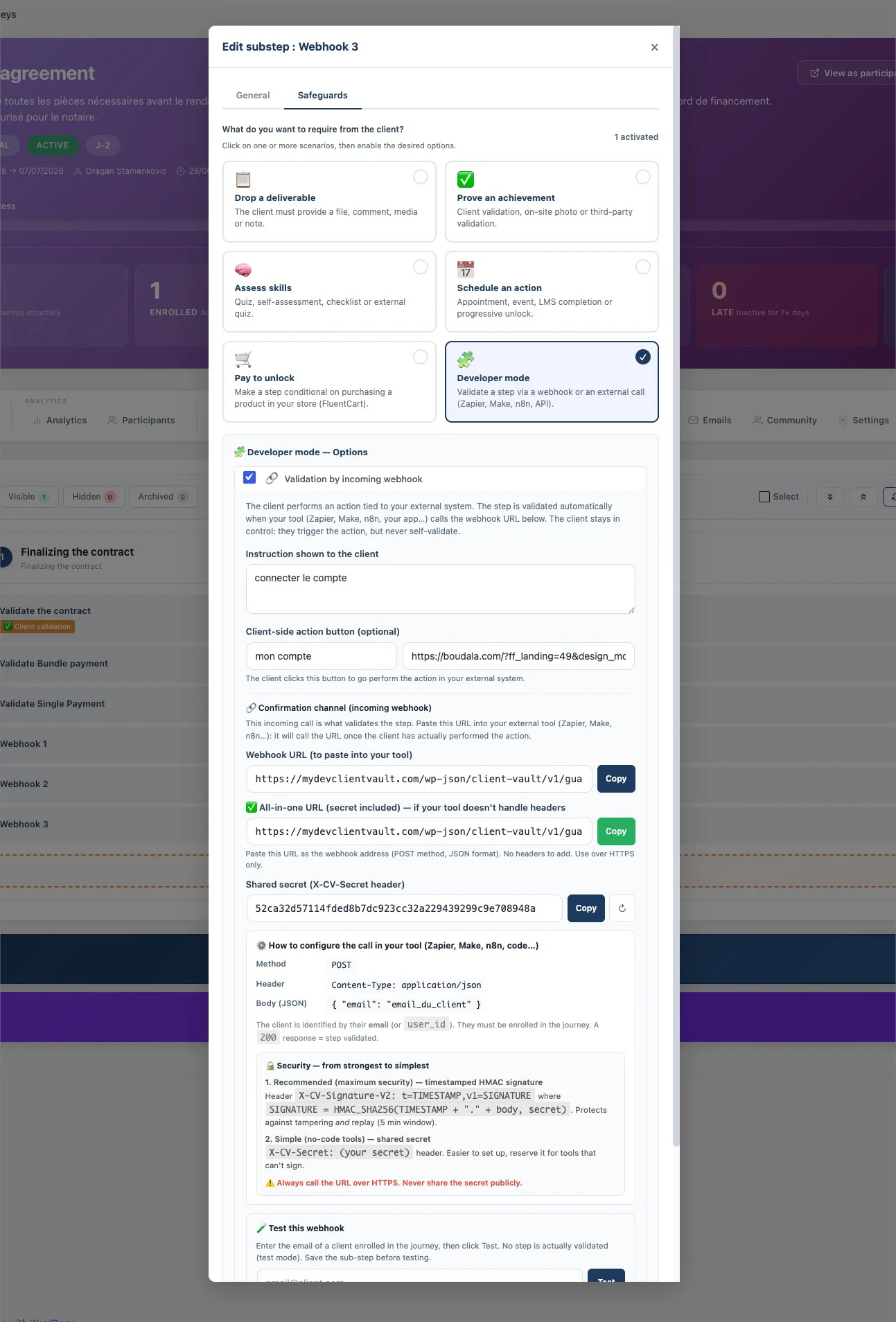
Safeguards Universal Webhook
The second — for more technical profiles and agencies — validates a step through an inbound external call (Zapier, Make, n8n), so you plug your client's ecosystem in without coding a custom flow. And so the purchase happens without leaving the space, I added the shop widgets in the sidebar: a showcase you tune journey by journey, the client's purchases, and that badge which clearly ties the purchase to progress.
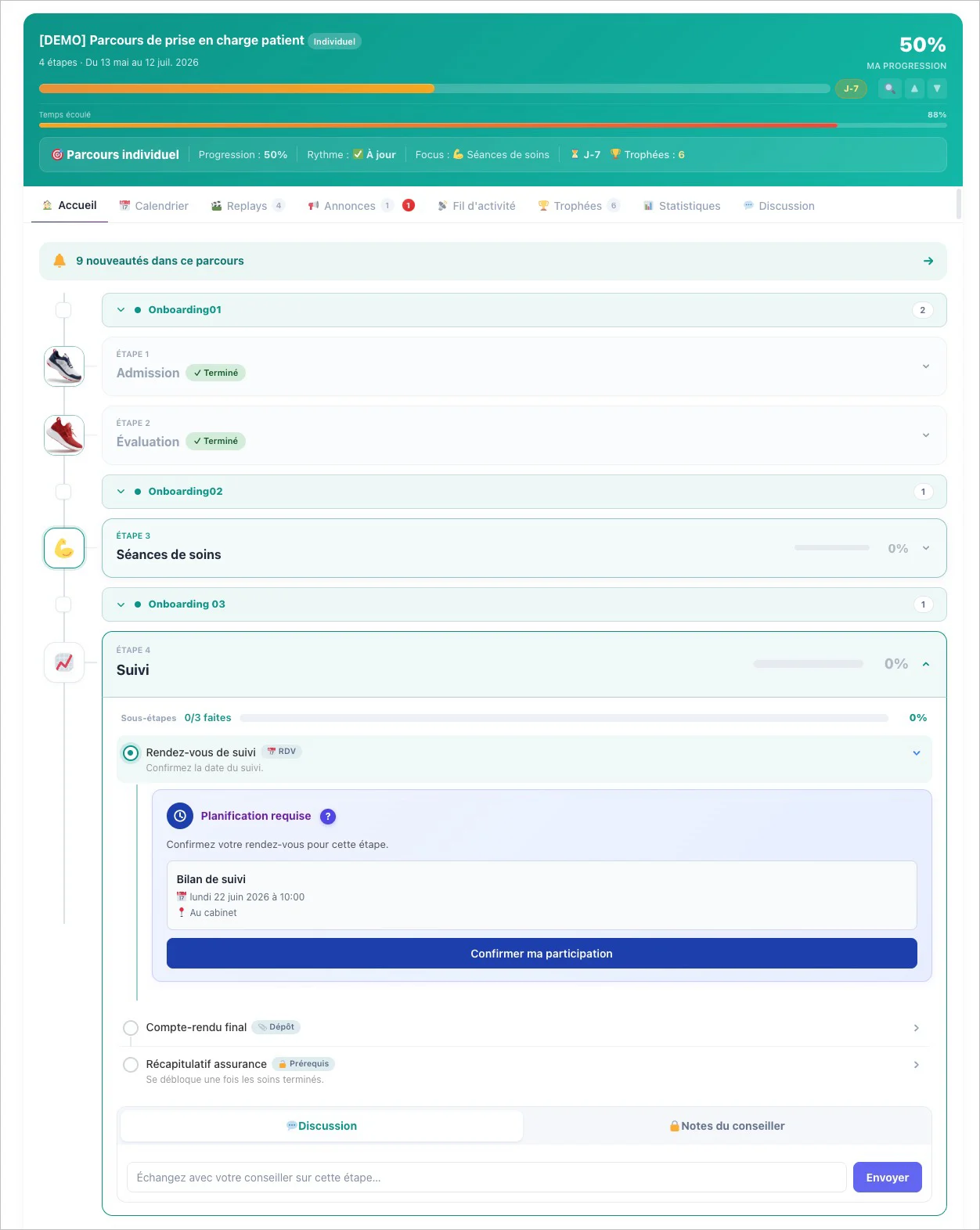
New modern design Journey
Next, I rethought the journey from top to bottom. The step cards are clean, modern, and finally take on your journey's color. Each step can have its own icon and color badge. Sessions organize long programs into collapsible blocks, and the sliding schedule anchors due dates to each person's enrollment date — two clients who signed up on different dates each follow their own calendar, with no manual setup. A life-changing bonus: the reset button now clears all of a client's progress while keeping your conversations — no more step stuck on "Purchase confirmed".
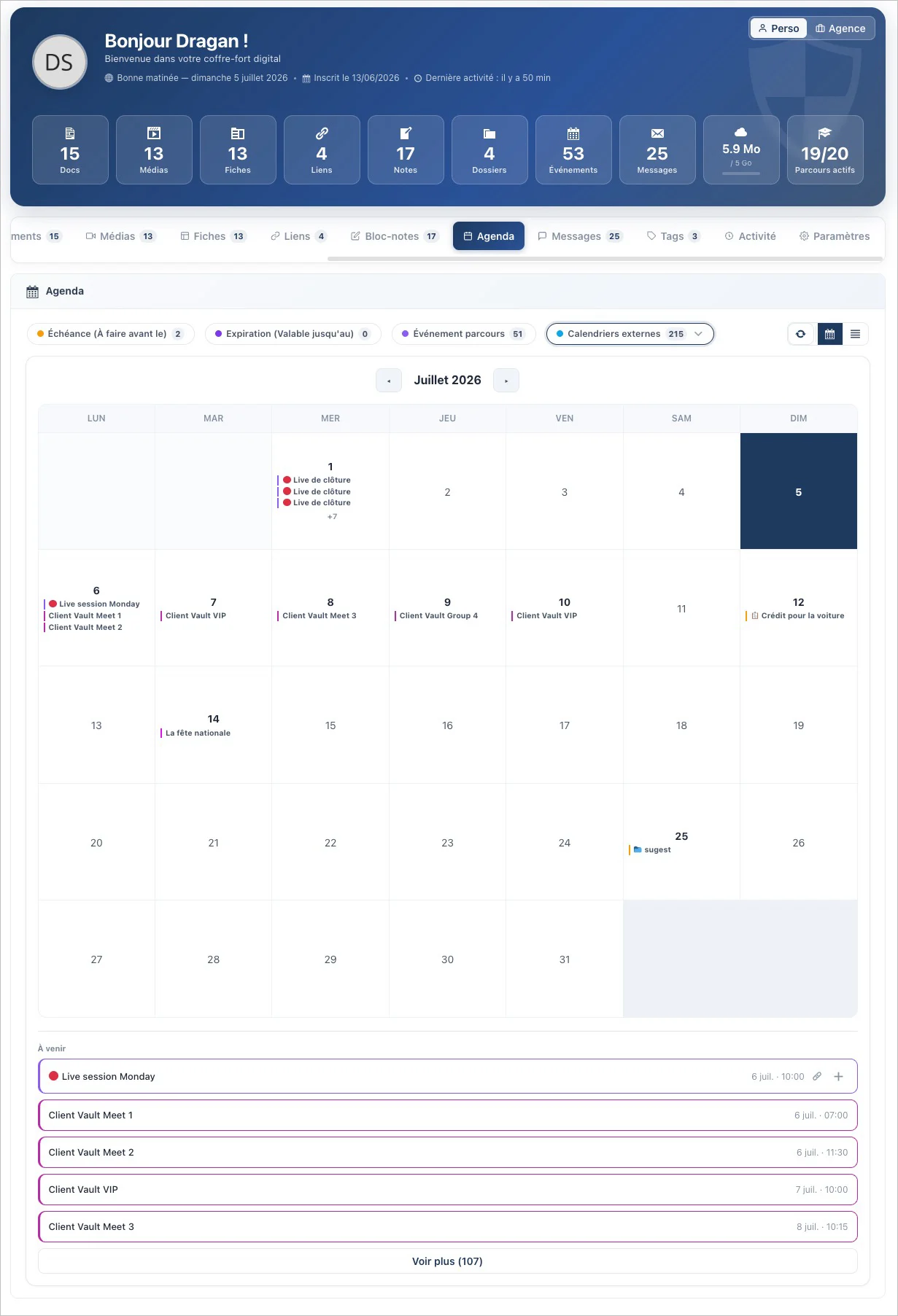
New calendar for organize your Vault and other meets
The third big project is the calendar inside the vault. A real calendar, on the same level as your Documents or Media. Every item can carry a due date and an expiry date, which flow automatically into the calendar — with an email reminder a few days before. And it syncs with Google Calendar, Apple Calendar and Outlook, true to my rule: no third-party service, the subscription link stays with you and can be revoked in one click.
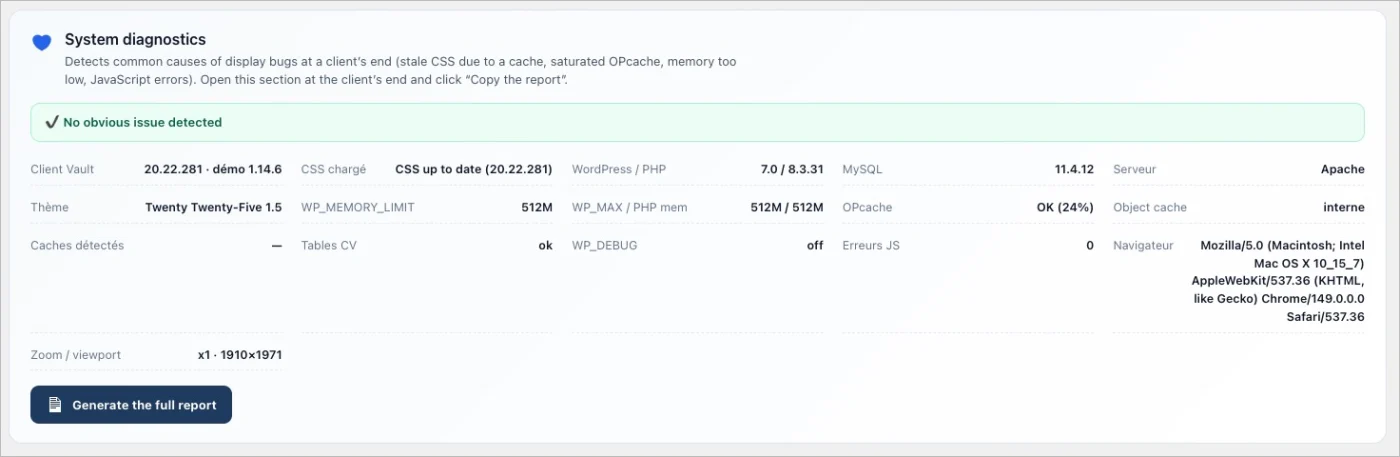
There's also all the everyday polish: document requests file themselves into the right folder, folder creation becomes governed (self-service or subject to approval), a diagnostic report gives you the state of the install in one click, the interface has been audited across all 17 languages, and a long list of bugs is fixed.
And above all, what will never change: your data stays with you, on your server. No one else — me included — has access. Even the calendar that talks to Google, even the shop that takes a payment: it all lives on your hosting.
I've detailed everything here:
👉 The full article: https://clientvault.pro/en/e-commerce-and-webhook-safeguards-are-revealed-the-user-journey-gets-a-refresh-and-the-scheduling-feature-arrives/
🧾 The version-by-version changelog: clientvault.pro/changelog
Thank you for being here, and thank you for your feedback — you're the ones moving this product forward. Let me know what you think 💙
Dragan
Amazed as always!!!